
v9.2.1
bloc
BLoC(ビジネスロジックコンポーネント)デザインパターンの実装を支援する予測可能な状態管理ライブラリです。
3220いいね 245万30日間ダウンロード160Pub ポイント
AndroidiOSWebmacOSWindowsLinux
プライバシーを尊重し、華美ではなく、仕事に集中できるタイムトラッキングアプリです。

BLoC(ビジネスロジックコンポーネント)デザインパターンの実装を支援する予測可能な状態管理ライブラリです。
BLoC(ビジネスロジックコンポーネント)デザインパターンを簡単に実装できるFlutterウィジェット。bloc状態管理パッケージと併用するように設計されています。
 v1.3.0
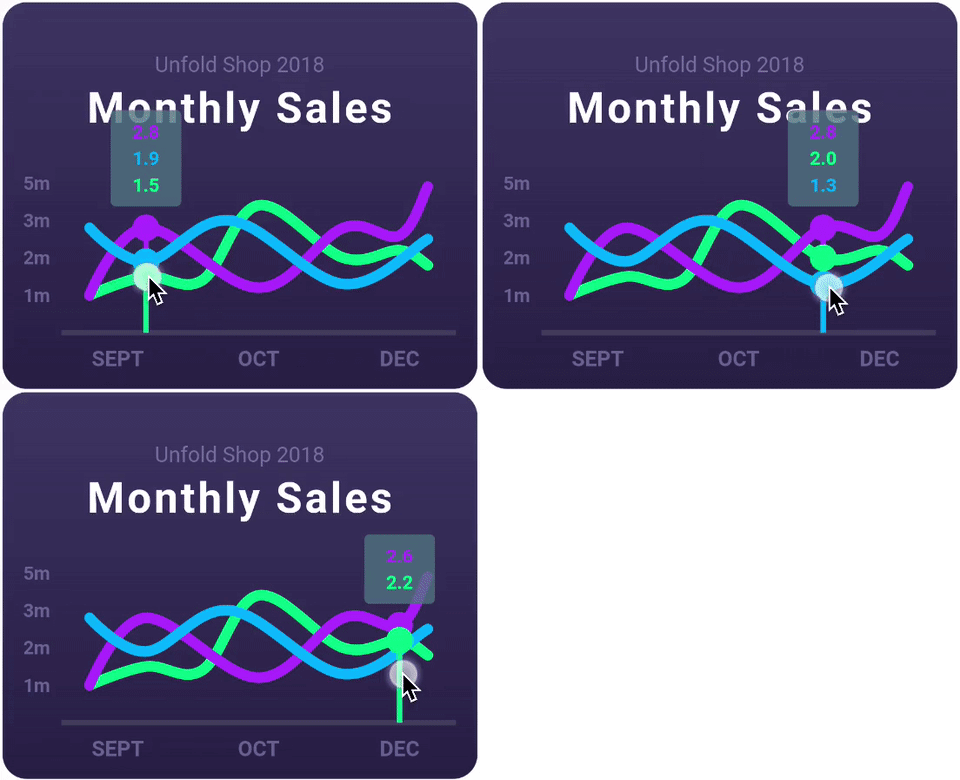
ラインチャート、棒グラフ、円グラフ、散布図、レーダーチャートをサポートする、非常にカスタマイズ可能なFlutterチャートライブラリです。
複数のプラットフォーム間でファイルを扱うことを可能にする抽象化。
Linux上でXDGディレクトリ構成情報を読み取るためのDartパッケージ。
デスクトップおよびユニットテスト用の、FFIベースの sqflite 実装。
 v4.0.3
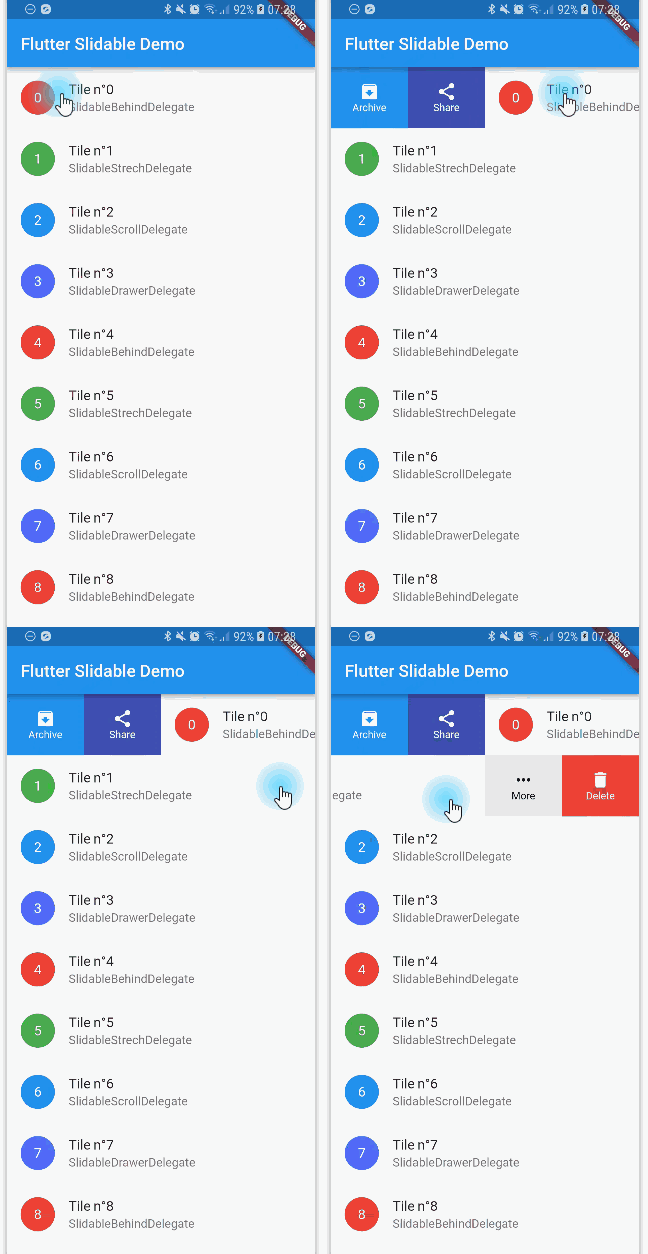
方向性スライドアクションを備えた、閉じることができるスライダブルリストアイテムのFlutter実装。
 v3.13.1
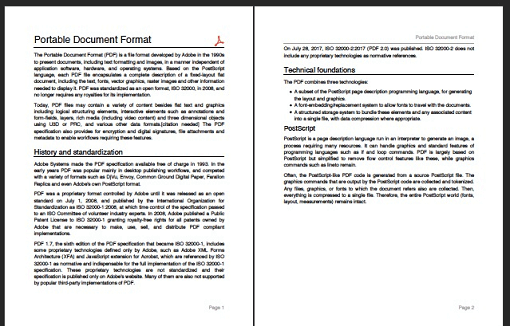
Dart用のPDFプロダーアー。WebまたはFlutterの両方でPDFファイルを作成できます。
 v6.0.0
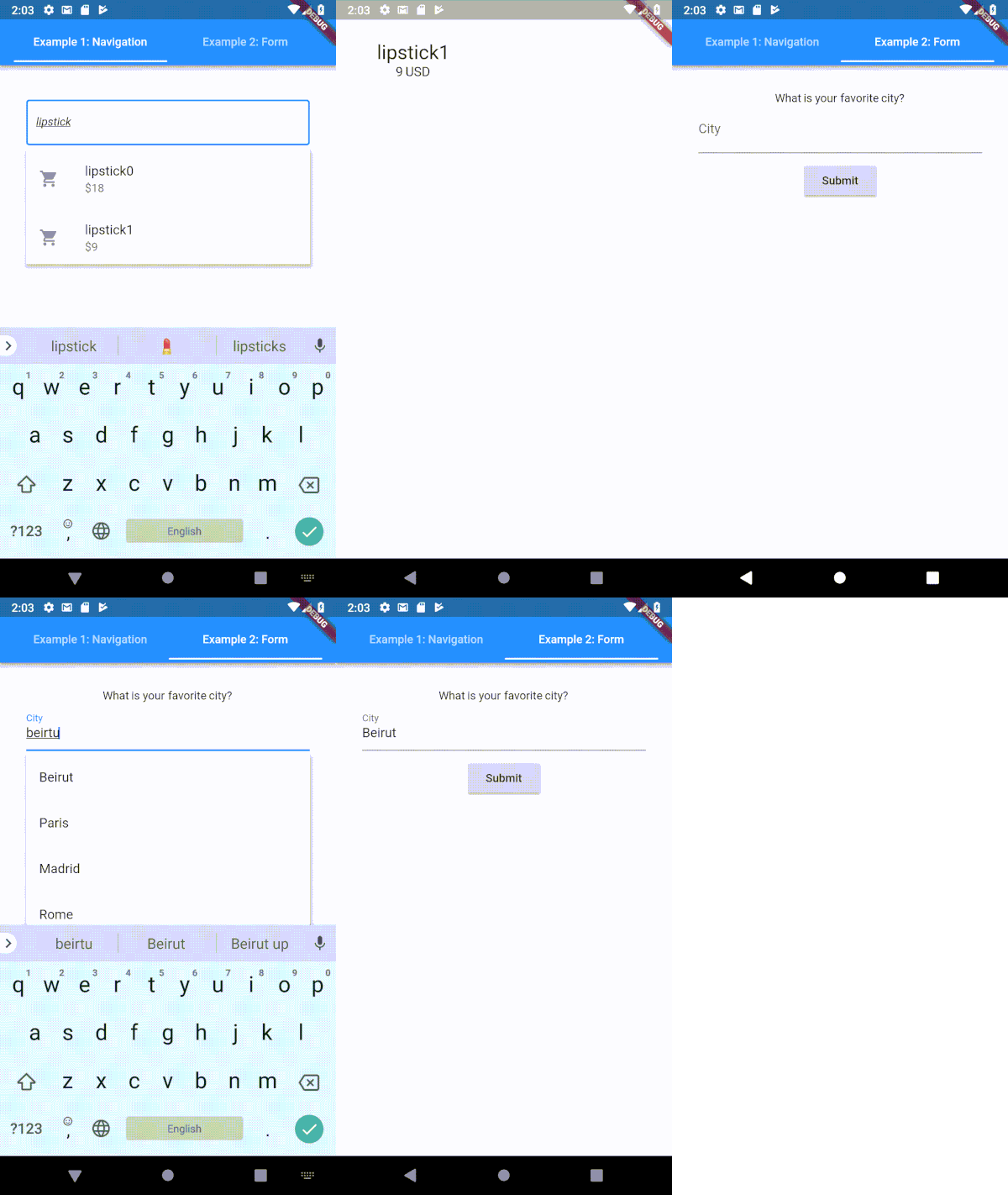
Flutter用に高度にカスタマイズ可能なタイプヘア(自動補完)テキスト入力フィールド
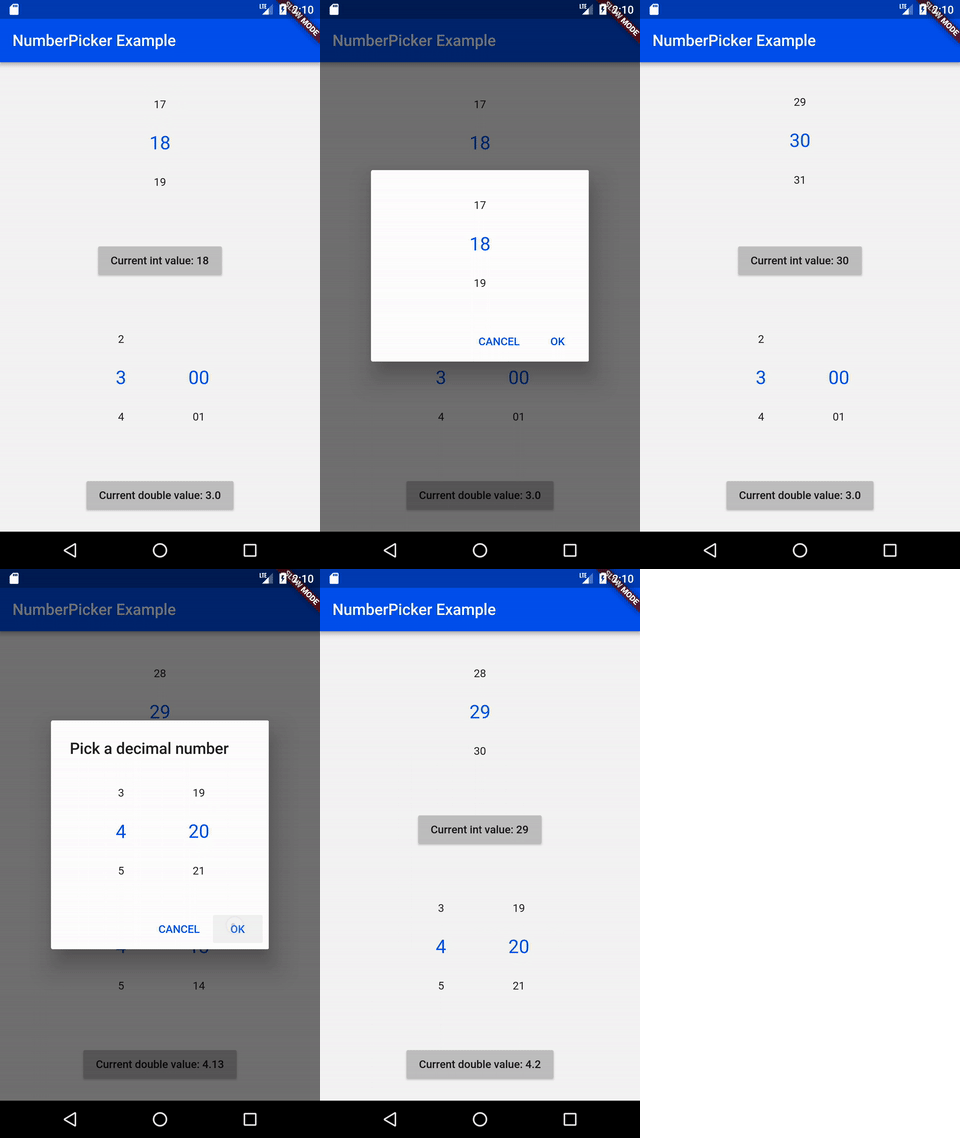 v2.1.2
NumberPicker は、ユーザーがスピンナーロールで数値を選択できるウィジェットです。
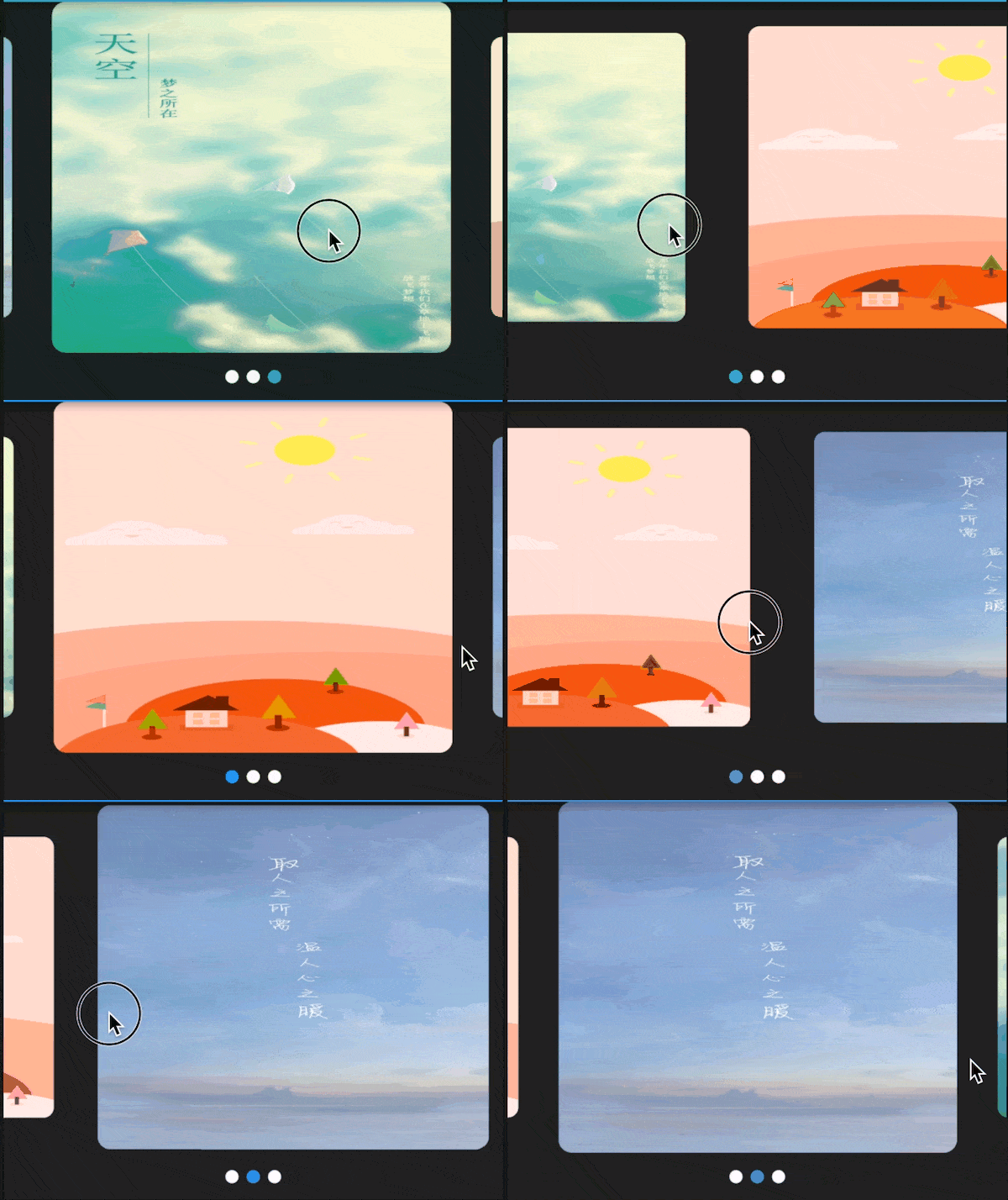 v3.0.1
Flutter用のスワイパー/カルーセル、複数のレイアウト、無限ループ。AndroidおよびiOSと互換性があります。
高品質なCSVライブラリ。CSV文字列のエンコードとデコードをサポートし、ストリーム対応(1イベントごとに1行)、自動検出、Excel互換性も備えています。文字列はカンマ(設定可能)で区切られた値である必要があります。
依存関係一覧 43 件
{"sdk":"flutter"}{"sdk":"flutter"}—^8.1.1^8.1.0^2.0.5^1.8.2^1.17.2^2.0.2^0.18.0^10.6.0^1.0.6-nullsafety^3.0.1^2.1.3^6.2.1^2.0.9^1.1.0+2^2.1.0^5.1.1^2.1.1^7.2.1^0.3.3^2.2.2^0.65.0^3.0.1^4.8.0^1.3.0^2.1.1^6.1.1^15.1.0^0.6.18^5.0.1^1.0.3^2.0.1^11.0.0^1.6.8^3.10.6^2.0.3^0.13.1{"sdk":"flutter"}^1.24.1{"sdk":"flutter"}{"sdk":"flutter"}以下は英語原文のスナップショットです。最新版は GitHub をご覧ください。
I'd rather not do time-tracking at all, but since its a necessity for my work, it's either use an app or keep track of things manually (which I'm terrible at). There are many time tracking apps on the app stores (and I have tried several of them), but each of them has at least one pain point that eventually drives me off—some cost more money than I think they should, others have (what I consider) poorly designed interfaces, some are way too complicated, some don't export data easily, most require an internet connection, I have privacy concerns with a large number of them, etc, etc.
Time tracking in and of itself is rather straightforward (hence all the apps on the app stores), so I figured “why not use this as an opportunity to practice mobile development and learn some new things?”. This app is the result of that question—its a tool that I use every day for work, but also a sample project to work off of and share with others.
.csv file, filtered by timespans and projectsMore screenshots (including dark-mode and localization demonstrations) are available in the screenshots/ folder.
I'm happy to take bug reports and pull requests if you want to help improve Time Cop, but I fundamentally want to keep this app relatively small and simple. If that's not for you, there's plenty of other options out there.
The app is created pretty much entirely in Dart using Flutter, and I tried to make heavy use of the Bloc pattern.
Here are a few resources to get you started if this is your first Flutter project:
For help getting started with Flutter, view its online documentation, which offers tutorials, samples, guidance on mobile development, and a full API reference.
After installing and setting up Flutter (ideally its latest stable version) and downloading the Time Cop code, you should be able to simply build and run this Flutter project, at least for mobile platforms. For more information, see the CONTRIBUTING.md file.
You can help translate Time Cop on Weblate. If you notice any incorrect strings, feel free to correct them. Similarly, if you want to add a language, please do!
Translations are handled using Project Fluent. Currently all translations except English, Italian, Czech, Norwegian, and Indonesian were auto-translated by Google Translate using my Translate Tool.
A list of “user stories” (and I use that term very loosely) guiding the development of this app is available in design/user-stories.md; any unchecked boxes are outstanding items on the todo list!