
v0.1.6
flutter_page_transition
豊富で使いやすく、便利なFlutterページ遷移パッケージです。
61いいね 7530日間ダウンロード40Pub ポイント
プラットフォーム情報なし
豊富で使いやすく、便利なFlutterページ遷移パッケージ
以下は英語原文のスナップショットです。最新版は GitHub をご覧ください。
A rich, convenient, easy-to-use flutter page transition package.


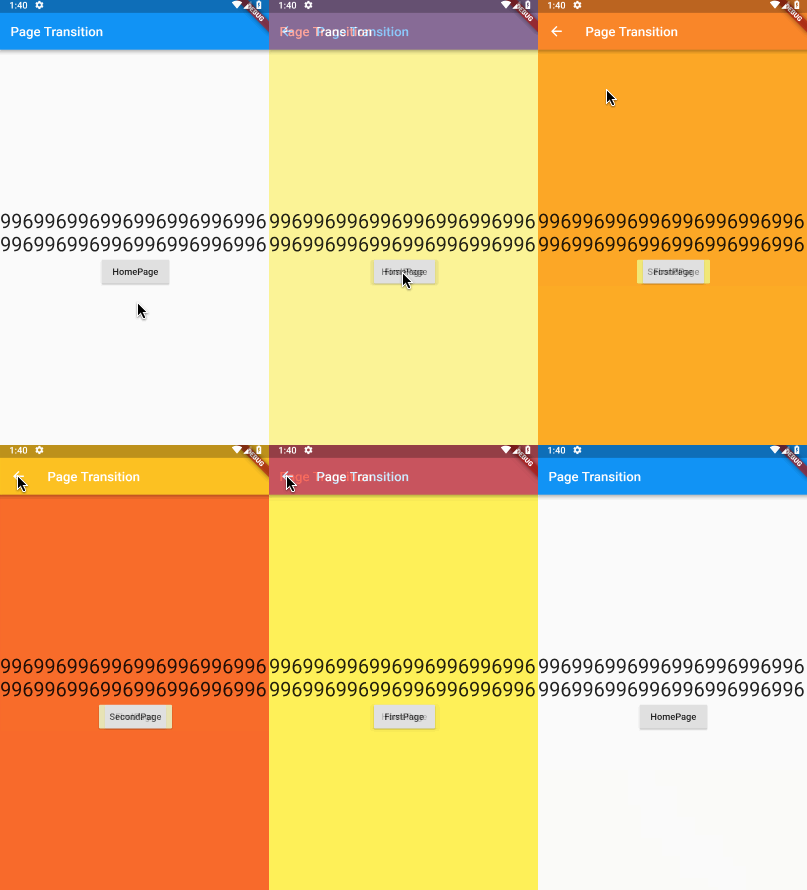
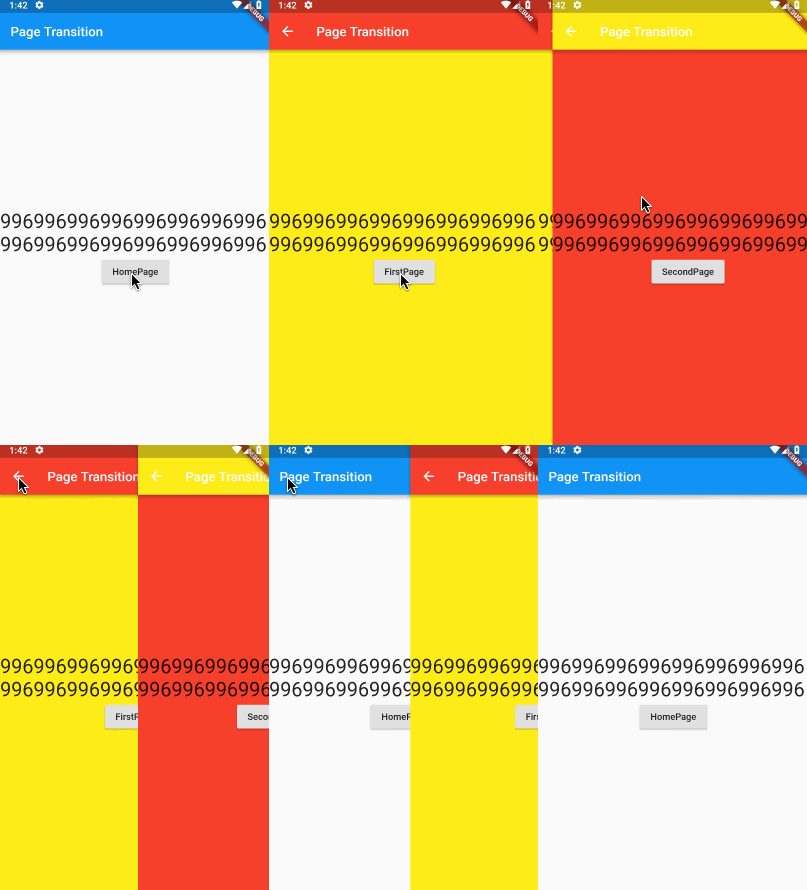
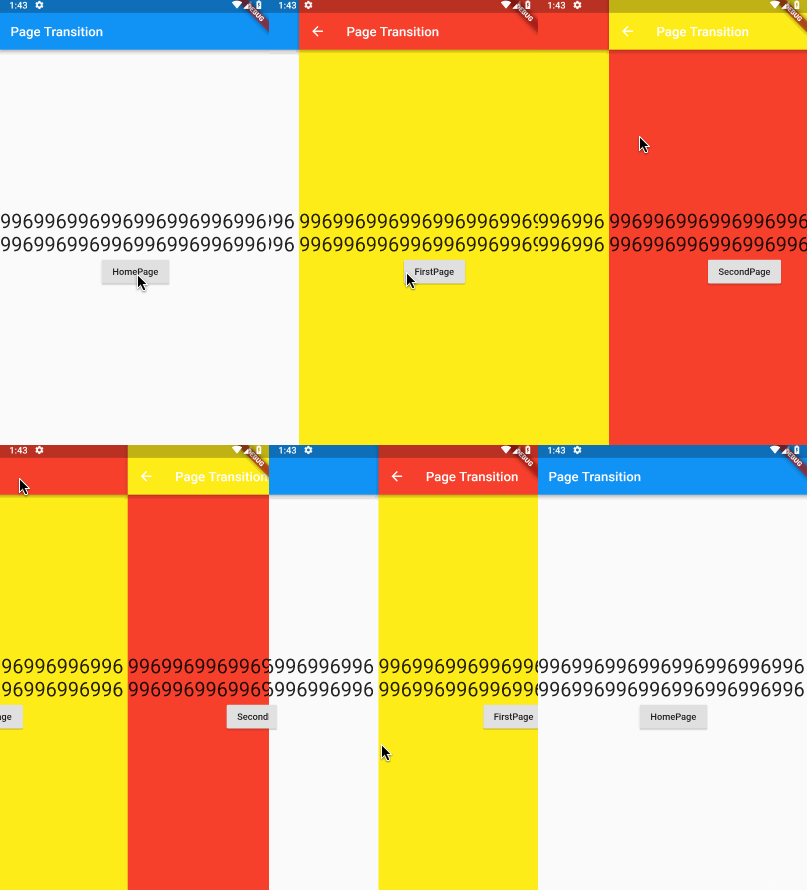
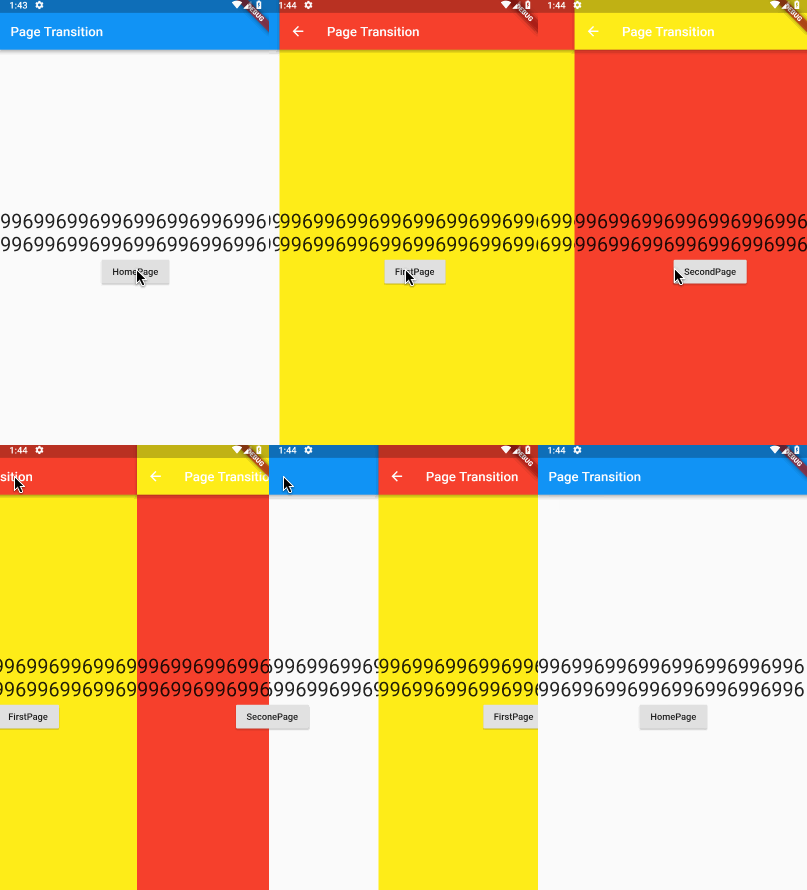
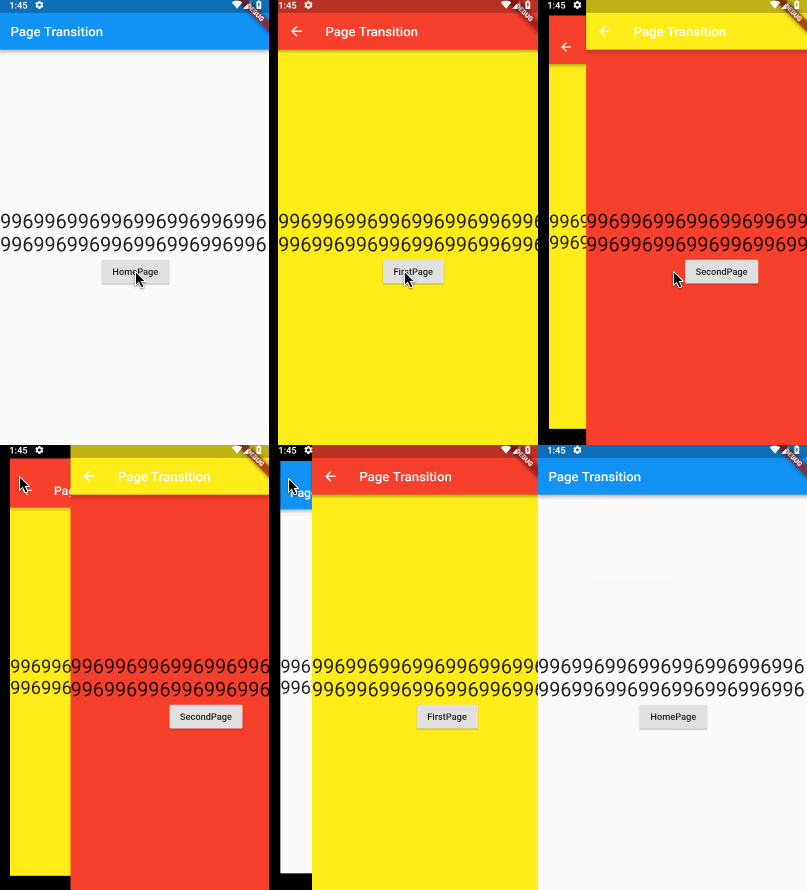
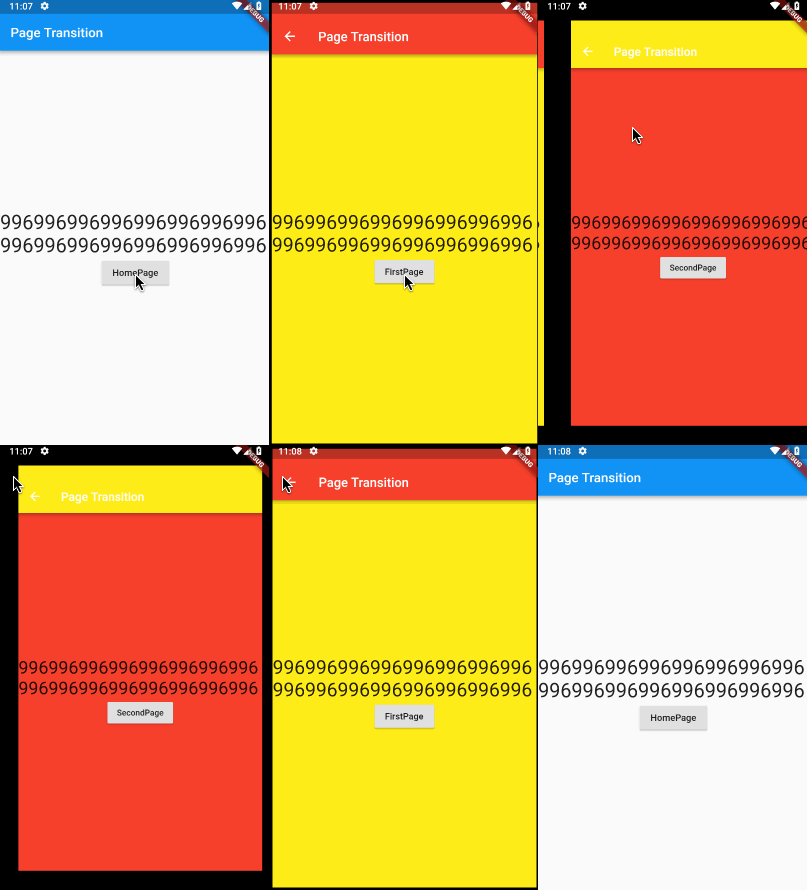
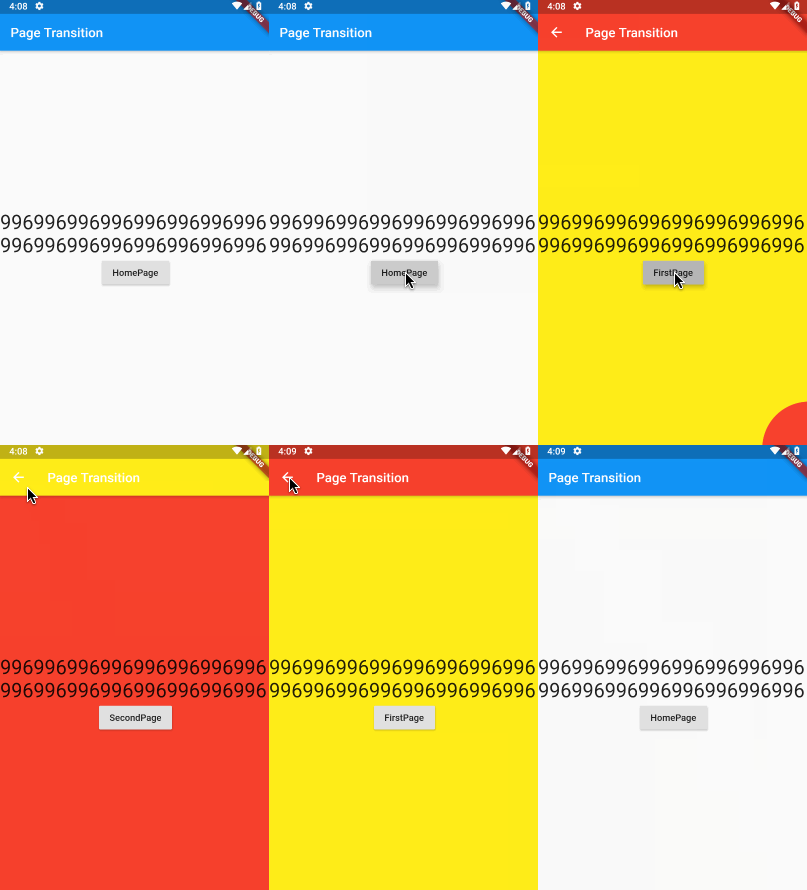
Add this to your package's pubspec.yaml file:
dependencies:
  flutter_page_transition: ^0.1.0
You can also depend on this package stored in my repository:
flutter_page_transition:
  git:
    url: git://github.com/handoing/flutter_page_transition.git
You should then run flutter packages upgrade.
| Page Transition Type | Direction |
|---|---|
| slideInLeft | ⬅️ |
| slideInLeft | ➡️ |
| slideInUp | ⬆️ |
| slideInDown | ⬇️ |
| slideLeft | ⬅️ |
| slideRight | ➡️ |
| slideUp | ⬆️ |
| slideDown | ⬇️ |
| slideParallaxLeft | ⬅️ |
| slideParallaxRight | ➡️ |
| slideParallaxUp | ⬆️ |
| slideParallaxDown | ⬇️ |
| slideZoomLeft | ⬅️ |
| slideZoomRight | ➡️ |
| slideZoomUp | ⬆️ |
| slideZoomDown | ⬇️ |
| rippleRightUp | ↖️ |
| rippleLeftUp | ↗️ |
| rippleLeftDown | ↘️ |
| rippleRightDown | ↙️ |
| rippleMiddle | 🎆 |
| transferRight | ⬅️ |
| transferUp | ⬆️ |
| fadeIn | ❌ |
| custom | ❌ |
Use PageRouteBuilder Widget
initialRoute: 'Home',
onGenerateRoute: (RouteSettings routeSettings){
    return new PageRouteBuilder<dynamic>(
      settings: routeSettings,
      pageBuilder: (BuildContext context, Animation<double> animation, Animation<double> secondaryAnimation) {
        switch (routeSettings.name){
          case 'Home':
            return HomePage();
          case 'Other':
            return OtherPage();
          default:
            return null;
        }
      },
      transitionDuration: const Duration(milliseconds: 300),
      transitionsBuilder: (BuildContext context, Animation<double> animation,
          Animation<double> secondaryAnimation, Widget child) {
          return effectMap[PageTransitionType.slideInLeft](Curves.linear, animation, secondaryAnimation, child);
      }
    );
}

// use Navigator
Navigator.of(context).pushNamed('Other');
// or
Navigator.of(context).push(PageTransition(type: PageTransitionType.slideInLeft, child: FirstPage()));
Create custom methods:
transitionEffect.createCustomEffect(
  handle: (Curve curve, Animation<double> animation, Animation<double> secondaryAnimation, Widget child) {
    return new SlideTransition(
      position: new Tween<Offset>(
        begin: const Offset(1.0, 0.0),
        end: const Offset(0.0, 0.0),
      ).animate(CurvedAnimation(parent: animation, curve: curve)),
      child: child,
    );
  }
);

// use custom
effectMap[PageTransitionType.custom](Curves.linear, animation, secondaryAnimation, child);
run test
flutter test
run driver test
cd example/
flutter drive --target=test_driver/app.dart

依存関係一覧 2 件
{"sdk":"flutter"}{"sdk":"flutter"}用途で絞り込み、開発状況を比較し、採用前に元のリポジトリで要件を確認しましょう。
“A repository is the most basic element of GitHub.”
GitHub Docs — About repositories ↗