

 v3.0.0
flutter_alice
AliceはHTTPリクエストのデバッグを支援するHTTPインスペクターツールです。HTTPリクエストとレスポンスをキャッチして保存し、シンプルなUIで確認できます。
52いいね 1.2万30日間ダウンロード140Pub ポイント
AndroidiOSmacOSWindowsLinux
Flutterアプリケーション用のHTTPリクエストインスペクタ

以下は英語原文のスナップショットです。最新版は GitHub をご覧ください。



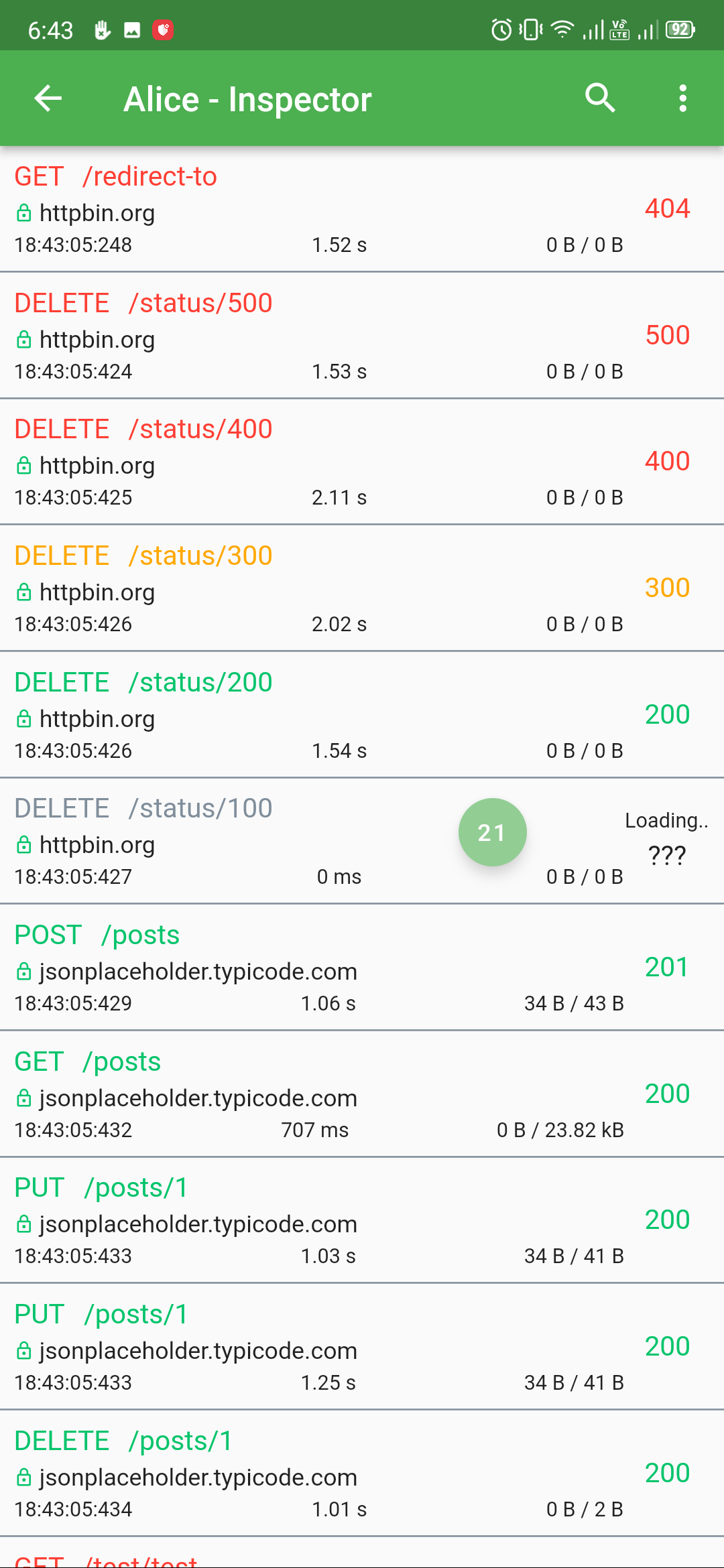
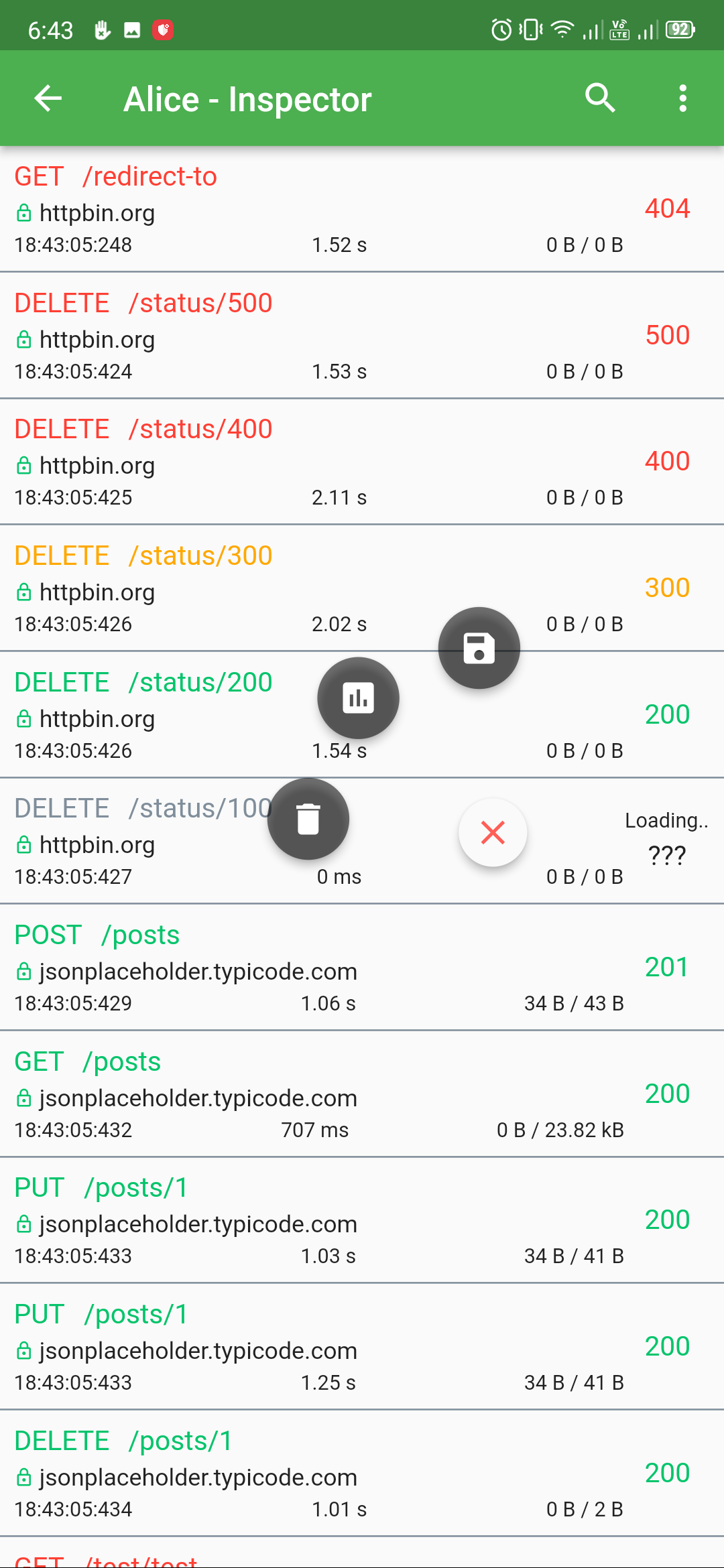
Alice is an HTTP Inspector tool for Flutter which helps debugging http requests. It catches and stores http requests and responses, which can be viewed via simple UI. It is inspired from Chuck (https://github.com/jgilfelt/chuck) and Chucker (https://github.com/ChuckerTeam/chucker).
Overlay bubble version of Alice: https://github.com/jhomlala/alice
|
|
|
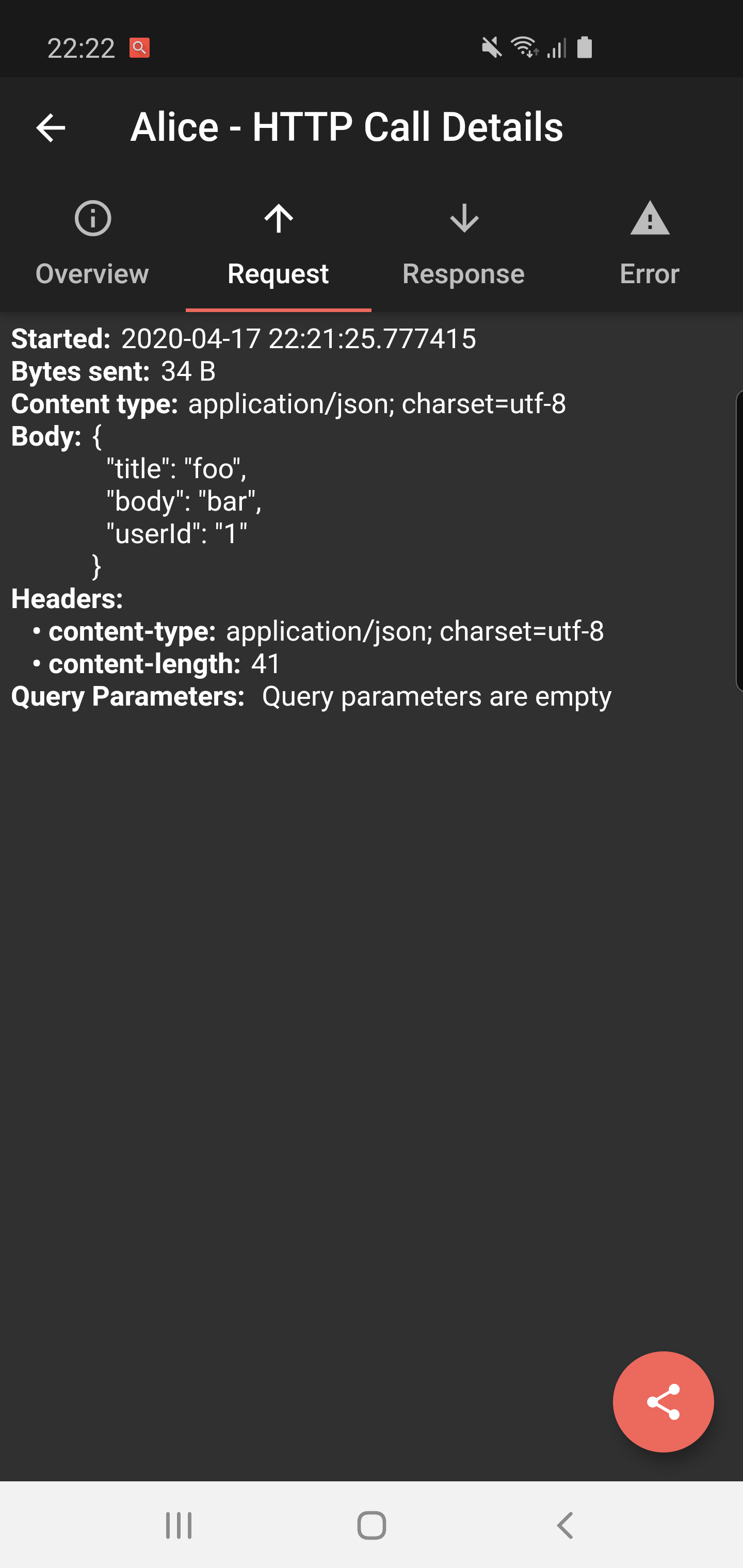
|
|

|
|
|

|
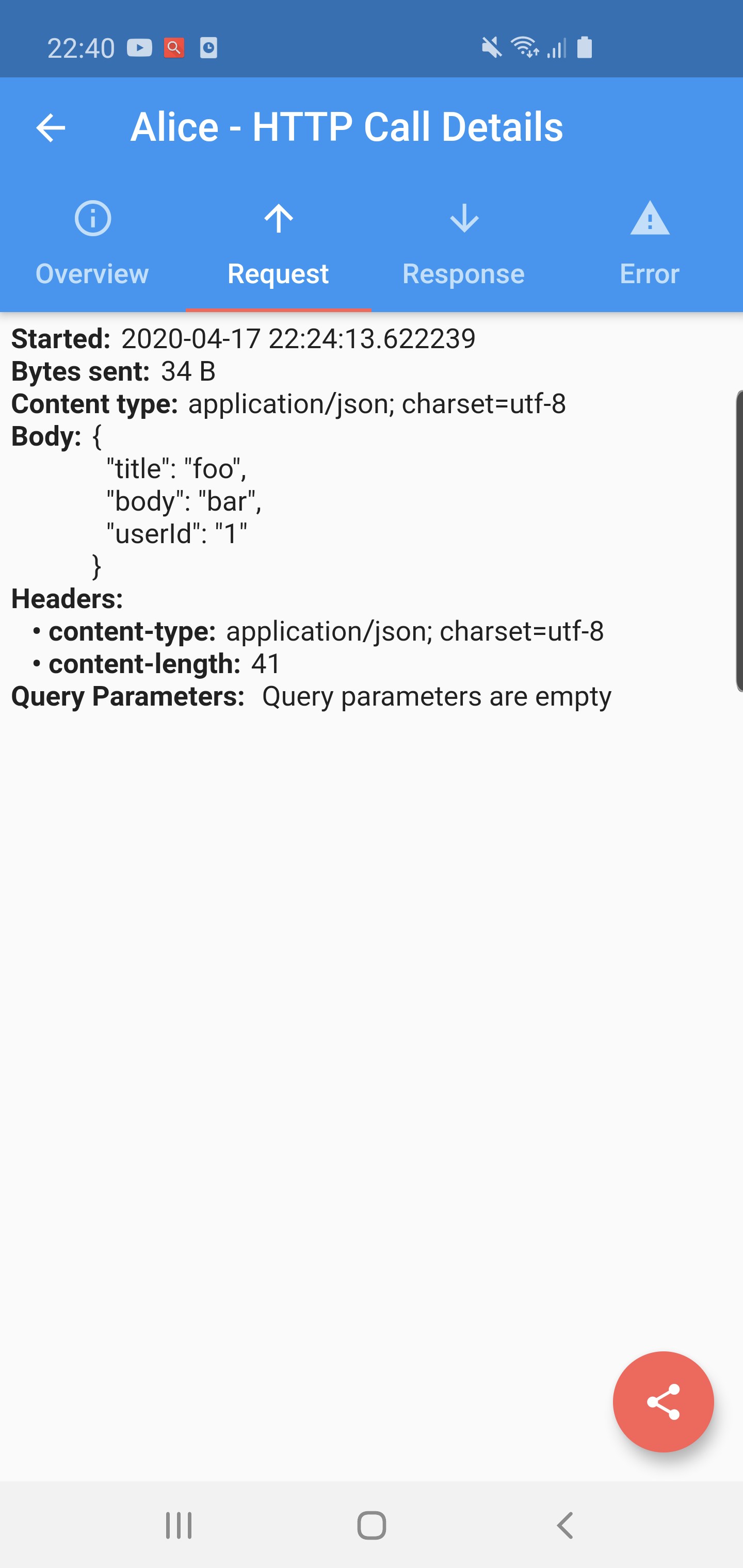
|

|
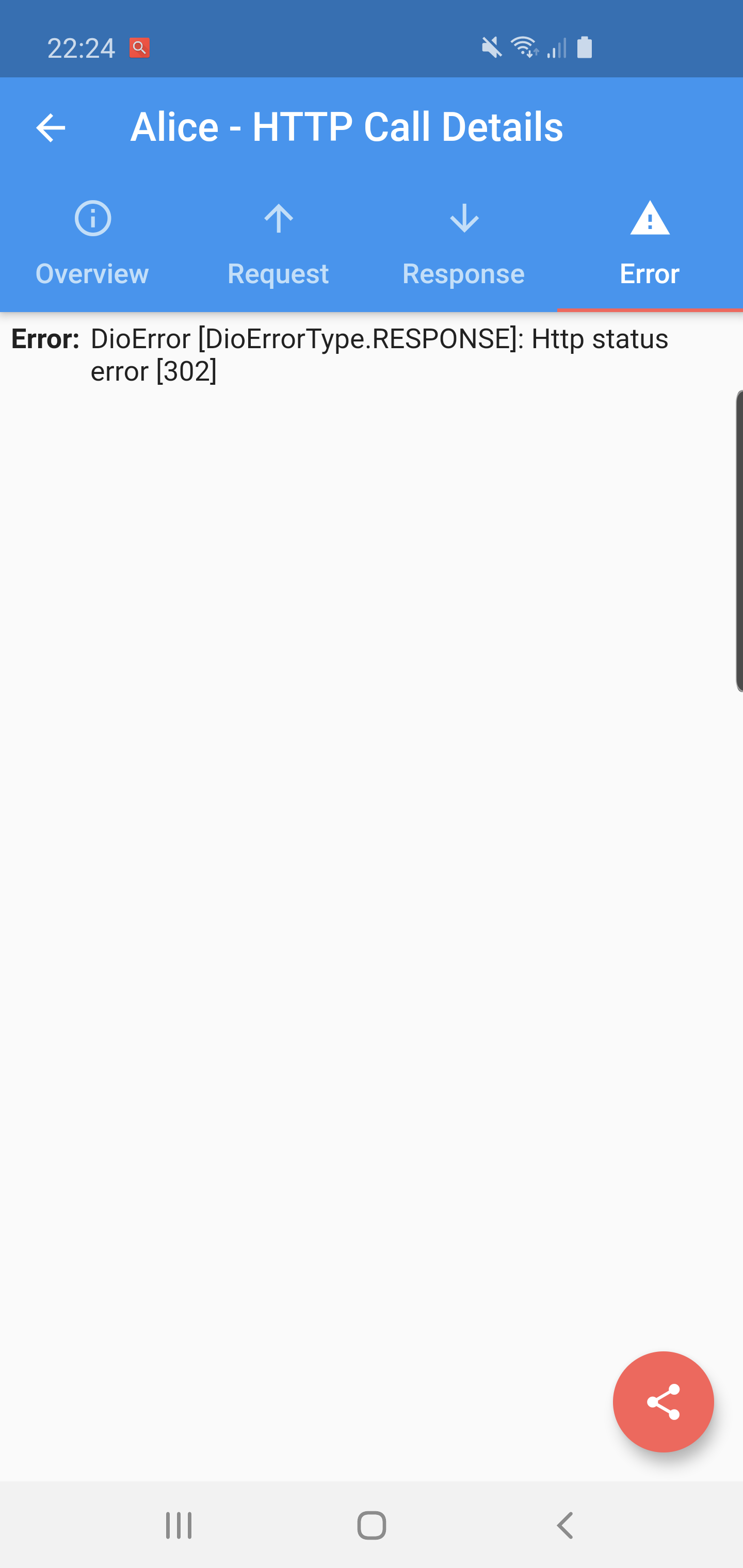
|
Supported Dart http client plugins:
Features:
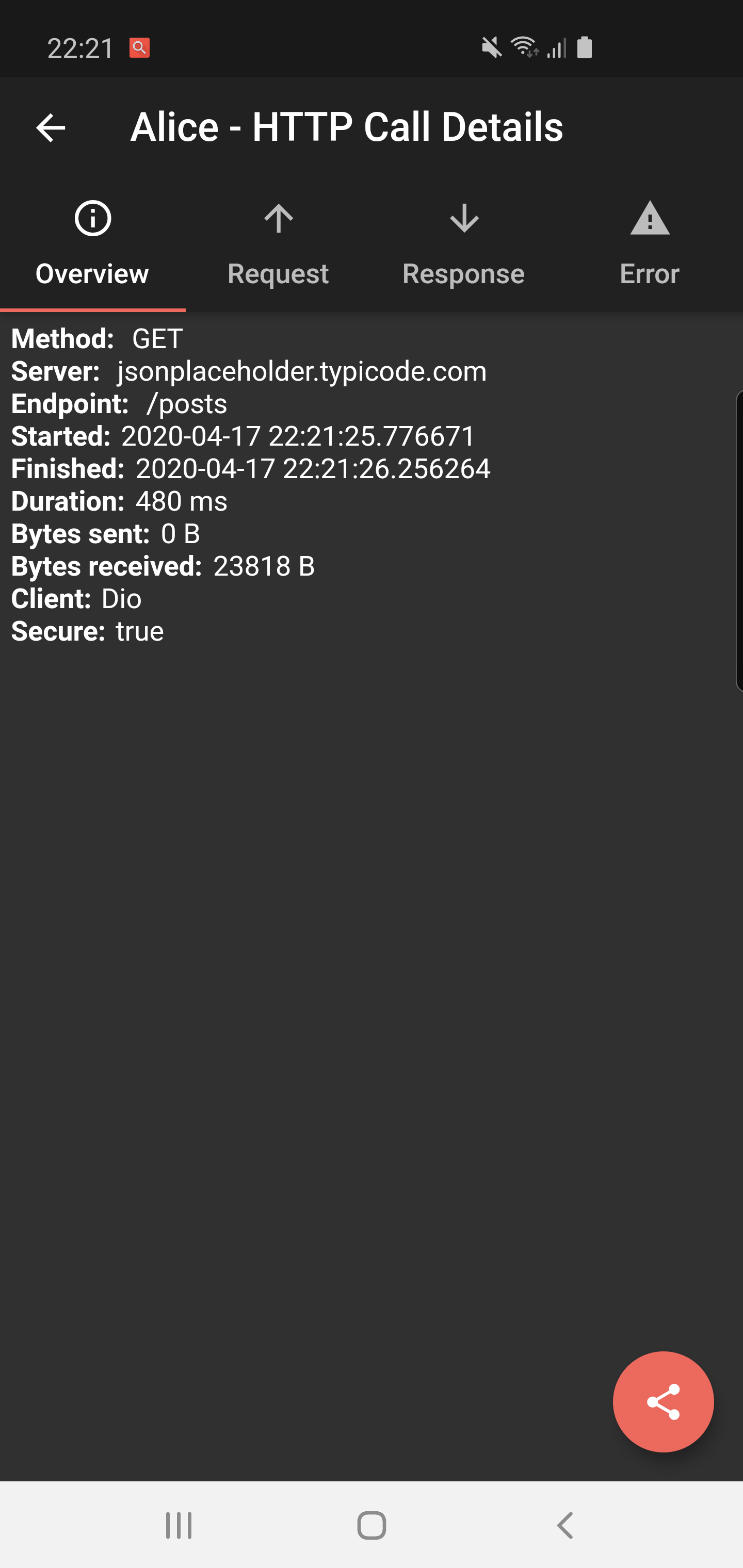
✔️ Detailed logs for each HTTP calls (HTTP Request, HTTP Response)
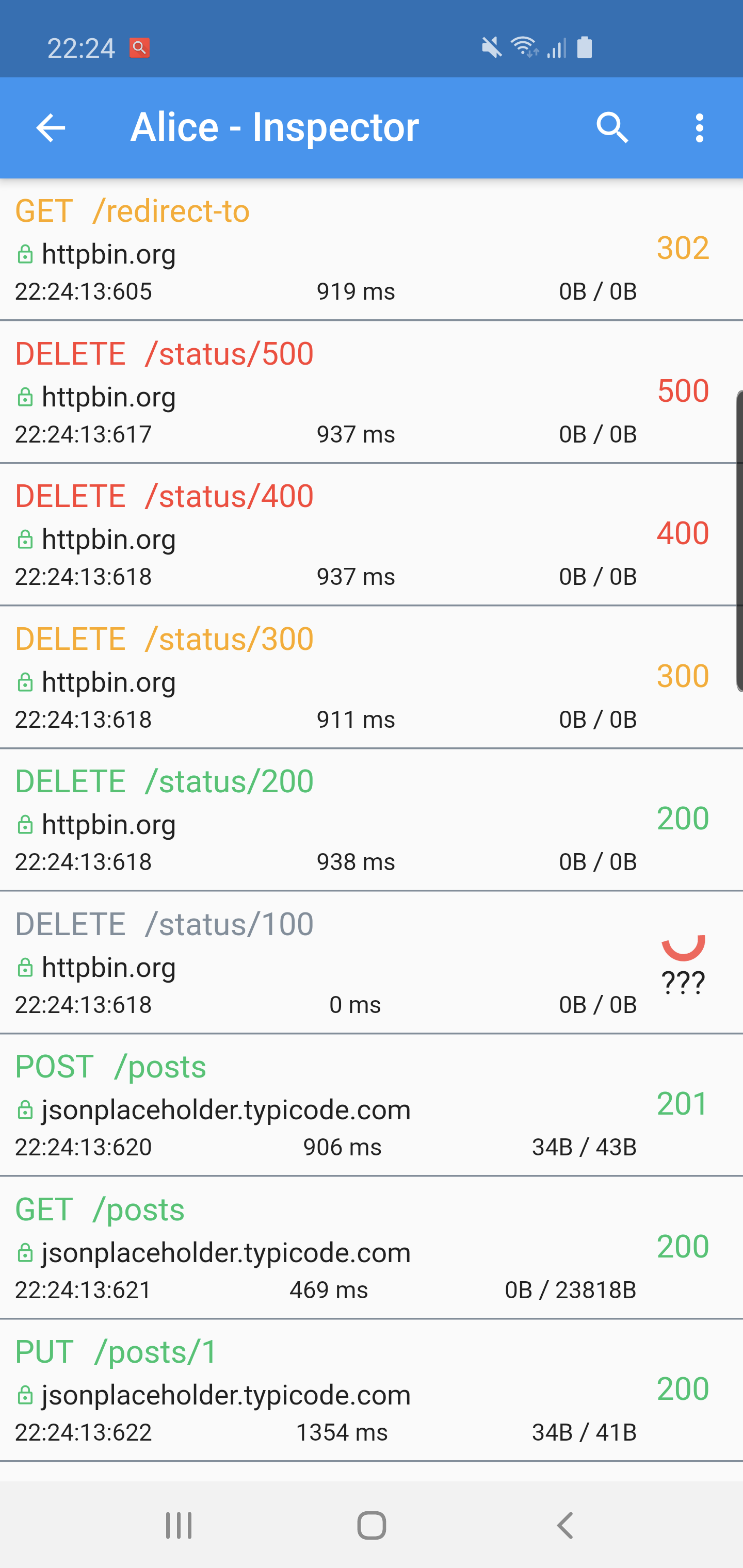
✔️ Inspector UI for viewing HTTP calls
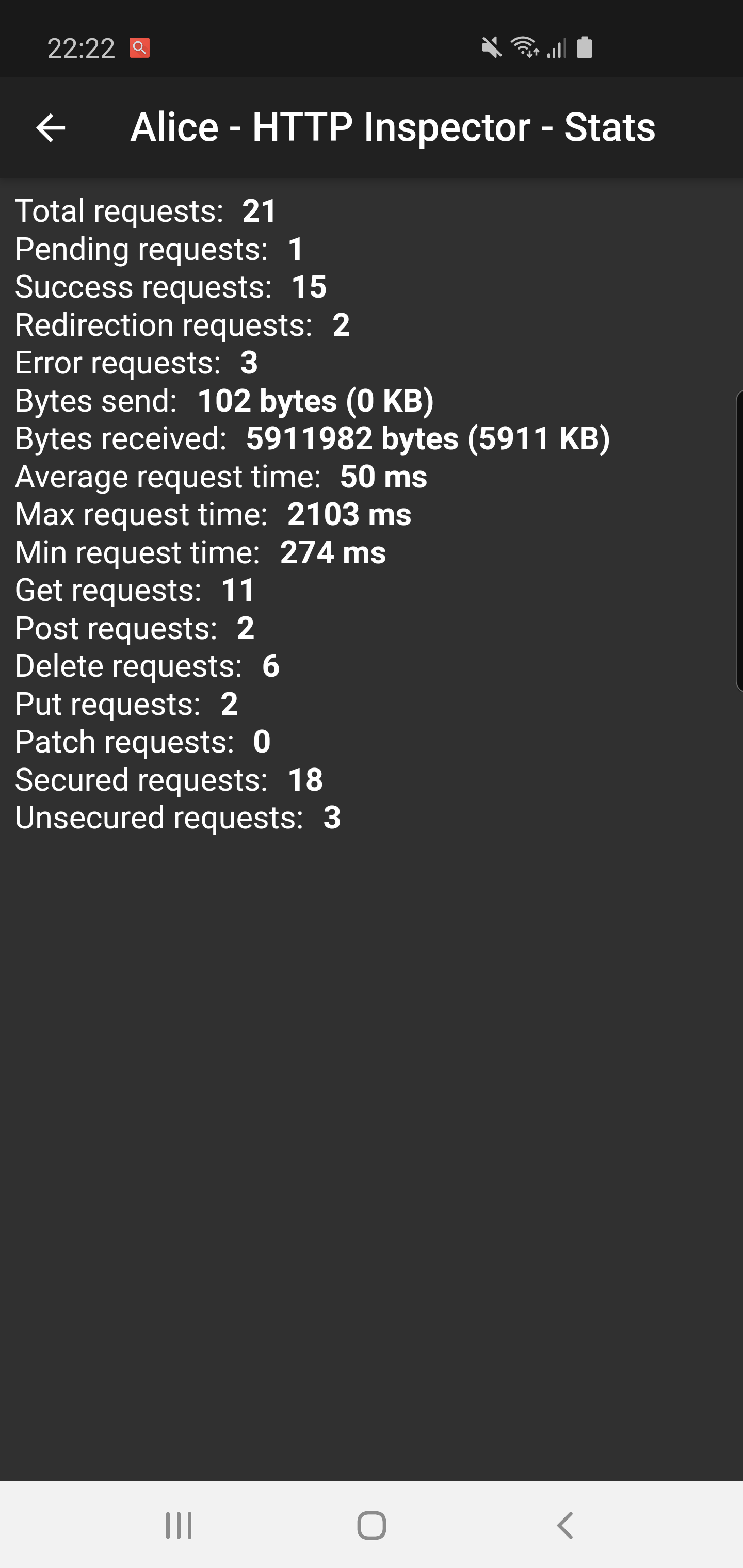
✔️ Statistics
✔️ Support for top used HTTP clients in Dart
✔️ Error handling
✔️ HTTP calls search
✔️ Bubble overlay entry
dependencies:
  flutter_alice: ^1.0.1
$ flutter pub get
import 'package:flutter_alice/alice.dart';
// Define a navigator key
final navigatorKey = GlobalKey<NavigatorState>();

// Create Alice with the navigator key
final alice = Alice(navigatorKey: navigatorKey);
MaterialApp(
  navigatorKey: navigatorKey,
  home: YourHomeWidget(),
)
You need to add this navigator key in order to show inspector UI.
// Don't forget to import overlay_support package
import 'package:overlay_support/overlay_support.dart';

OverlaySupport(
  child: MaterialApp(
    navigatorKey: navigatorKey,
    home: YourHomeWidget(),
  ),
)
Add interceptor to your Dio instance:
final dio = Dio();
dio.interceptors.add(alice.getDioInterceptor());
You can use extension methods for cleaner code:
// Import extensions
import 'package:flutter_alice/core/alice_http_extensions.dart';

// Use extension methods
http
  .get(Uri.parse('https://jsonplaceholder.typicode.com/posts'))
  .interceptWithAlice(alice);

// For POST requests with body
http
  .post(Uri.parse('https://jsonplaceholder.typicode.com/posts'), body: body)
  .interceptWithAlice(alice, body: body);
Or use the standard approach:
http.get(Uri.parse('https://jsonplaceholder.typicode.com/posts')).then((response) {
  alice.onHttpResponse(response);
});

// For POST requests with body
http.post(Uri.parse('https://jsonplaceholder.typicode.com/posts'), body: body).then((response) {
  alice.onHttpResponse(response, body: body);
});
You can use extension methods:
// Import extensions
import 'package:flutter_alice/core/alice_http_client_extensions.dart';

// Use extension methods
httpClient
  .getUrl(Uri.parse("https://jsonplaceholder.typicode.com/posts"))
  .interceptWithAlice(alice);

// For POST requests with body
httpClient
  .postUrl(Uri.parse("https://jsonplaceholder.typicode.com/posts"))
  .interceptWithAlice(alice, body: body, headers: Map());
Or use the standard approach:
httpClient
  .getUrl(Uri.parse("https://jsonplaceholder.typicode.com/posts"))
  .then((request) async {
    alice.onHttpClientRequest(request);
    var httpResponse = await request.close();
    var responseBody = await utf8.decoder.bind(httpResponse).join();
    alice.onHttpClientResponse(httpResponse, request, body: responseBody);
  });
### Opening the Inspector
You can open the inspector UI in different ways:

```dart
// Open directly
ElevatedButton(
  child: Text("Open Inspector"),
  onPressed: alice.showInspector,
)

// Or call from anywhere in your code
alice.showInspector();
依存関係一覧 6 件
{"sdk":"flutter"}>=1.1.0>=5.1.1>=2.1.0>=9.0.0>=0.27.1用途で絞り込み、開発状況を比較し、採用前に元のリポジトリで要件を確認しましょう。
“A repository is the most basic element of GitHub.”
GitHub Docs — About repositories ↗