
 v1.0.5
flutter_qr_reader
QRコード(QRコードおよび画像のスキャン)認識(AndroidView/UiKitView)
80いいね 1.5万30日間ダウンロード125Pub ポイント
AndroidiOS
QRコード(スキャン/画像)認識(AndroidView / UiKitView)

{"sdk":"flutter"}^0.6.0+9{"sdk":"flutter"}以下は英語原文のスナップショットです。最新版は GitHub をご覧ください。
QR code (scan code / picture) recognition (AndroidView/UiKitView)
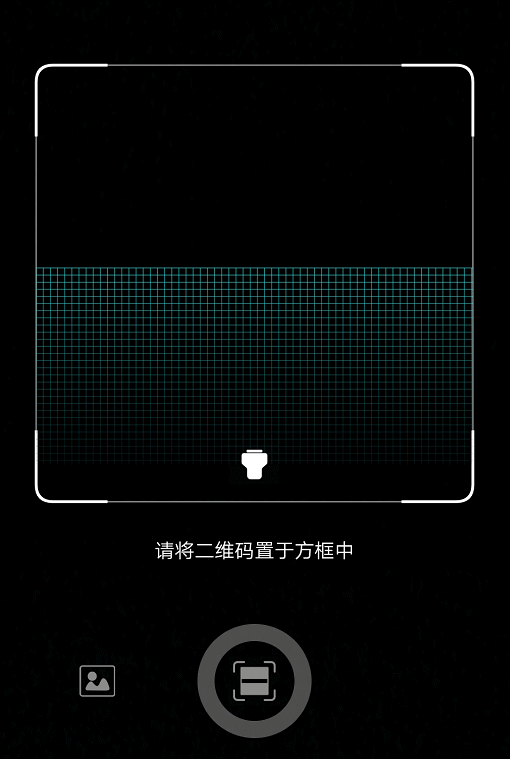
demo
demo
import 'package:flutter_qr_reader/flutter_qr_reader.dart';

// 识别图片
final String data = await FlutterQrReader.imgScan(File);

// 嵌入视图
QrReaderView(
  width: 320,
  height: 350,
  callback: (container) {},
)
// 打开手电筒
..setFlashlight
// 开始扫码
..startCamera
// 结束扫码
..stopCamera
Opt-in to the embedded views preview by adding a boolean property to the app's Info.plist file with the key io.flutter.embedded_views_preview and the value YES.
<key>io.flutter.embedded_views_preview</key>
<string>YES</string>
And you will need provide the description of camera's permission to work properly, otherwise will crash your app.
  <key>NSCameraUsageDescription</key>
	<string>The porpuse explaining why you will use the camera</string>
Widget build(BuildContext context) {
    return new Scaffold(
      body: QrcodeReaderView(key: qrViewKey, onScan: onScan),
    );
}

GlobalKey<QrcodeReaderViewState> qrViewKey = GlobalKey();

Future onScan(String data) async {
    await showCupertinoDialog(
      context: context,
      builder: (context) {
        return CupertinoAlertDialog(
          title: Text("扫码结果"),
          content: Text(data),
          actions: <Widget>[
            CupertinoDialogAction(
              child: Text("确认"),
              onPressed: () => Navigator.pop(context),
            )
          ],
        );
      },
    );
    qrViewKey.currentState.startScan();
}