
v0.12.2
camera
カメラを制御するためのFlutterプラグインです。カメラ映像のプレビュー、画像および動画の撮影、そして画像バッファをDartにストリーミングする機能をサポートしています。
2600いいね 102万30日間ダウンロード160Pub ポイント
AndroidiOSWeb
Flutter および Dart で書かれた Android 向けの無料でオープンソースのカメラアプリ

カメラを制御するためのFlutterプラグインです。カメラ映像のプレビュー、画像および動画の撮影、そして画像バッファをDartにストリーミングする機能をサポートしています。
 v2.14.1
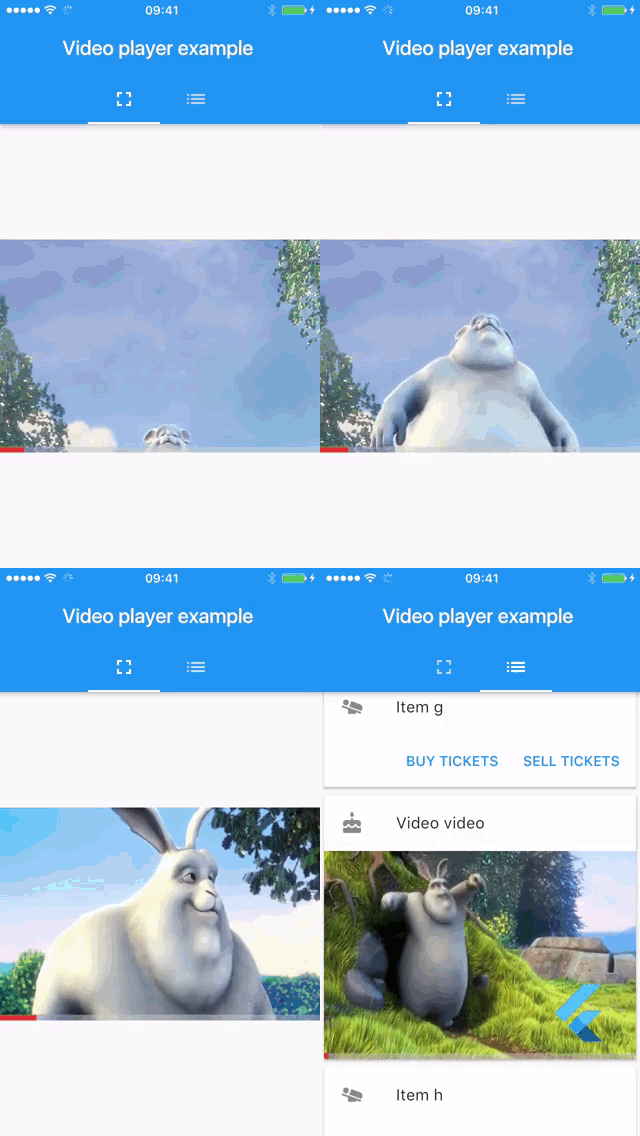
Android、iOS、macOS、Web で他の Flutter ウィジェットと組み合わせてインライン動画を表示するための Flutter プラグイン。
 v3.0.0
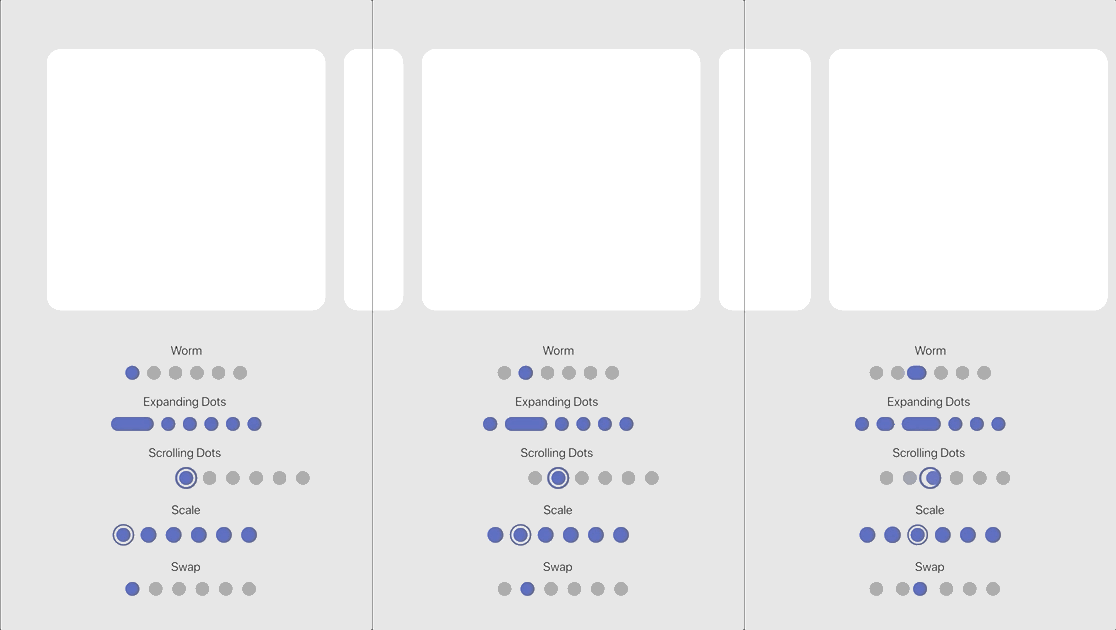
一連の組み込みエフェクトを備えたカスタマイズ可能なアニメーションページインジケーター。
画像を圧縮する。送信サイズを効果的に小さくできます。
Very Good Ventures社内で内部的に使用されているDartおよびFlutter用のLintルール。
UIの向きまたはセンサーからデバイスのネイティブな向きを読み取るためのFlutterプラグイン
アプリケーションのライフサイクルリセットを実装した画面明るさ制御用プラグイン
^0.11.0^12.3.0^1.7.0^10.3.8{"sdk":"flutter"}^2.3.0{"sdk":"flutter"}^4.1.7any^2.0.3^9.0.0^12.0.1^6.1.2^2.1.7^2.2.3^2.0.1^6.2.6^2.10.1^1.2.5^0.14.4^6.0.0^2.4.0{"sdk":"flutter"}^10.0.0以下は英語原文のスナップショットです。最新版は GitHub をご覧ください。
https://img.shields.io/github/v/release/iakdis/librecamera?style=flat-square https://img.shields.io/f-droid/v/com.iakmds.librecamera?style=flat-square https://img.shields.io/github/issues/iakdis/librecamera?style=flat-square https://img.shields.io/github/issues-pr/iakdis/librecamera?style=flat-square https://img.shields.io/github/contributors/iakdis/librecamera?style=flat-square https://img.shields.io/github/forks/iakdis/librecamera?style=flat-square https://img.shields.io/github/stars/iakdis/librecamera?style=flat-square https://img.shields.io/github/license/iakdis/librecamera?style=flat-square Translation status
A free and open source camera app for Android written in Flutter and Dart licensed under the GPLv3
Screenshot 1 Screenshot 2 Screenshot 3 Screenshot 4
You can download Libre Camera on F-Droid by tapping on the badge below. Alternatively, download and install the apk directly from the GitHub releases page. Downloading directly from the GitHub releases page will likely download a more recent version (if a new version was published recently) – notice though that the F-Droid and the GitHub versions aren't compatible with one another. You will need to reinstall the app; make sure you remember your settings.
Get it on F-Droid Get it on GitHub
These are the ways you can contribute to Libre Camera:
Translation statusTranslating guide: Translations are now handled using Weblate! To use Weblate, log into your Weblate account and choose one of the 2 components you want to translate: Either the app itself or the F-Droid metadata. Now, select the language you want to translate or add a new language. You will see a list of different strings to choose from; untranslated and unfinished strings will probably be of most interest to you. And finally: Have fun translating!
Before using Weblate you had to translate Libre Camera manually via pull requests. Thank you @Loughty, @zehrique, @vladkorotnev, @metezd, @ZiTAL and @melentan!
Open an issue on GitHub: Open issue
Remember to check for duplicates and try to give important information such as the app version, Android version, etc.
Feel free to send in a pull request! To get started with Flutter, follow this link: https://docs.flutter.dev/get-started/install
flutter pub get to get all necessary packages. To test the app, run the project in debug mode by selecting an Android device or emulator in your preferred Flutter IDE and running the app in debug modeflutter build apk – the output apk will be generated at librecamera/build/app/outputs/apk/release/. To receive all localized strings, run flutter gen-l10n. If you'd like to get multiple apks by splitting them into different platforms (results in smaller sizes), use flutter build apk --split-per-abi.The packages used for this app, also listed in the pubspec.yaml file. See their respective licenses.
| Package | Use case |
|---|---|
| camera | Camera functionality |
| device_info_plus | Getting the Android version to adapt saving behaviour |
| dynamic_color | Getting the Android Material 3 dynamic color |
| file_picker | Picking the save path |
| flutter | Flutter SDK |
| flutter_image_compress | Image compression and EXIF metadata removal |
| flutter_localizations | Localization |
| image | Ability to flip captured photos horizontally |
| intl | Localization |
| native_device_orientation | Automatic orientation based on the phones sensor |
| package_info_plus | Display the programs version number |
| permission_handler | Handling permissions |
| provider | State management (localization and themes) |
| screen_brightness | Maximum screen brightness option |
| shared_preferences | Saving app data like settings |
| smooth_page_indicator | Page indicator in the onboarding screen |
| url_launcher | Open the GitHub repository link inside the about menu |
| video_player | Displaying a captured video inside the thumbnail |
| wakelock_plus | Keeping the display always on |
This project is licensed under the GNU General Public License Version 3. For details, see LICENSE