

 v5.2.1
plaid_flutter
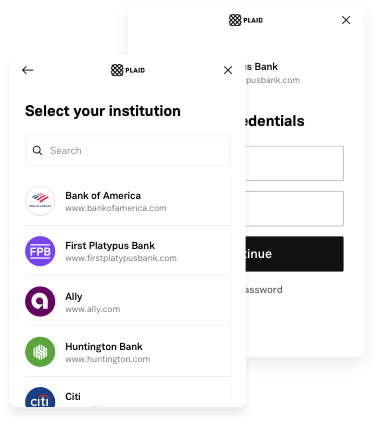
Flutter用のPlaid Link。ネイティブなiOS、Android、Web SDKを統合します。
91いいね 16.5万30日間ダウンロード140Pub ポイント
AndroidiOSWeb
Flutter用のPlaid Link。ネイティブなiOS、Android、Web SDKを統合します。

以下は英語原文のスナップショットです。最新版は GitHub をご覧ください。




A Flutter plugin for Plaid Link.
This plugin integrates the native SDKs:
Feel free to leave any feedback here.
In order to initialize Plaid Link, you will need to create a link_token at /link/token/create. After generating a link_token, you'll need to pass it into your app and use it to open Link:
...

LinkTokenConfiguration _configuration = LinkTokenConfiguration(
    token: "<GENERATED_LINK_TOKEN>",
);

// Create the internal handler for Plaid Link.
// This is a one-time use object that opens a Link session.
// Must be called before `open()`.
// Completes when Plaid is ready to open, or throws an error if setup fails.
await PlaidLink.create(configuration: _configuration);

/// Open Plaid Link by calling open on the handler.
PlaidLink.open();

...
Note that each time you open Link, you will need to get a new link_token from your server and create a new LinkTokenConfiguration with it.
A link_token can be configured for different Link flows depending on the fields provided during token creation. It is the preferred way of initializing Link going forward. You will need to pass in most of your Link configurations server-side in the /link/token/create endpoint rather than client-side where they previously existed.
If your integration is still using a public_key to initialize Plaid Link, the LinkConfiguration class has support for it. Check the migration guide to upgrade your app to the link_token flow.
Add plaid_flutter as a dependency in your pubspec.yaml file.
| Name | Version |
|---|---|
| Xcode | >= 16.1.0 |
| iOS | >= 14.0 |
When using the Identity Verification product, the Link SDK may use the camera if a user needs to take a picture of identity documentation. To support this workflow, add a NSCameraUsageDescription entry to your ios/Runner/Info.plist with an informative string.
If your integration uses only Identity Verification or Monitor, this steps can be skipped; they are mandatory otherwise.
Registering your redirect URI:
These redirect URIs must be set up as Universal Links in your application.
More info at https://plaid.com/docs/link/ios.
Go to the project level android/app/build.gradle and make sure you are using a minSdk >= 21
If your app uses Identity Verification, a user may need to take a picture of identity documentation or a selfie during the Link flow. To support this workflow, the CAMERA, WRITE_EXTERNAL_STORAGE, RECORD_AUDIO, and MODIFY_AUDIO_SETTINGS permissions need to be added to your application's AndroidManifest.xml.
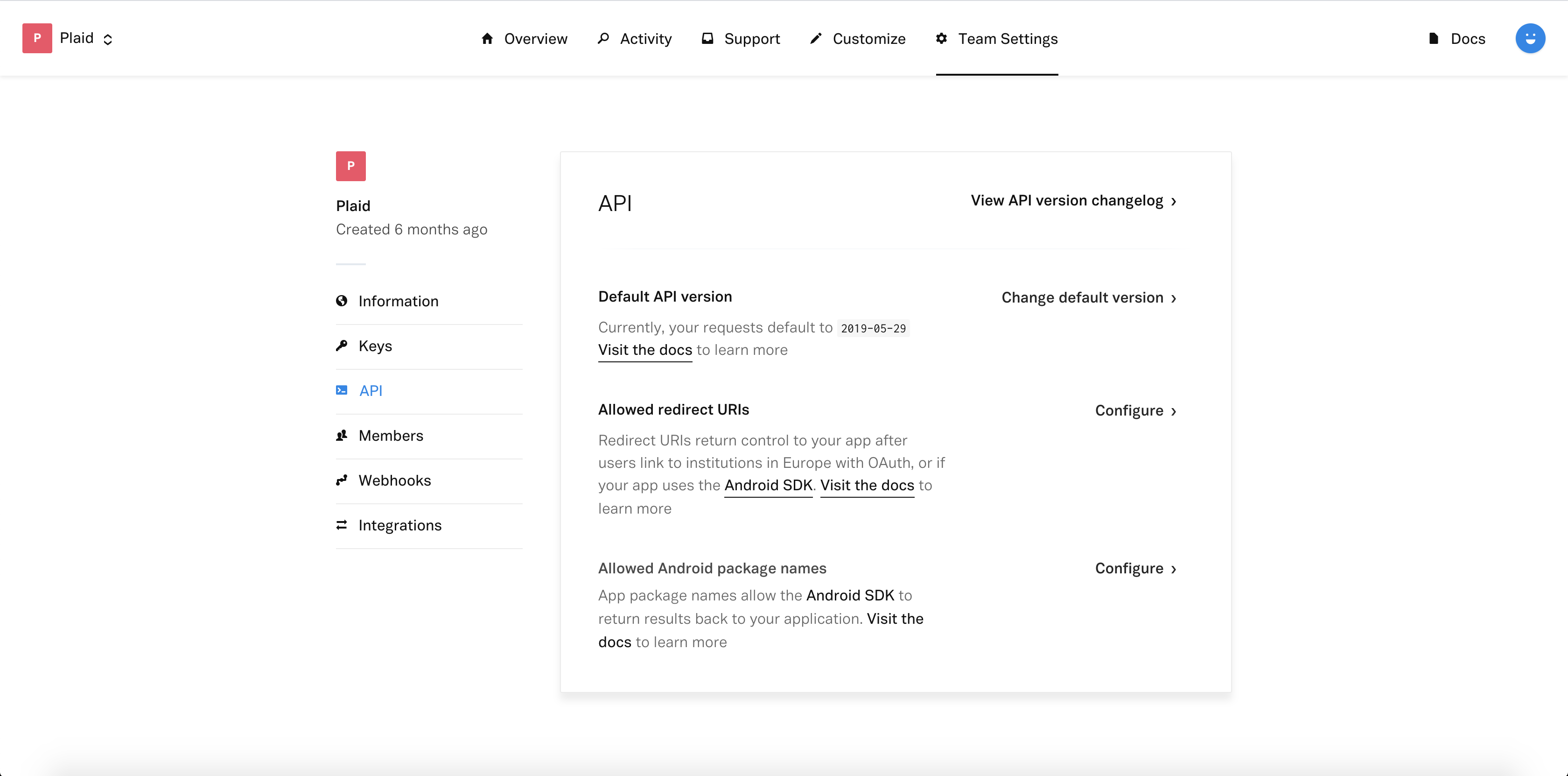
More info at https://plaid.com/docs/link/android.
Include the Plaid Link initialize script on your main HTML page.
<script src="https://cdn.plaid.com/link/v2/stable/link-initialize.js"></script>
More info at https://plaid.com/docs/link/web.
依存関係一覧 6 件
{"sdk":"flutter"}{"sdk":"flutter"}^2.1.2{"sdk":"flutter"}^4.0.0^1.0.0用途で絞り込み、開発状況を比較し、採用前に元のリポジトリで要件を確認しましょう。
“A repository is the most basic element of GitHub.”
GitHub Docs — About repositories ↗