
horizontal_blocked_scroll_physics
水平方向の移動をブロックする ScrollPhysics クラス。

- スター
- 9
- フォーク
- 5
- 最終プッシュ(UTC)
- 2022/03/07
- プロジェクト状態
- 公開中
元の README
以下は英語原文のスナップショットです。最新版は GitHub をご覧ください。
Horizontal Blocked ScrollPhysics


A ScrollPhysics class that blocks movement in the horizontal axis.
How to use it
The API of this ScrollPhysics is fairly straighforward.
We have two different classes:
- LeftBlockedScrollPhysics: will block left movements.
- RightBlockedScrollPhysics: will block right movements.
Blocking movement
LeftBlockedScrollPhysics();
This will allow the content to be scrolled to the right and will block any scroll to the left.
There's one exception, though. You can see here that the user is swiping to the left (which is blocked) but the screen will be able to move to the left if the movement is not completed. Note that the text will go back to the center.
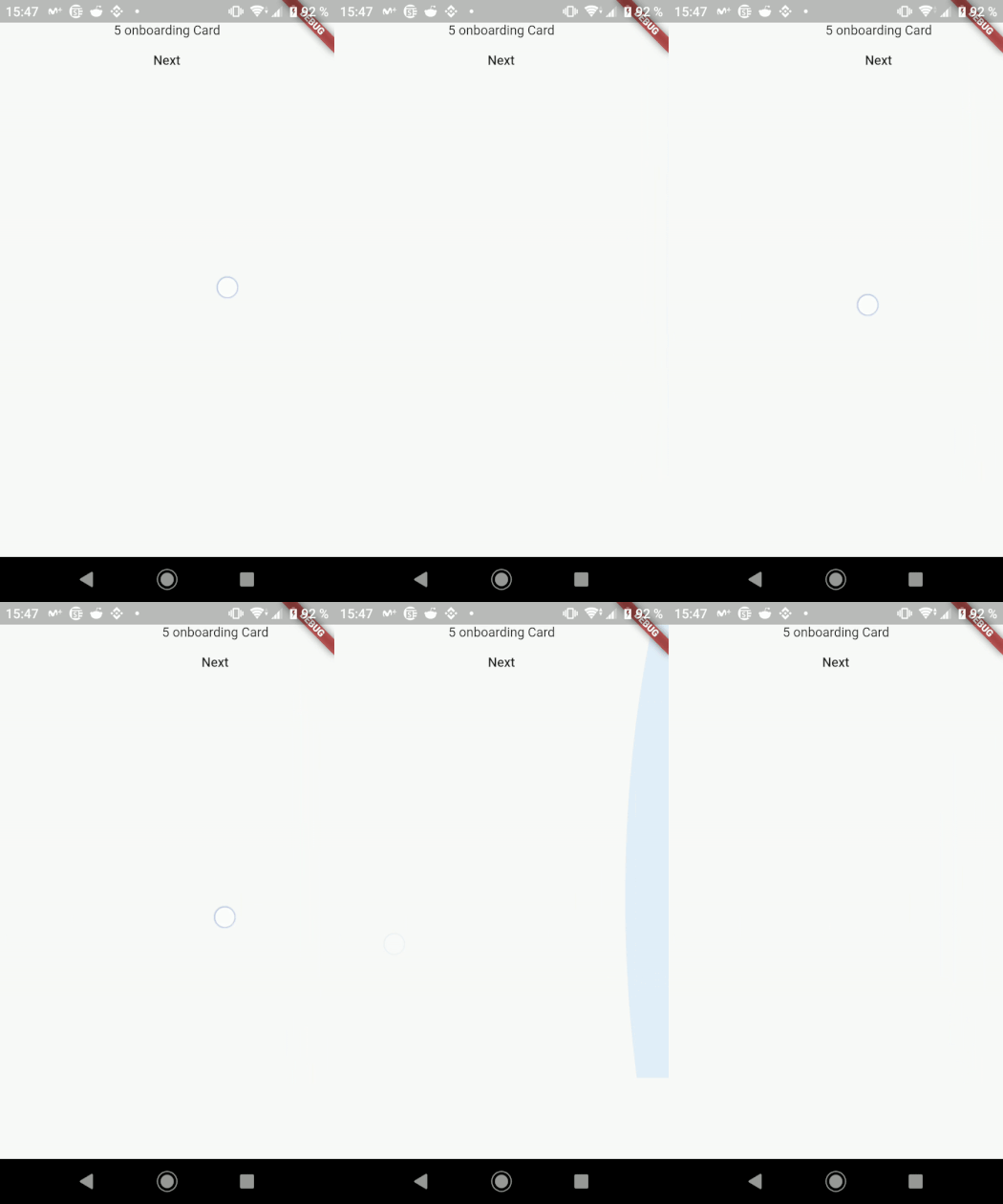
Alternatively, if you want to block movement to the right and allow scrolling to the left:
RightBlockedScrollPhysics();
Why are we exposing two classes
You may have notice that we're exposing two classes instead of only one that uses properties to change the physics behavior. That's because of an optimization in the Scrollable class that doesn't allow to use the same type, even if it's a new instance, in order to change the Scrollable physics behavior.
The physics can be changed dynamically, but new physics will only take effect if the class of the provided object changes. Merely constructing a new instance with a different configuration is insufficient to cause the physics to be reapplied. (This is because the final object used is generated dynamically, which can be relatively expensive, and it would be inefficient to speculatively create this object each frame to see if the physics should be updated.)
That's why Flutter has specific ScrollPhysics like NeverScrollableScrollPhysics and AlwaysScrollableScrollPhysics.

Koa Health ↗
カテゴリー
使用している依存関係
依存関係一覧 3 件
- flutter
{"sdk":"flutter"} - flutter_lints開発用
^1.0.4 - flutter_test開発用
{"sdk":"flutter"}
プロジェクトに合うリポジトリを選ぶには?
用途で絞り込み、開発状況を比較し、採用前に元のリポジトリで要件を確認しましょう。
- 名前・作者・説明で検索し、技術トピックで絞り込みます。
- スター、フォーク、最近のプッシュを比較します。スターは関心の目安であり、品質の保証ではありません。
- 利用前に GitHub で README、ライセンス、Issues を確認します。
情報源と管理
“A repository is the most basic element of GitHub.”
GitHub Docs — About repositories ↗