

 v1.0.3
shadowed_image
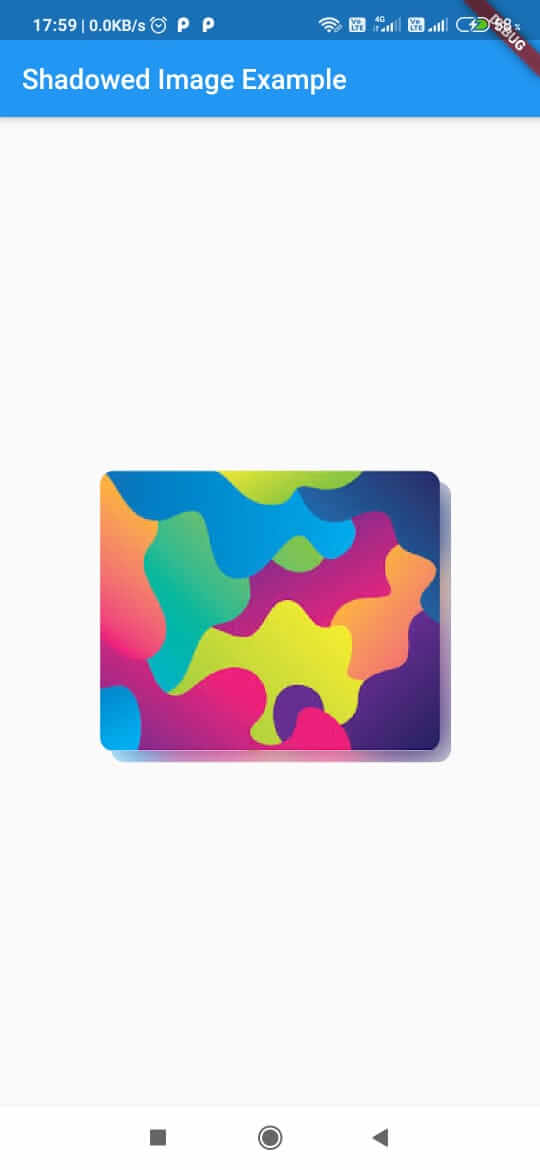
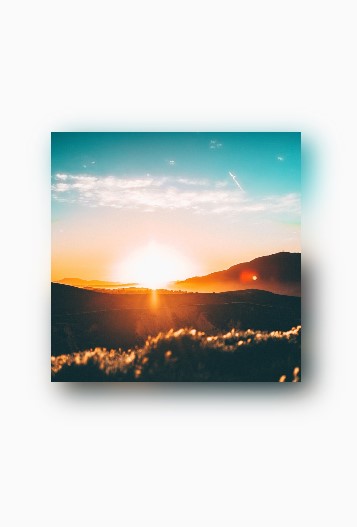
画像の色調と同一の影を作成するための新しいFlutterパッケージ。
58いいね 3130日間ダウンロード160Pub ポイント
AndroidiOSWebmacOSWindowsLinux
lalitjarwal/shadowed_image open-source repository details.

以下は英語原文のスナップショットです。最新版は GitHub をご覧ください。
Package for creating shadow of same color scheme as the image.
pubspec.yaml file:dependencies:
shadowed_image: ^latest
import 'package:shadowed_image/shadowed_image.dart';
import 'package:shadowed_image/shadowed_image.dart';
import 'package:flutter/material.dart';

void main() => runApp(AppBody());

class _AppBodyState extends StatelessWidget {
  @override
  Widget build(BuildContext context) {
    return MaterialApp(
          home: Scaffold(
        body: ShadowedImage(image: Image.asset('assets/images/download.jpg'))
      ),
    );
  }
}
1. Key key

2. double scale  // Size to parent.

3. Offset offset  // Position of shadow. Takes 2 arguments- first one (dx) for horizontal component and second (dy) for vertical component.

4. double blurRadius // Amount of blur in the shadow. 0 means no blur.

5. Image image (@required) // The image.
*If scale provided then offset should not be unchanged.
依存関係一覧 2 件
{"sdk":"flutter"}{"sdk":"flutter"}用途で絞り込み、開発状況を比較し、採用前に元のリポジトリで要件を確認しましょう。
“A repository is the most basic element of GitHub.”
GitHub Docs — About repositories ↗