

 v2.1.3
flutter_swipe_button
SwipeButton を使用して、誤ったタップやダイアログを防ぎましょう。
68いいね 696030日間ダウンロード140Pub ポイント
AndroidiOSWebmacOSWindowsLinux
SwipeButton を使用して、誤ったタップやダイアログを防ぎましょう。

以下は英語原文のスナップショットです。最新版は GitHub をご覧ください。


Avoid accidental clicks or dialogs to prevent them using SwipeButton.
| Example 1 | Example 2 | Example 3 |
|---|---|---|
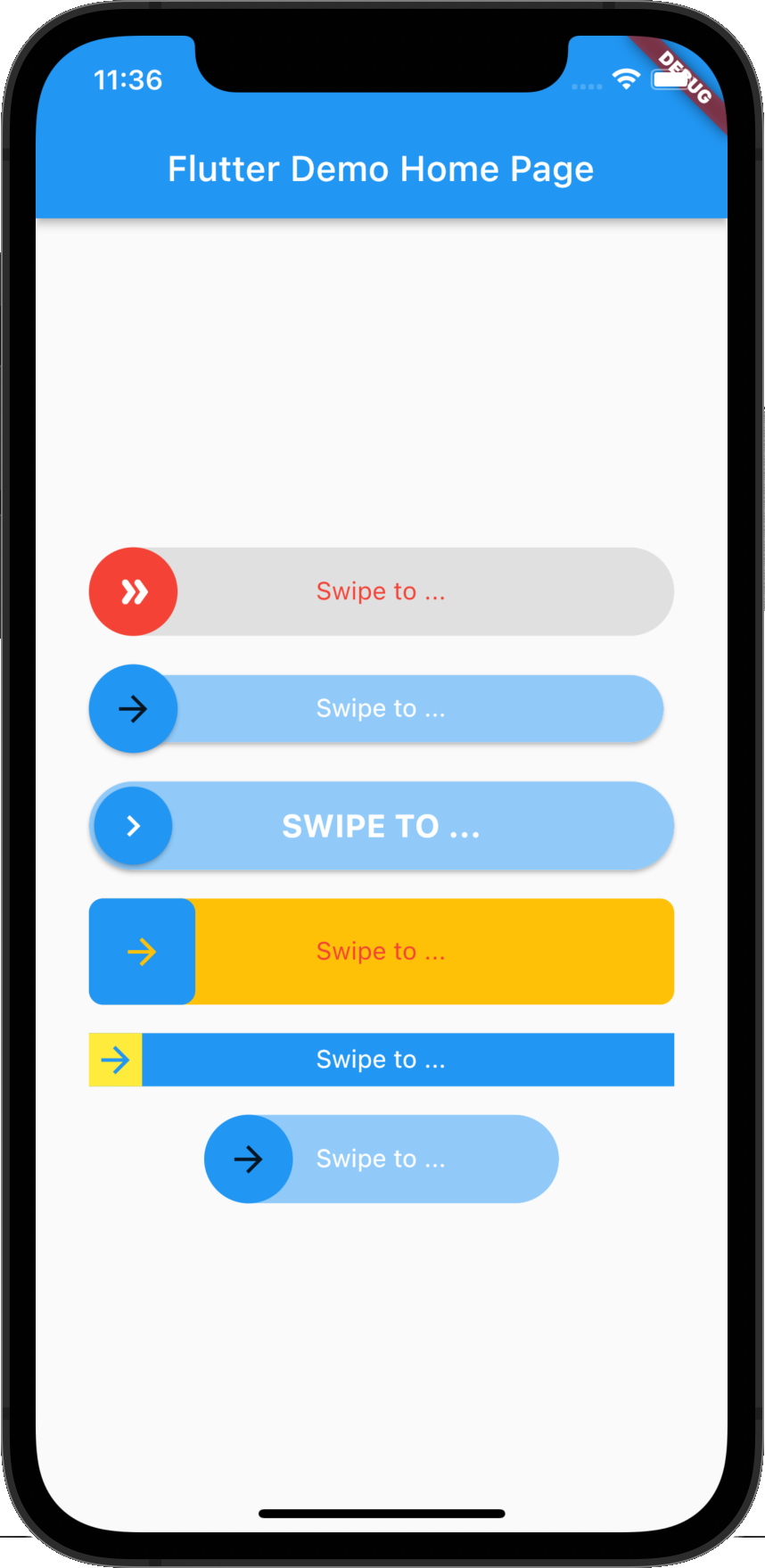 |
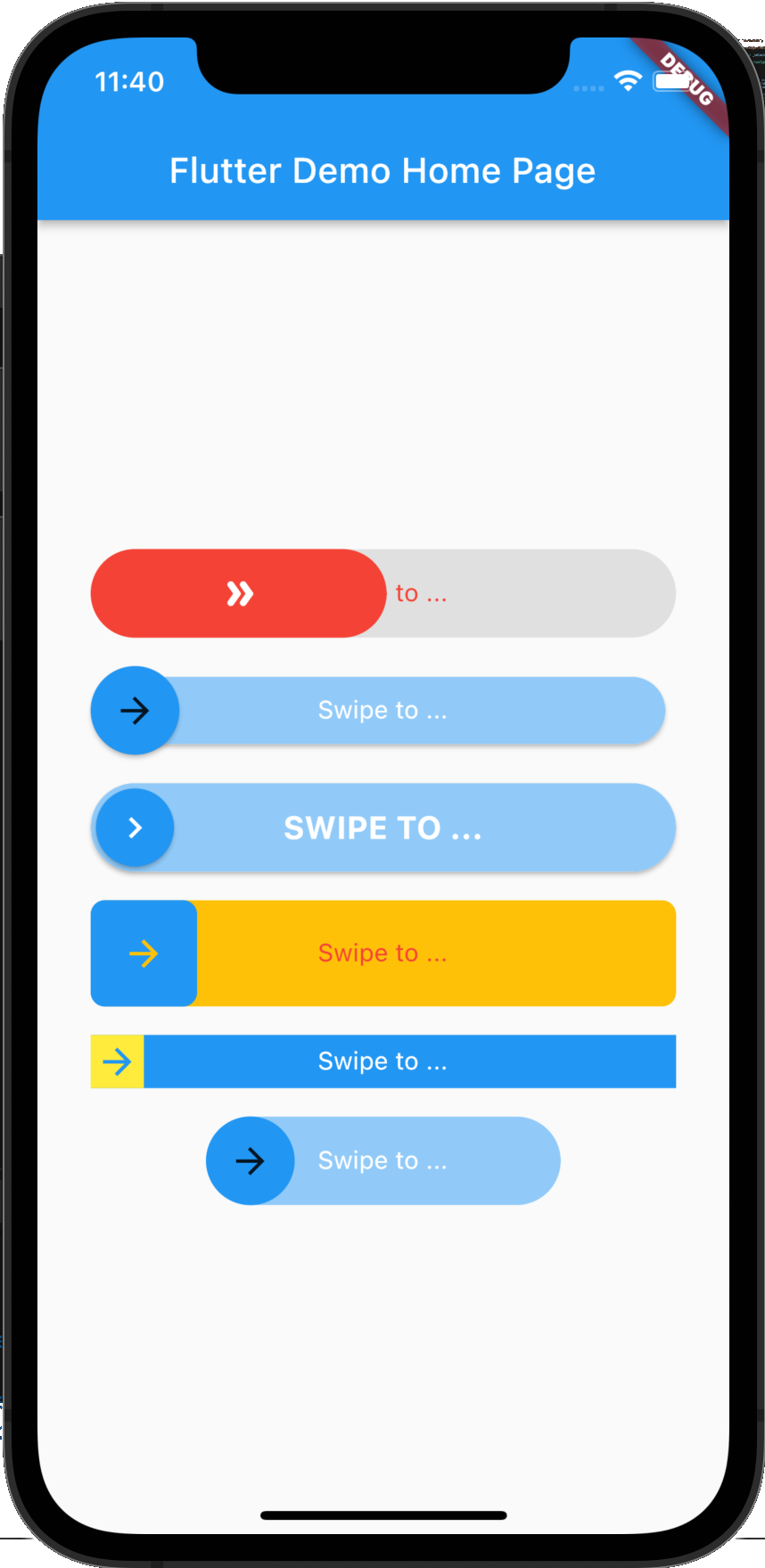 |
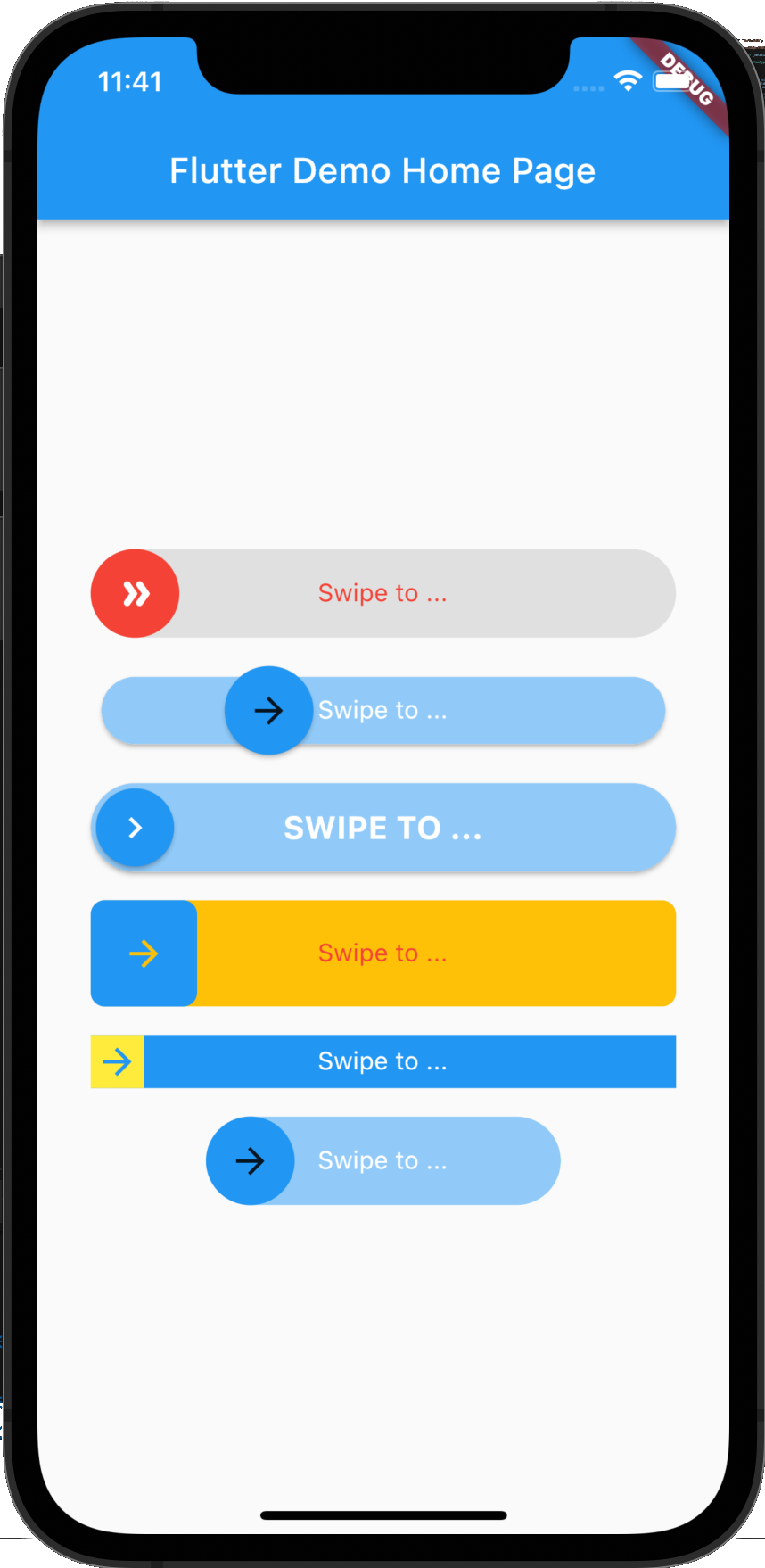 |
flutter_swipe_button: ^2.1.1+1
import 'package:flutter_swipe_button/flutter_swipe_button.dart';
SwipeButton.expand(
  thumb: Icon(
    Icons.double_arrow_rounded,
    color: Colors.white,
  ),
  child: Text(
    "Swipe to ...",
    style: TextStyle(
      color: Colors.red,
    ),
  ),
  activeThumbColor: Colors.red,
  activeTrackColor: Colors.grey.shade300,
  onSwipe: () {
    ScaffoldMessenger.of(context).showSnackBar(
      SnackBar(
        content: Text("Swipped"),
        backgroundColor: Colors.green,
      ),
    );
  },
)
SwipeButton(
  trackPadding: EdgeInsets.all(6),
  elevationThumb: 2,
  child: Text(
    "Swipe to ...",
    style: TextStyle(
      color: Colors.white,
    ),
  ),
  onSwipe: () {
    ScaffoldMessenger.of(context).showSnackBar(
      SnackBar(
        content: Text("Swipped"),
        backgroundColor: Colors.green,
      ),
    );
  },
)
SwipeButton(
  thumbPadding: EdgeInsets.all(3),
  thumb: Icon(
    Icons.chevron_right,
    color: Colors.white,
  ),
  elevationThumb: 2,
  elevationTrack: 2,
  child: Text(
    "Swipe to ...".toUpperCase(),
    style: TextStyle(
      color: Colors.white,
      fontSize: 18,
      fontWeight: FontWeight.bold,
    ),
  ),
  onSwipe: () {
    ScaffoldMessenger.of(context).showSnackBar(
      SnackBar(
        content: Text("Swipped"),
        backgroundColor: Colors.green,
      ),
    );
  },
)
SwipeButton(
  borderRadius: BorderRadius.circular(8),
  activeTrackColor: Colors.amber,
  height: 60,
  child: Text(
    "Swipe to ...",
    style: TextStyle(
      color: Colors.red,
    ),
  ),
  onSwipe: () {
    ScaffoldMessenger.of(context).showSnackBar(
      SnackBar(
        content: Text("Swipped"),
        backgroundColor: Colors.green,
      ),
    );
  },
)
SwipeButton(
  activeTrackColor: Colors.blue,
  activeThumbColor: Colors.yellow,
  borderRadius: BorderRadius.zero,
  height: 30,
  child: Text(
    "Swipe to ...",
    style: TextStyle(
      color: Colors.white,
    ),
  ),
  onSwipe: () {
    ScaffoldMessenger.of(context).showSnackBar(
      SnackBar(
        content: Text("Swipped"),
        backgroundColor: Colors.green,
      ),
    );
  },
)
SwipeButton(
  width: 200,
  child: Text(
    "Swipe to ...",
    style: TextStyle(
      color: Colors.white,
    ),
  ),
  onSwipe: () {
    ScaffoldMessenger.of(context).showSnackBar(
      SnackBar(
        content: Text("Swipped"),
        backgroundColor: Colors.green,
      ),
    );
  },
)
MIT License
依存関係一覧 3 件
{"sdk":"flutter"}{"sdk":"flutter"}^4.0.0用途で絞り込み、開発状況を比較し、採用前に元のリポジトリで要件を確認しましょう。
“A repository is the most basic element of GitHub.”
GitHub Docs — About repositories ↗