

 v0.4.4
anchor_scroll_controller
このパッケージは、アンカーをサポートする ScrollController を実装しています。つまり、AnchorScrollController はインデックスへのスクロールと、ユーザーによるスクロール中にインデックスの変更をリスンすることをサポートしています。
48いいね 535030日間ダウンロード160Pub ポイント
AndroidiOSWebmacOSWindowsLinux
アンカーをサポートする ScrollController

以下は英語原文のスナップショットです。最新版は GitHub をご覧ください。
This package implement a ScrollController which supports anchor. That is, AnchorScrollController supports to scroll to index and listen to index changed while scrolling by user.

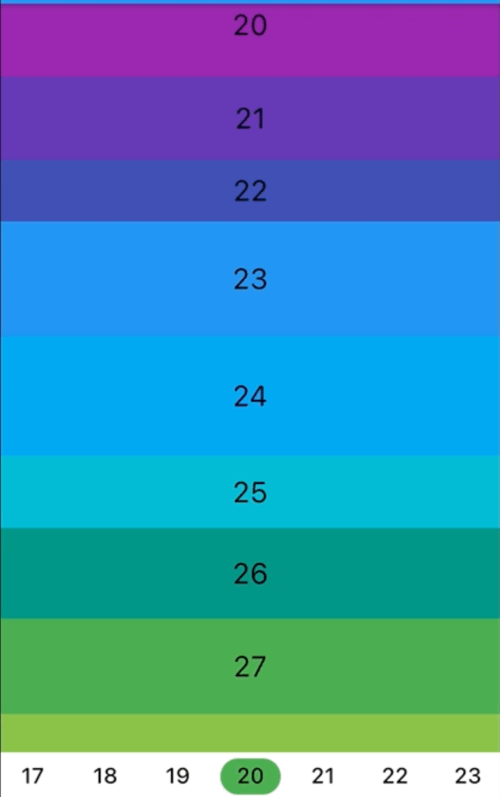
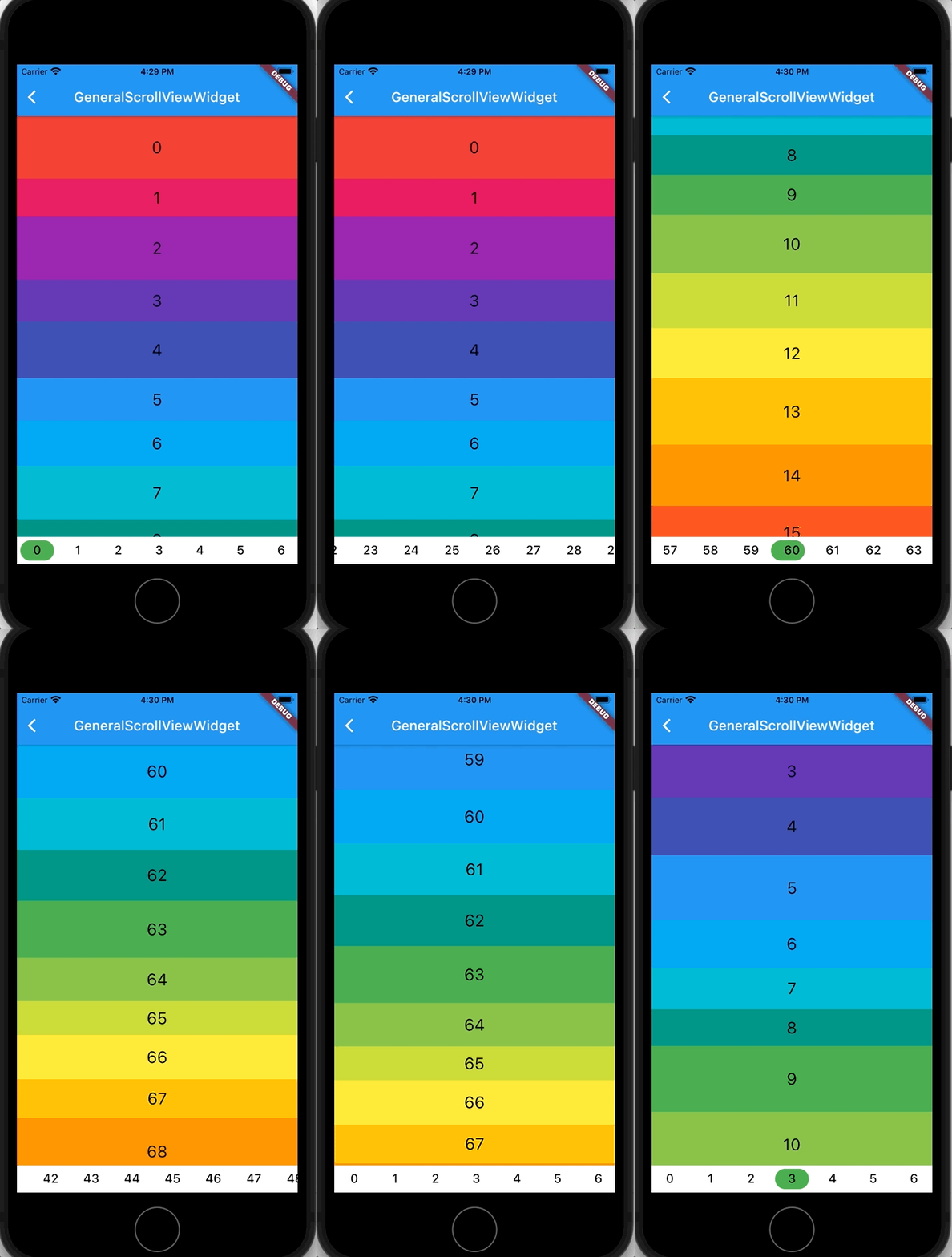
Scroll to index
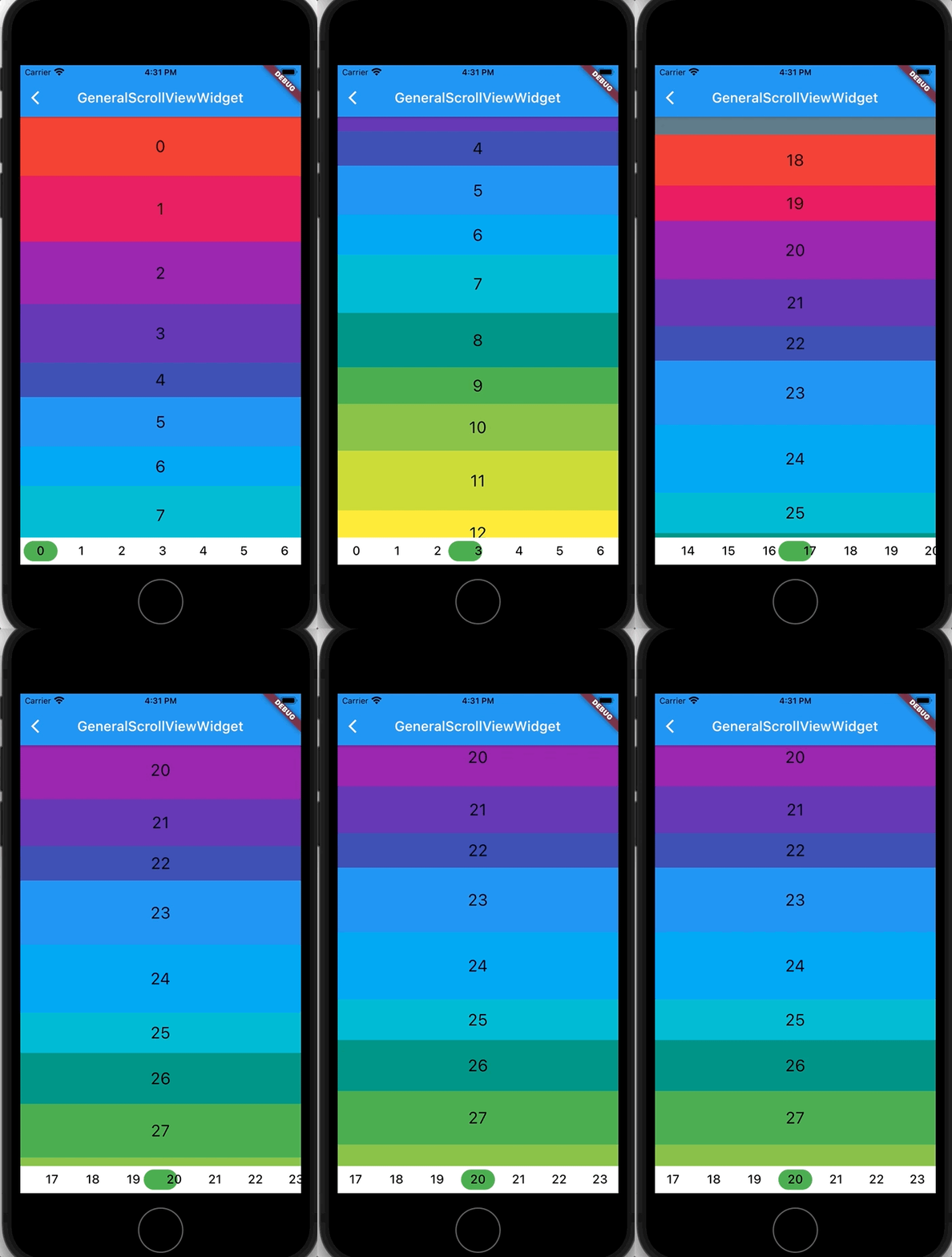
Listen to index changed
In the pubspec.yaml of your flutter project, add the following dependency:
dependencies:
  ...
  anchor_scroll_controller: <latest_version>
In your library add the following import:
import 'package:anchor_scroll_controller/anchor_scroll_controller.dart';
Initialize an AnchorScrollController object and use it as the ScrollController of ListView, and wrap the items in the ListView with AnchorItemWrapper
late final AnchorScrollController _scrollController;

@override
void initState() {
  super.initState();

  _scrollController = AnchorScrollController(
    onIndexChanged: (index) {
      _tabController?.animateTo(index);
    },
  );
}

@override
Widget build(BuildContext context) {
  return Scaffold(
    appBar: AppBar(
      title: Text("GeneralScrollViewWidget"),
    ),
    body: Column(
      children: [
        Expanded(
          child: ListView.builder(
            controller: _scrollController,
            itemCount: length,
            itemBuilder: (context, index) => AnchorItemWrapper(
              index: index,
              controller: _scrollController,
              child: Container(
                height: 50.0 + Random().nextInt(50),
                color: Colors.primaries[index % Colors.primaries.length],
                alignment: Alignment.center,
                child: Text(index.toString(),
                            style: const TextStyle(fontSize: 24, color: Colors.black)),
              ),
            )
          ),
        ),
        ... // omit more code
      ],
    )
  );

  ...
  // call AnchorScrollController.scrollToIndex() to scroll to the target index item
  _scrollController.scrollToIndex(index);
  ...
fixedItemSize param of AnchorScrollController to the size of items. For example, if the height of all items are 50, then set fixedItemSize param to 50.scrollViewWrapper param instead of controller param to AnchorItemWrapper. See cascaded_scroll_controller.dart for more detail.依存関係一覧 2 件
{"sdk":"flutter"}{"sdk":"flutter"}用途で絞り込み、開発状況を比較し、採用前に元のリポジトリで要件を確認しましょう。
“A repository is the most basic element of GitHub.”
GitHub Docs — About repositories ↗