
 v0.2.0
after_init
状態付きウィジェットに、継承されたウィジェットに安全にアクセスできる didInitState() ライフサイクルメソッドを追加します。
33いいね 15530日間ダウンロード160Pub ポイント
AndroidiOSWebmacOSWindowsLinux
状態付きウィジェットに、継承されたウィジェットに安全にアクセスできる didInitState() ライフサイクルメソッドを追加します。
以下は英語原文のスナップショットです。最新版は GitHub をご覧ください。
Adds a didInitState() lifecycle method to stateful widgets where you can safely access inherited widgets.
InheritedWidget is heavily used throughout the Flutter framework. Many state management packages such as ScopedModel and Provider use it as well. Unfortunately, InheritedWidgets are not accessible from the initState() method of State. The Flutter documentation states:
/// You cannot use [BuildContext.inheritFromWidgetOfExactType] from this
/// method. However, [didChangeDependencies] will be called immediately
/// following this method, and [BuildContext.inheritFromWidgetOfExactType] can
/// be used there.
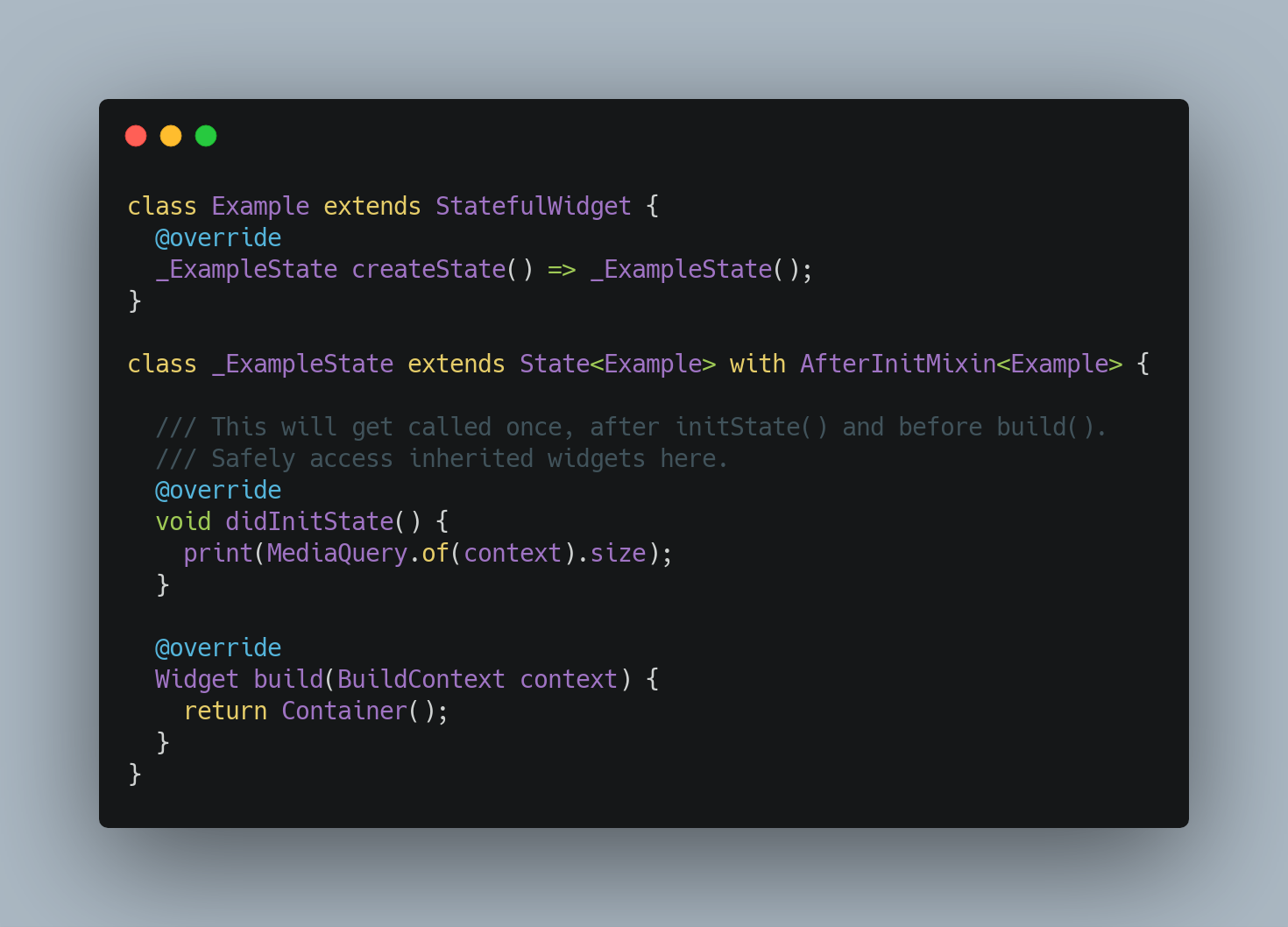
This package consists of a simple mixin on the State class that provides a new method called didInitState(). It is only called exactly once, after initState(), and before didChangeDependencies() and build(). You can safely access InheritedWidgets from this method, and use them to perform any setup tasks for your widget.
With this library, State methods are invoked in the following order:
initState()didInitState()← new!didChangeDependencies()build()Learn more about the Stateful Widget Lifecycle.
import 'package:flutter/material.dart';
import 'package:after_init/after_init.dart';

void main() {
  runApp(
    MaterialApp(
      home: Scaffold(
        body: Example(),
      ),
    ),
  );
}

class Example extends StatefulWidget {
  @override
  State<Example> createState() => _ExampleState();
}

class _ExampleState extends State<Example> with AfterInitMixin<Example> {
  late Size size;

  /// This gets called first, as usual.
  @override
  void initState() {
    super.initState();
    // Your code here
  }

  /// This gets called after initState(), only once.
  /// Safely access inherited widgets here.
  @override
  void didInitState() {
    // No need to call super.didInitState().
    // setState() is not required because build() will automatically be called by Flutter.
    size = MediaQuery.of(context).size;
  }

  /// This gets called after didInitState().
  /// And anytime the widget's dependencies change, as usual.
  @override
  void didChangeDependencies() {
    super.didChangeDependencies();
    // Your code here
  }

  /// Finally this gets called, as usual.
  @override
  Widget build(BuildContext context) {
    return Center(
      child: Text(size.toString()),
    );
  }
}
This is just a simplistic example. You would normally do something more useful in didInitState(), such as access setup data or subscribe to a Stream that comes from an InheritedWidget.
A typical workaround for the initState() limitation is to delay execution of the code that needs to access InheritedWidget:
@override
void initState() {
  super.initState();
  WidgetsBinding.instance.addPostFrameCallback((_) {
    print(MediaQuery.of(context).size);
  });
}
However, this will cause your code to execute after the build() method, which may not be what you want.
This package comes with unit tests that verify that didInitState() only gets called once and that State methods are invoked in the order specified above.
This package was inspired by the after_layout package.

用途で絞り込み、開発状況を比較し、採用前に元のリポジトリで要件を確認しましょう。
“A repository is the most basic element of GitHub.”
GitHub Docs — About repositories ↗