v7.1.0
cloud_firestore
AndroidおよびiOSでのリアルタイム同期およびオフラインサポートを備えたクラウドホスト型のNoSQLデータベースであるCloud Firestore用のFlutterプラグイン。
3780いいね 165万30日間ダウンロード150Pub ポイント
AndroidiOSWebmacOSWindows
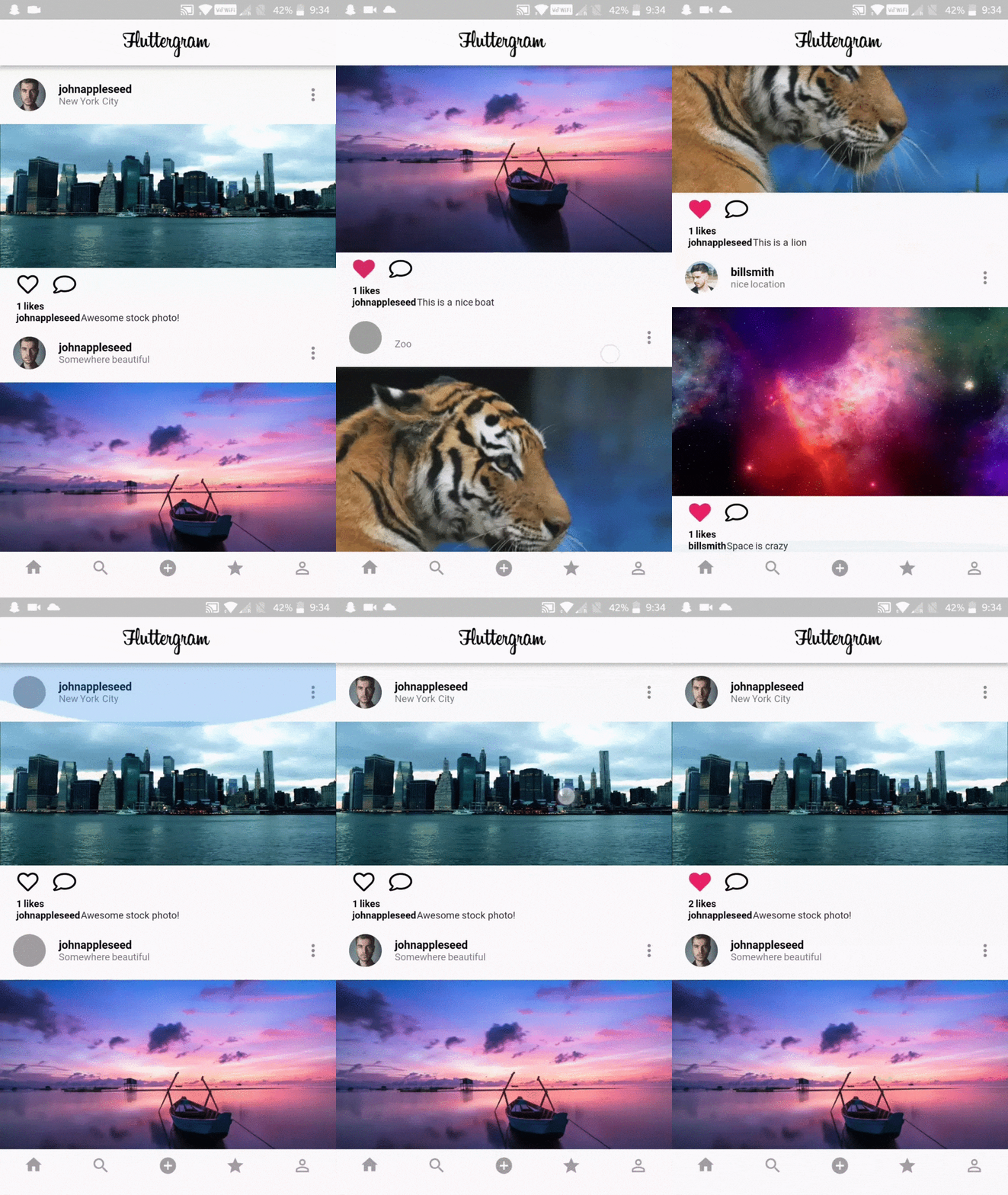
Firebase / Firestore を使用して Flutter で書かれた完全に機能する Instagram クローン

以下は英語原文のスナップショットです。最新版は GitHub をご覧ください。
A working Instagram clone written in Flutter using Firebase / Firestore
I built Fluttergram as a way to learn Flutter when it was still in Beta V1. At this time, Flutter was in its really early stages, and best practices were not yet established. As such, this repo does not reflect the current Flutter best practices and is not at a high code quality standard. That said, it still has merit in being a complete example of what can be done in Flutter.
Download the release APK to try out Fluttergram
I update Fluttergram with new features and bugs fixes, but the apk may be behind master. Take a look at the changelog to see the most recent additions to the apk.


$ git clone https://github.com/mdanics/fluttergram.git
$ cd fluttergram/
firebase initfunctions/lib/index.js to your firebase project's functions/index.jsgetFeed with firebase deploy --only functions In the output, you'll see the getFeed URL, copy that._getFeed function in feed.dart with your cloud function url from the previous step.If this does not work and you get the error Error: Error parsing triggers: Cannot find module './notificationHandler' Try following these steps. If you are still unable to get it to work please open a new issue.
You may need to create the neccessary index by running firebase functions:log and then clicking the link
If you are getting no errors, but an empty feed You must post photos or follow users with posts as the getFeed function only returns your own posts & posts from people you follow.
keytool -exportcert -list -v \
-alias androiddebugkey -keystore ~/.android/debug.keystore
google-services.json into /android/app/.Double check install instructions for both
AndroidおよびiOSでのリアルタイム同期およびオフラインサポートを備えたクラウドホスト型のNoSQLデータベースであるCloud Firestore用のFlutterプラグイン。
Firebase Auth用のFlutterプラグインで、パスワード、電話番号、およびGoogle、Facebook、TwitterなどのIDプロバイダーを使用した認証を可能にします。
複数の Firebase アプリに接続できる Firebase Core 用 Flutter プラグイン。
Firebase Cloud Messaging用のFlutterプラグイン。AndroidおよびiOSで信頼性のあるメッセージ配信を可能にするクロスプラットフォームメッセージングソリューションです。
Android および iOS 向けの強力で簡単かつコスト効率の高いオブジェクトストレージサービスである Firebase Cloud Storage 用の Flutter プラグイン。
Apple風のアイコンに基づくCupertinoウィジェット用のデフォルトアイコンアセット
Googleアカウントでログインするための安全な認証システムであるGoogle Sign-In用Flutterプラグイン。
AndroidおよびiOSの画像ライブラリから画像を選択し、カメラで新しい写真を撮影するためのFlutterプラグイン。
ネットワーク画像の読み込みとキャッシュを行うFlutterライブラリ。プレースホルダーやエラーウィジェットとも併用可能。
Flutter用のベクターデザインとランタイムアニメーション。
Dart Image Library は、サーバーおよび Web アプリケーションがさまざまな画像ファイル形式の画像を読み込み、操作し、保存できる機能を提供します。
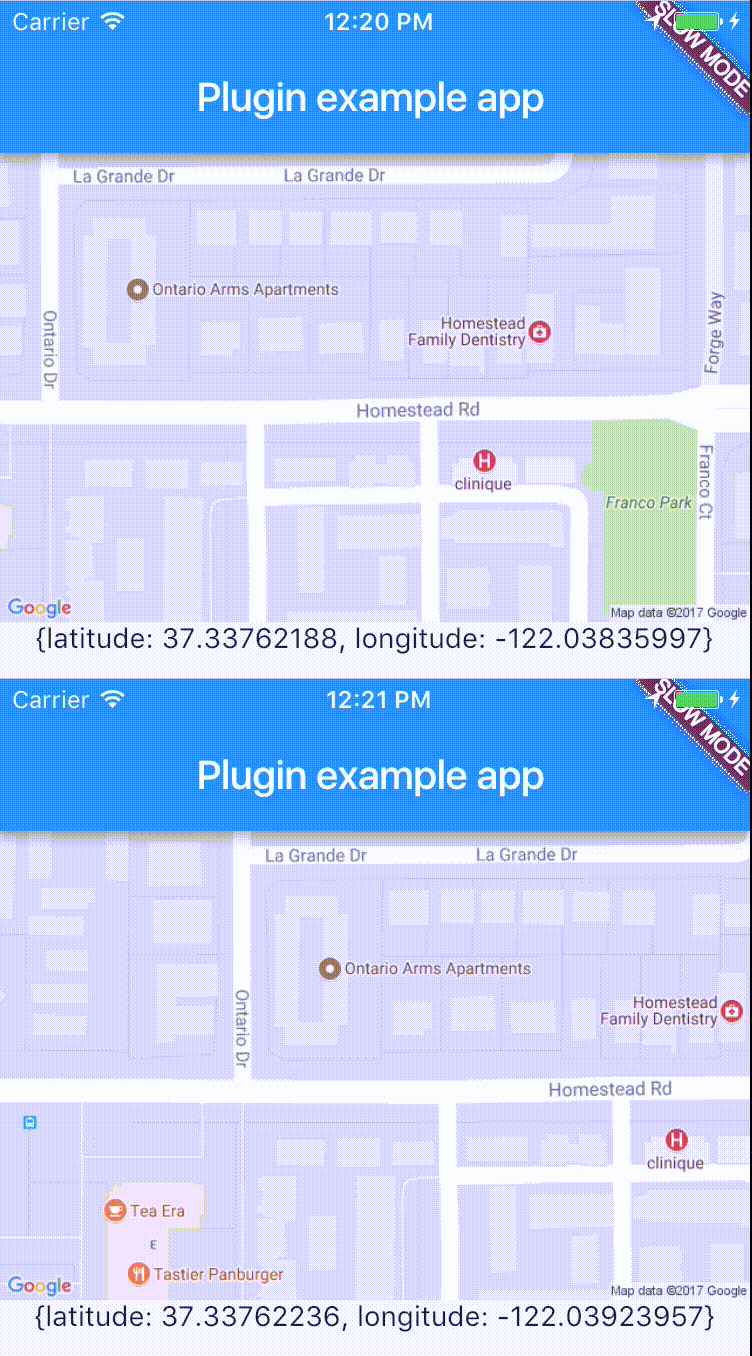
リアルタイムでデバイスの位置に簡単にアクセスできるクロスプラットフォーム用プラグイン。
依存関係一覧 19 件
{"sdk":"flutter"}^1.0.1^1.0.1^0.7.2+1^8.0.0^1.0.1^5.0.0^3.0.1^3.0.1^8.5.0^2.4.0^0.13.0^2.0.4^2.0.0^9.0.0^4.1.1^0.2.1^2.0.6^1.0.2用途で絞り込み、開発状況を比較し、採用前に元のリポジトリで要件を確認しましょう。
“A repository is the most basic element of GitHub.”
GitHub Docs — About repositories ↗