
nibbles-ecommerce-food
Flutter と Firebase を使用して構築された機能豊富なフードデリバリー アプリ — インターネット通販、QR コード注文、子供用アカウント、プッシュ通知、および複雑な応答性のある UI。

- スター
- 104
- フォーク
- 17
- 最終プッシュ(UTC)
- 2026/03/23
- プロジェクト状態
- 公開中
元の README
以下は英語原文のスナップショットです。最新版は GitHub をご覧ください。
Nibbles - Flutter Food (Delivery) App 🍔🍕🍰


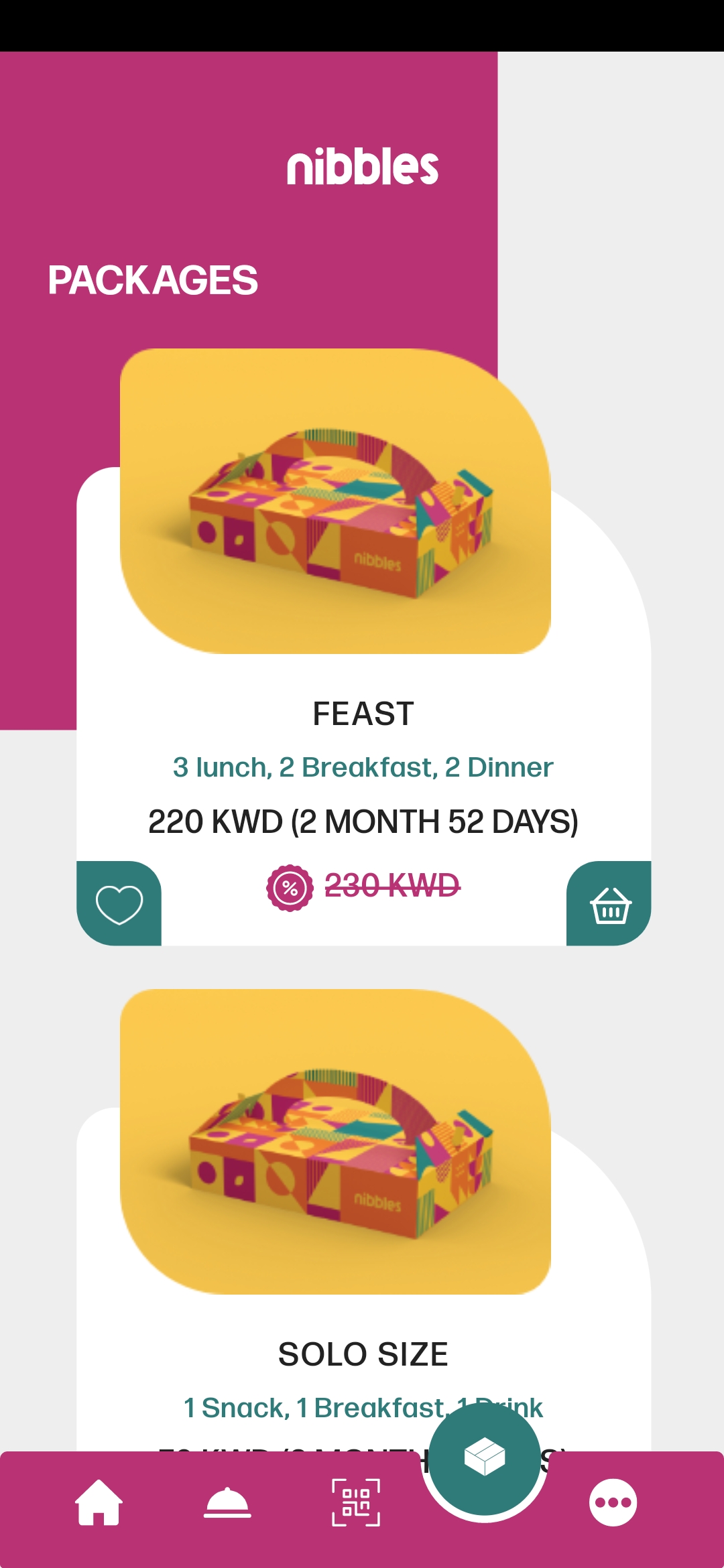
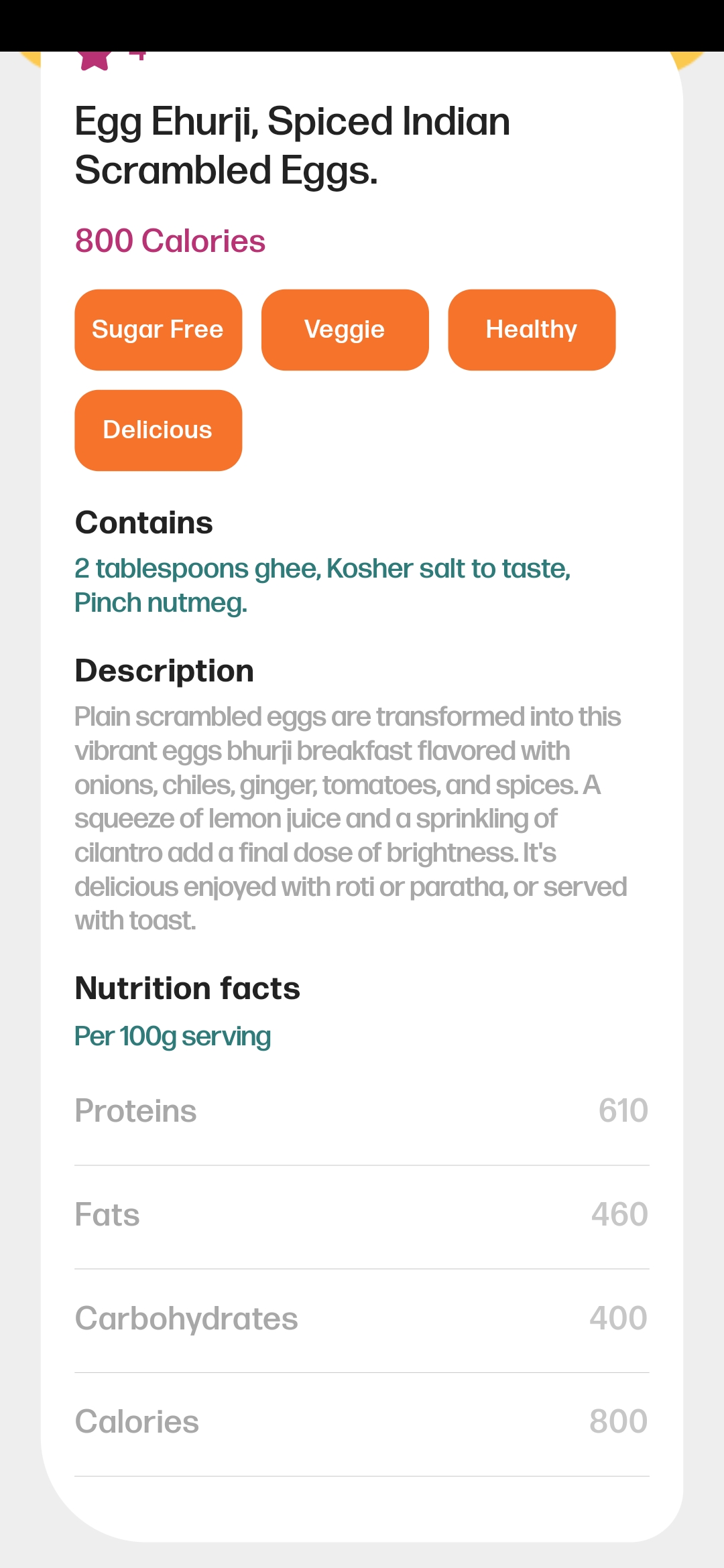
Nibbles is a Flutter-based food app designed to provide users with a delightful and user-friendly experience as they explore a variety of meals and food packages📦. The app utilizes the Bloc pattern and Cubits for efficient state management, integrates Firebase Firestore for real-time data storage, and incorporates various plugins to enhance its functionality.
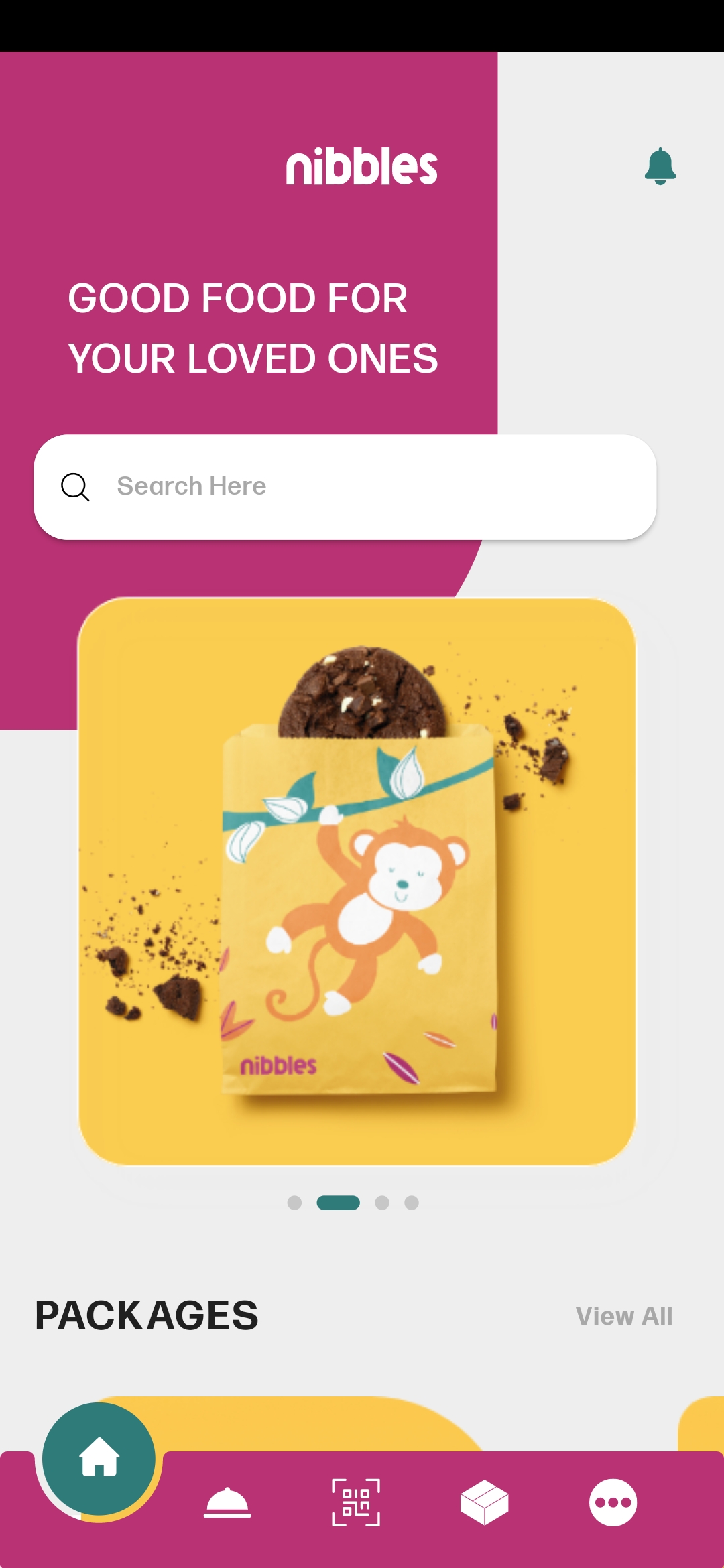
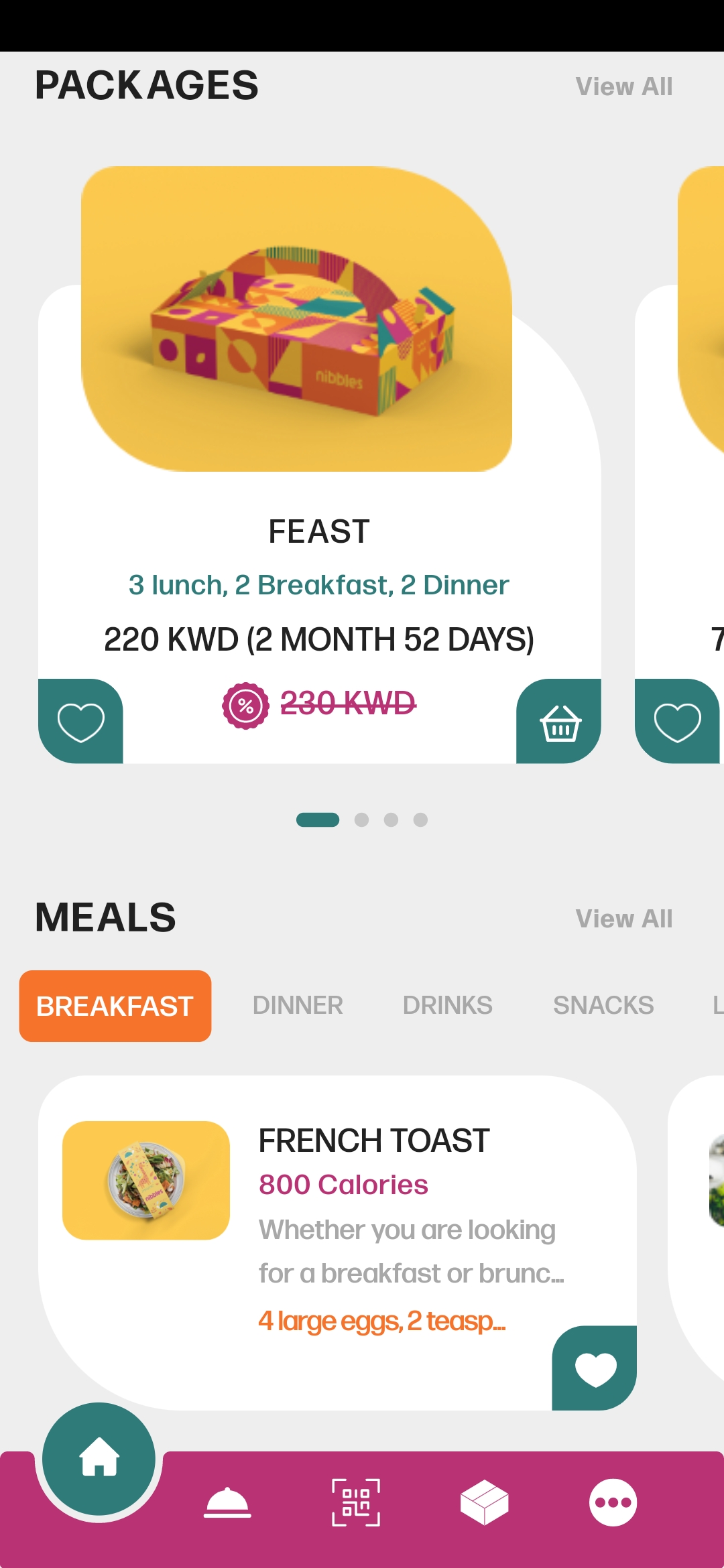
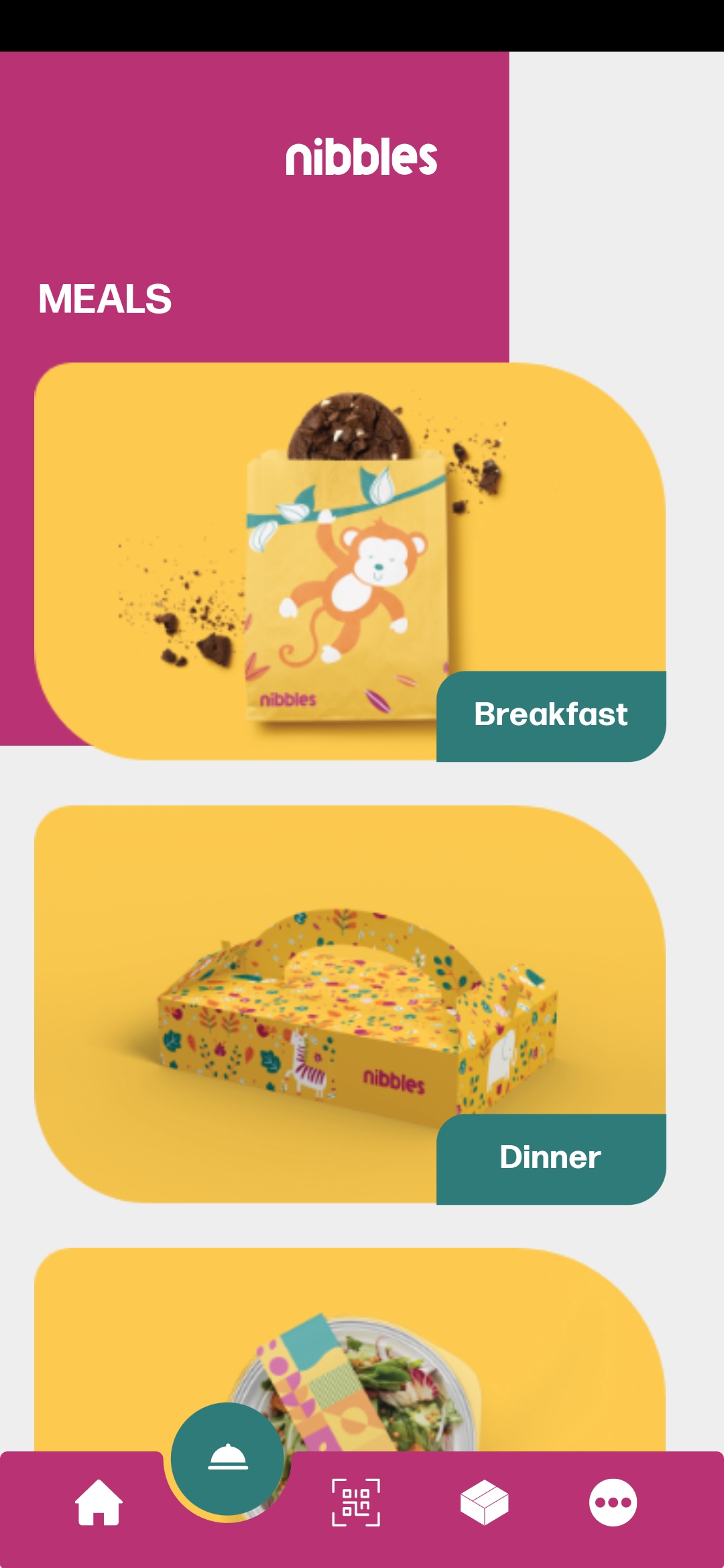
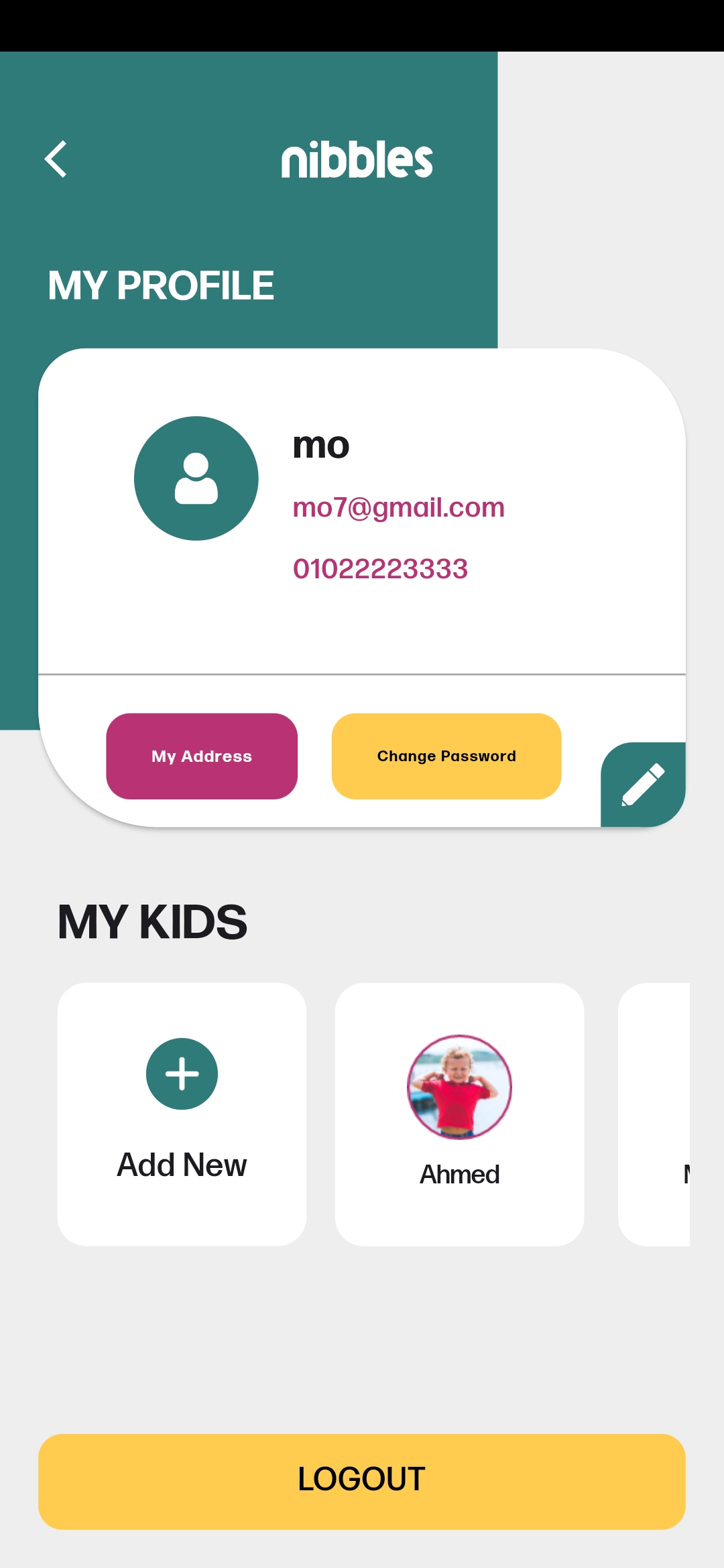
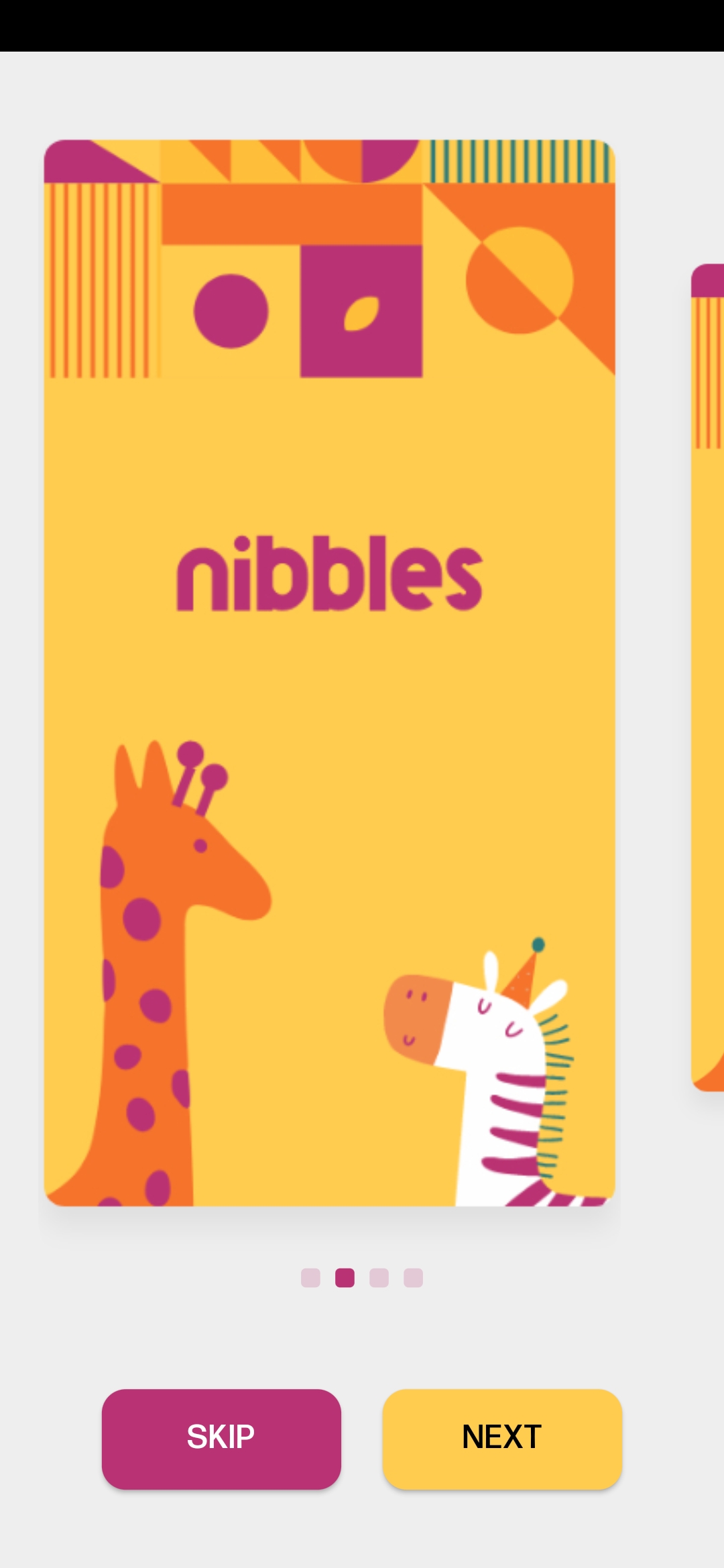
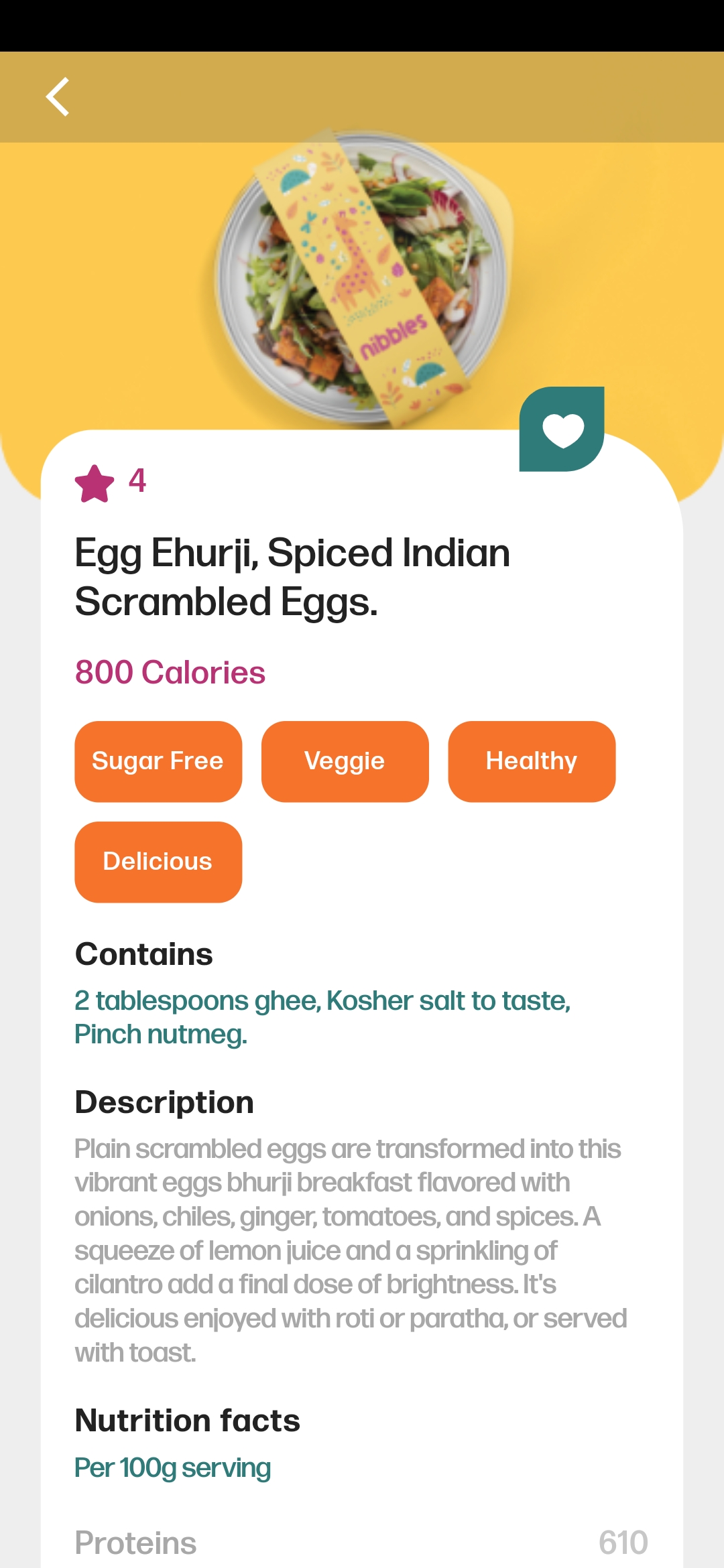
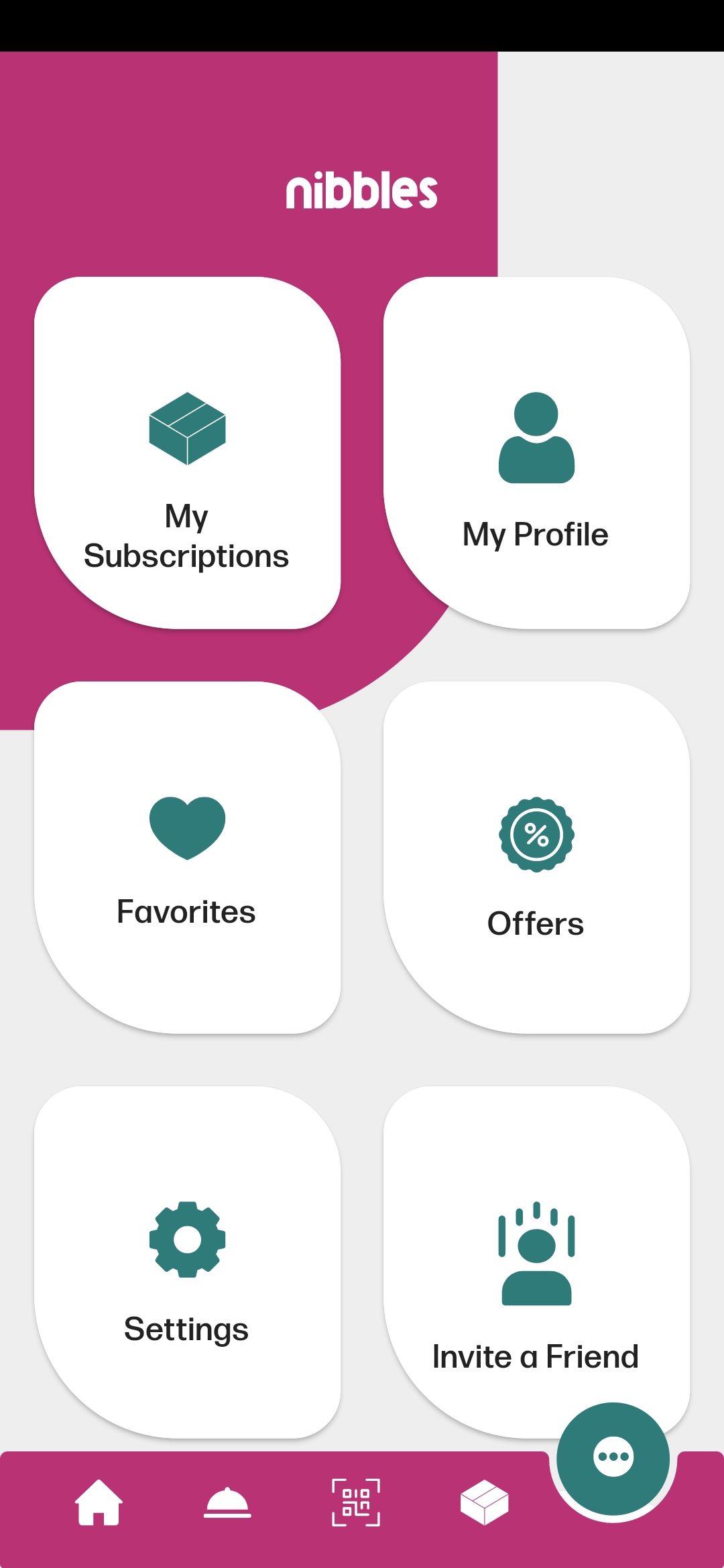
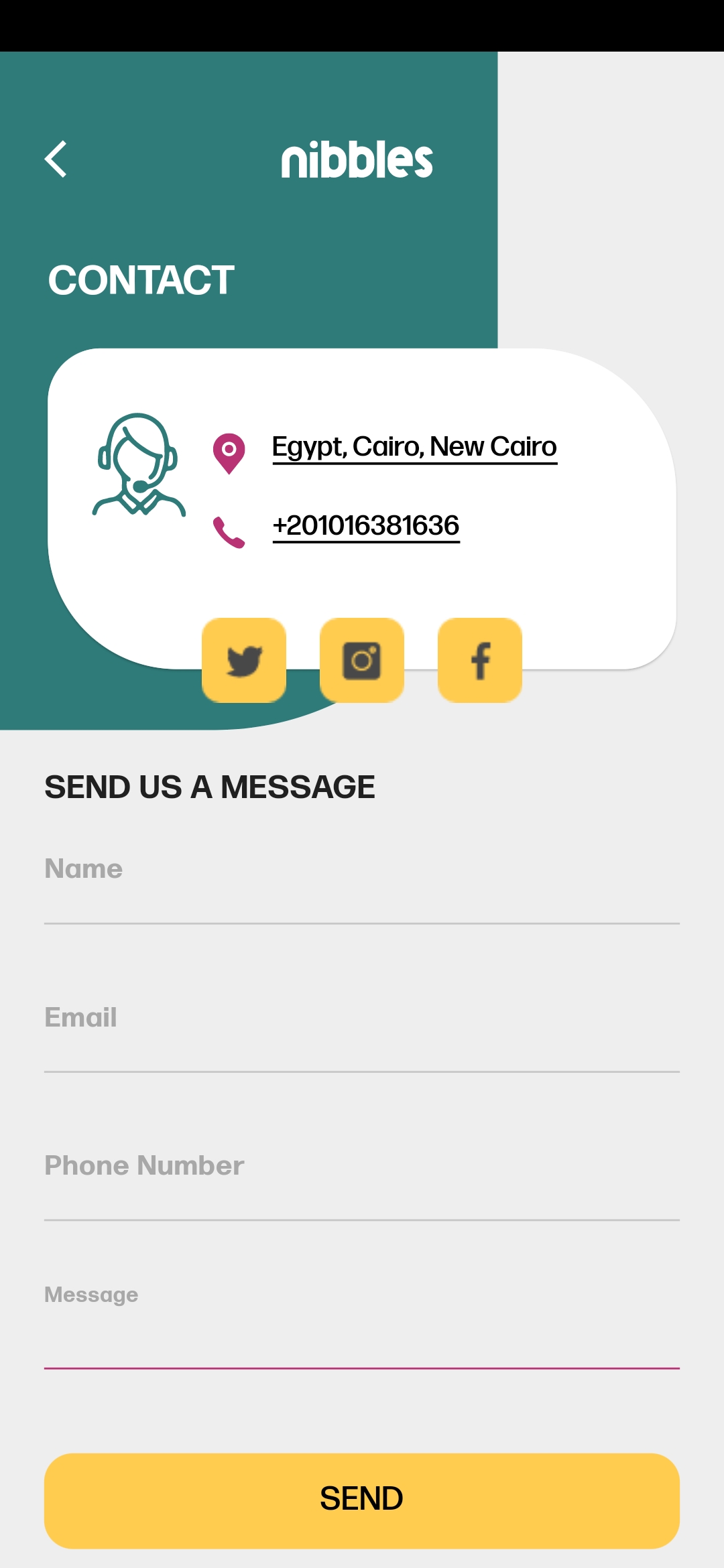
Screenshots
More ScreenShots Here
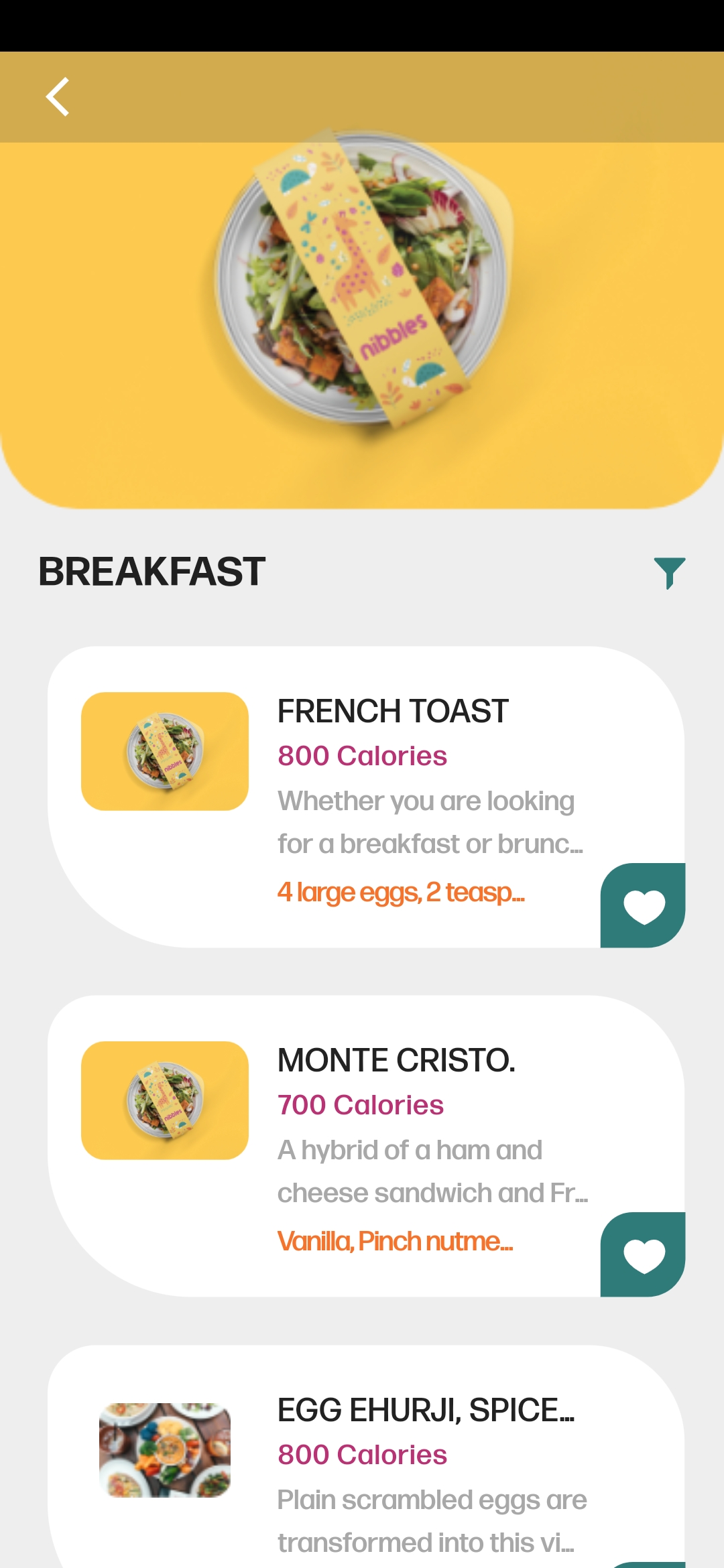
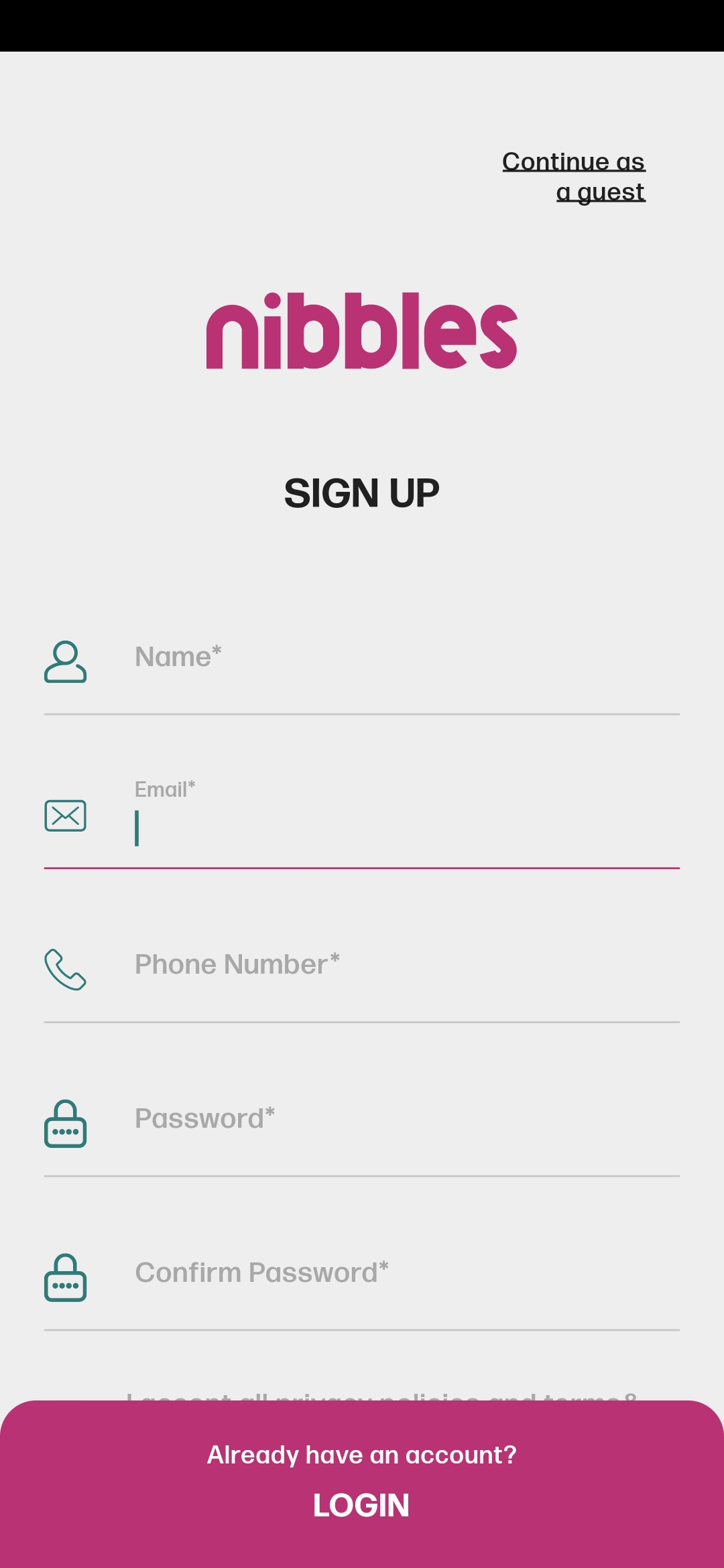
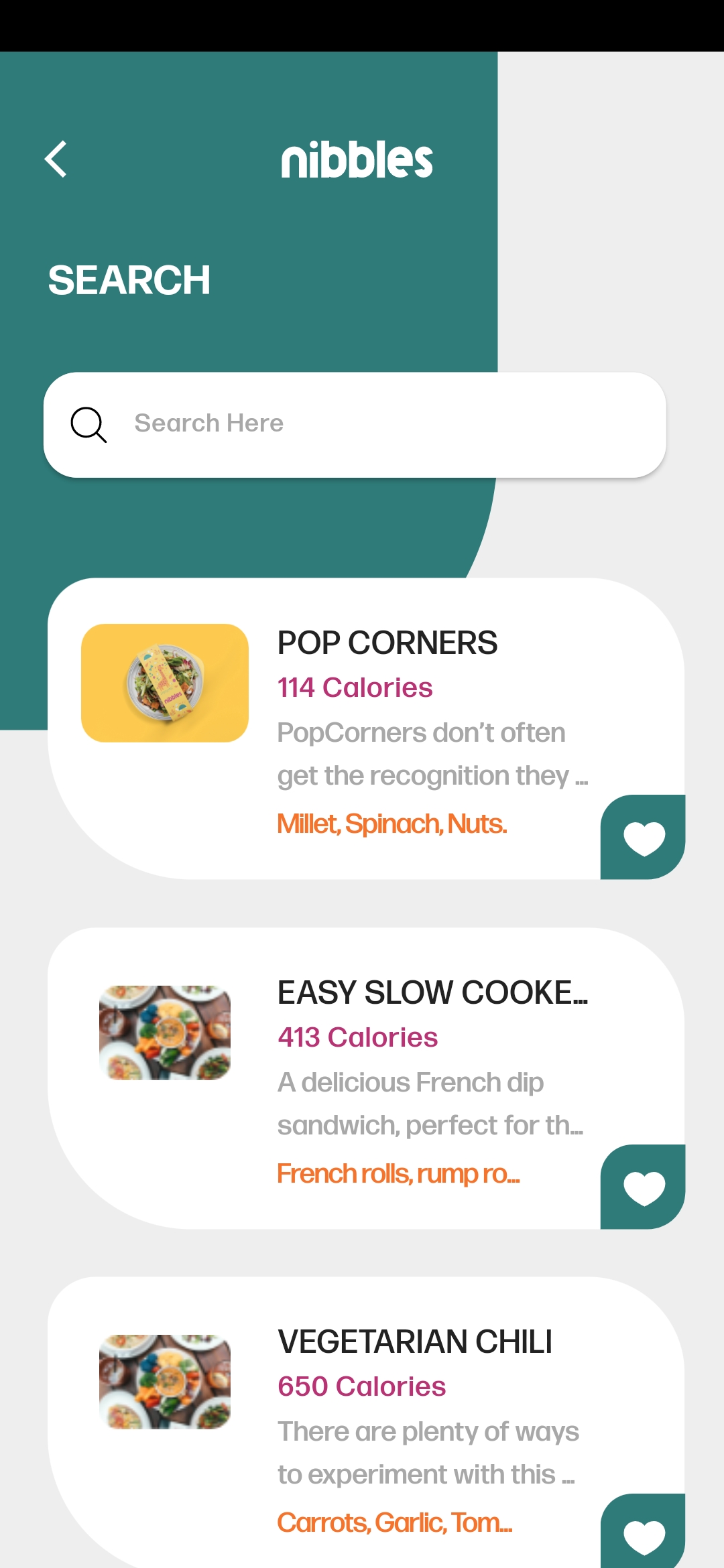
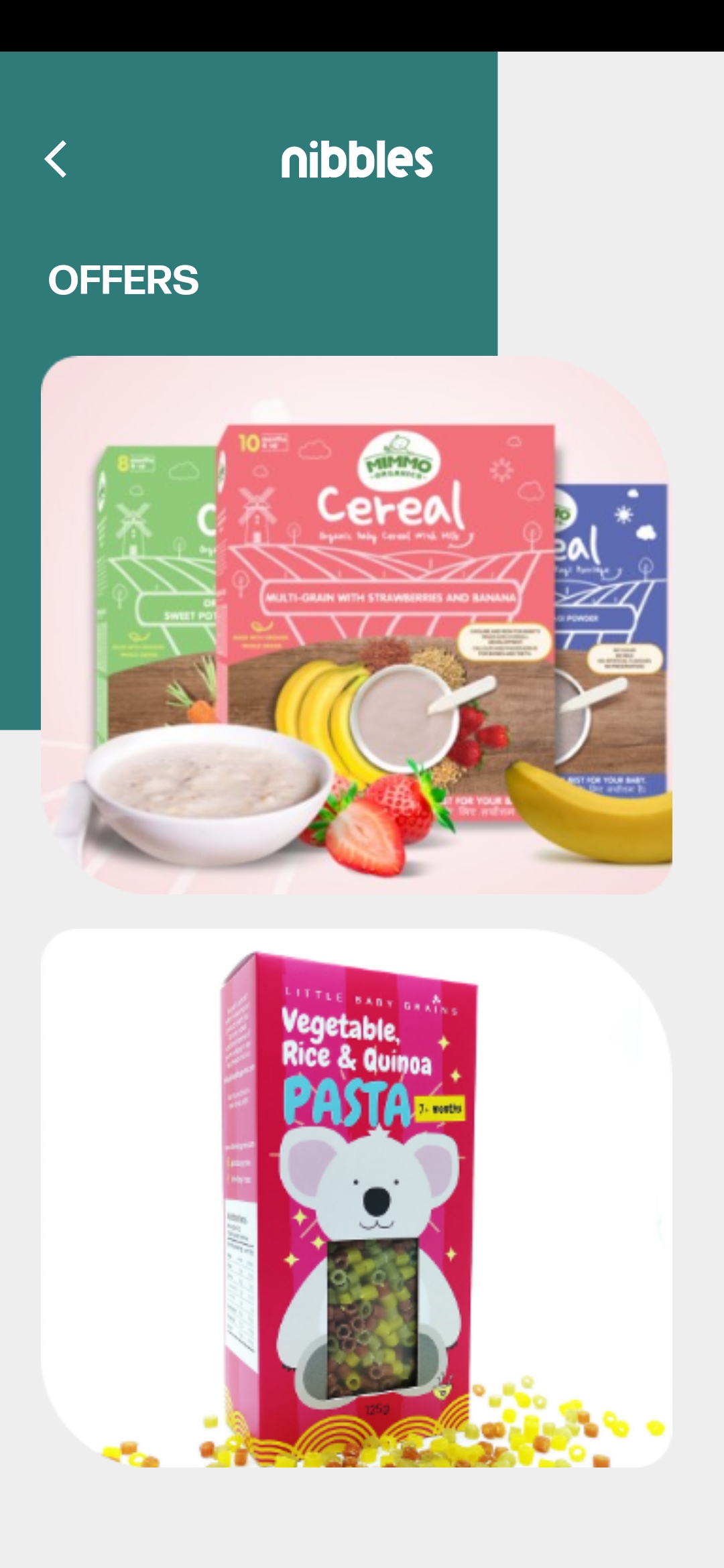
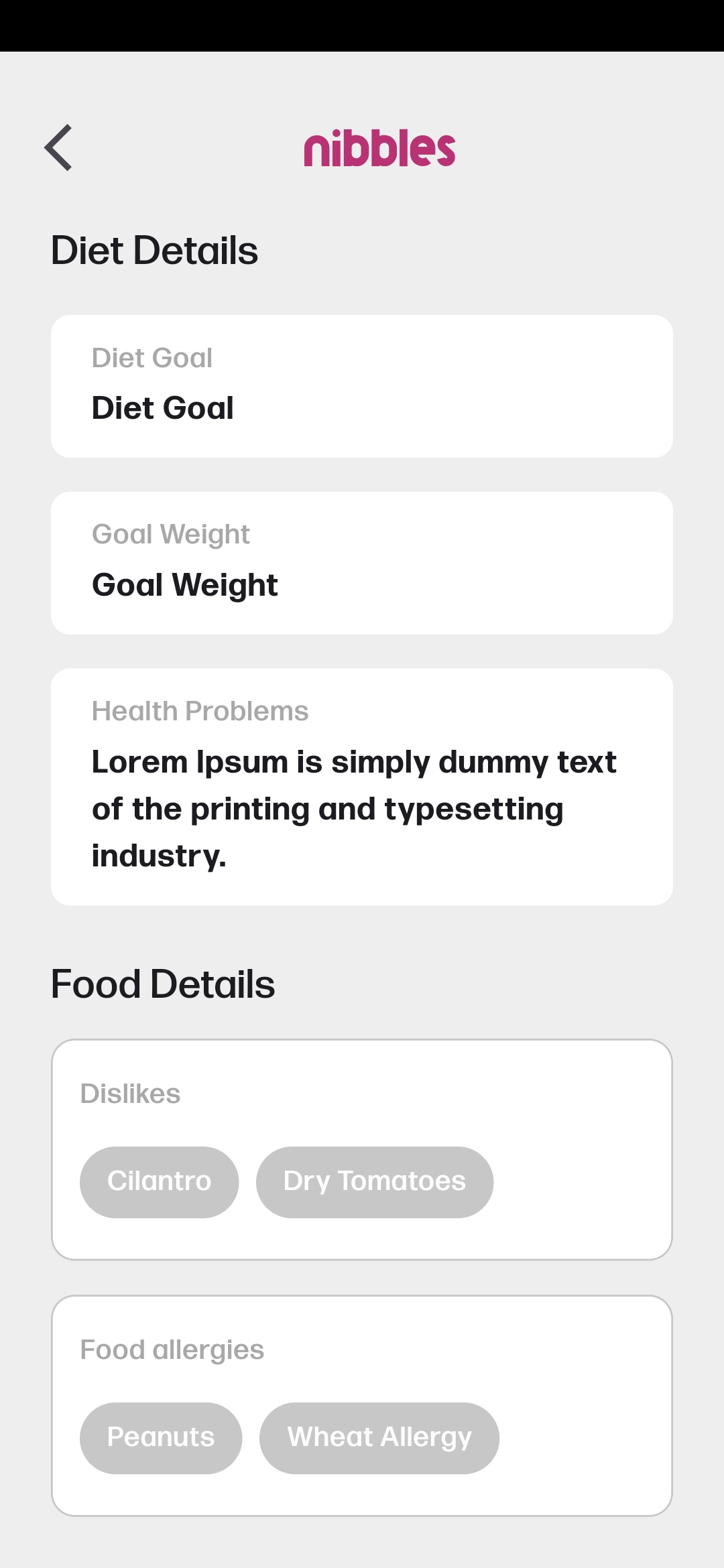
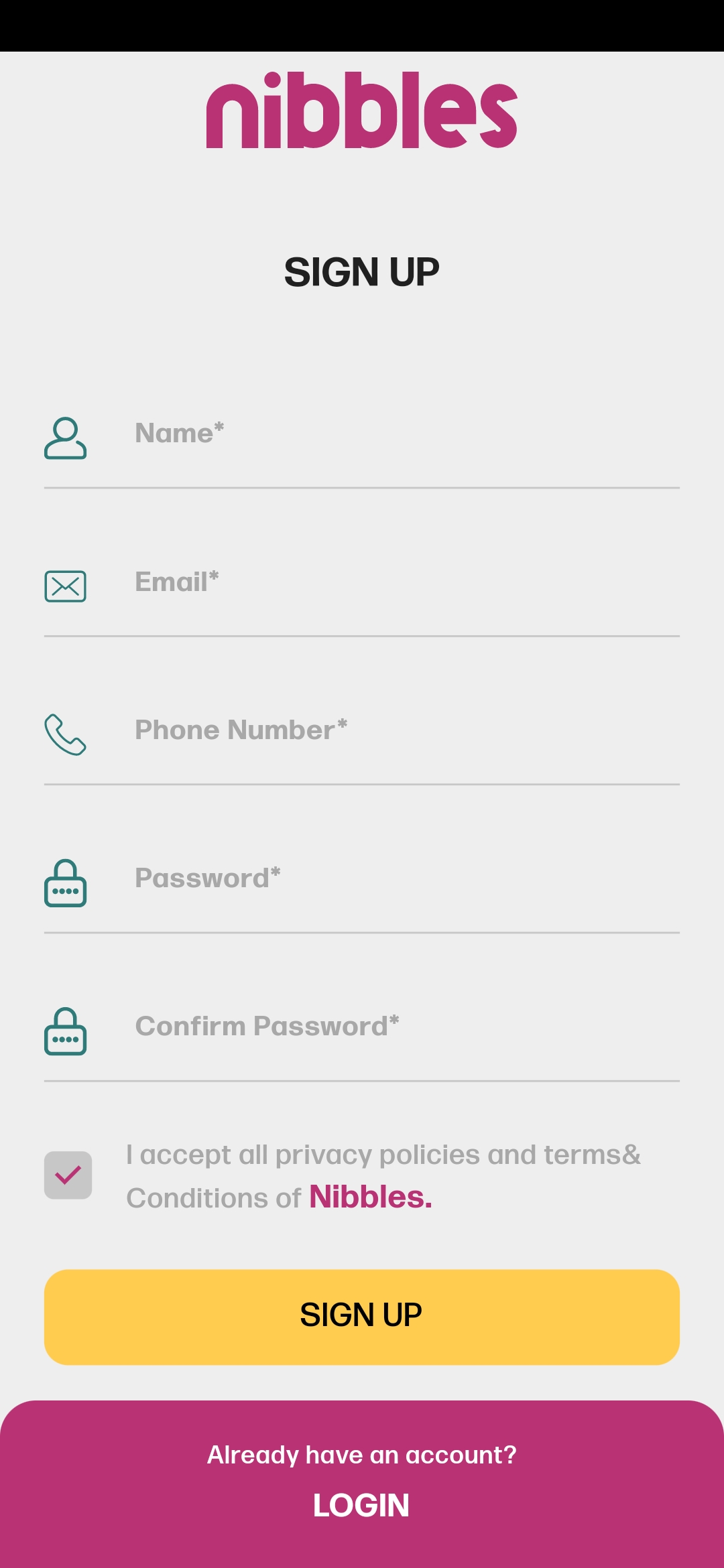
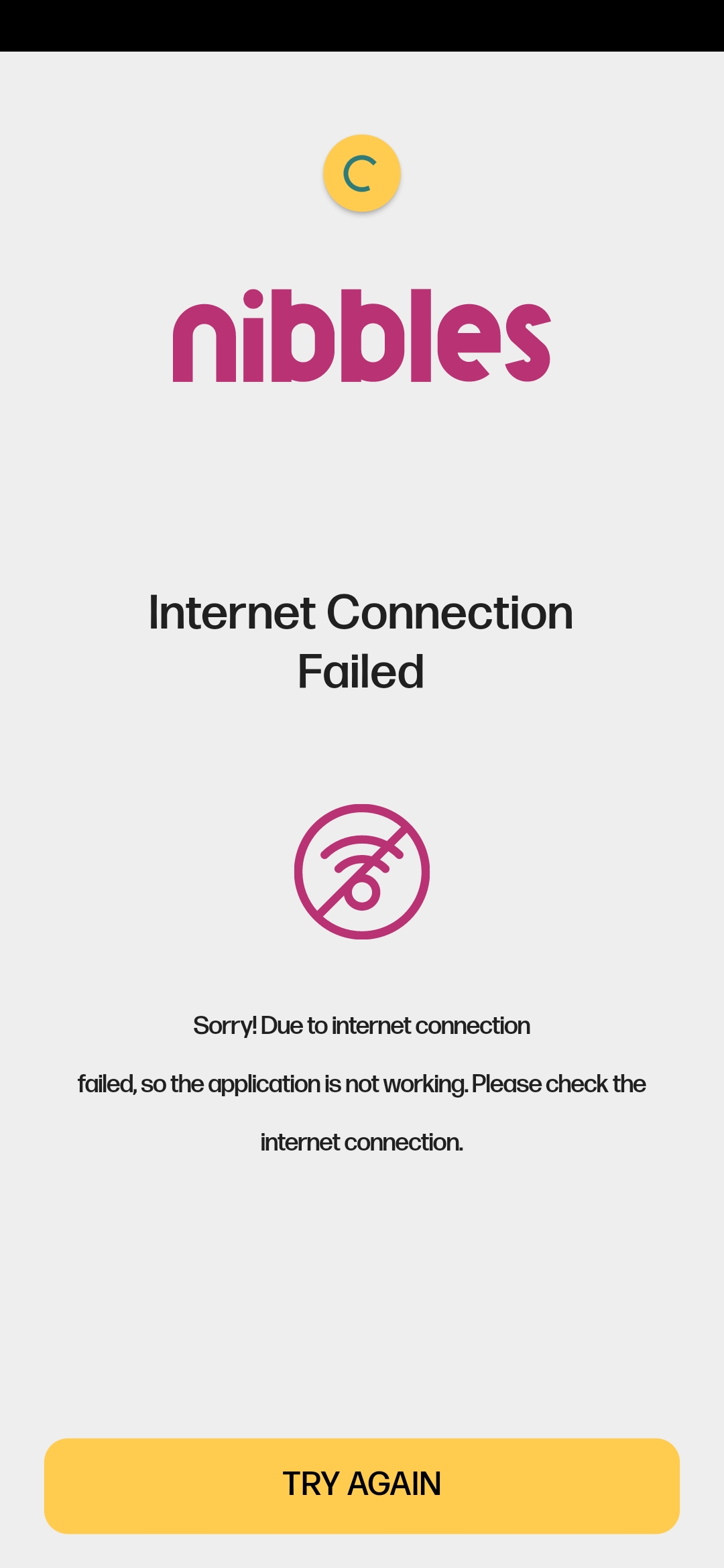
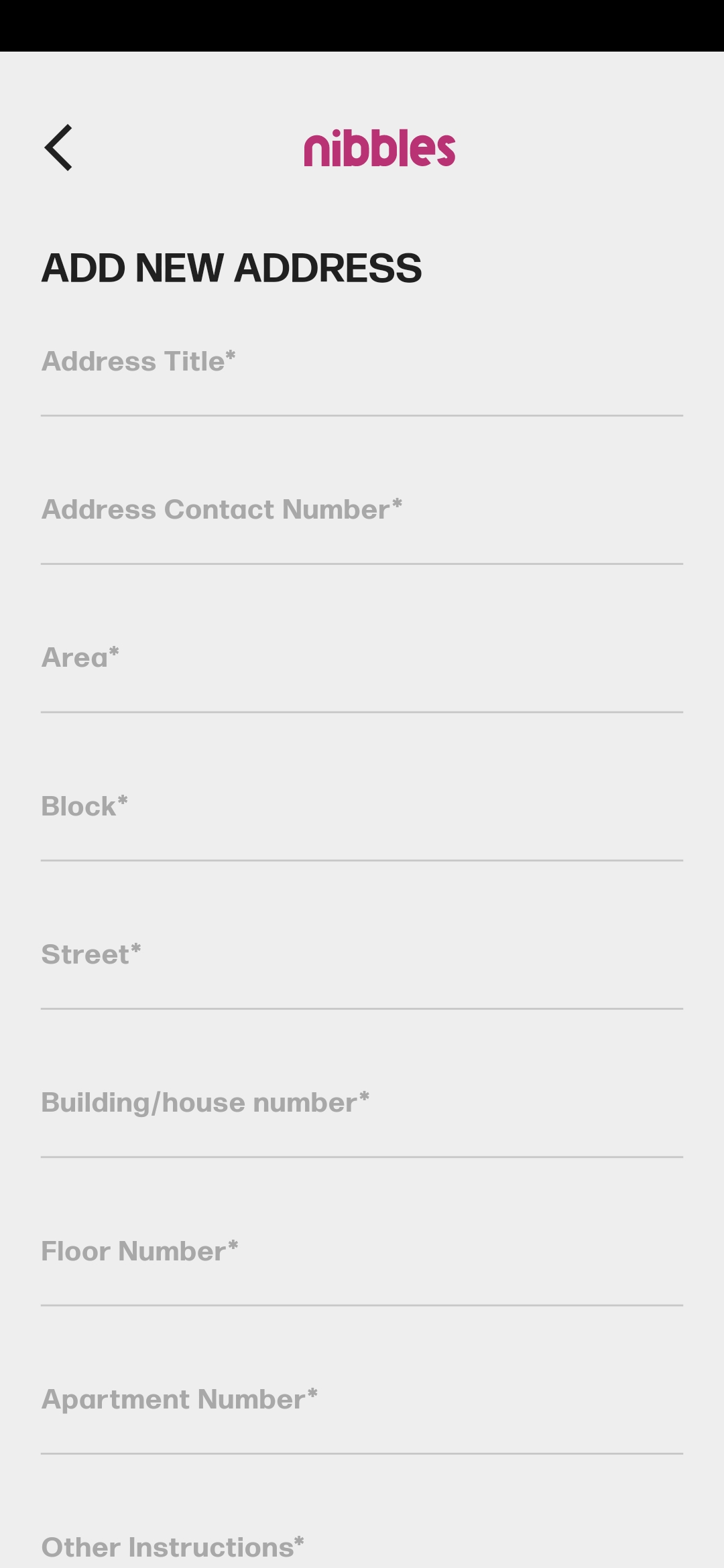
Features
-
Ecommerce Experience: Enjoy a seamless ecommerce experience, effortlessly exploring a diverse range of meals and food packages.
-
Complex UI Design: Immerse yourself in a visually appealing and sophisticated user interface for an engaging experience.
-
Firebase Integration: Access real-time data with Firebase Firestore, ensuring the latest information on meals and food packages.
-
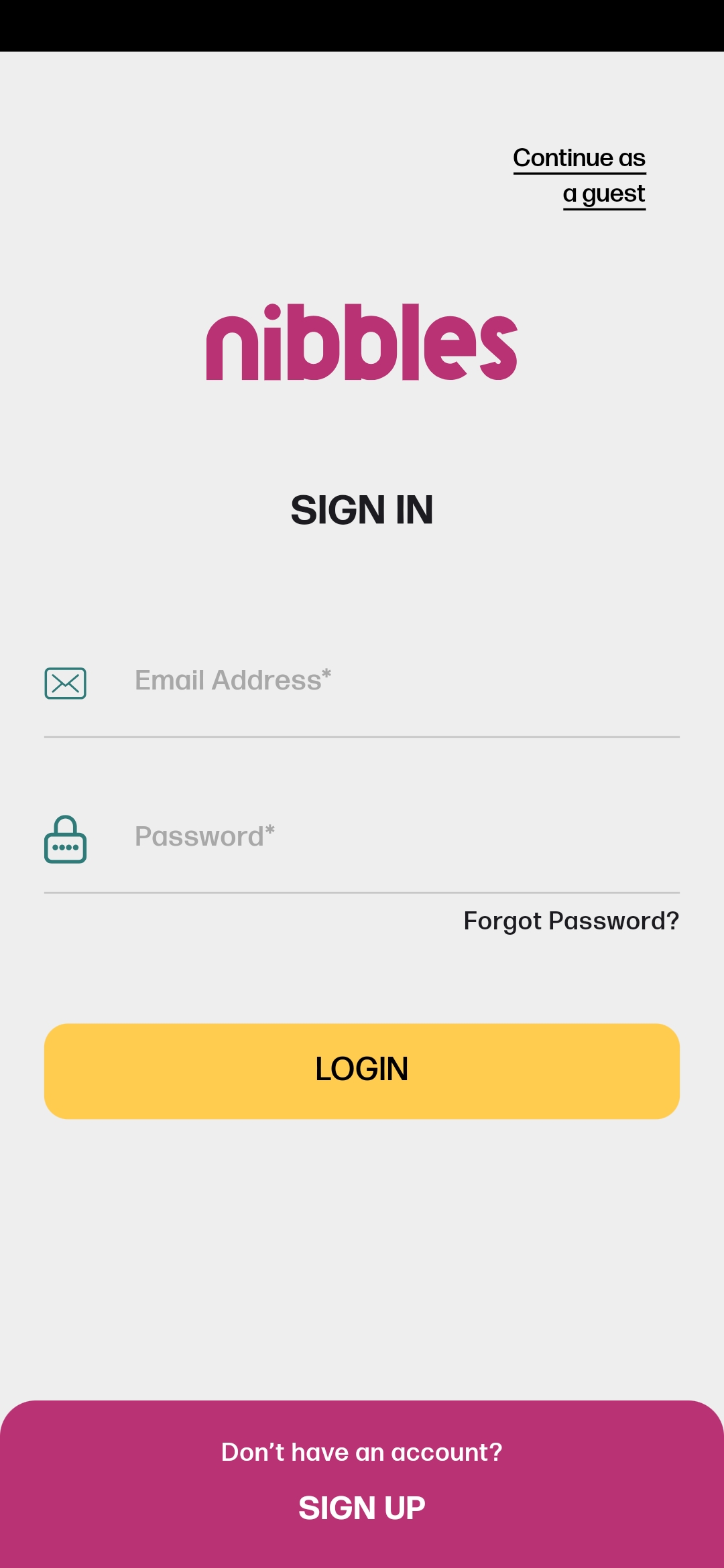
Authentication: Sign up and sign in securely using Firebase Authentication, providing a reliable and safe user experience.
-
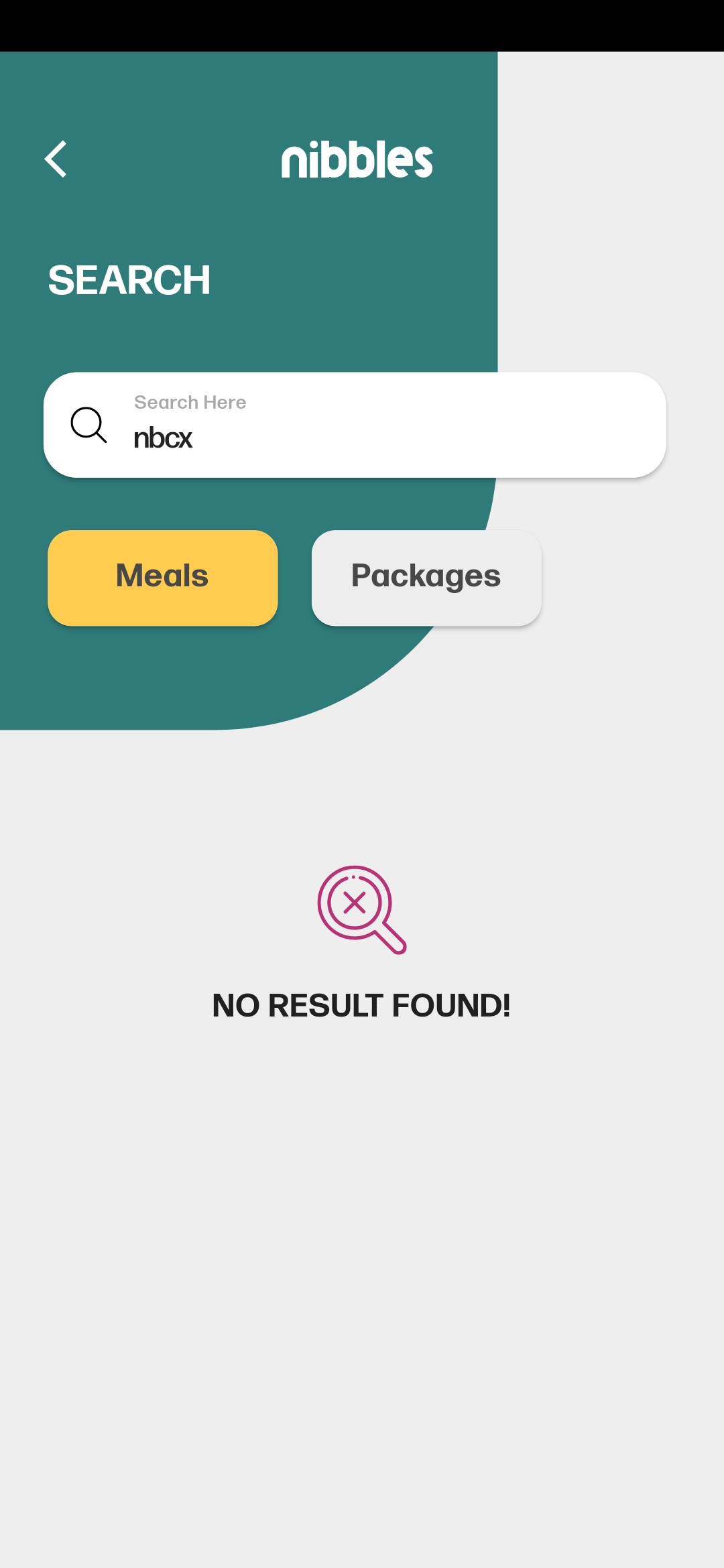
🔍Search Functionality: Easily find specific meals or food packages based on preferences with a robust search feature.
-
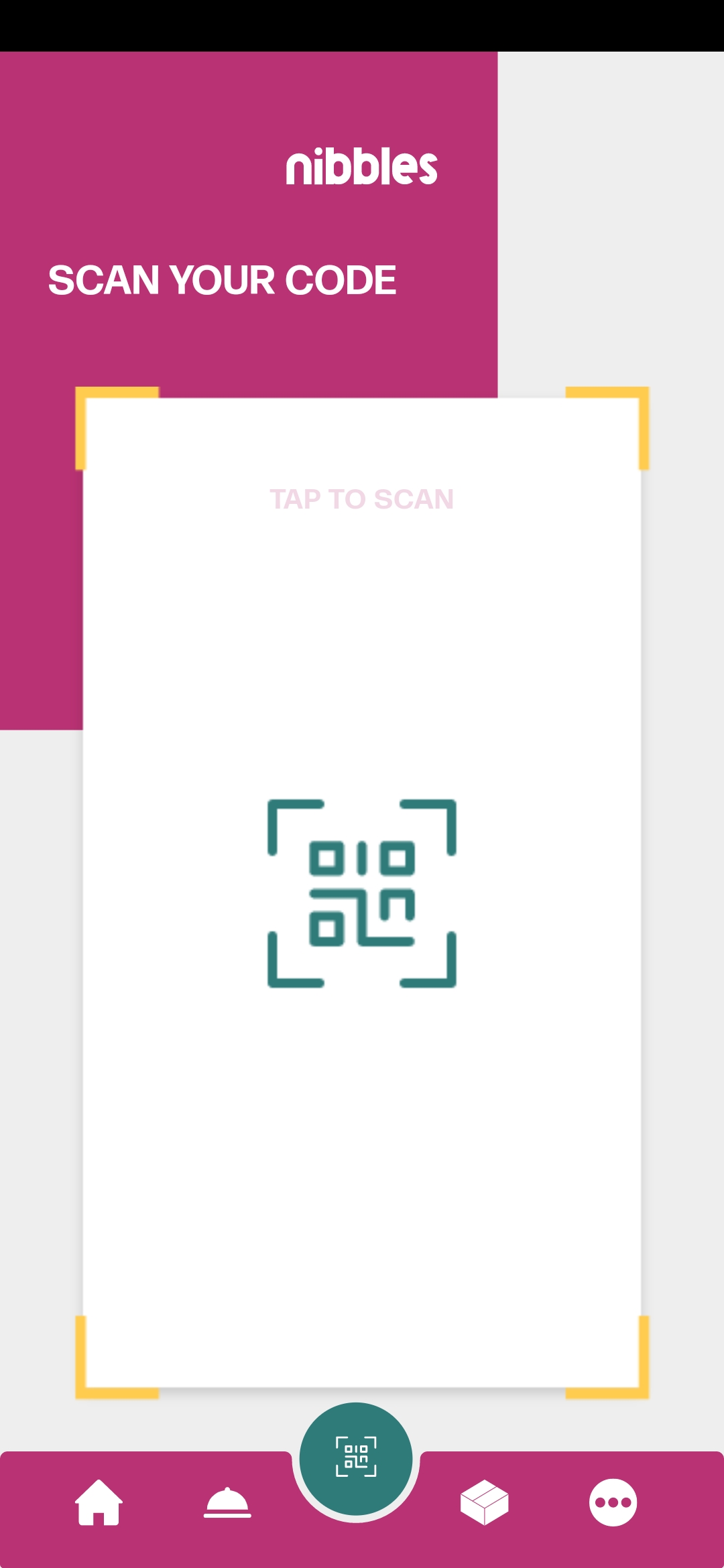
Qr Code Scanner: Quickly access relevant information through the integrated Qr code scanner.
Note: the meals qr codes i used in this app are provided in Here
-
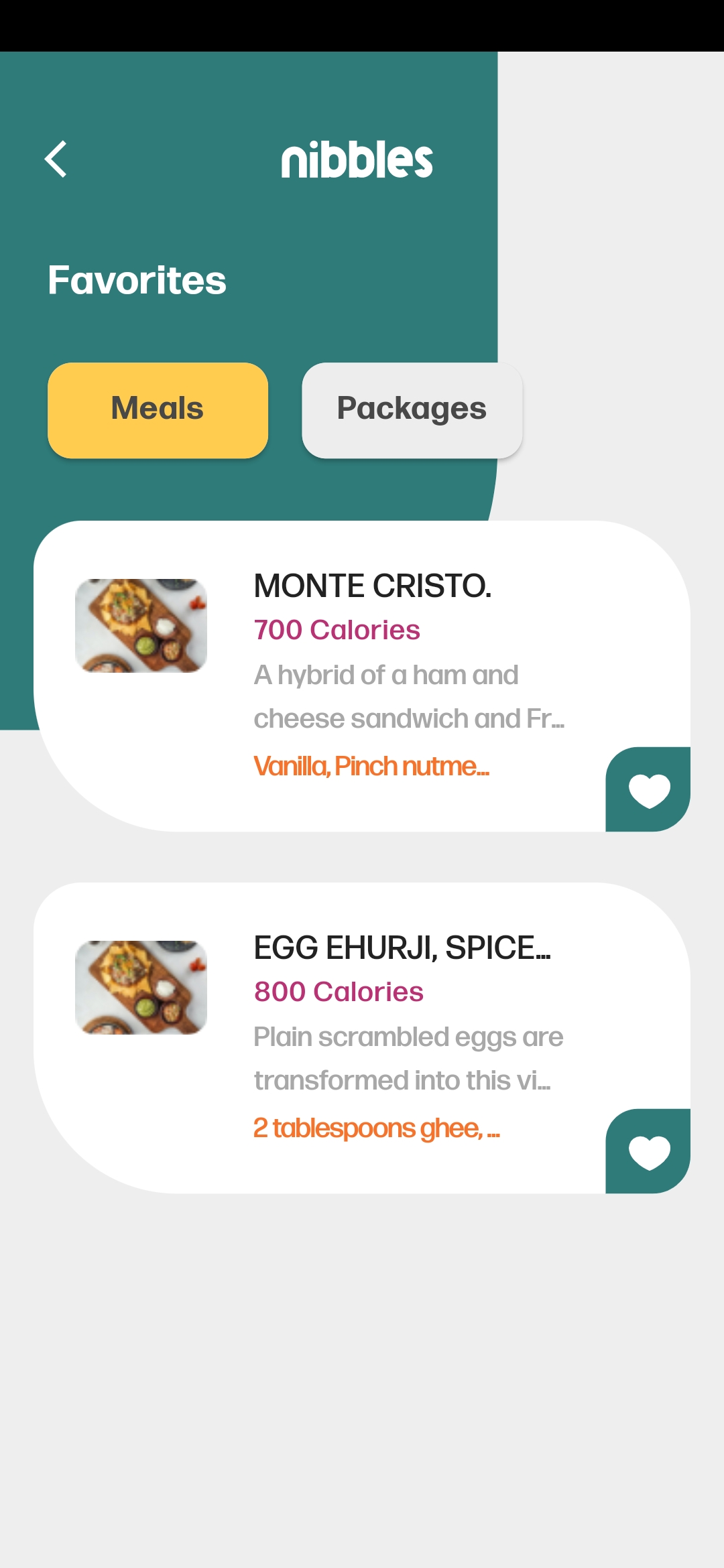
❤️Favourite Lists: Manage your favourite lists, making it convenient to keep track of preferred meals and food packages.
-
Filter Options: Refine your search with filter options based on specific criteria, enhancing the overall browsing experience.
-
📞Contact Us: Connect with app administrators using the "Contact Us" feature.
-
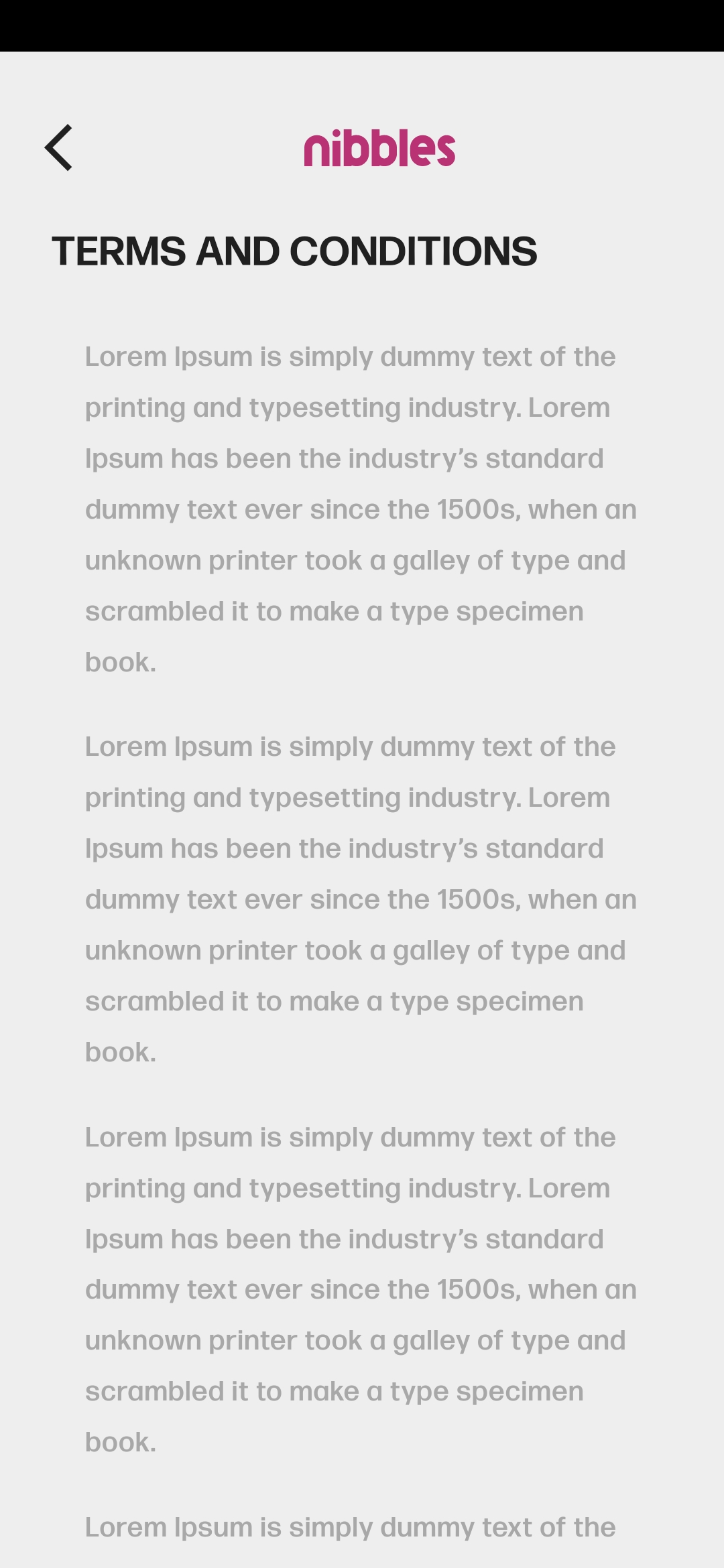
App Info Screens: Access essential app-related information with informative screens such as "About" and "Privacy.".
-
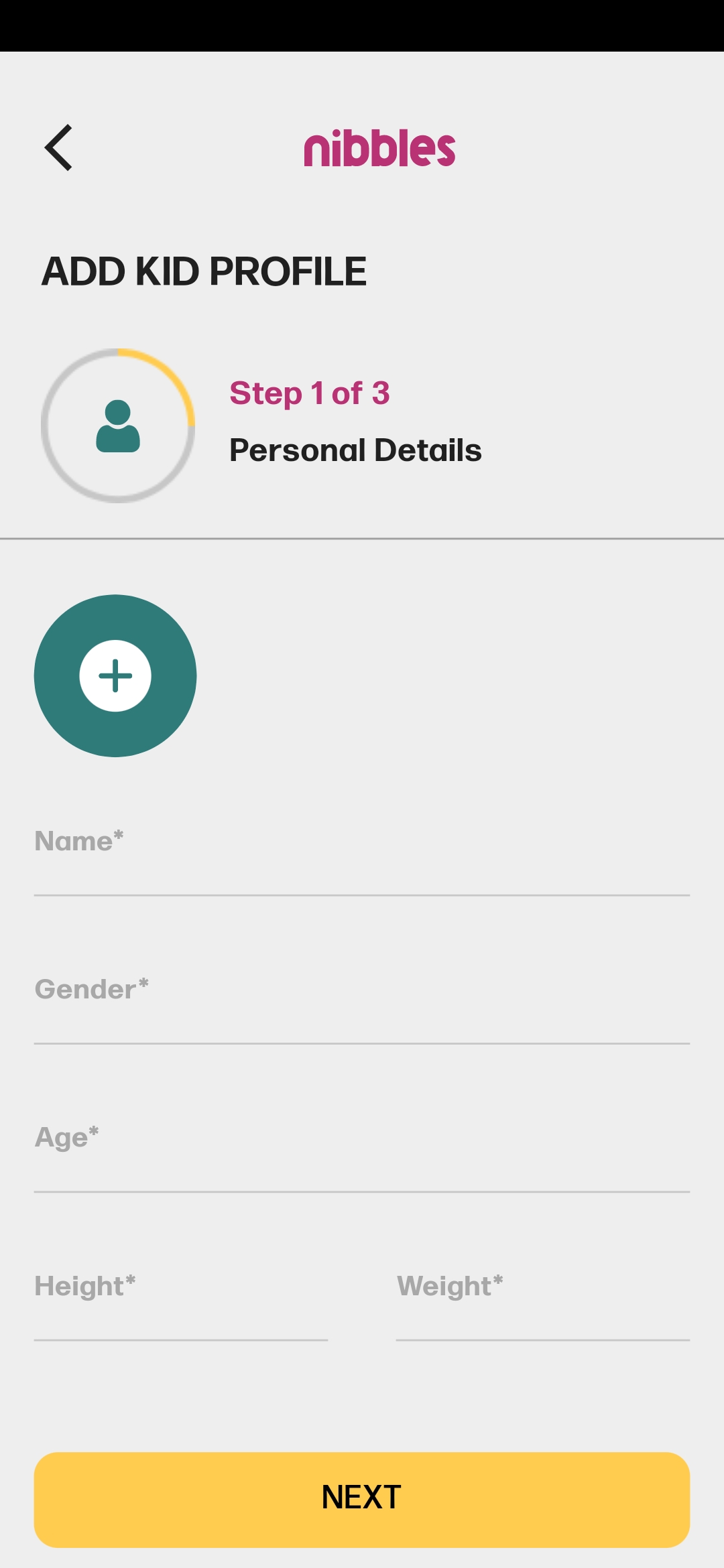
🧒Kid Accounts: Enable users to create accounts for their kids with a dedicated
AddKidScreen. -
Responsive Layouts: The UI design is responsive, adapting gracefully to various screen sizes.
-
🔔Notifications: Stay informed about special offers, new arrivals, and more with our notification feature powered by Firebase Cloud Messaging.
-
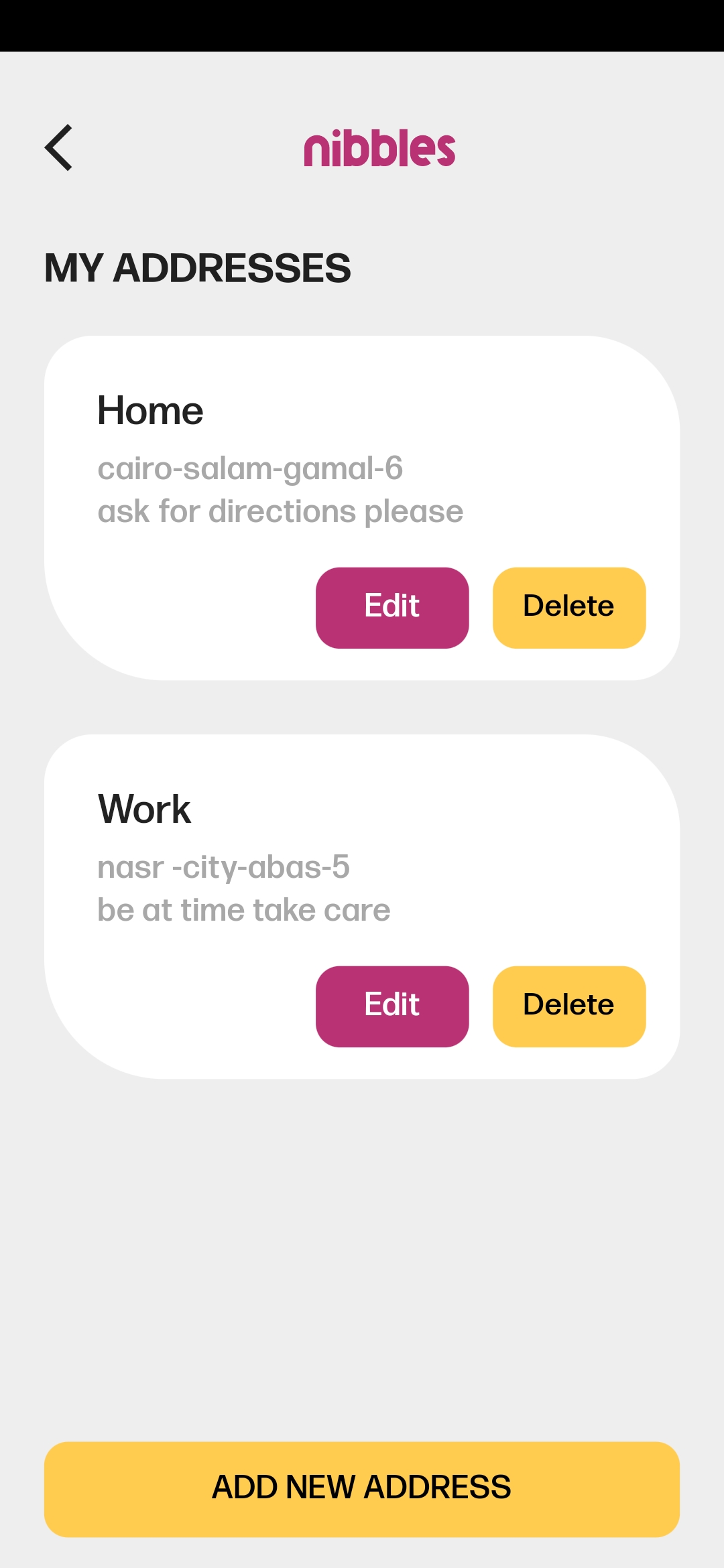
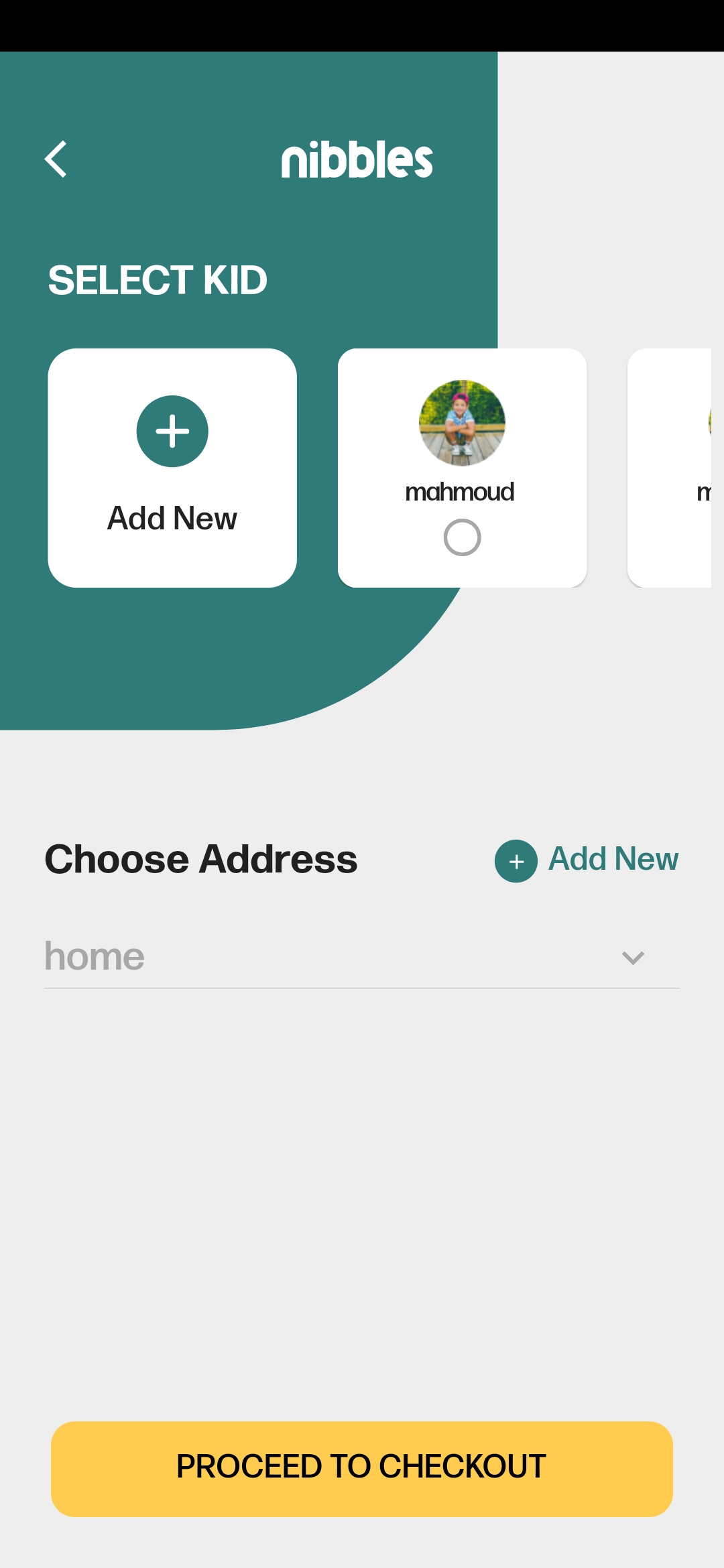
🏠Addresses: Easily manage your delivery addresses, making the ordering process more convenient and efficient.
-
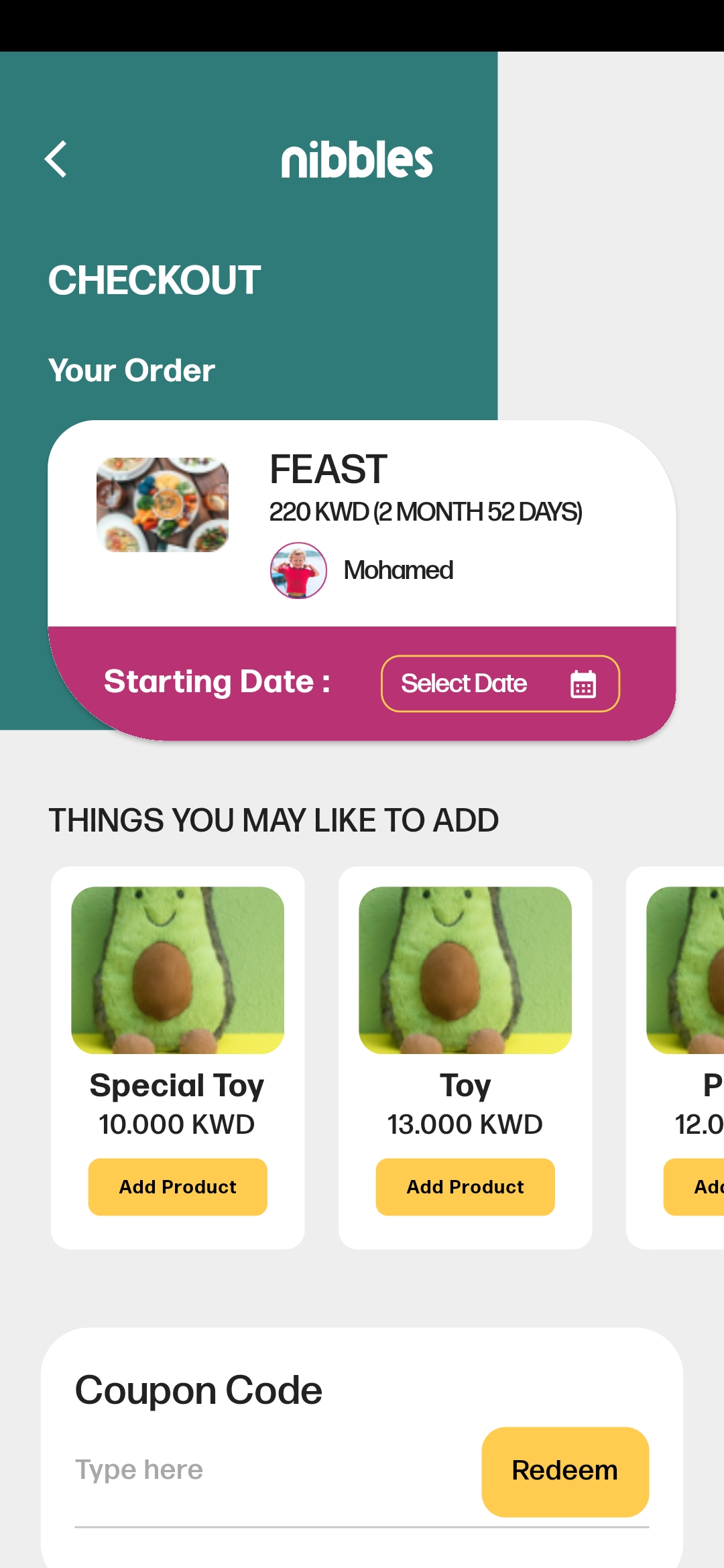
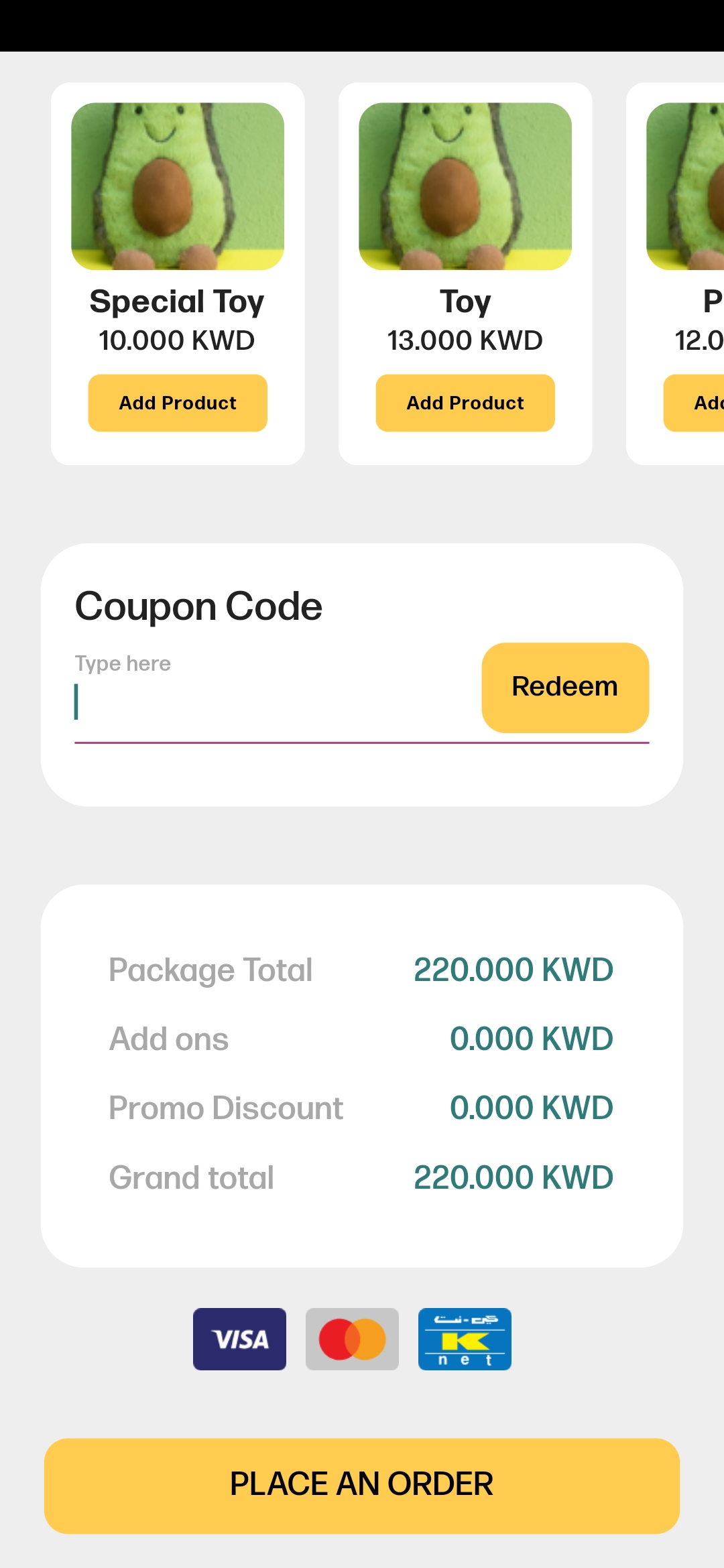
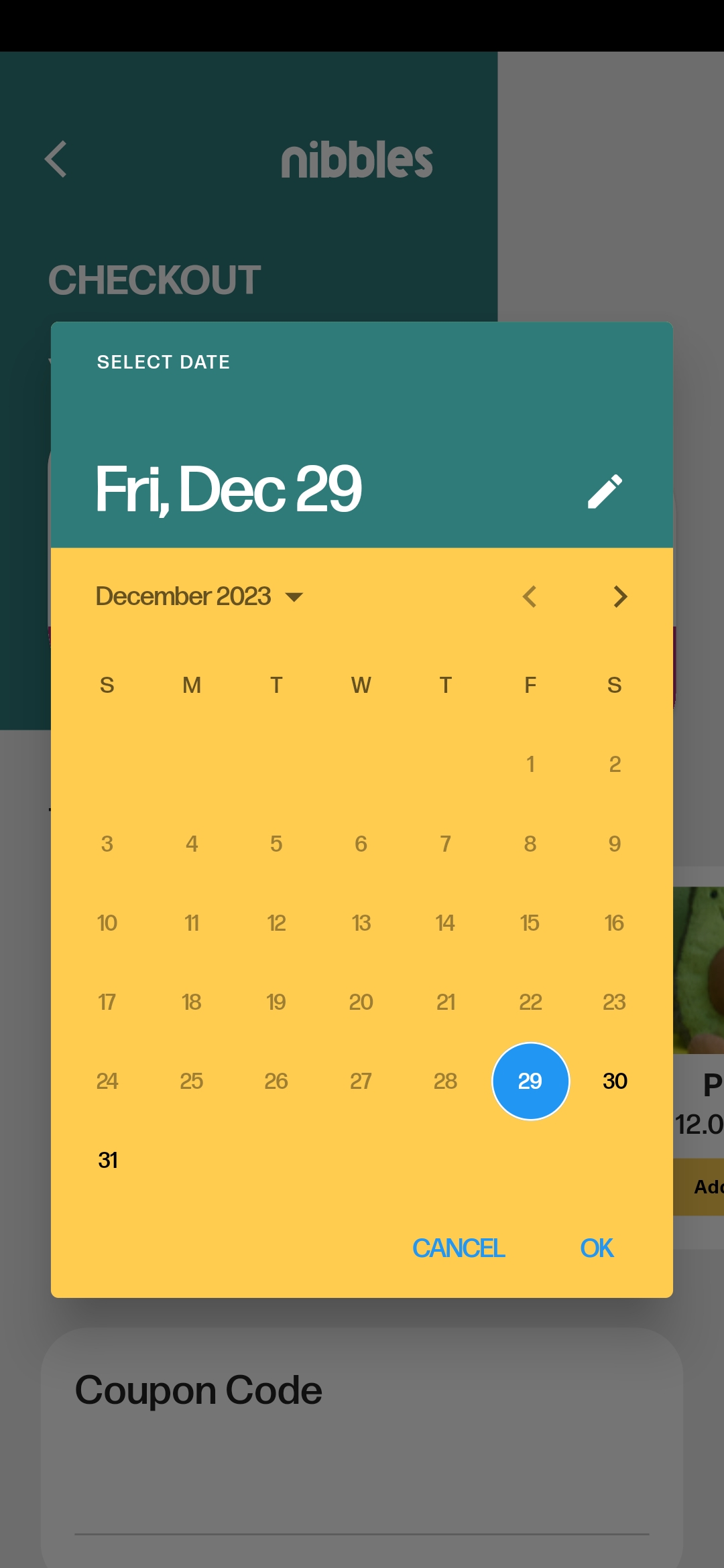
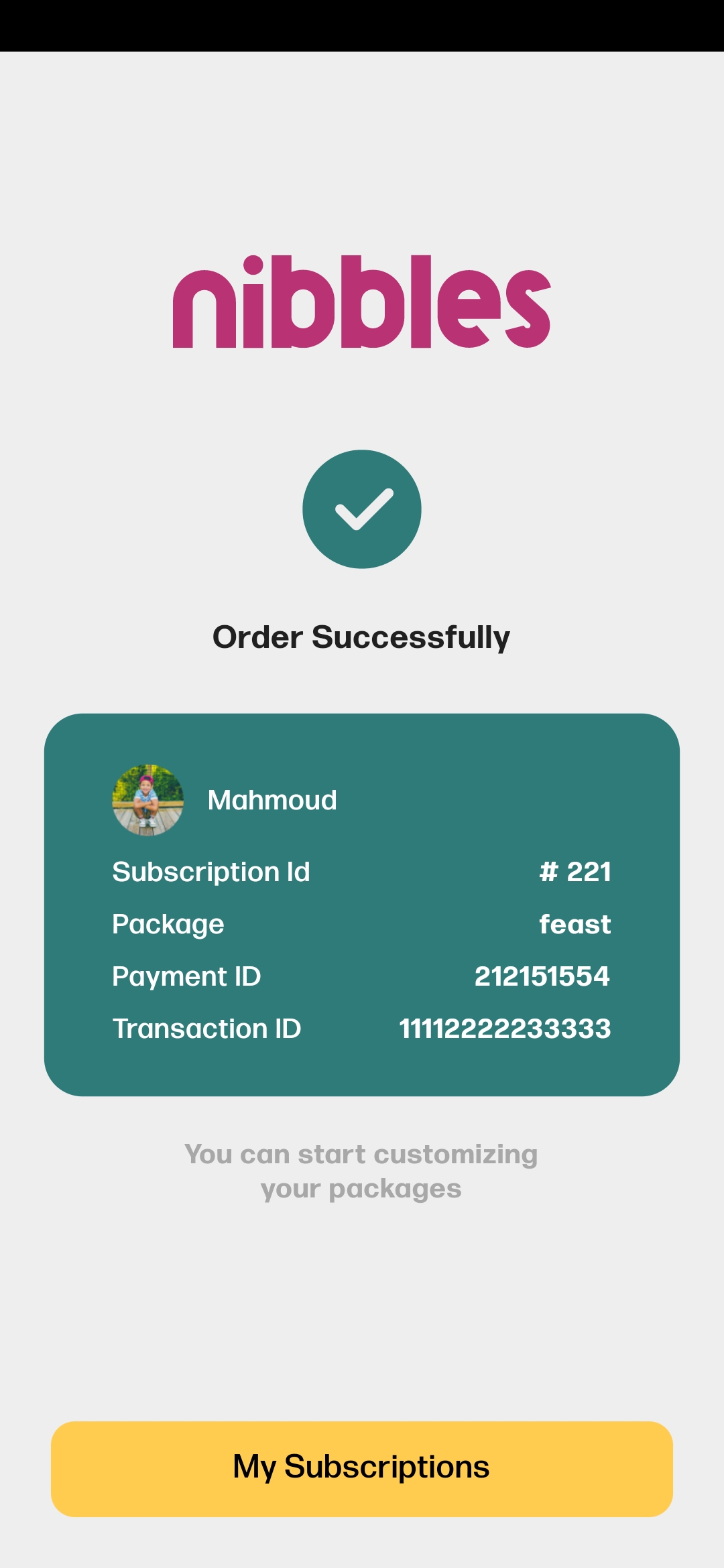
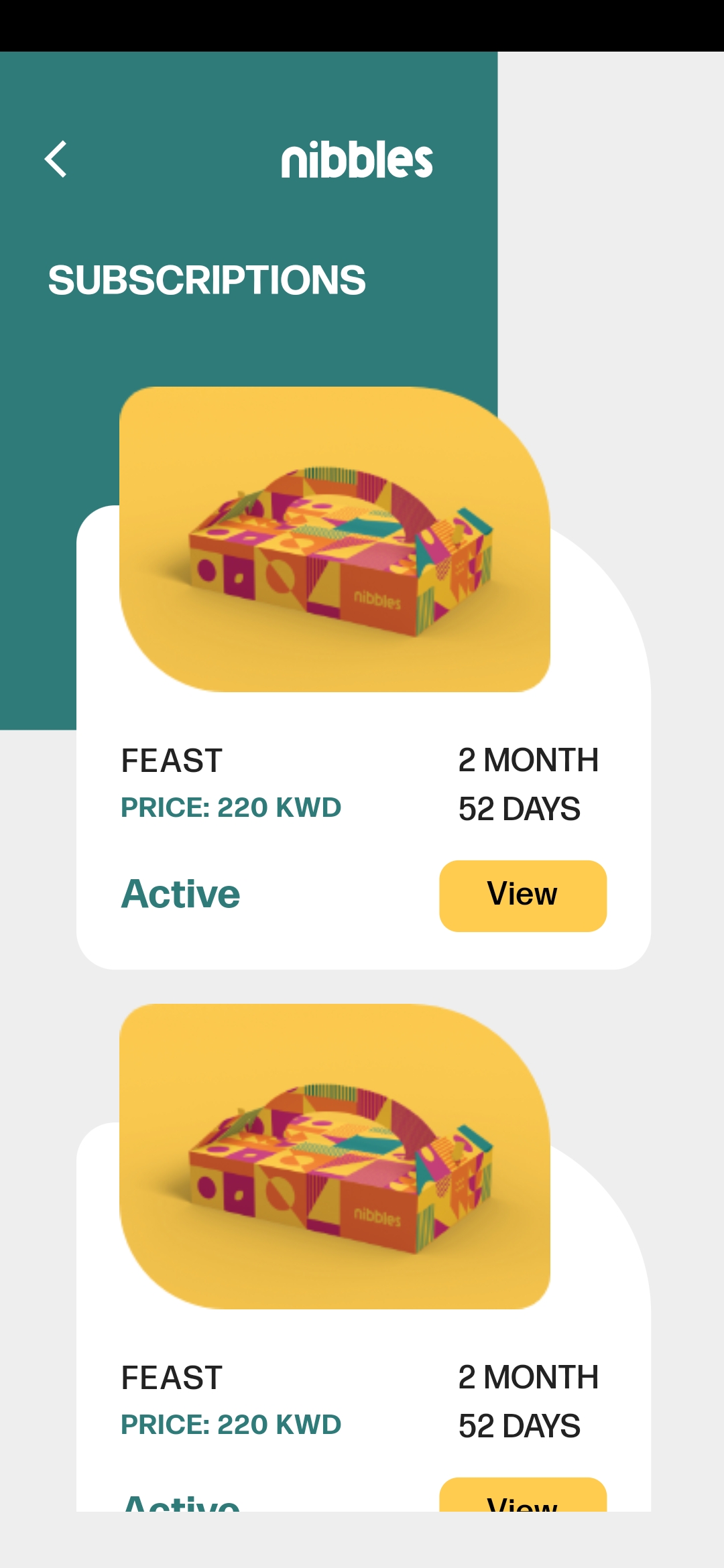
Orders: Place your orders and select the address and delivery date.
-
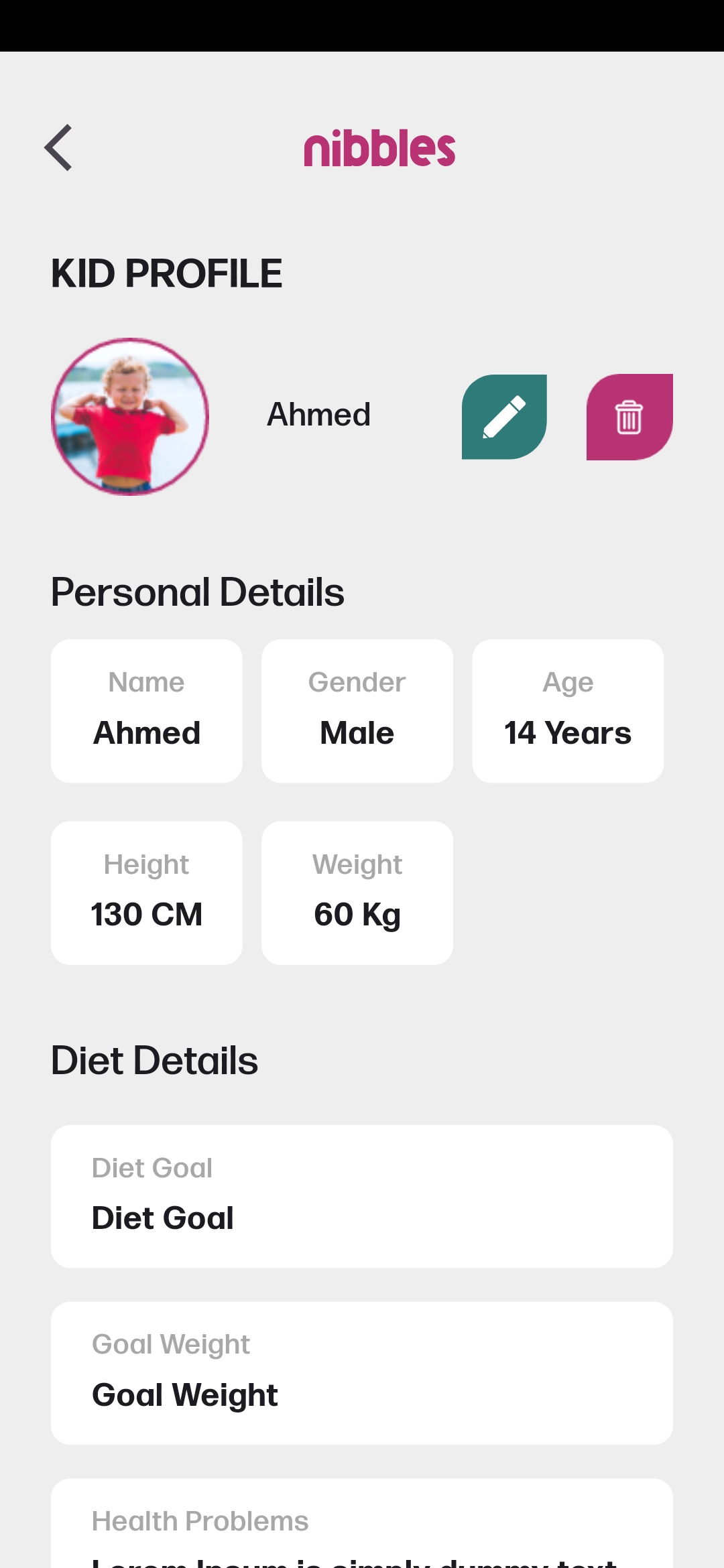
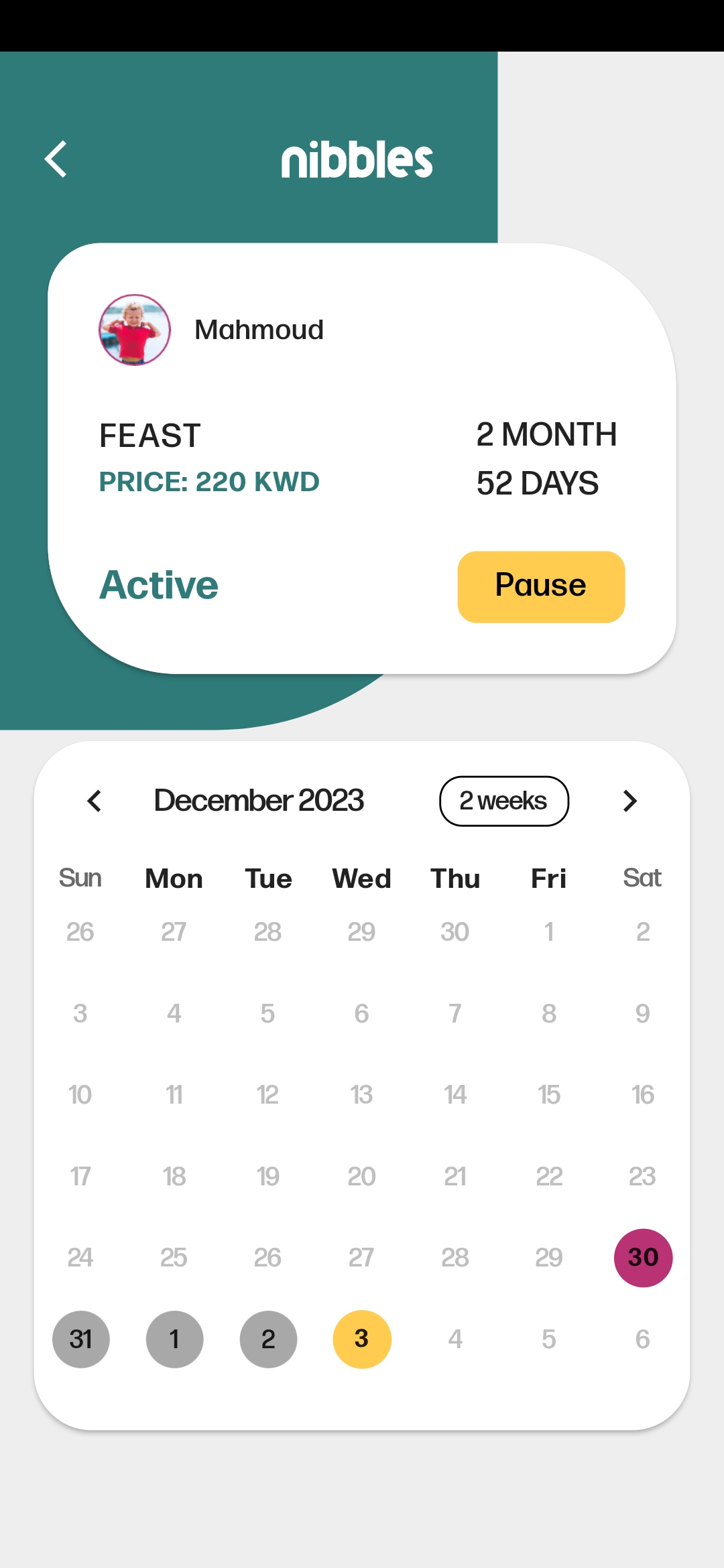
Kid Profile: Browse and manage your kids profiles.
Directory Structure
The project is organized into several directories:
-
application: Contains feature Blocs, global Cubits, and logic for state management.
-
configs: Includes configuration files such as spaces, app text and typography.
-
core: Houses fundamental app components like the main app file, enums, router, extensions, constants, etc.
-
models: Contains data models used throughout the app, including structures for meals and users.
-
presentation: Encompasses the app's user interface, featuring screens and widgets for an enhanced visual experience.
-
repositories: Includes repositories for meals, packages, and other relevant data.
project_root
│
├── 📁 application
│   ├── 📁 blocs
│   │   └── ...
│   ├── 📁 cubits
│   │   └── ...
│   └── ...
│
├── 📁 configs
│   ├── 📄 apptext.dart
│   ├── 📄 app_typography.dart
│   └── ...
│
├── 📁 core
│   ├── 📄 app.dart
│   ├── 📄 enums.dart
│   ├── 📄 extensions.dart
│   ├── 📄 constants.dart
│   └── ...
│
├── 📁 models
│   ├── 📄 meal.dart
│   ├── 📄 user.dart
│   └── ...
│
├── 📁 presentation
│   ├── 📁 screens
│   │   ├── 📄 home_screen.dart
│   │   ├── 📄 search_screen.dart
│   │   └── ...
│   └── 📁 widgets
│       ├── 📄 custom_button.dart
│       ├── 📄 bottom_navbar.dart
│       └── ...
│
└── 📁 repositories
    ├── 📁 meals_repos
    ├── 📁 packages_repos
    └── ...
Dependencies
-
flutter_svg: Renders SVG files for scalable and crisp vector graphics.
-
firebase_core: Essential functionality for initializing Firebase services within a Flutter app.
-
cloud_firestore: Facilitates seamless integration with Cloud Firestore, a NoSQL document database.
-
firebase_auth: Enables secure user authentication, supporting sign-up and sign-in processes.
-
smooth_page_indicator: Creates smooth and customizable page indicators for improved navigation.
-
buttons_tabbar: Provides a variety of customizable tab bar styles, enhancing visual appeal and user interaction.
-
equatable: Simplifies the implementation of equality and hash code methods for easier object comparison.
-
flutter_bloc: A state management library for organizing and separating business logic from UI components.
-
carousel_slider: Creates carousel sliders for implementing image sliders or other sliding content.
-
flutter_barcode_scanner: A plugin for scanning barcodes and QR codes using the device's camera.
-
url_launcher: Opens URLs in the default web browser, facilitating external content connections.
-
connectivity_plus: Provides a simple and efficient way to monitor the network connectivity status of a device.
-
table_calendar: Highly customizable, feature-packed calendar widget for Flutter.
-
firebase_messaging: Flutter plugin for Firebase Cloud Messaging, a cross-platform messaging solution that lets you reliably deliver messages on Android and iOS.
-
flutter_local_notifications A cross platform plugin for displaying and scheduling local notifications for Flutter applications with the ability to customise for each platform.
These dependencies collectively contribute to the functionality, design, and user experience of the Nibbles Flutter app, ensuring a robust and feature-rich application for exploring meals and food packages.
Blocs and Cubits
- AuthBloc
- CategoriesBloc
- UserBloc
- SignUpBloc
- SignInBloc
- PackagesBloc
- MealsBloc
- ProductsBloc
- NavigationCubit
- FavoriteMealsCubit
- SearchCubit
- FavouritePackagesCubit
- FilterCubit
- ContactUsCubit
- AddKidsCubit
- GetKidsCubit.
- KidsStepsCubit
- AddAddressCubit
- GetAddressesCubit
- ConnectivityCubit
- InfoCubit.
- SelectKidCubit.
- PlaceOrderCubit.
- GetOrdersCubit.
Download App

Screens
- AboutScreen
- AddKidScreen
- CategoriesScreen
- ContactScreen
- FavoritesScreen
- HomeScreen
- IntroScreen
- LoginScreen
- MealDetailsScreen
- MealsByCategoryScreen
- MoreScreen
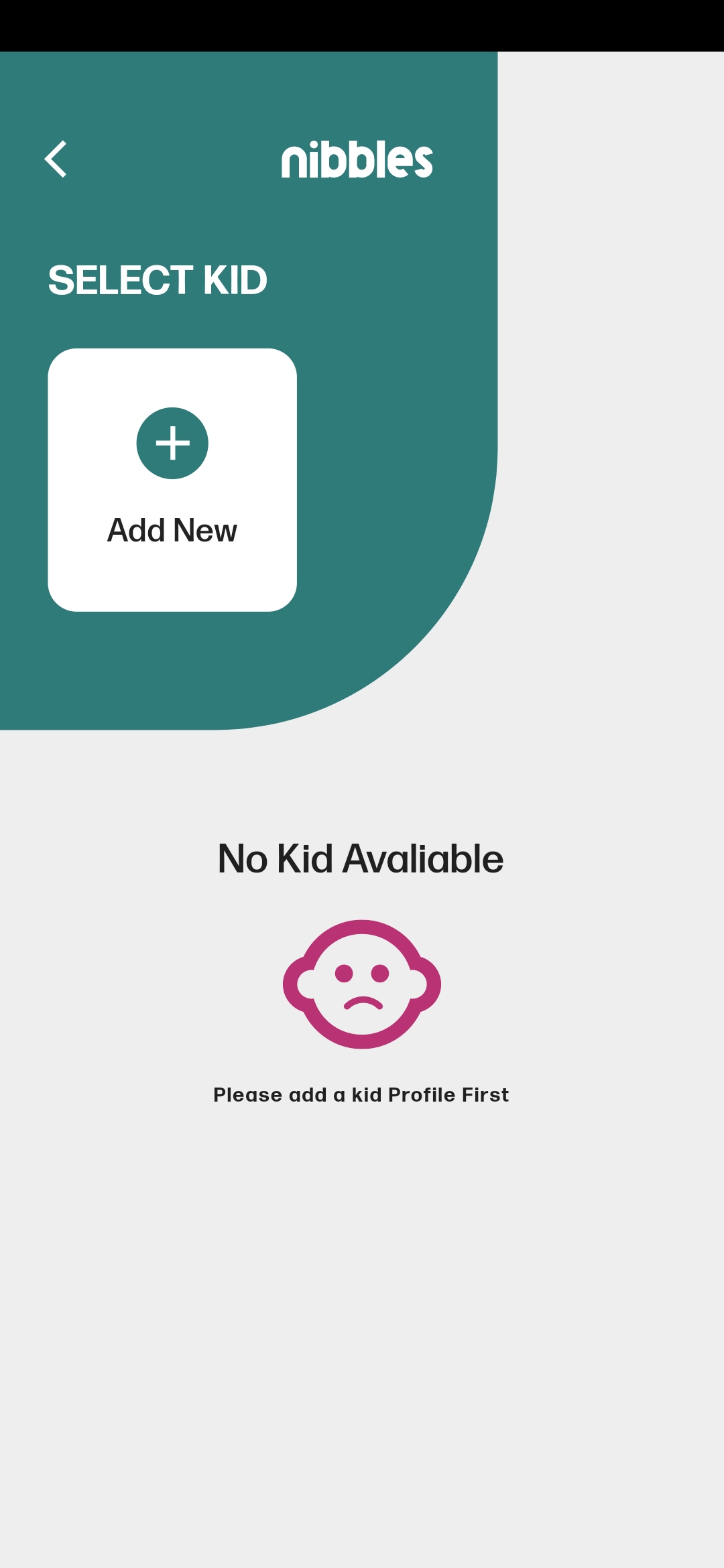
- SelectKidScreen
- OffersScreen
- PackagesScreen
- PrivacyScreen
- ProfileScreen
- QrCodeScreen
- RootScreen
- SearchScreen
- SignUpScreen
- AdsScreen
- SplashScreen
- TermsScreen
- CheckoutScreen
- SuccessfulOrderScreen.
- SubscriptionsScreen.
- OrderDetailsScreen.
- KidProfileScreen.
Getting Started
To get started with Nibbles:
- Clone the repository to your local machine.
- Open the project in your preferred Flutter development environment.
- Ensure you have the necessary dependencies installed using
flutter pub get. - Run the app on your preferred emulator or physical device.
Feel free to explore and customize the app according to your needs. Share your feedback!
Configure Firebase using FlutterFire CLI (guide)
License
-
This project is licensed under the MIT License, allowing for flexibility and collaboration.
-
Happy coding and happy nibbling with Nibbles! 🍔🍕🍰
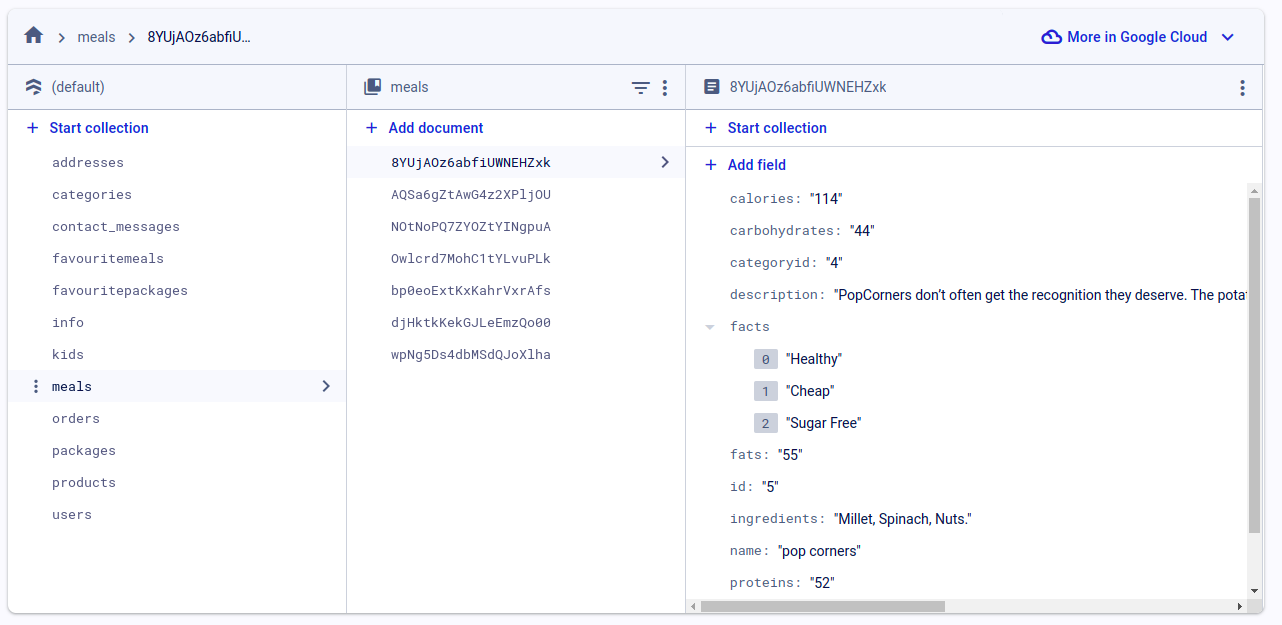
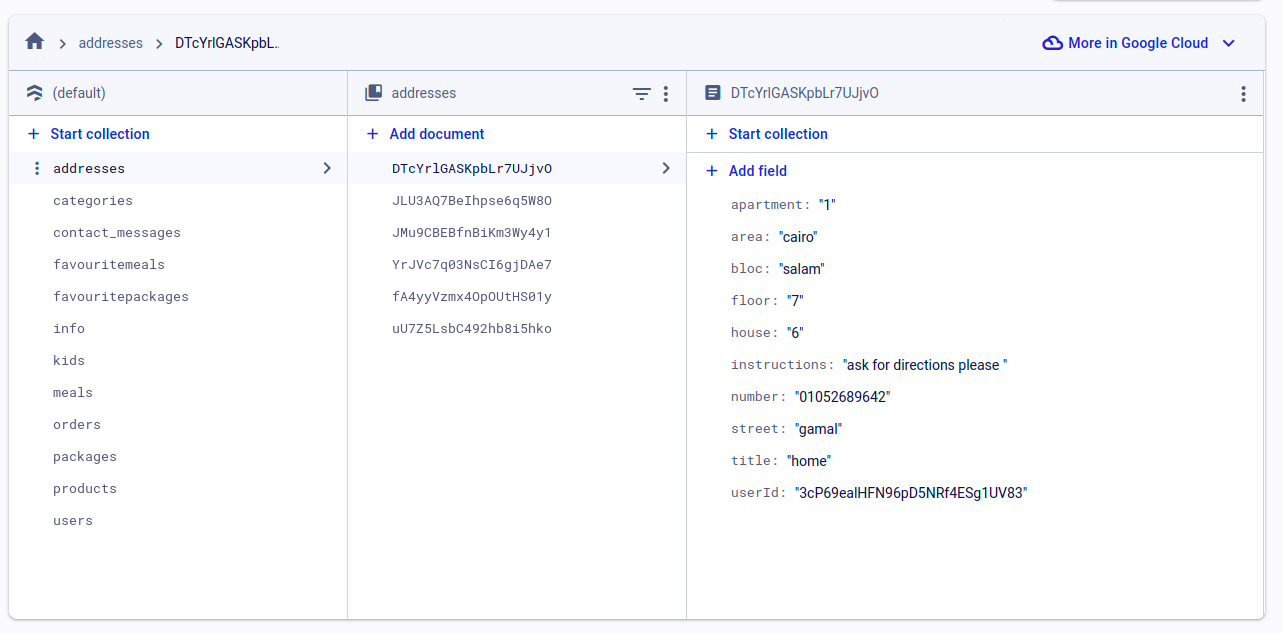
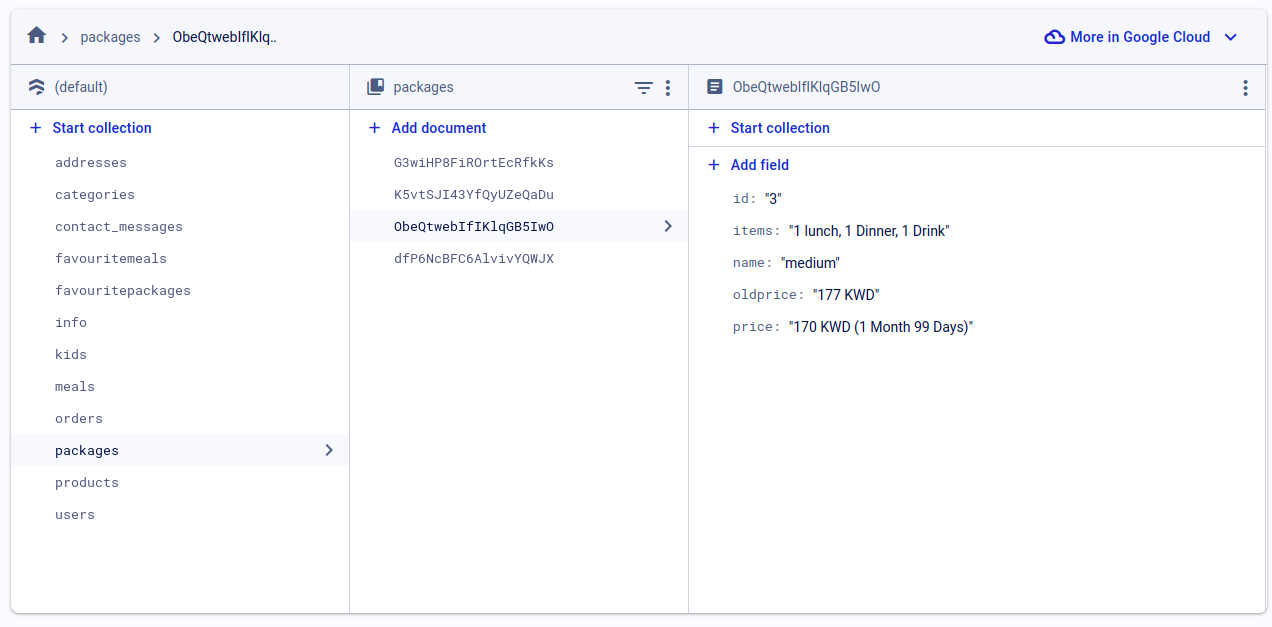
Firestore.
More ScreenShots Here
Demos
https://github.com/mo7amedaliEbaid/nibbles-ecommerce-food/assets/131966482/0b600127-b59e-414b-ade8-7f033fe52ea7
https://github.com/mo7amedaliEbaid/nibbles-ecommerce/assets/131966482/b61a63e2-07a8-47f0-87e1-4dd85884c4a1
https://github.com/mo7amedaliEbaid/nibbles-ecommerce-complex-ui/assets/131966482/015740aa-b53e-4abf-9de3-9a160e9a4e83
https://github.com/mo7amedaliEbaid/nibbles-ecommerce/assets/131966482/f0dcc29c-dc52-4dca-b4d3-29a84e0c7df4

Mohamed Ali Ebaid ↗
カテゴリー
使用している依存関係
依存関係一覧 19 件
- flutter
{"sdk":"flutter"} - cupertino_icons
^1.0.2 - flutter_svg
— - firebase_core
— - cloud_firestore
— - firebase_auth
— - smooth_page_indicator
— - buttons_tabbar
— - equatable
— - flutter_bloc
— - carousel_slider
— - flutter_barcode_scanner
— - url_launcher
— - connectivity_plus
— - firebase_messaging
— - flutter_local_notifications
— - table_calendar
— - flutter_test開発用
{"sdk":"flutter"} - flutter_lints開発用
^2.0.0
ランキング
プロジェクトに合うリポジトリを選ぶには?
用途で絞り込み、開発状況を比較し、採用前に元のリポジトリで要件を確認しましょう。
- 名前・作者・説明で検索し、技術トピックで絞り込みます。
- スター、フォーク、最近のプッシュを比較します。スターは関心の目安であり、品質の保証ではありません。
- 利用前に GitHub で README、ライセンス、Issues を確認します。
情報源と管理
“A repository is the most basic element of GitHub.”
GitHub Docs — About repositories ↗