
 v1.4.3
mouse_follower
マウスフォロワーでアプリケーションを強化し、カーソル効果のカスタマイズを簡単に実現します。独自のエフェクトを作成するのは、これまでになく簡単です。
42いいね 6330日間ダウンロード160Pub ポイント
AndroidiOSWebmacOSWindowsLinux
マウスフォロワーでアプリケーションを強化し、カーソル効果のカスタマイズを簡単に実現します。独自のエフェクトを作成するのは、これまでになく簡単です。
以下は英語原文のスナップショットです。最新版は GitHub をご覧ください。
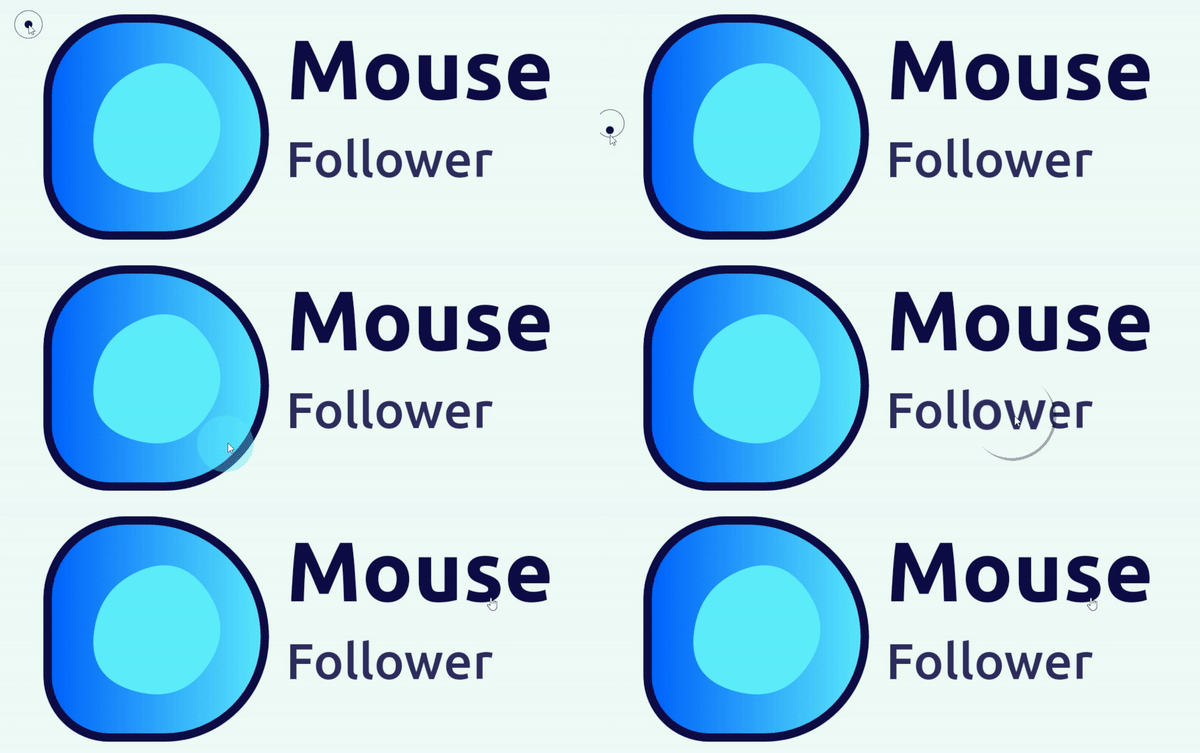
Mouse Follower is a powerful package that empowers you to create custom mouse followers for your applications, breaking through design limitations. With additional features such as the flexibility to design any shape you want, uncomplicated properties, and ease of use, it offers unparalleled flexibility and creativity in enhancing user interactions.
https://github.com/mokaily/mouse_follower/assets/32467495/b57973bc-4c41-4804-917d-7853530fadf2
Add to your pubspec.yaml:
dependencies:
  mouse_follower:
import the library path:
import 'package:mouse_follower/mouse_follower.dart';
Add MouseFollower widget like in the example.
class MyApp extends StatelessWidget {
  @override
  Widget build(BuildContext context) {
    return MaterialApp(
      home: MouseFollower(
          showDefaultMouseStyle: true,
          child:MyHomePage(),
      )
    );
  }

MouseFollower() widget properties| Properties | Required | Default | Description |
|---|---|---|---|
| key | false | Widget key. | |
| isVisible | false | `kIsWeb | |
| child | true | Put your child widget here (recommanded to put the whole app). | |
| mouseStylesStack | false | [MouseStyle()] |
Stack of MouseStyle with multiple options |
| onHoverMouseStylesStack | false | [MouseStyle()] |
Stack of MouseStyle that appears when hovering over the MouseOnHoverEvent widget |
| showDefaultMouseStyle | false | true |
When true the default cursor will appear if mouseStylesStack and onHoverMouseStylesStack are empty. |
| defaultMouseCursor | false | MouseCursor.defer |
To change the default Mouse system icon |
| onHoverMouseCursor | false | MouseCursor.defer |
To change the default Mouse system icon for MouseOnHoverEvent Widget |
...
  Widget build(BuildContext context) {
  return MaterialApp(
      home: MouseFollower(
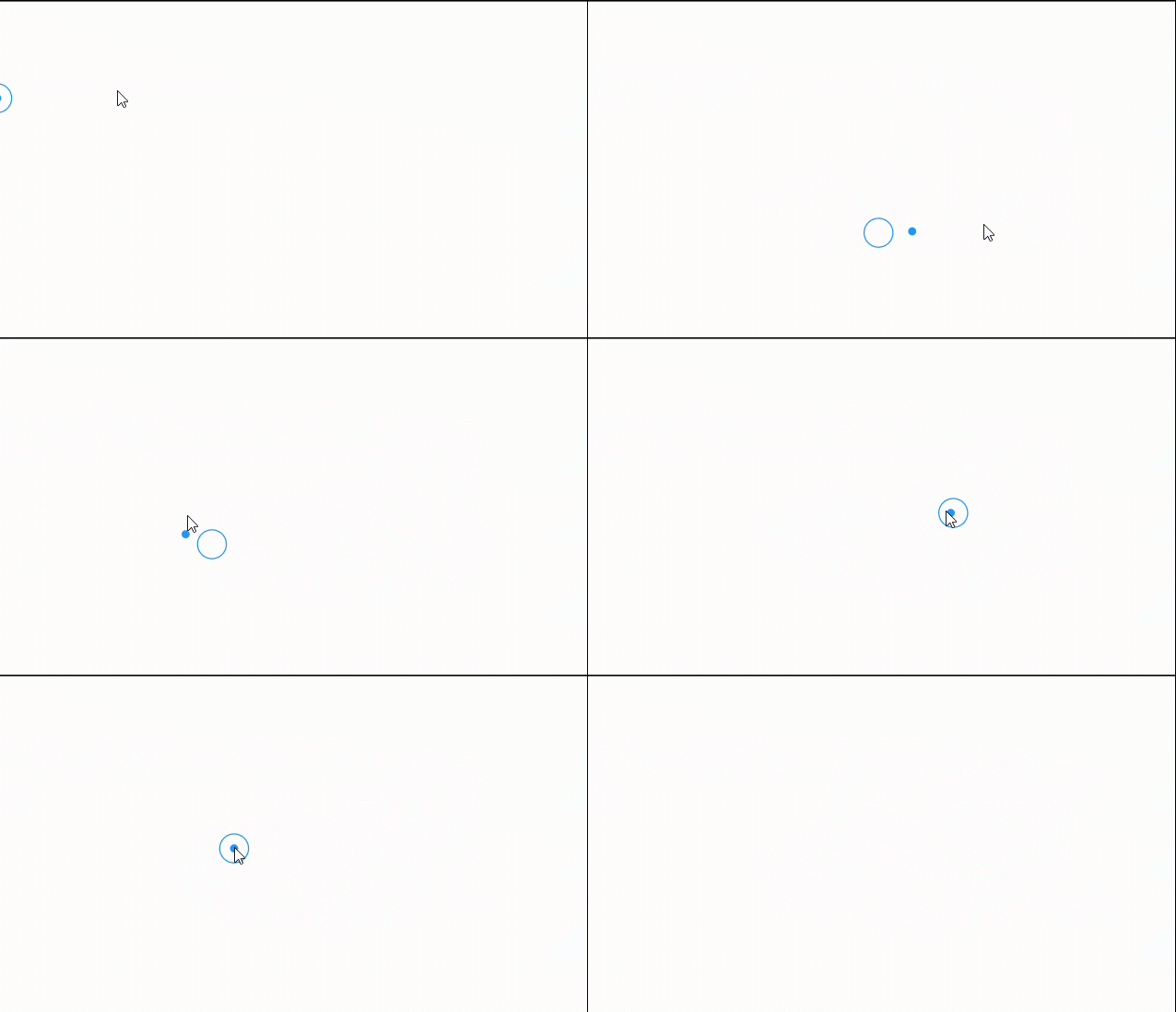
            mouseStylesStack: [
                MouseStyle(
                  size: const Size(7, 7), latency: const Duration(milliseconds: 25),
                  decoration: BoxDecoration(color: Theme.of(context).primaryColor, shape: BoxShape.circle),
                  ),
                MouseStyle(
                  size: const Size(26, 26), latency: const Duration(milliseconds: 75),
                  visibleOnHover: false,
                  decoration: BoxDecoration(
                      color: Colors.transparent,
                      shape: BoxShape.circle,
                      border: Border.all(color: Theme.of(context).primaryColor)),
                ),
            ],
            child:MyHomePage())
  );
}
...
  Widget build(BuildContext context) {
  return MaterialApp(
      home: MouseFollower(
            mouseStylesList: ....
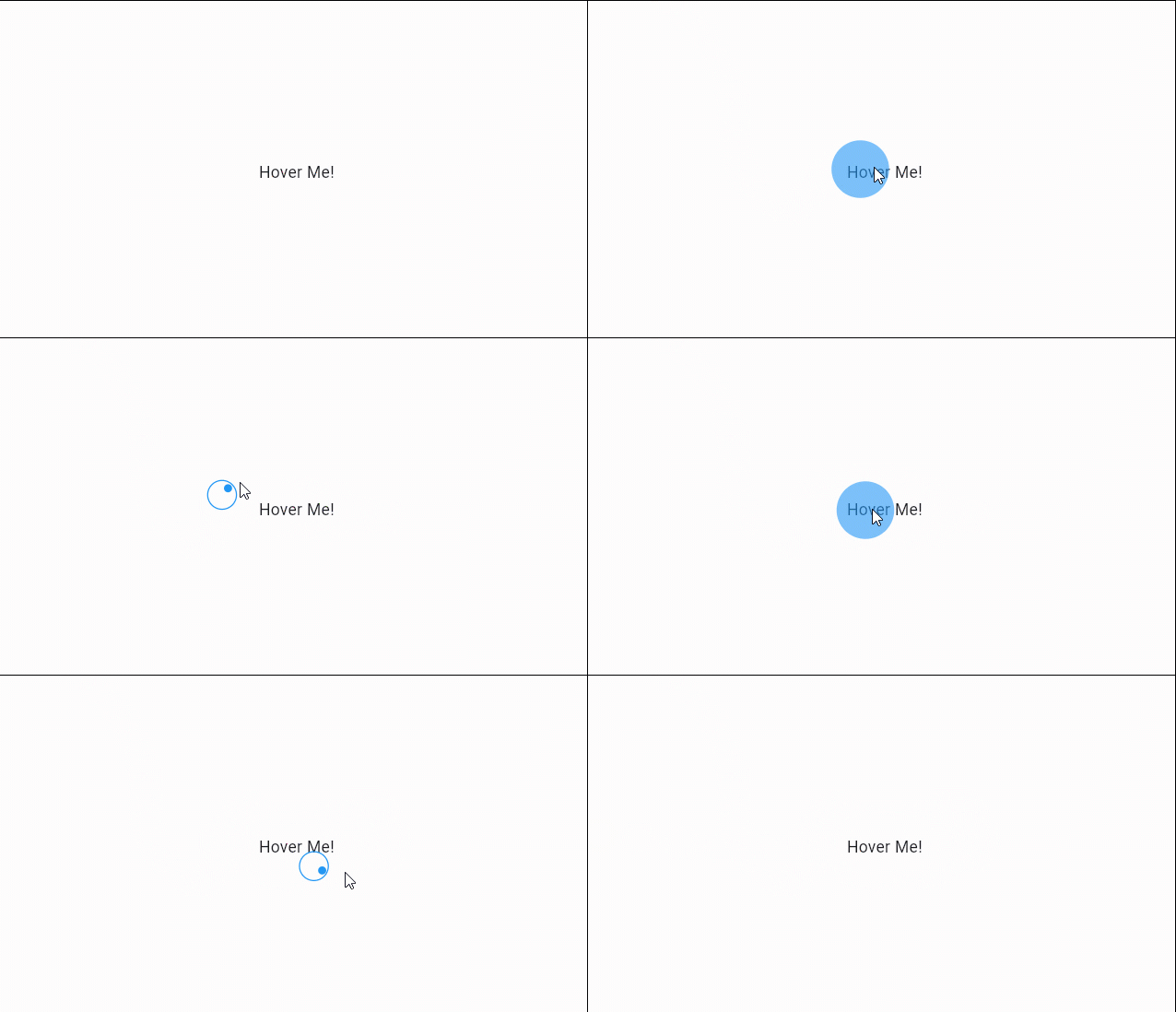
            onHoverMouseStylesStack: [
                MouseStyle(size: const Size(50,50),
                    latency: const Duration(milliseconds: 25),
                    decoration: BoxDecoration(shape: BoxShape.circle,
                    color: Theme.of(context).primaryColor.withAlpha(150)),
            ),
          ],
        child:MyHomePage())
  );
}

/// to activate onHover style you have to wrap the needed widget by `MouseOnHoverEvent`.
...
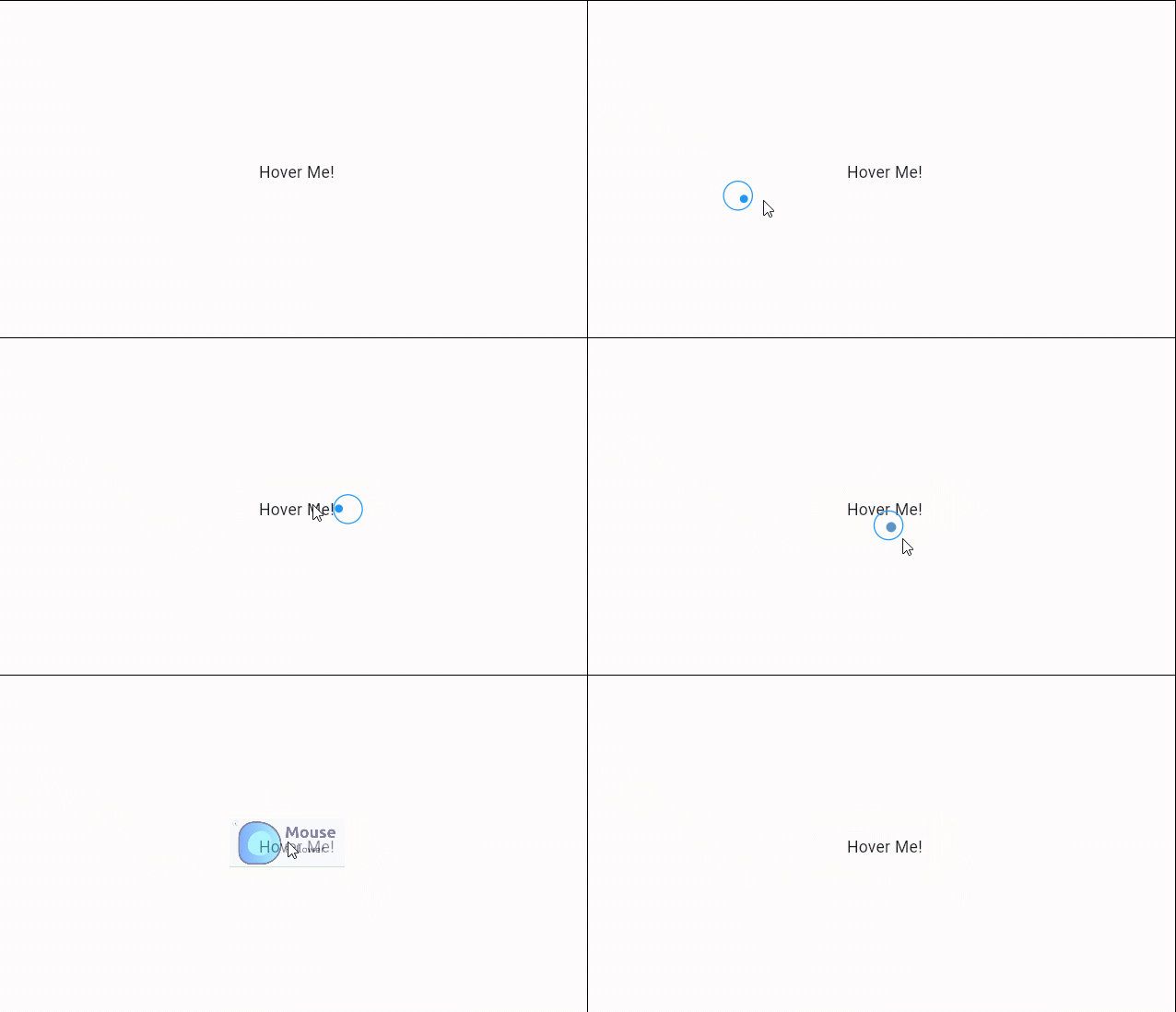
  MouseOnHoverEvent(child: Text("Hover Me!"))
...
MouseStyle() widget properties| Properties | Default | Description |
|---|---|---|
| key | Widget key. | |
| child | You can add your custom child for Mouse Style. | |
| size | Size(15,15) |
Resize the mouse style as you want. |
| decoration | Customize your own decoration. | |
| latency | Duration(milliseconds: 25) |
Add latency duration for the mouse follower style |
| alignment | Alignment.center |
By default the mouse style is in center position for the cursor |
| opacity | 1.0 |
You can adjust the opacity of the style from 0.0 not visible to 1.0 visible |
| opaque | false |
|
| animationDuration | Duration(milliseconds: 300) |
Animation duration when changing the style from widget to another |
| animationCurve | Curves.easeOutExpo |
You can change the animation style |
| transform | ||
| visibleOnHover | false |
If you want to enable the same style in onHoverMouseEvent enable this |
MouseOnHoverEvent() widget properties| Properties | Type | Description |
|---|---|---|
| key | Widget key. | |
| child | Widget |
A required child to be wrapped. |
| decoration | BoxDecoration? |
Override the default or the inialized decoration. |
| size | Size? |
Override the default or the inialized mouse size. |
| mouseChild | Widget? |
Override the default or the inialized mouse child. |
| onHoverMouseCursor | MouseCursor? |
Override the default or the inialized mouse cursor. |
| customOnHoverMouseStylesStack | List<MouseStyle>? |
Override the default or the inialized mouse styles stack. |
| animationCurve | Curve? |
Override the default or the the inialized animation curve. |
| animationDuration | Duration? |
Override the default or the inialized animation duration. |
| opacity | double? |
Override the default or the inialized opacity. |
| alignment | Alignment? |
Override the default or the inialized alignment. |
| latency | Duration? |
Override the default or the inialized latency. |
MouseOnHoverEvent(
    decoration: const BoxDecoration(shape: BoxShape.rectangle, color: Colors.transparent),
    size: const Size(100,50),
    opacity: 0.5,
    latency: const Duration(milliseconds: 75),
    mouseChild: Image.network("images/mouse_follower.jpg"),
    child: const Text("Hover Me!")
),
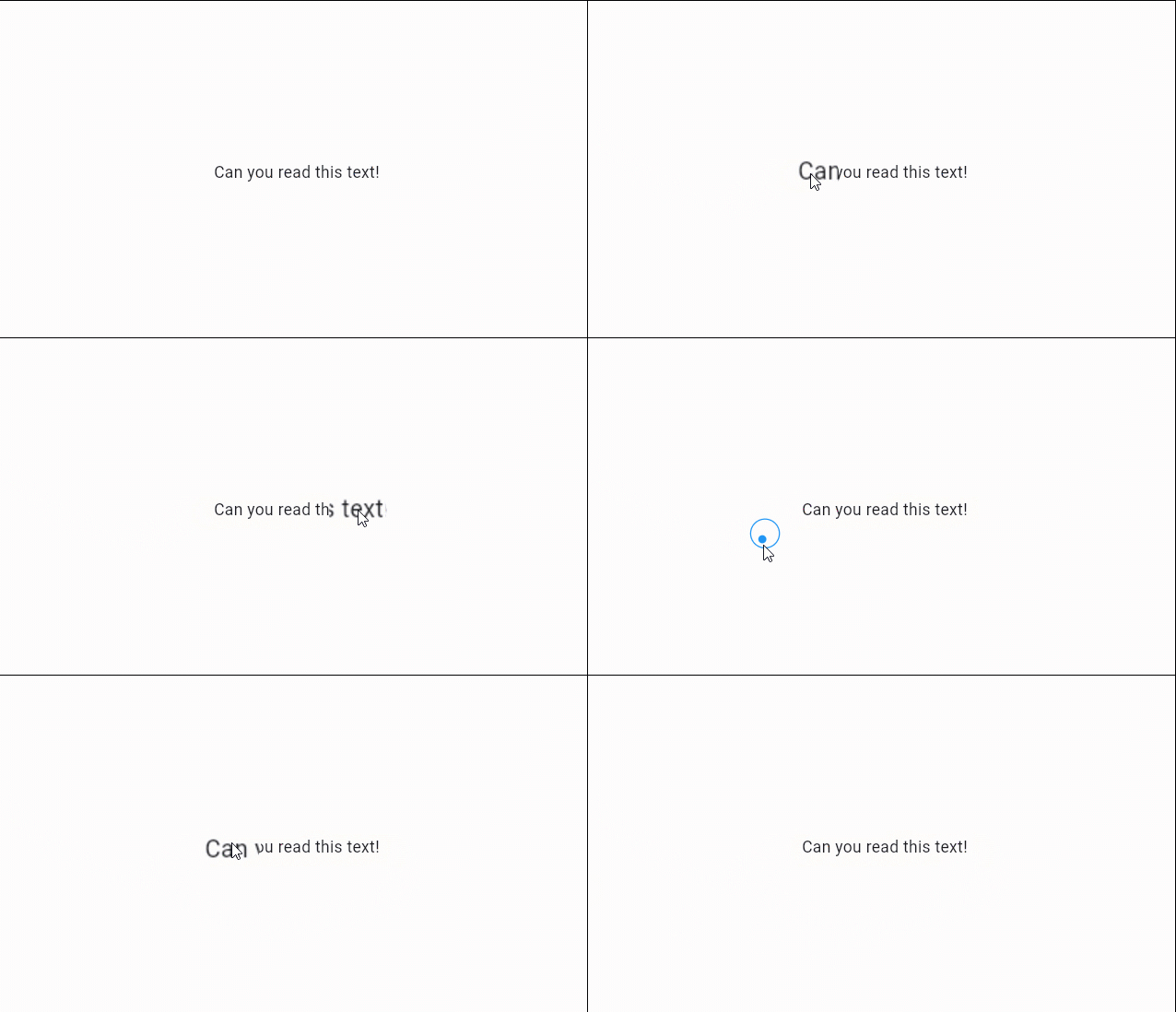
MouseOnHoverEvent(
    customOnHoverMouseStylesStack: [
        MouseStyle(
        size: Size(50, 50),
        latency: Duration(milliseconds: 0),
        child: RawMagnifier(
            size: Size(80, 80),
            magnificationScale: 1.5,
            decoration: MagnifierDecoration(shape: CircleBorder()),
            ),
        ),
    ],
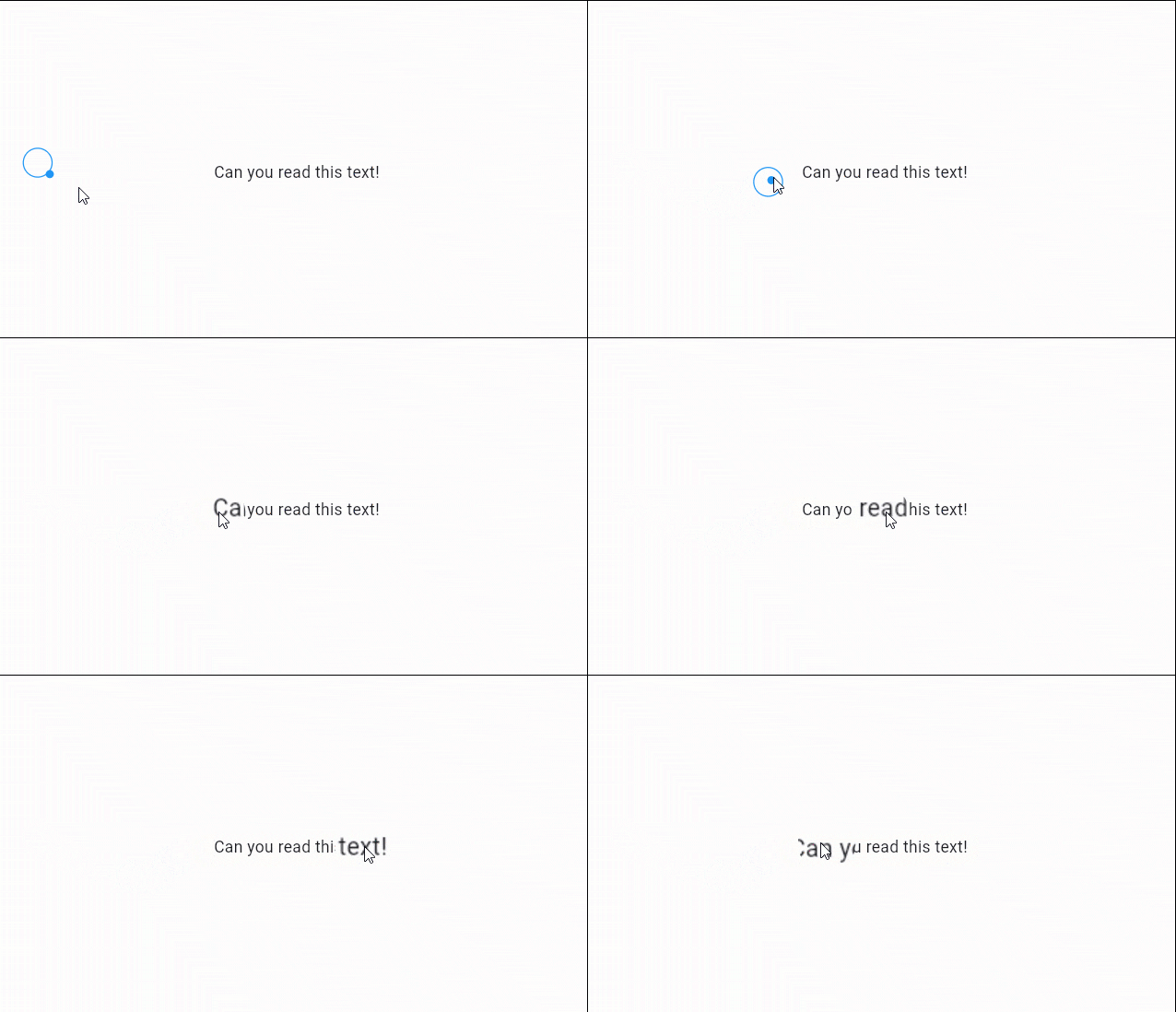
    child: Text("Can you read this text!"),
),
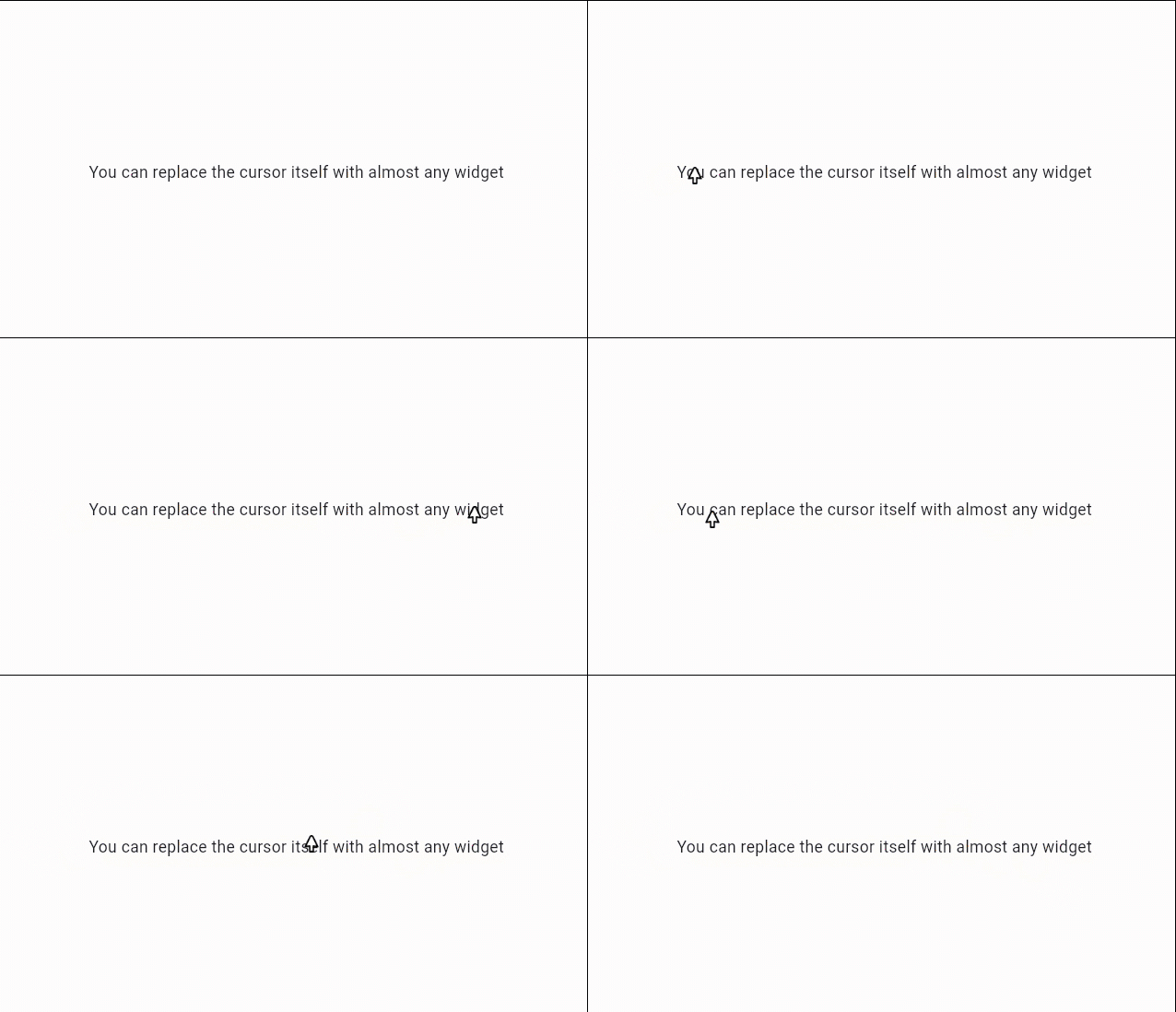
MouseOnHoverEvent(
    onHoverMouseCursor: SystemMouseCursors.none,
    customOnHoverMouseStylesStack: [
    MouseStyle(
        latency: const Duration(milliseconds: 0),
        child: Image.network("images/cursor.png"),
        )
    ],
    child: const Text("You can replace the cursor itself with almost any widget"),
),
We need your support. Projects like this can not be successful without support from the community. If you find this project useful, and would like to support further development and ongoing maintenance, please consider donating.


Want to become a sponsor? [Become a Sponsor]


依存関係一覧 3 件
{"sdk":"flutter"}{"sdk":"flutter"}^5.0.0用途で絞り込み、開発状況を比較し、採用前に元のリポジトリで要件を確認しましょう。
“A repository is the most basic element of GitHub.”
GitHub Docs — About repositories ↗