
 v1.1.1
otp_timer_button
このパッケージは、指定された時間後に有効になるOTPタイマー ボタンを簡単に実装するためのものです。
39いいね 79630日間ダウンロード150Pub ポイント
AndroidiOSWebmacOSWindowsLinux
これは、OTPタイマーボタンを簡単に実装するためのFlutterパッケージです。
以下は英語原文のスナップショットです。最新版は GitHub をご覧ください。
This is a Flutter package for easy implementation otp timer button.
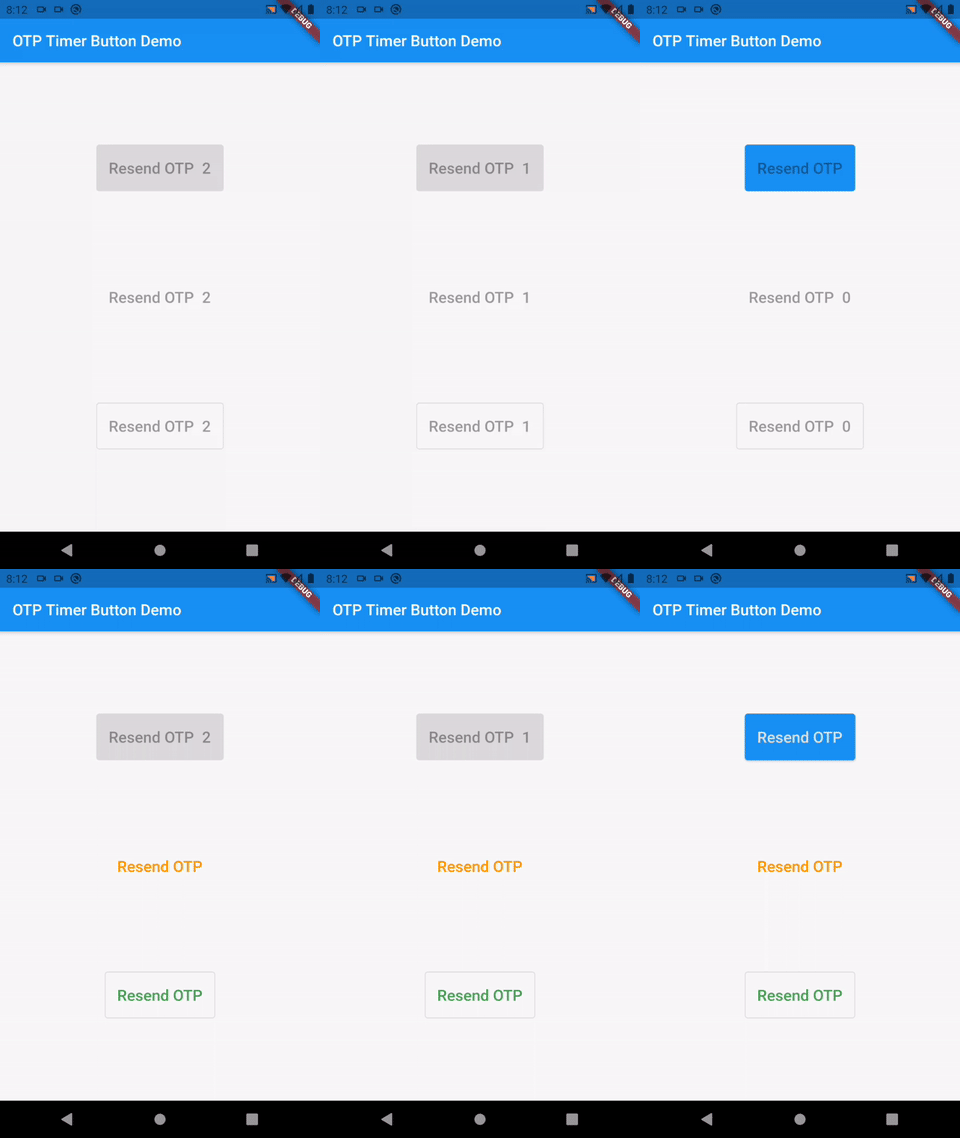
Add the following to your pubspec.yaml file:
dependencies:
    otp_timer_button: ^1.1.1
import 'package:otp_timer_button/otp_timer_button.dart';
OtpTimerButtonController controller = OtpTimerButtonController();

@override
Widget build(BuildContext context) {
    return Scaffold(
      appBar: AppBar(
        title: Text(widget.title),
      ),
      body: Center(
        child: OtpTimerButton(
          controller: controller,
          onPressed: () {},
          text: Text('Resend OTP'),
          duration: 60,
        ),
      ),
    );
}
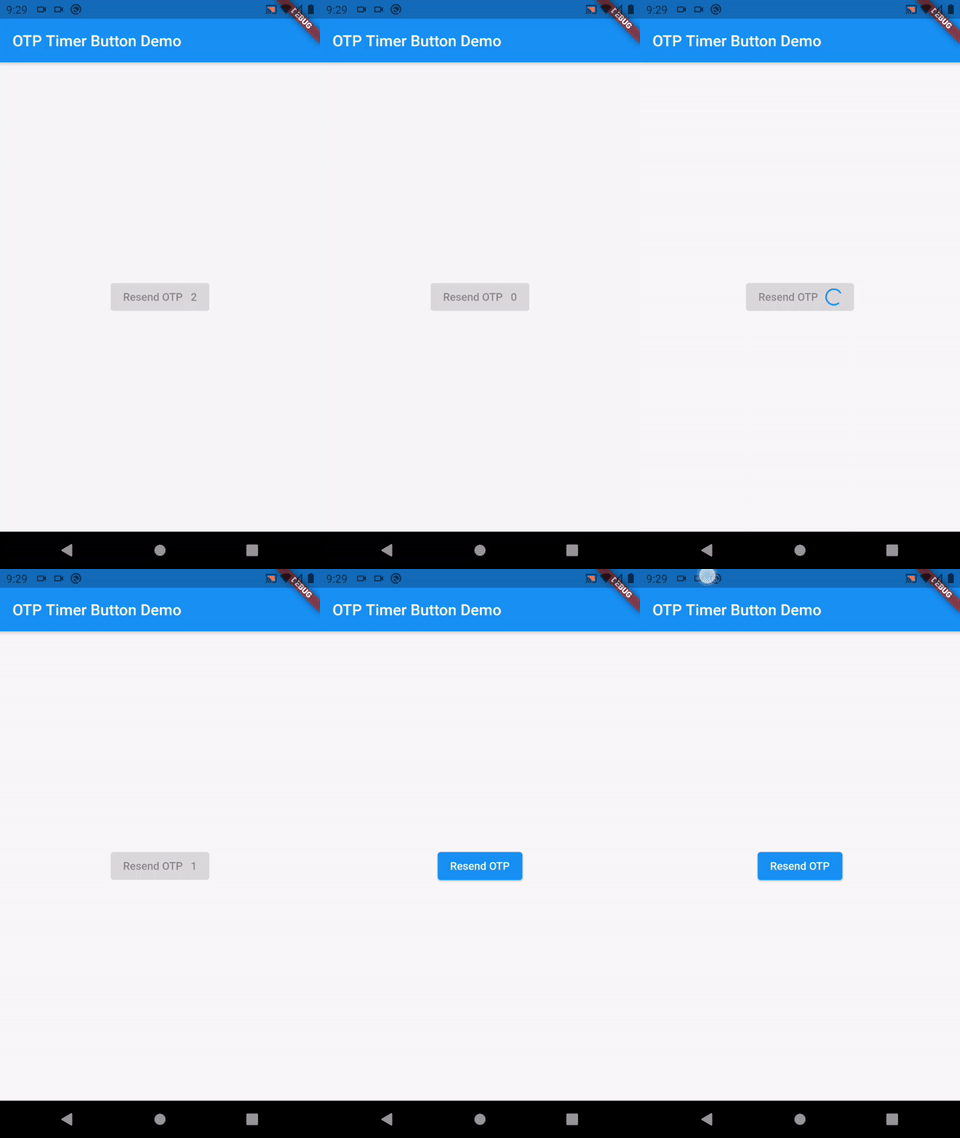
If you want to wait for the response to the OTP request, you can use the controller:
NOTE: if use controller, auto start timer is disabled on pressed button.
  OtpTimerButtonController controller = OtpTimerButtonController();

  _requestOtp() {
    controller.loading();
    Future.delayed(Duration(seconds: 2), () {
      controller.startTimer();
    });
  }

  @override
  Widget build(BuildContext context) {
    return Scaffold(
      appBar: AppBar(
        title: Text(widget.title),
      ),
      body: Center(
        child: OtpTimerButton(
          controller: controller,
          onPressed: () => _requestOtp(),
          text: Text('Resend OTP'),
          duration: 2,
        ),
      ),
    );
  }
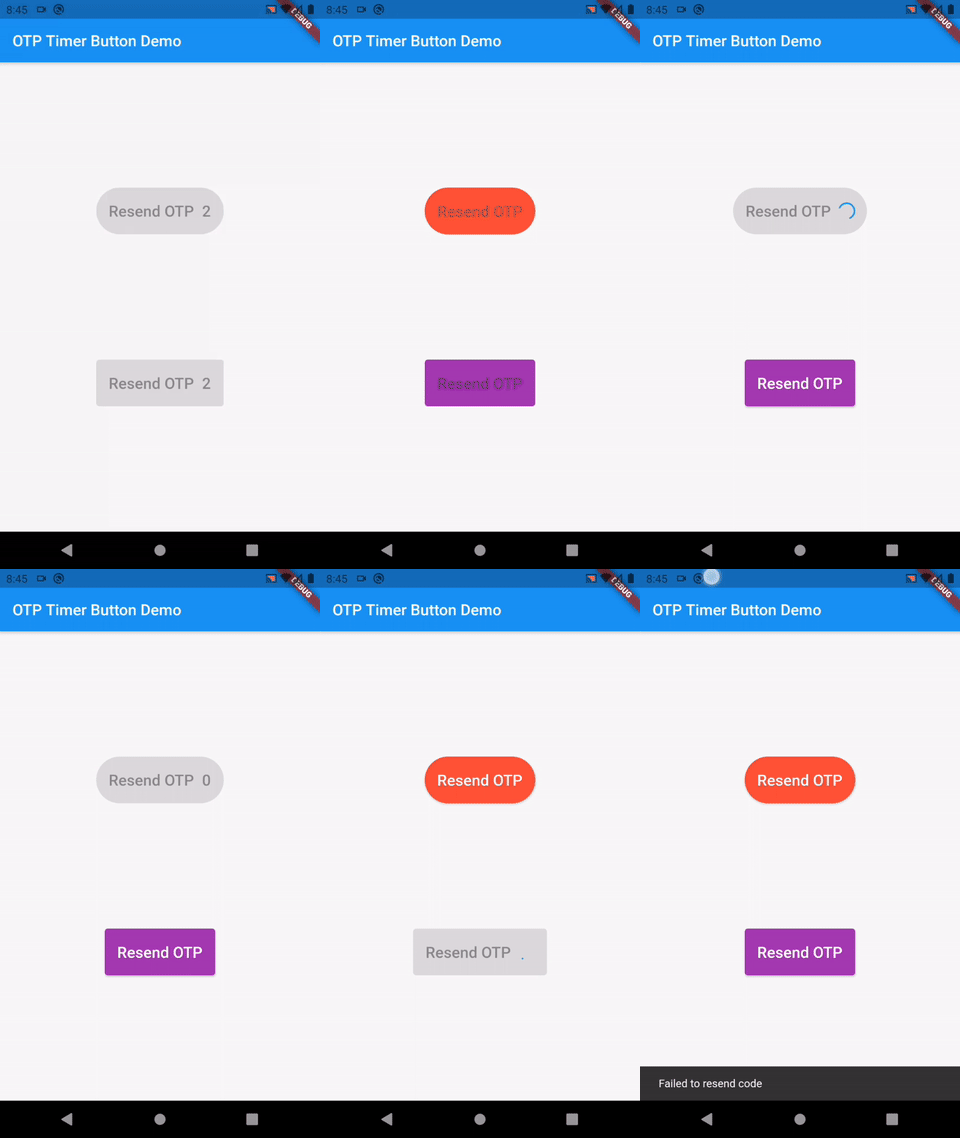
controller.startTimer();
controller.loading();
controller.enableButton();
OtpTimerButton(
  controller: controller,
  height: 60,
  text: Text(
    'Resend OTP',
  ),
  duration: 60,
  radius: 30,
  backgroundColor: Colors.blue,
  textColor: Colors.white,
  buttonType: ButtonType.text_button, // or ButtonType.outlined_button
  loadingIndicator: CircularProgressIndicator(
    strokeWidth: 2,
    color: Colors.red,
  ),
  loadingIndicatorColor: Colors.red,
  onPressed: () {},
),

依存関係一覧 2 件
{"sdk":"flutter"}{"sdk":"flutter"}用途で絞り込み、開発状況を比較し、採用前に元のリポジトリで要件を確認しましょう。
“A repository is the most basic element of GitHub.”
GitHub Docs — About repositories ↗