

 v2.0.6
curved_labeled_navigation_bar
印象的なアニメーションカーブ形状ナビゲーションバー。色、背景色、アニメーションカーブ、アニメーション期間を調整可能。
145いいね 233030日間ダウンロード160Pub ポイント
AndroidiOSmacOSWindowsLinux
Flutter におけるアニメーションカーブナビゲーションバー

以下は英語原文のスナップショットです。最新版は GitHub をご覧ください。
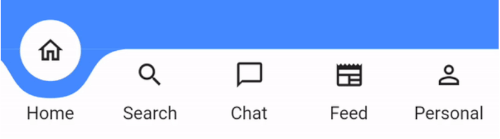
A Flutter package for easy implementation of curved navigation bar. This package is a fork of the original curved_navigation_bar from https://github.com/rafalbednarczuk/curved_navigation_bar with label for CurvedNavigationBarItem.
| Label | No Label |
|---|---|
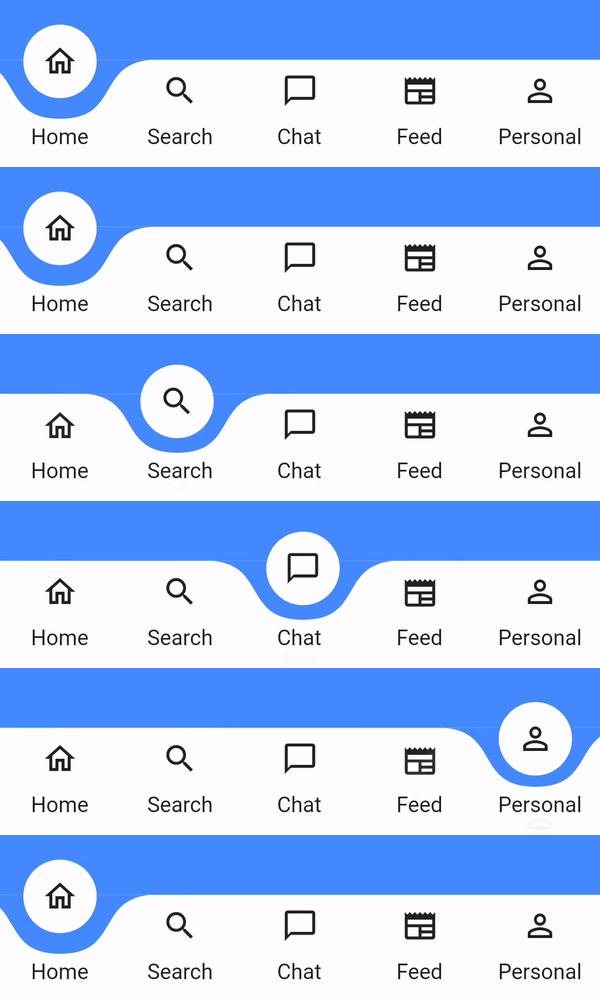 |
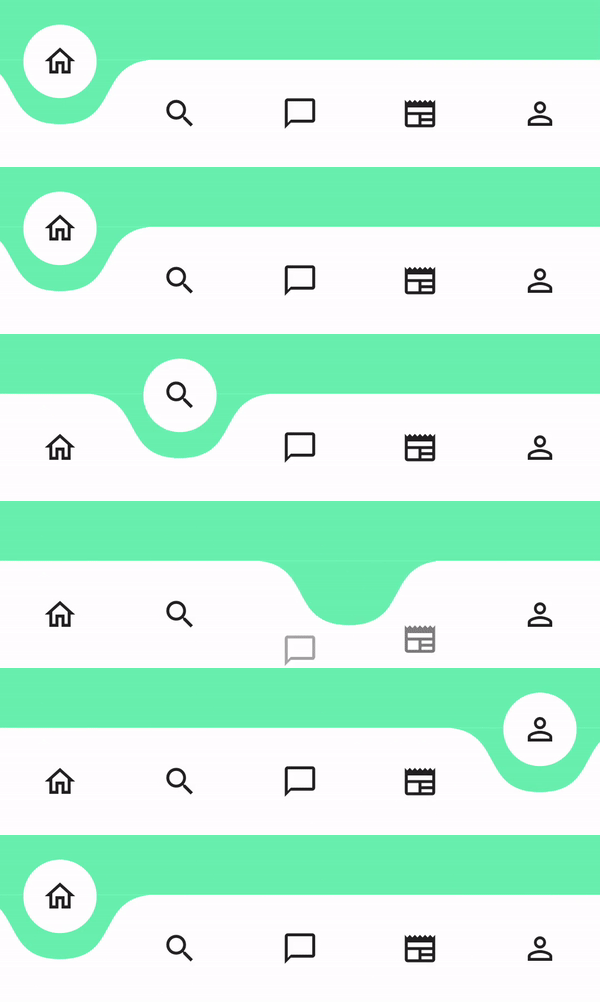 |
dependencies:
  curved_labeled_navigation_bar: ^2.0.6 #latest version
Scaffold(
  bottomNavigationBar: CurvedNavigationBar(
    backgroundColor: Colors.blueAccent,
    items: [
      CurvedNavigationBarItem(
        child: Icon(Icons.home_outlined),
        label: 'Home',
      ),
      CurvedNavigationBarItem(
        child: Icon(Icons.search),
        label: 'Search',
      ),
      CurvedNavigationBarItem(
        child: Icon(Icons.chat_bubble_outline),
        label: 'Chat',
      ),
      CurvedNavigationBarItem(
        child: Icon(Icons.newspaper),
        label: 'Feed',
      ),
      CurvedNavigationBarItem(
        child: Icon(Icons.perm_identity),
        label: 'Personal',
      ),
    ],
    onTap: (index) {
      // Handle button tap
    },
  ),
  body: Container(color: Colors.blueAccent),
)
| Attribute | Description |
|---|---|
items |
List of CurvedNavigationBarItem |
index |
Index of NavigationBar, can be used to change current index or to set initial index |
color |
Color of NavigationBar, default Colors.white |
buttonBackgroundColor |
Background color of floating button, default same as color attribute |
backgroundColor |
Color of NavigationBar's background, default Colors.blueAccent |
onTap |
Function handling taps on items |
letIndexChange |
Function which takes page index as argument and returns bool. If function returns false then page is not changed on button tap. It returns true by default |
animationCurve |
Curves interpolating button change animation, default Curves.easeOut |
animationDuration |
Duration of button change animation, default Duration(milliseconds: 600) |
height |
Height of NavigationBar |
maxWidth |
Allows to set the width of the navigation bar lower than the entire screen width by default |
iconPadding |
Padding of icon in floating button |
| Attribute | Description |
|---|---|
child |
Icon of CurvedNavigationBarItem |
label |
Text of CurvedNavigationBarItem |
labelStyle |
TextStyle for label |
 // State class
  int _page = 0;
  GlobalKey<CurvedNavigationBarState> _bottomNavigationKey = GlobalKey();

  @override
  Widget build(BuildContext context) {
    return Scaffold(
        bottomNavigationBar: CurvedNavigationBar(
          key: _bottomNavigationKey,
          items: [
            CurvedNavigationBarItem(
              child: Icon(Icons.home_outlined),
              label: 'Home',
            ),
            CurvedNavigationBarItem(
              child: Icon(Icons.search),
              label: 'Search',
            ),
            CurvedNavigationBarItem(
              child: Icon(Icons.chat_bubble_outline),
              label: 'Chat',
            ),
            CurvedNavigationBarItem(
              child: Icon(Icons.newspaper),
              label: 'Feed',
            ),
            CurvedNavigationBarItem(
              child: Icon(Icons.perm_identity),
              label: 'Personal',
            ),
          ],
          onTap: (index) {
            setState(() {
              _page = index;
            });
          },
        ),
        body: Container(
          color: Colors.blueAccent,
          child: Center(
            child: Column(
              children: <Widget>[
                Text(_page.toString(), textScaler: TextScaler.linear(10.0)),
                ElevatedButton(
                  child: Text('Go To Page of index 1'),
                  onPressed: () {
                    // Page change using state does the same as clicking index 1 navigation button
                    final CurvedNavigationBarState? navBarState =
                        _bottomNavigationKey.currentState;
                    navBarState?.setPage(1);
                  },
                )
              ],
            ),
          ),
        ),
    );
  }
依存関係一覧 4 件
{"sdk":"flutter"}^1.2.4^2.2.2{"sdk":"flutter"}用途で絞り込み、開発状況を比較し、採用前に元のリポジトリで要件を確認しましょう。
“A repository is the most basic element of GitHub.”
GitHub Docs — About repositories ↗