
ScanMyFood
Food Scan AI はそのスマート機能により栄養管理を革新します:📸 食品ラベルや調理済み料理をスキャンして即時分析、🤖 AIによる栄養成分のインサイト、💬 スキャンした食品のコンテキストに基づくリアルタイムAIチャット、🍽️ 個別化された食事アドバイス、および📊 日間摂取量のトラッキングで栄養素やカロリーを簡単にモニタリング

- スター
- 40
- フォーク
- 16
- 最終プッシュ(UTC)
- 2026/08/13
- プロジェクト状態
- 公開中
元の README
以下は英語原文のスナップショットです。最新版は GitHub をご覧ください。

ScanMyFood
AI-Powered Nutrition Intelligence — Know what you eat, instantly.





📖 Overview
ScanMyFood is a comprehensive nutrition analysis platform designed to empower users with deep insights into their dietary habits. By combining high-fidelity mobile experience with state-of-the-art AI, we transform complex nutritional labels and meal images into actionable health data.
Built with Flutter and Spring Boot, leveraging Google Cloud's Vertex AI (Gemini 2.0 Flash), ScanMyFood provides real-time analysis, historical tracking, and personalized recommendations.
✨ Key Features
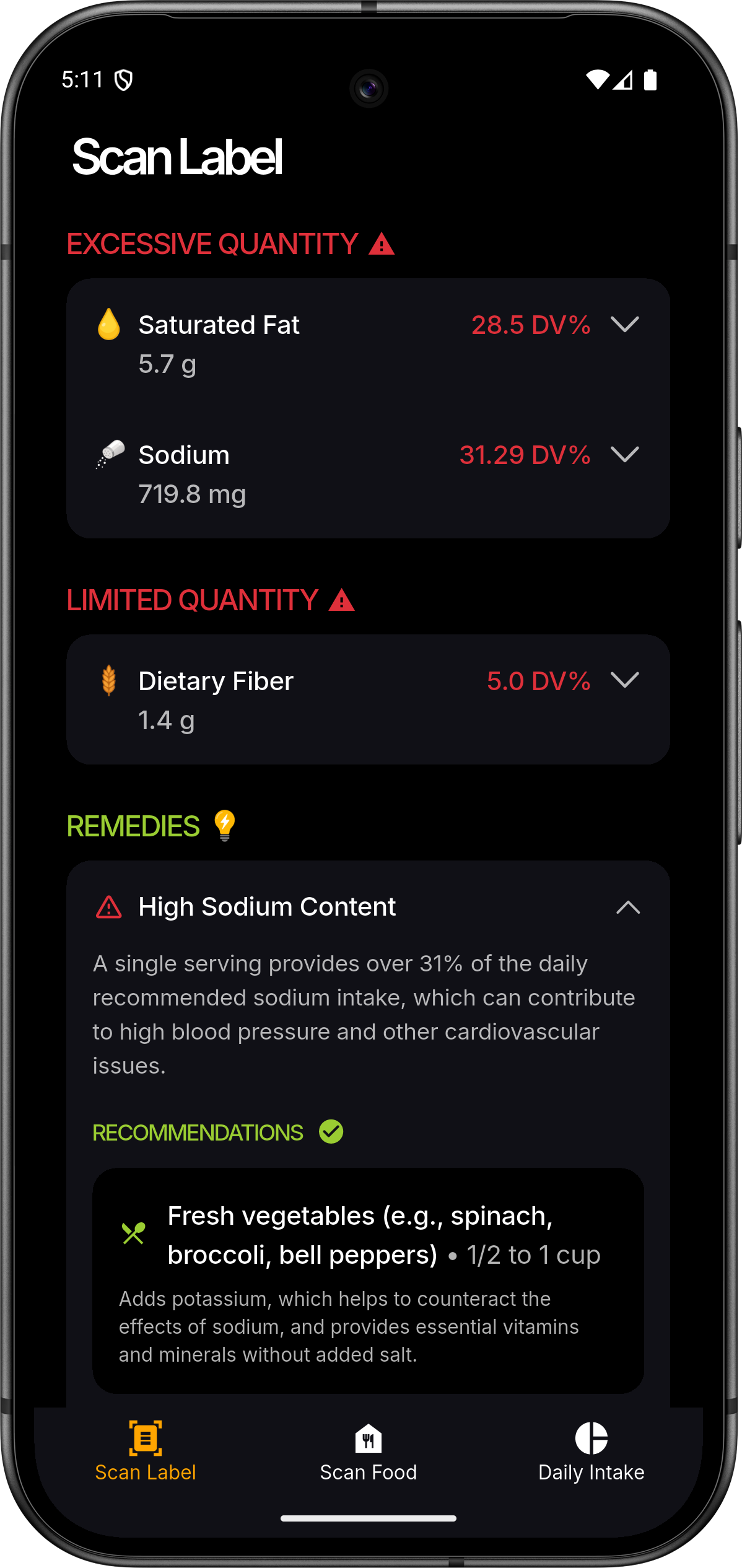
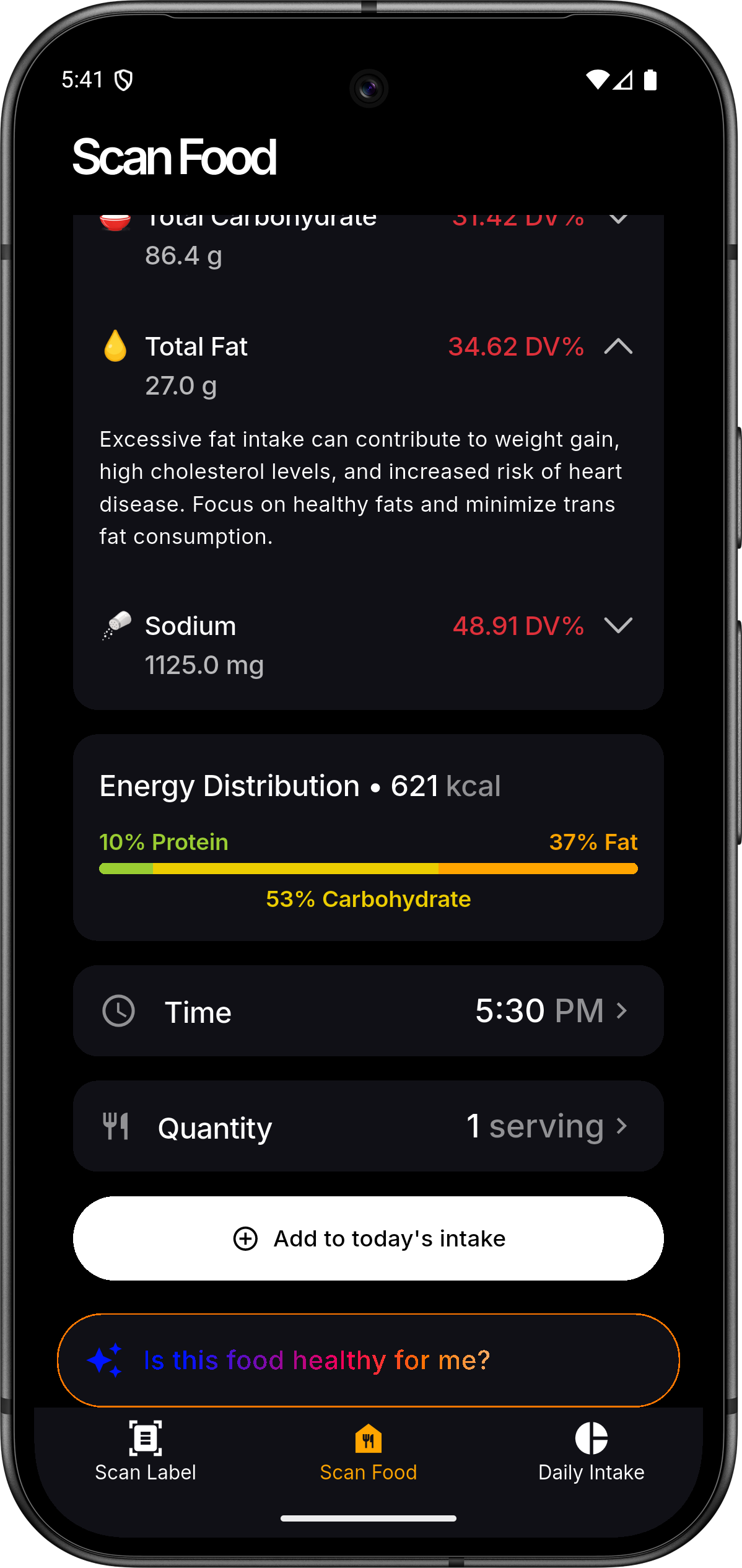
- 📸 Intelligent Scanning: Use your device's camera to capture product labels or entire meals.
- 🔍 AI Analysis: Powered by Gemini 2.0 Flash for accurate nutritional extraction and food identification.
- 📊 Personalized Dashboard: Track daily macro and micronutrient intake with beautiful visualizations.
- 📅 Nutrition History: Maintain a comprehensive log of your consumption patterns over time.
- 👤 Health Profiles: Tailor insights based on your specific health metrics and dietary preferences.
- 🔐 Secure Sync: Seamless Firebase authentication and cloud-synchronized data across devices.
- ⚡ Real-time Insights: Get instant feedback on whether a product fits your dietary goals.
📱 Screenshots
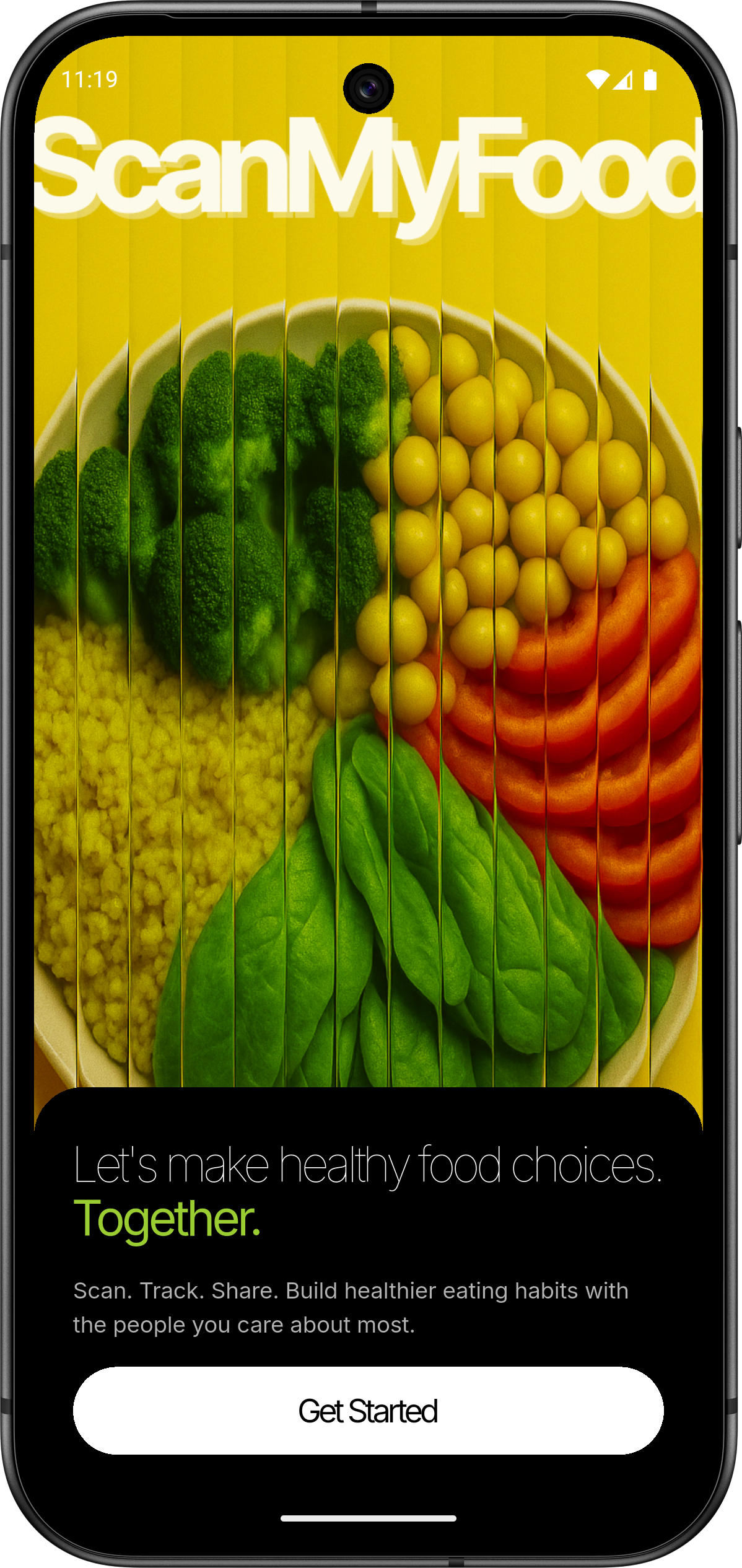 |
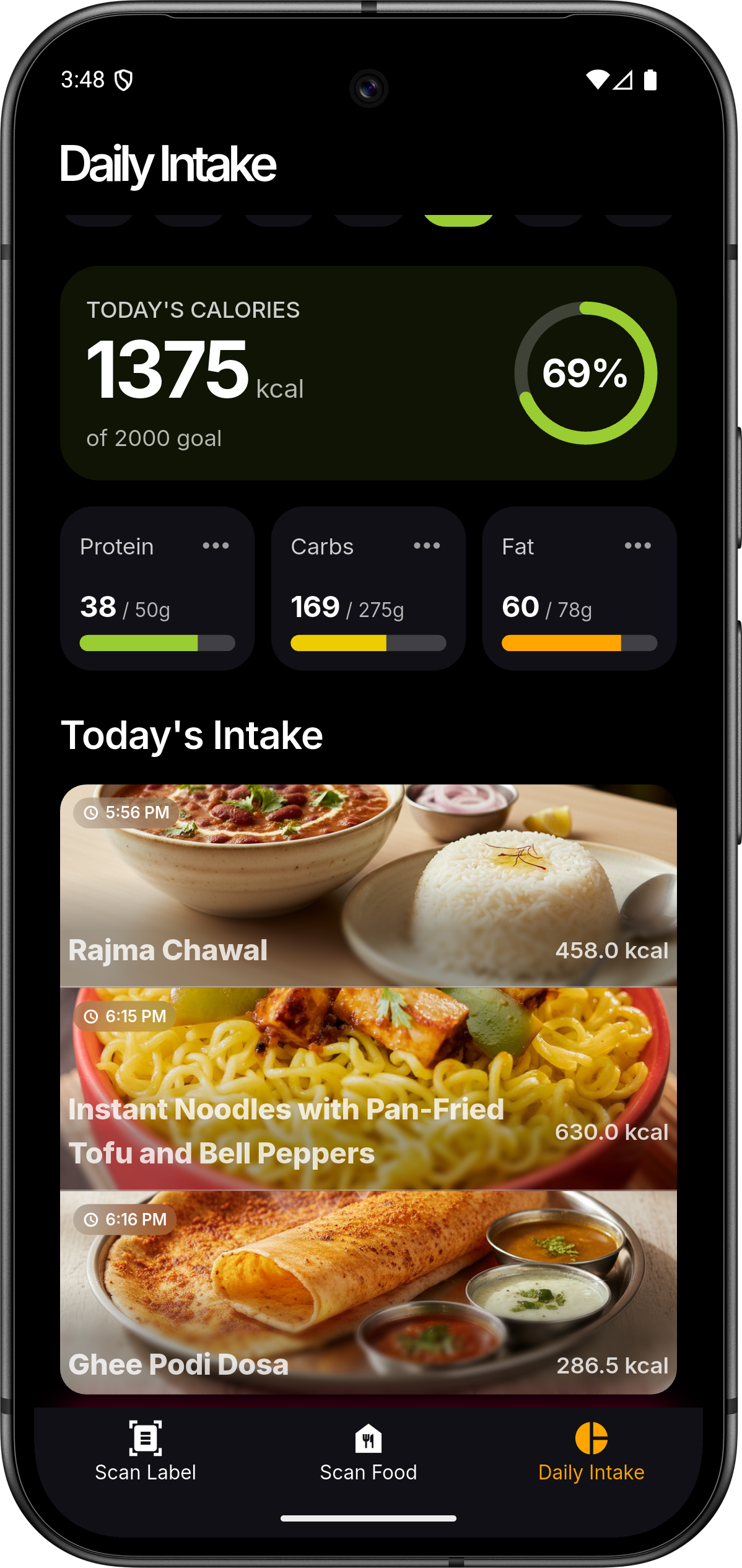 |
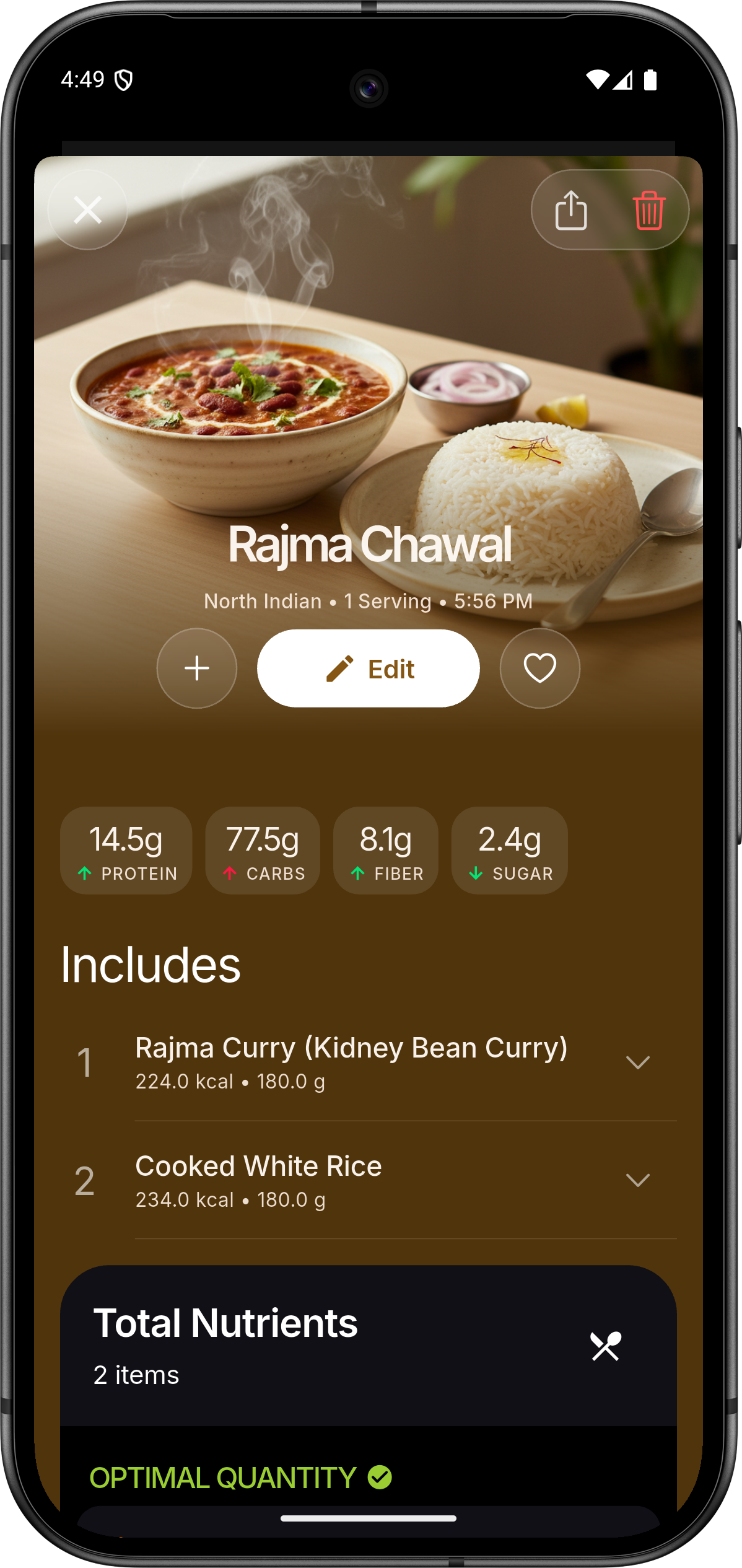 |
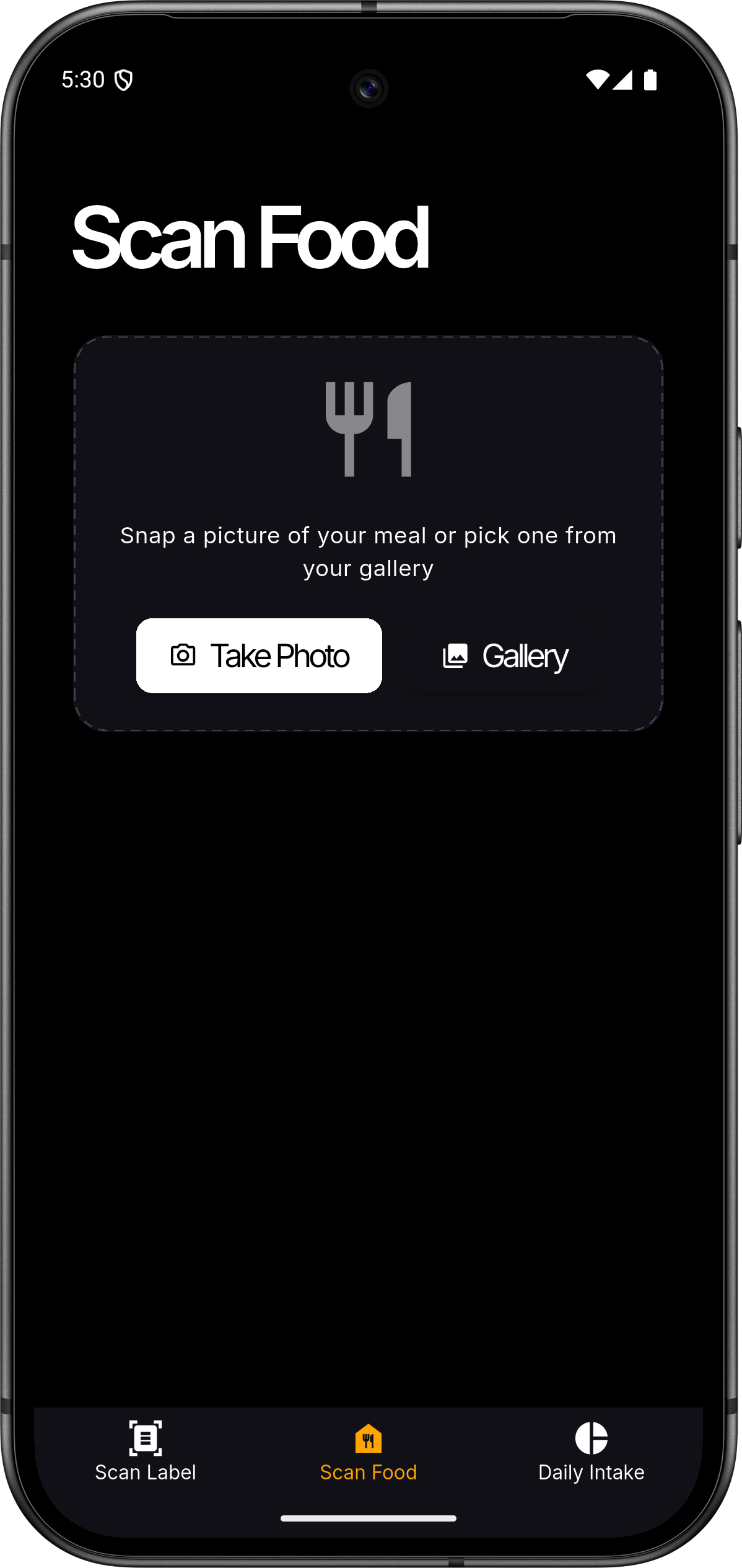 |
 |
 |
🏗️ Architecture
ScanMyFood follows a modern, decoupled architecture designed for scale and maintainability.
graph TD
    A[Flutter App] <--> B[Spring Boot API]
    A <--> C[Firebase Auth]
    B <--> D[(PostgreSQL)]
    B <--> E[Vertex AI Gemini]
    B <--> C
Project Map
├── flutter-app/       # Mobile Frontend (Flutter/Dart)
│   ├── lib/           # Core logic, ViewModels, and UI
│   └── assets/        # Branding, Icons, and Rive Animations
└── spring-backend/    # RESTful Backend (Spring Boot/Java)
    ├── src/main/java/ # Domain logic, Services, and Controllers
    └── resources/     # Configuration and Cloud Credentials
🛠️ Tech Stack
Frontend
- Framework: Flutter (MVVM Architecture)
- State Management: Provider
- Visuals: Rive (Animations), fl_chart (Data Viz)
- Authentication: Firebase Auth / Google Sign-In
Backend
- Framework: Spring Boot 3.5.0
- Database: PostgreSQL with Spring Data JPA & MyBatis
- AI Engine: Google Cloud Vertex AI (Gemini 2.0 Flash)
- Security: Firebase Admin SDK
🚀 Getting Started
Prerequisites
- Flutter SDK:
>=3.4.3 - JDK:
17+ - Database: PostgreSQL
14+ - Cloud: GCP Project with Vertex AI enabled & Firebase Project
1. Backend Setup
- Navigate to
spring-backend/. - Configure
application.propertieswith your PostgreSQL credentials. - Place your Google Cloud service account key as
firebase-service-account.jsoninsrc/main/resources/. - Run:
./mvnw spring-boot:run
2. Frontend Setup
- Navigate to
flutter-app/. - Add your
google-services.json(Android) orGoogleService-Info.plist(iOS). - Install dependencies:
flutter pub get - Run:
flutter run
🤝 Contributing
We welcome contributions! Please follow these steps:
- Fork the Project
- Create your Feature Branch (
git checkout -b feature/AmazingFeature) - Commit your Changes (
git commit -m 'Add some AmazingFeature') - Push to the Branch (
git push origin feature/AmazingFeature) - Open a Pull Request
📄 License
Distributed under the MIT License. See LICENSE for more information.
💖 Acknowledgments
- Google Vertex AI for the intelligence.
- Flutter and Spring Boot communities.
- Icons by Material Design and custom brand assets.
Made with ❤️ for a healthier world

Nikhilesh Meher ↗
カテゴリー
プロジェクトに合うリポジトリを選ぶには?
用途で絞り込み、開発状況を比較し、採用前に元のリポジトリで要件を確認しましょう。
- 名前・作者・説明で検索し、技術トピックで絞り込みます。
- スター、フォーク、最近のプッシュを比較します。スターは関心の目安であり、品質の保証ではありません。
- 利用前に GitHub で README、ライセンス、Issues を確認します。
情報源と管理
“A repository is the most basic element of GitHub.”
GitHub Docs — About repositories ↗