

 v2.2.0
markdown_editable_textinput
TextField の内容を簡単に Markdown に変換できる TextField ウィジェットです。
191いいね 45430日間ダウンロード60Pub ポイント
プラットフォーム情報なし
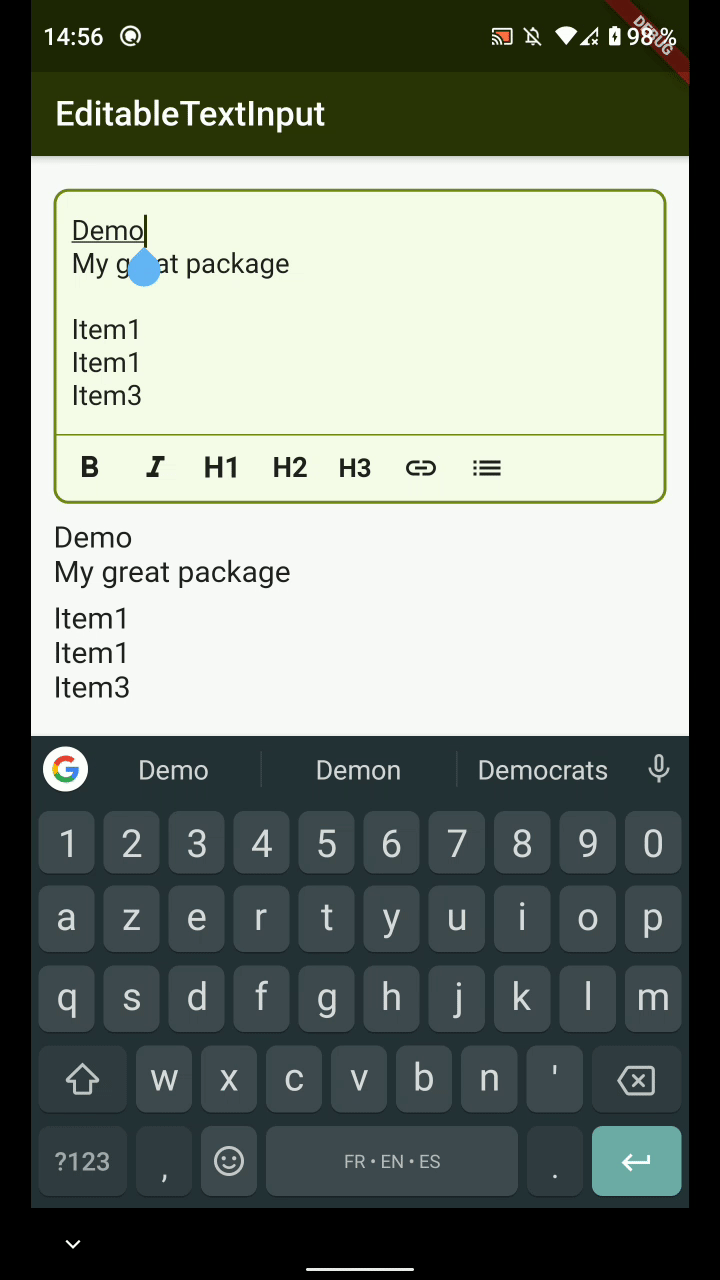
MarkdownEditableTextInput は、TextField 内の内容を簡単に Markdown に変換できる TextField ウィジェットです。

以下は英語原文のスナップショットです。最新版は GitHub をご覧ください。


MarkdownEditableTextInput is a TextField Widget that allow you to convert easily what's in the TextField to Markdown.
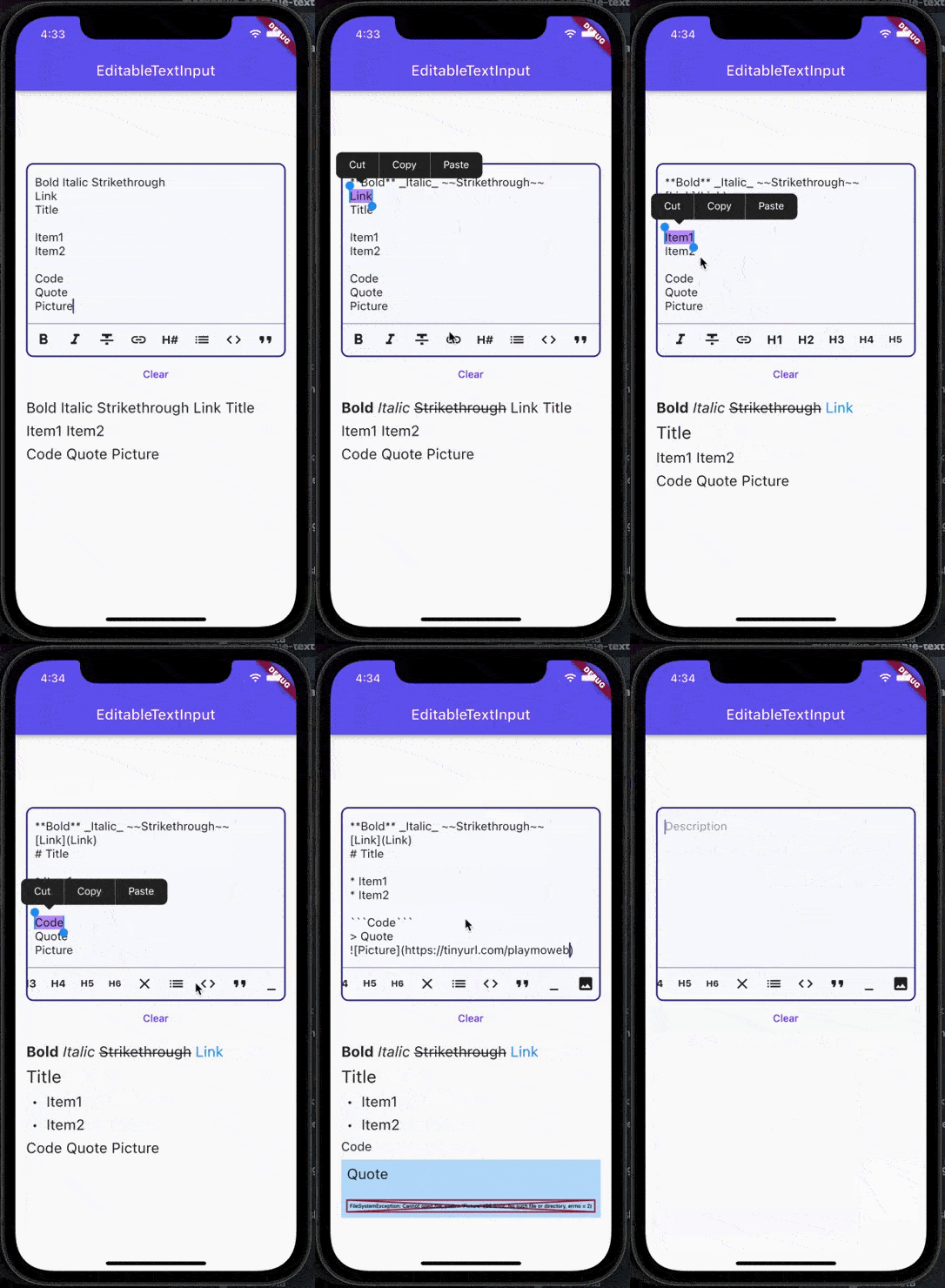
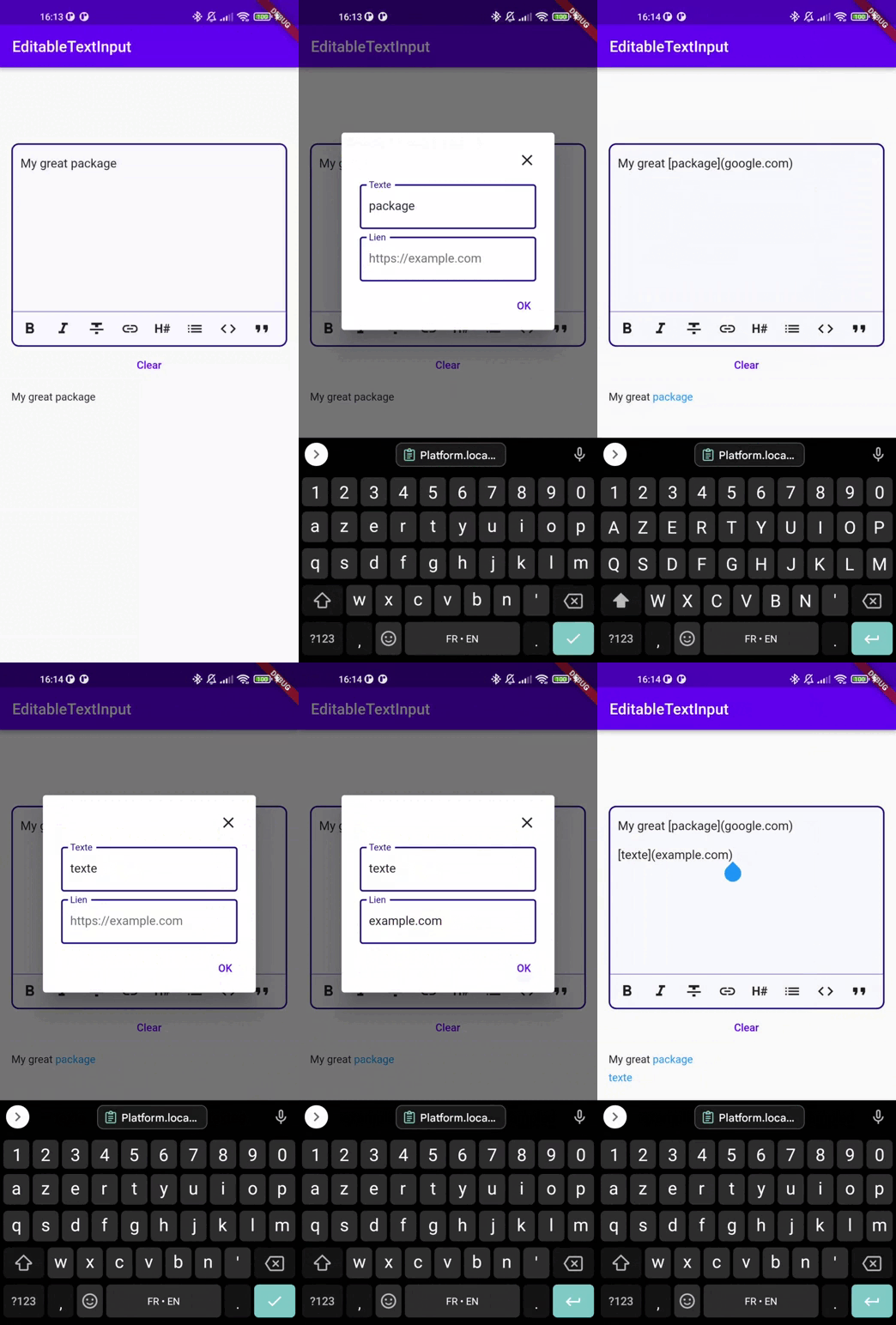
The color of the MarkdownTextInput is defined by the color set in your Theme :
| Attributes | Example Value | Description |
|---|---|---|
| Function onTextChanged | Callback used to retrieve the text in parent's Widget | |
| String initialValue | "Lorem Ipsum" | Display an initial value in MarkdownTextInput's field |
| Function validators | Add validators to the MarkdownTextInput | |
| String label | "Description" | Display a label in MarkdownTextInput |
| TextDirection textDirection | TextDirection.rtl | Change text direction |
| int maxLines | 3 | The maximum of lines that can be display in the input |
| List actions | [MarkdownType.bold, MarkdownType.italic] | Actions the editor will handle |
| TextEditingController controller | TextEditingController() | Pass your own controller. Can be used to clear the input for example |
| TextStyle textStyle | Theme.of(context).textTheme.bodyText2 | Overrides input text style |
| bool insertLinksByDialog; | true | Choose to use dialog or not to insert link |
| bool insertImageByDialog; | true | Choose to use dialog or not to insert an image |
| bool insertImageByDialog; | true | Choose to use dialog or not to insert an image |
| bool customCancelDialogText; | String? | Text used by dialog for close dialog action |
| bool customSubmitDialogText; | String? | Text used by dialog for validate dialog action |
You can see an example of how to use this package here
依存関係一覧 4 件
{"sdk":"flutter"}^1.3.2^5.0.1{"sdk":"flutter"}用途で絞り込み、開発状況を比較し、採用前に元のリポジトリで要件を確認しましょう。
“A repository is the most basic element of GitHub.”
GitHub Docs — About repositories ↗