v0.12.2
camera
カメラを制御するためのFlutterプラグインです。カメラ映像のプレビュー、画像および動画の撮影、そして画像バッファをDartにストリーミングする機能をサポートしています。
2610いいね 114万30日間ダウンロード160Pub ポイント
AndroidiOSWeb
AIとMLの力でオンライン試験における不正行為を減らすことを目的としたFlutterアプリ

以下は英語原文のスナップショットです。最新版は GitHub をご覧ください。
An App that aims to stop cheating in online exams with the power of AI and ML, co-created with Samyak Sukhdeve
We also have a web version of the app with more features and better features, check that project here

Login Page
Home page
Exam Page
The user can answer MCQ-based questions
The user can also view their progress

AI-powered face motion detector
We've used Google's on-device ml-kit to track the motion of the user's face.
We can check if a user is trying to cheat by monitoring the position of their face

http://10.0.2.2/ instead of localhostlocalhostPORT numberBACKEND_URL is appended with /apihttps://github.com/prathamesh-mutkure/anti-cheat-exam-app.gitflutter pub getflutter packages pub run build_runner build.env file and set the following variables
BACKEND_URLflutter runProject Demo for Web version
Mobile App (Android & iOS)
Project Thesis (Submitted mobile app as final year project for my diploma)
Feel free to contact me on Twitter or LinkedIn, know more about me at prathamesh.co


カメラを制御するためのFlutterプラグインです。カメラ映像のプレビュー、画像および動画の撮影、そして画像バッファをDartにストリーミングする機能をサポートしています。
MobX 用の Flutter インテグレーション。追跡されている観測可能なオブジェクトが変更されると、自動的に再構築される Observer ウィジェットのセットを提供します。
MobX は、アプリケーションの状態を反応的に管理するためのライブラリです。観察可能なオブジェクト、アクション、および反応の力を活用して、Dart および Flutter アプリを強化しましょう。
MobX 用のコードジェネレーターで、@observable、@computed、@action を使ってコードを注釈し、Store クラスを作成する機能を追加します。
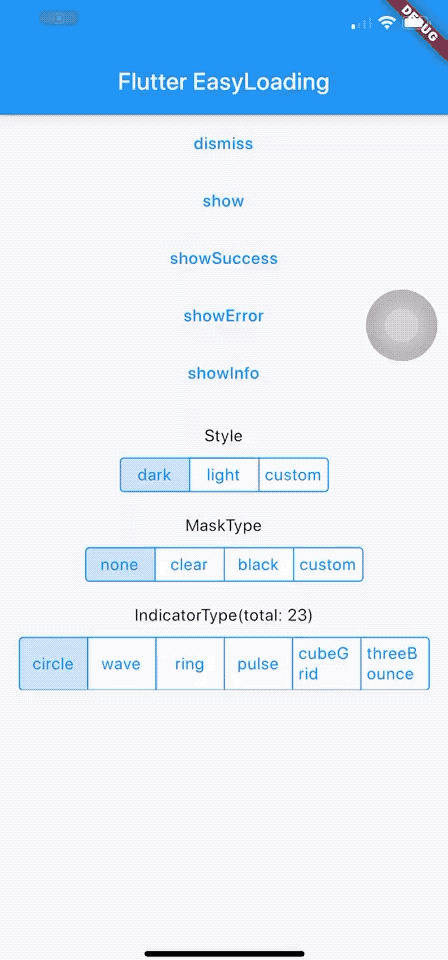
Flutter用の洗練された軽量なローディング/トーストウィジェット。コンテキストなしで簡単に使用でき、iOS、Android、Webをサポートしています。
画像内の顔を検出、重要な顔の特徴を特定し、検出された顔の輪郭を取得するために、Google の ML Kit 顔検出を使用するための Flutter プラグインです。
.env ファイルを使用して、任意の Flutter アプリケーションをグローバル変数で簡単に構成できます。
日付をフォーマットするための簡単なAPIです。さまざまな定数を使用して日付形式文字列を作成できます。`formatDate` メソッドを使用して、形式文字列に従って日付をフォーマットします。
シンプルなカウントダウンタイマー。簡単なタイマーを作成するために使用します。すべて純粋です
'Duration' を扱いやすくするためのユーティリティ。人間が読みやすい形式で期間をフォーマットし、また人間が読みやすい形式の期間を Dart の Duration にパースします。
Flutter用のJS-LIKE確認ダイアログウィジェット。Flutterアプリで確認ダイアログを簡単に、シンプルに使用できます。
依存関係一覧 21 件
{"sdk":"flutter"}^1.0.2^2.0.7+4^2.0.6+1^6.0.3^4.0.6^0.9.8+1—^2.0.11^0.3.0^2.2.1^3.0.5^0.13.4^2.0.6^3.0.11^1.0.1^5.0.2^3.2.0{"sdk":"flutter"}^2.1.11^2.0.7用途で絞り込み、開発状況を比較し、採用前に元のリポジトリで要件を確認しましょう。
“A repository is the most basic element of GitHub.”
GitHub Docs — About repositories ↗