


v3.2.2
quiver
Quiver は、多くの Dart ライブラリの使用をより簡単かつ便利にするか、追加機能を提供するためのユーティリティライブラリのセットです。
665いいね 360万30日間ダウンロード140Pub ポイント
AndroidiOSWebmacOSWindowsLinux
デスクトップ用の洗練された仮想マシンマネージャー

以下は英語原文のスナップショットです。最新版は GitHub をご覧ください。

An elegant virtual machine manager for the desktop
Made with 💝 for 

Quickgui is a graphical user interface for the Quickemu virtual machine manager. Quickgui enables you to create and manage virtual machines from a simple and elegant interface. Nearly 1000 operating systems supported including Windows, macOS, BSDs, and 100s of Linux distros. All with automated downloads and configuration.
Quickgui depends on Quickemu. Most package managers will automatically install Quickemu when you install Quickgui.
If you don't have Quickemu installed then go and follow the Quickemu installation steps for your operating system:
A .deb package is available for Debian on our release page.
apt-get install ./quickgui-1.2.10+1-linux.debA .rpm package is available for Fedora on our release page.
Stable releases of Quickgui are published to FlakeHub for NixOS users. See the Quickemu flake on FlakeHub for more details:
Add Quickgui to your systemPackages. For example:
systemPackages = with pkgs; [
  quickgui
];
Ubuntu users can install Quickgui using the .deb package described above for Debian or from our PPA.
sudo apt-add-repository ppa:flexiondotorg/quickemu
sudo apt-get update
sudo apt-get install quickgui
We provide an AppImage and a pre-compiled binary of Quickemu in a .zip file.
The AppImage should work on most Linux distributions.
chmod +x quickgui-1.2.10+1-linux.AppImage./quickgui-1.2.10+1-linux.AppImageunzip quickgui-1.2.10+1-linux.zipcd quickgui-1.2.10+1-linuxchmod +x quickgui./quickguiTo compile the Quickgui yourself:
git clone https://github.com/quickemu-project/quickgui.gitcd quickguiflutter pub getflutter config --enable-linux-desktopflutter build linux --releaseThis requires flutter to be installed as well as xcode development for macos nad cocoapods. It will install quickgui app in the applications and after running the command below you should be able to search for it through spotlight
git clone https://github.com/quickemu-project/quickgui.git
cd quickgui
flutter pub get
flutter config --enable-macos-desktop
flutter build macos --release
The compiled binary will be in build/linux/x64/release/bundle/quickgui.
You can run it with:
./build/linux/x64/release/bundle/quickgui
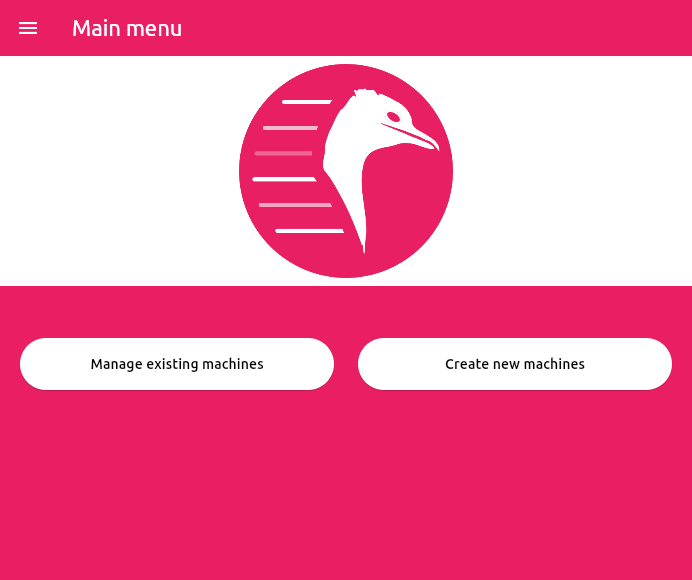
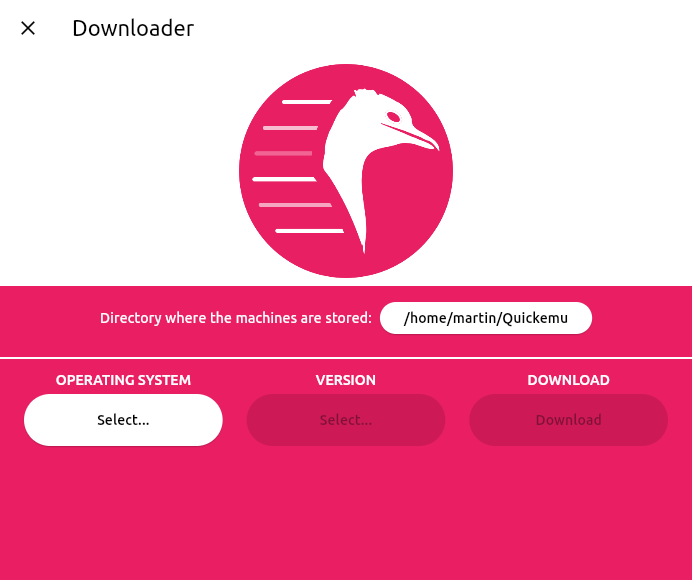
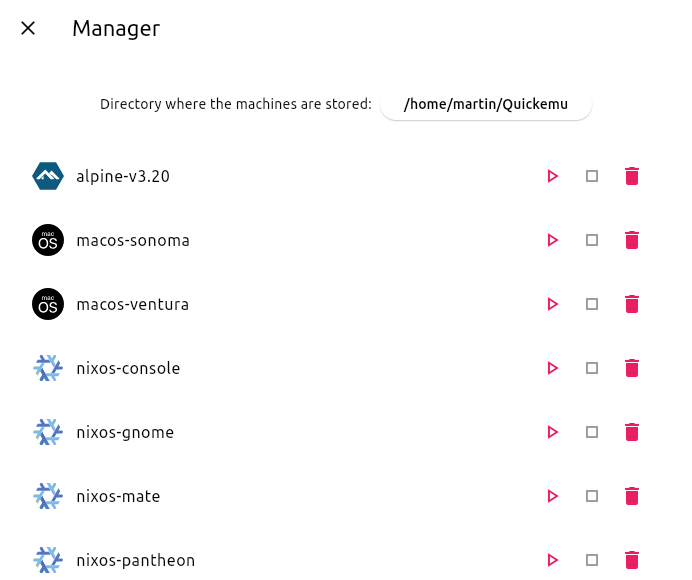
When a VM is running, Quickgui will display the host ports that are mapped to the SPICE and SSH ports on the guest. These ports are used to connect to the guest for display and SSH access.
If you close the SPICE display and wish to reconnect, you can click the "Connect display with SPICE" button. To open an SSH session, you can click the "Connect with SSH" button.
If the "Connect display with SPICE" button is disabled, the spicy client cannot be found. Ensure it is installed, and in your PATH (it should have been installed with quickemu).
If the "Connect with SSH" button is disabled, an SSH server cannot be detected on the guest. Most guest operating systems will not install an SSH server by default, so if it was not an option during installation, you will need to install one yourself. It must be listening on port 22 (the default SSH port). Once a server is installed and running, it should be detected automatically.
"Connect with SSH" will open a terminal and attempt to connect to the guest. If the connection is successful, you will be prompted for the password. If the connection is unsuccessful, you might need to remove the host key for the guest from your ~/.ssh/known_hosts file using something like ssh-keygen -R [localhost]:22220.
Quiver は、多くの Dart ライブラリの使用をより簡単かつ便利にするか、追加機能を提供するためのユーティリティライブラリのセットです。
Linux/Win/Mac 向けのプロセス実行ヘルパーと、実行可能ファイルを検索する 'which' 機能に似た機能。
タプルデータ構造を提供するライブラリ。
デスクトップ通知仕様を使用して、Linux デスクトップに通知を送信できるようにします。
http://semver.org/ で定義されているセマンティックバージョンの解析と比較を行うための簡単なクラスを提供します。
依存関係一覧 21 件
{"sdk":"flutter"}{"sdk":"flutter"}^1.0.8^0.6.3^8.0.6^2.1.0^1.2.0^1.0.7^0.2.0^9.0.1^1.1.0^6.1.5^3.2.2^6.3.0^2.3.2^2.0.2^3.0.2{"git":{"url":"https://github.com/google/flutter-desktop-embedding.git","path":"plugins/window_size","ref":"eb3964990cf19629c89ff8cb4a37640c7b3d5601"}}{"sdk":"flutter"}^0.6.6^4.0.0用途で絞り込み、開発状況を比較し、採用前に元のリポジトリで要件を確認しましょう。
“A repository is the most basic element of GitHub.”
GitHub Docs — About repositories ↗