
MovieApp
[Flutter SDK V.1] - 🎬 MovieApp は、モジュール化、BLoC、依存関係のインジェクション、動的テーマ、キャッシュ、Shimmer、テスト、Flavor、CI/CD などの最新の開発ツールとベストプラクティスを実装するための Flutter アプリケーションです。

- スター
- 313
- フォーク
- 89
- 最終プッシュ(UTC)
- 2021/03/05
- プロジェクト状態
- 公開中
元の README
以下は英語原文のスナップショットです。最新版は GitHub をご覧ください。
Movie App



Features
- Switch Theme (Dark and Light) by App 🔥
- Movies
- Tv Show
- Discover
- Detail Movies & Tv Show (with Trailer and Crew)
- Booking Ticket Simulation (I modified from the original code 😁)
📸 Example iOS
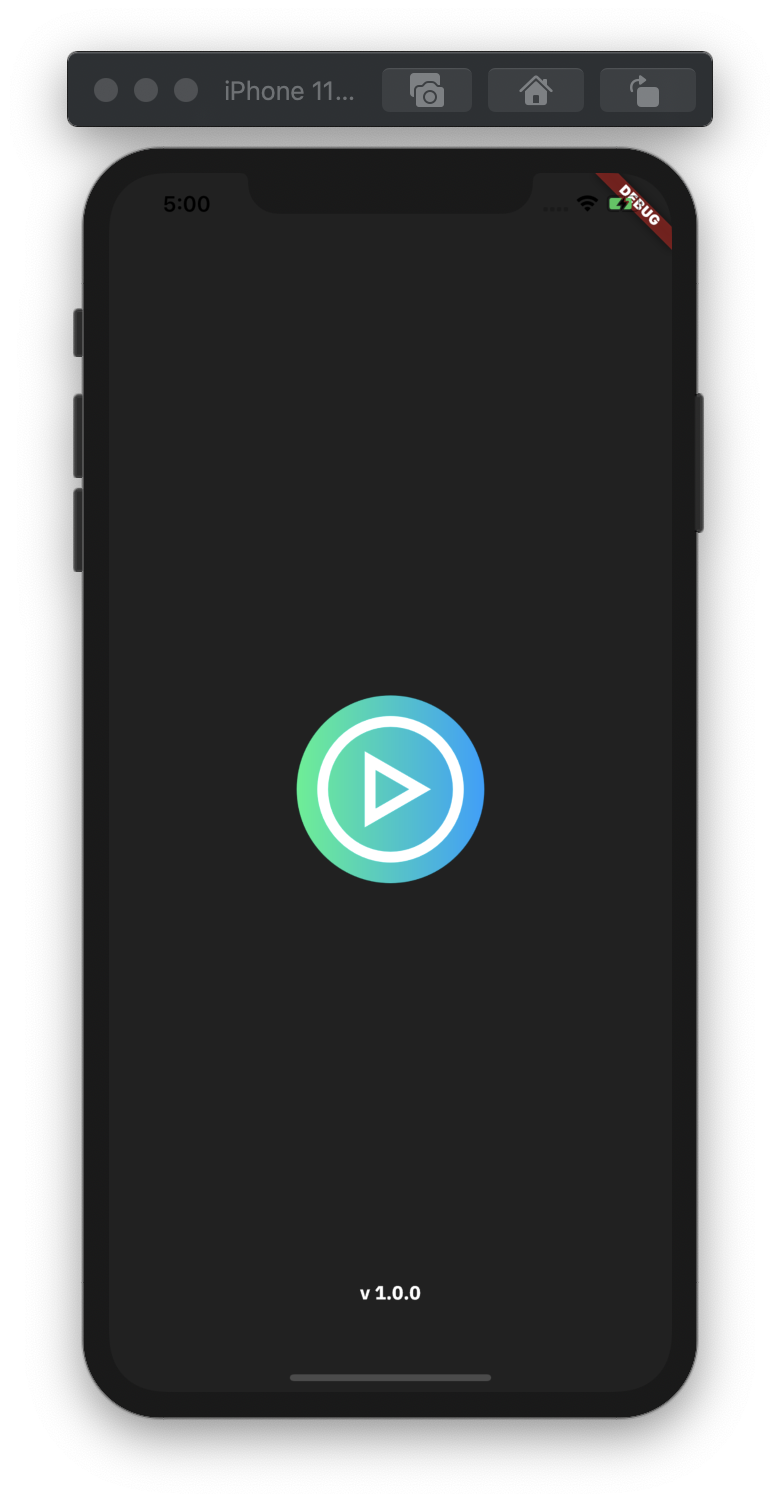


📸 Example Android


Quick start
This is a normal flutter app. You should follow the instructions in the official documentation. This project uses BLoC (business logic component) to separate the business logic with UI itself. It's recommended to do self-study about it before jumping into the project here. And also on this project uses Modularization approach to separate each feature (core, shared, ui modules). You can do self-study about it in here.
Modularization Structure 🔥
# Root Project
.
|
├── lib                        # Name of module (default from Flutter).
│   ├── launcher               # Main Application.
│   └── ui                     # Activity/View layer.
|
└── libraries                  # Name of directory.
    ├── core                   # Name of module.
    │   ├── bloc               # Business logic component.
    │   ├── di                 # Dependency injection.
    │   ├── local              # Local data handlers.
    │   ├── network            # Remote data handlers.
    │   └── repository         # Repository data handlers.
    |
    ├── dependencies           # Name of module (Handle dependency version updates).
    |
    └── shared                 # Name of module.
        ├── common             # Common shared.
        └── widget             # Custom widget which can be used repeatedly.
Built With 🛠
- BLoC Pattern - Business logic component to separate the business logic with UI.
- Equatable - Being able to compare objects in
Dartoften involves having to override the==operator. - Dio - A type-safe HTTP client.
- Json Serializable - Builders for handling JSON.
- Shared Preferences - Cache implementation approach.
- Modularization - Separate functionality into independent, interchangeable modules.
- Shimmer - Loading handler.
- Flutter Launcher Icons - Launcher icons handler.
- Flavor - Handling different environments for development and production.
- Codemagic - Handling DevOps CI/CD for pipeline and automatically build.
- Handle State - (Loading, No Data, Has Data, No Internet Connection, Request Timeout, Error)
- Build Release for Android - Available on the Play Store
- Youtube Player - Play Trailer Video.
- Extension Methods
- Pull To Refresh - Handle Pull to Refresh the Content
- Get It - A Dependency Injection
Todo
- [ ] Add Lint
- [ ] Add Favorite Movie and Tv Show using Moor
- [ ] Reminder with Notification
- [ ] Play Trailer with Full Screen
- [ ] Re-write Integration Testing (UI Test) because of Redesign UI
- [ ] Unit Testing (Mockito with BLoC)
- [ ] Add Fastlane
- [ ] Add CI to automatically publish to Firebase App Distribution
How to run the App
- Clone this project.
- Open with your favorite tools editor.
- Run
Pub geton each module sequentially starting fromdependencies,core,shared, andyour root projectto generatedpubspec.lockfile. - Add your
API_KEYinto api_constant.dart file. - Generated
*.g.dartfile incoremodule. But before you running that, make sure go to core module first usingcdcommand. For examplecd librariesand thencd core. Then you can run this command:flutter packages pub run build_runner build --delete-conflicting-outputs. - Run the App using this or this. Enjoy your App!.
Run the App using command prompt
Development
flutter run --flavor development --target=lib/launcher/main-dev.dart
Production
flutter run --flavor production --target=lib/launcher/main-prod.dart
Run the App using 


How to run the Test
Integration Testing (will be modified, for now it's not working)
flutter drive --target=test_driver/app.dart --flavor development
Author
- R Rifa Fauzi Komara
Don't forget to follow me, fork and give me a ⭐
License
MIT License

Copyright (c) [2020] [R Rifa Fauzi Komara]

Permission is hereby granted, free of charge, to any person obtaining a copy
of this software and associated documentation files (the "Software"), to deal
in the Software without restriction, including without limitation the rights
to use, copy, modify, merge, publish, distribute, sublicense, and/or sell
copies of the Software, and to permit persons to whom the Software is
furnished to do so, subject to the following conditions:

The above copyright notice and this permission notice shall be included in all
copies or substantial portions of the Software.

THE SOFTWARE IS PROVIDED "AS IS", WITHOUT WARRANTY OF ANY KIND, EXPRESS OR
IMPLIED, INCLUDING BUT NOT LIMITED TO THE WARRANTIES OF MERCHANTABILITY,
FITNESS FOR A PARTICULAR PURPOSE AND NONINFRINGEMENT. IN NO EVENT SHALL THE
AUTHORS OR COPYRIGHT HOLDERS BE LIABLE FOR ANY CLAIM, DAMAGES OR OTHER
LIABILITY, WHETHER IN AN ACTION OF CONTRACT, TORT OR OTHERWISE, ARISING FROM,
OUT OF OR IN CONNECTION WITH THE SOFTWARE OR THE USE OR OTHER DEALINGS IN THE
SOFTWARE.

R. Rifa Fauzi Komara ↗
カテゴリー
使用している依存関係
依存関係一覧 7 件
- flutter
{"sdk":"flutter"} - core
{"path":"libraries/core"} - dependencies
{"path":"libraries/dependencies"} - shared
{"path":"libraries/shared"} - flutter_test開発用
{"sdk":"flutter"} - flutter_driver開発用
{"sdk":"flutter"} - test開発用
any
ランキング
プロジェクトに合うリポジトリを選ぶには?
用途で絞り込み、開発状況を比較し、採用前に元のリポジトリで要件を確認しましょう。
- 名前・作者・説明で検索し、技術トピックで絞り込みます。
- スター、フォーク、最近のプッシュを比較します。スターは関心の目安であり、品質の保証ではありません。
- 利用前に GitHub で README、ライセンス、Issues を確認します。
情報源と管理
“A repository is the most basic element of GitHub.”
GitHub Docs — About repositories ↗