
v1.1.5
unicorndial
水平または垂直のフローティングボタンリストを使用して、簡単にフローティングメニューを作成できます
79いいね 11930日間ダウンロード15Pub ポイント
プラットフォーム情報なし
スピードダイヤル付きのFlutter浮き作業ボタン
以下は英語原文のスナップショットです。最新版は GitHub をご覧ください。
Easily create your own floating action button list
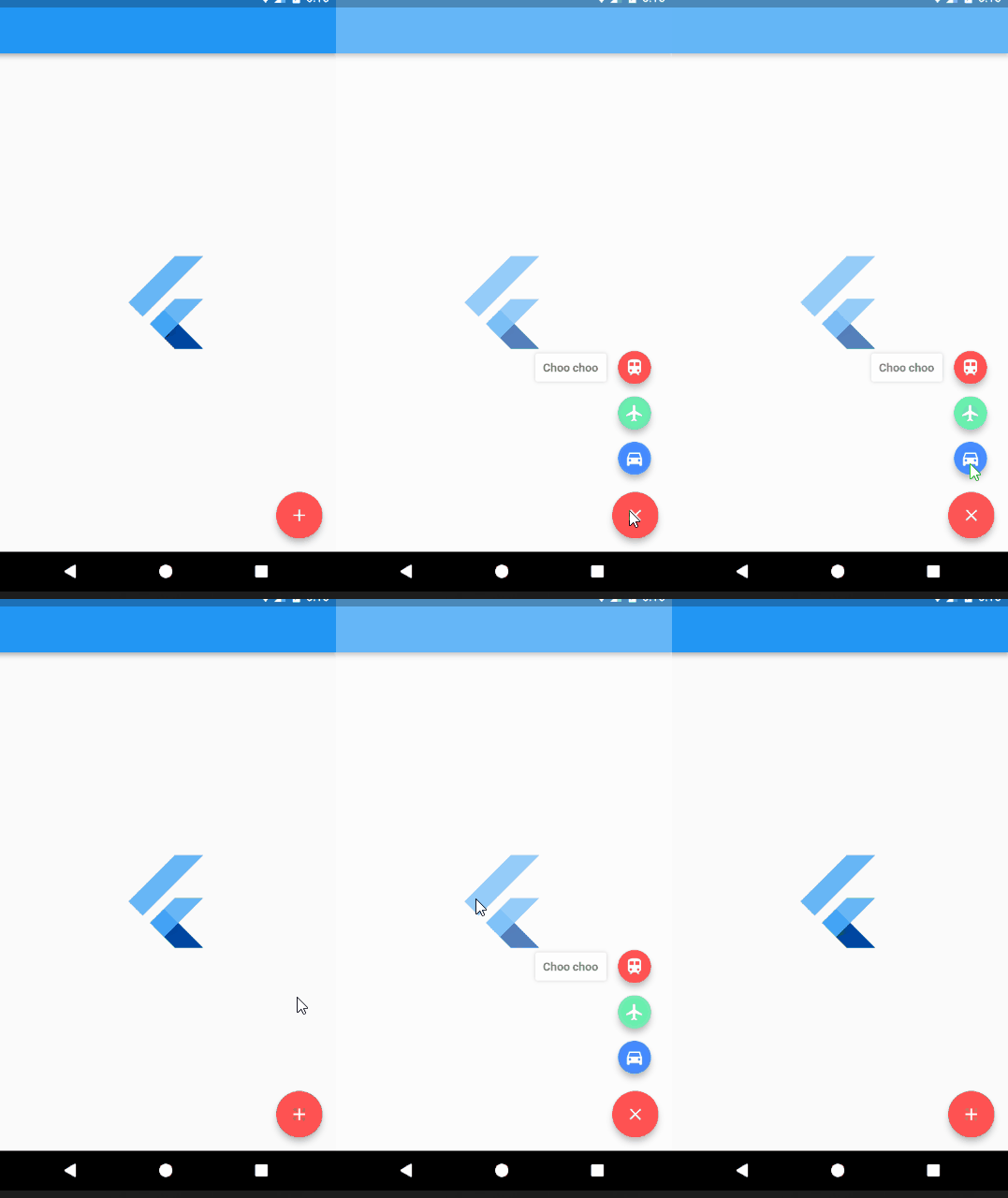
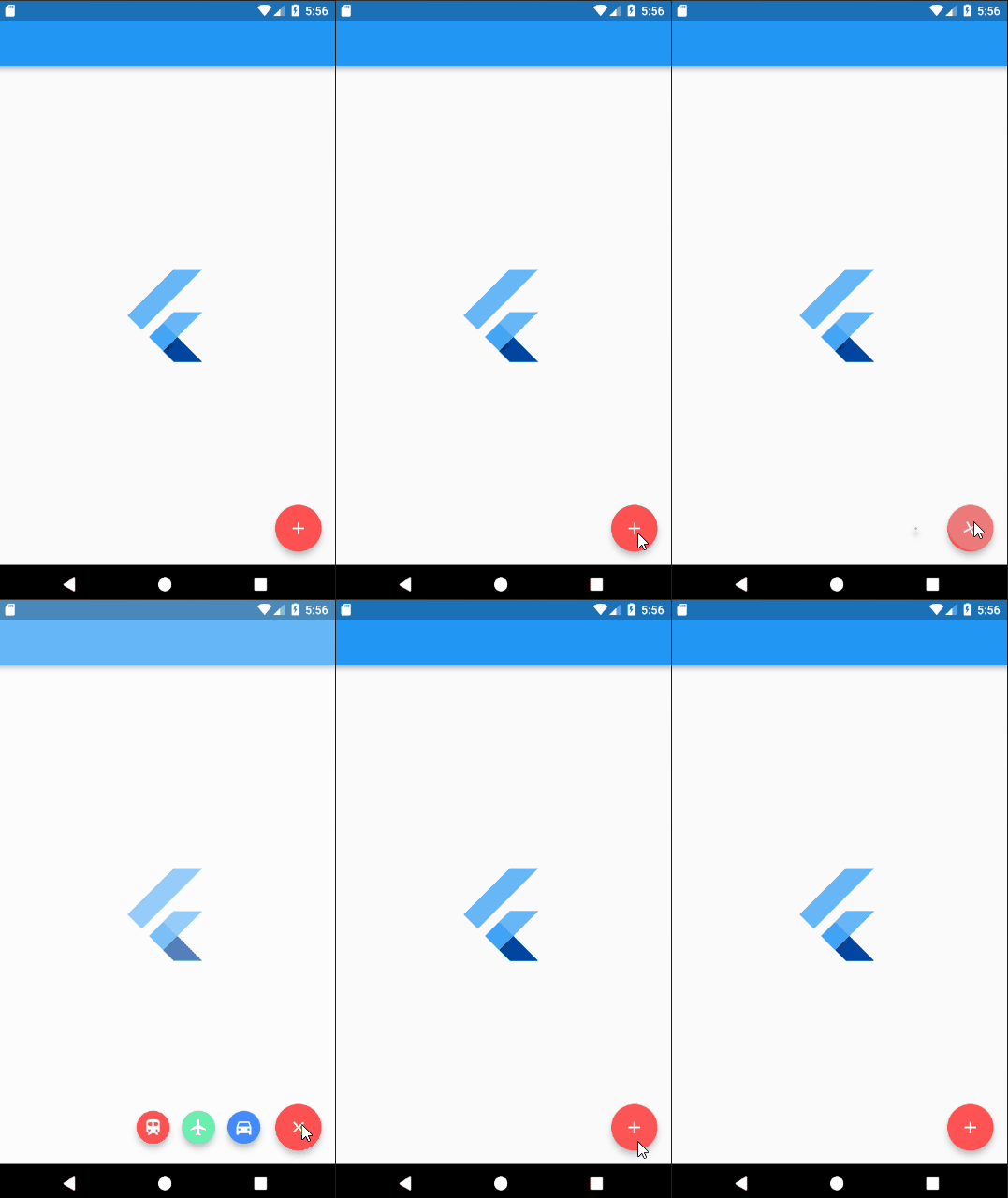
Add UnicornDialer to your pubspec.yaml
unicorndial: "^1.1.5"
UnicornDialer class
int orientation - Vertical or horizontal floating button list
Object parentHeroTag - Main FAB hero tag
Color backgroundColor - Modal background color
Icon parentButton - Starting Icon
Icon finalButtonIcon - Ending Icon (after animation is complete)
bool hasBackground - Background modal is set
Color parentButtonBackground - The main floating button background color
List<UnicornButton> childButtons Floating button list
int animationDuration Rotation and expanding animation duration (in milliseconds)
double childPadding - Right padding on the button label
Function onMainButtonPressed - To be called if set on the UnicornDialer parent widget
bool hasNotch - BottomAppBar support
UnicornButton class
FloatingActionButton currentButton - Floating list button
String labelText
double labelFontSize
Color labelColor
Color labelBackgroundColor
Color labelShadowColor - Label container shadow
bool labelHasShadow
bool hasLabel
Tiago Martins
This project is licensed under the MIT License - see the LICENSE.md file for details

依存関係一覧 2 件
{"sdk":"flutter"}{"sdk":"flutter"}用途で絞り込み、開発状況を比較し、採用前に元のリポジトリで要件を確認しましょう。
“A repository is the most basic element of GitHub.”
GitHub Docs — About repositories ↗