

 v0.3.1
flutter_stories
アプリにストーリー機能をもたらすウィジェット
69いいね 19730日間ダウンロード140Pub ポイント
AndroidiOSWebmacOSWindowsLinux
アプリにストーリー機能をもたらす Flutter ウィジェット

以下は英語原文のスナップショットです。最新版は GitHub をご覧ください。

Widget that brings stories mechanism to your apps
Add flutter_stories to your pubspec.yaml
Full version can be found in example dir
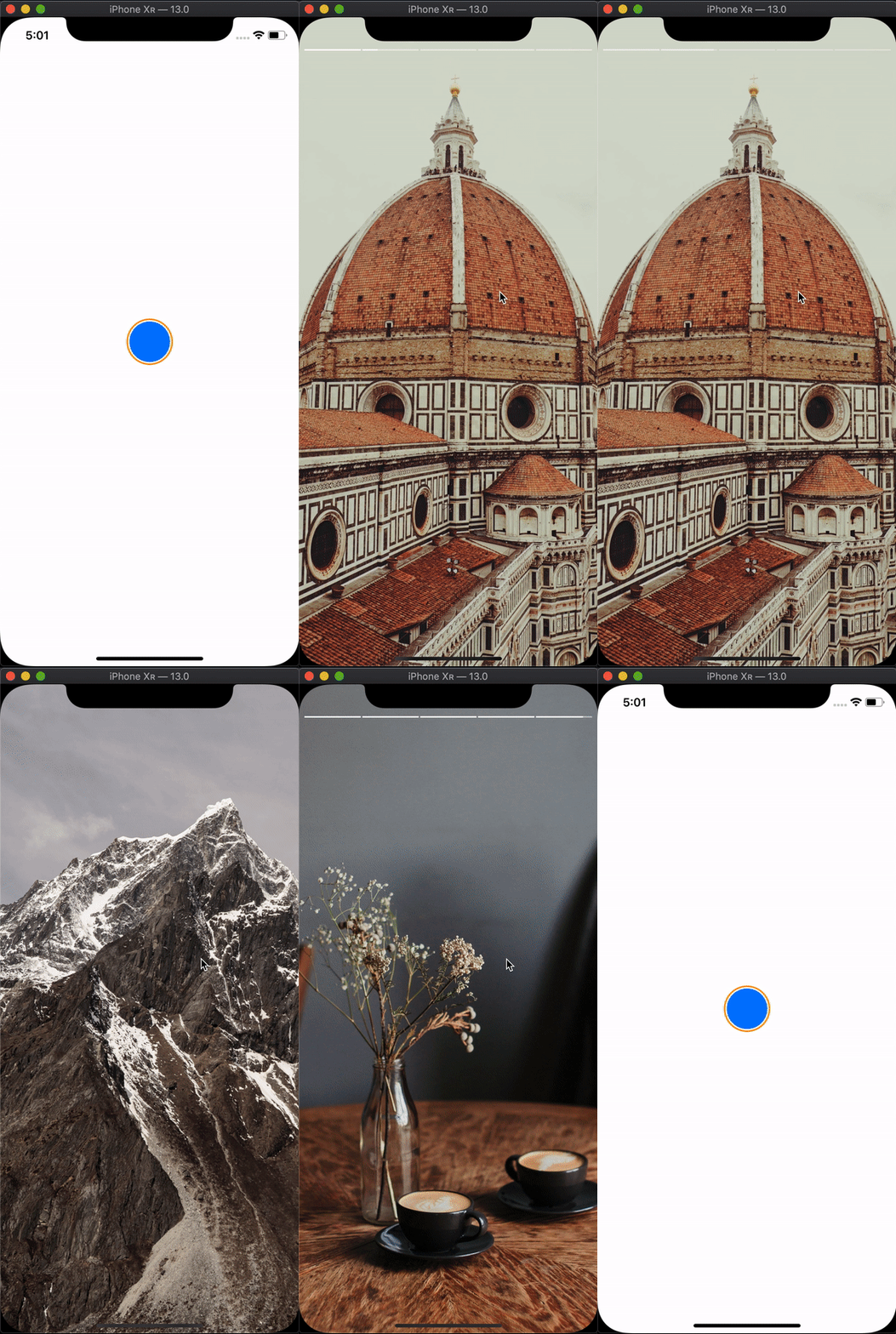
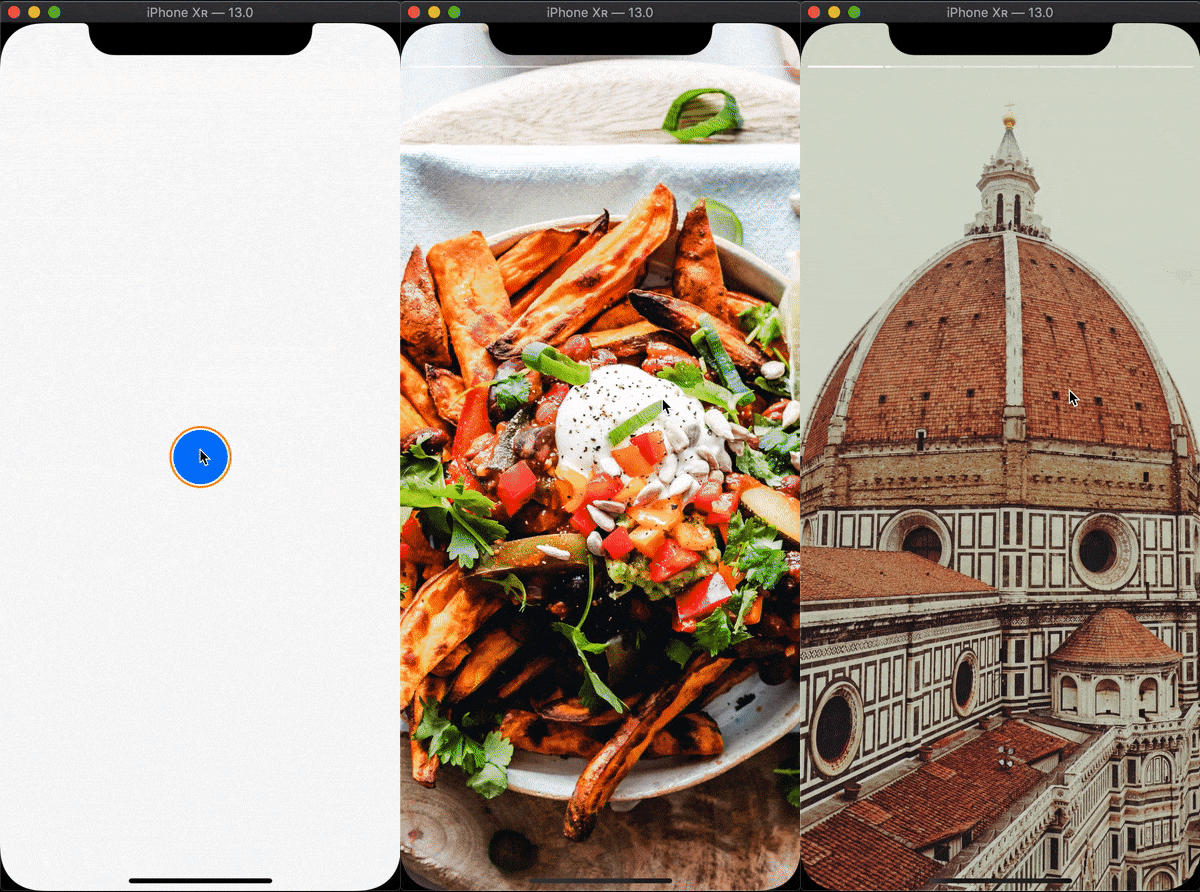
onFlashForward callback to control app behavior in this case or when story finishesonFlashBack| property | type | required | description |
|---|---|---|---|
momentCount |
int |
true | Sets the number of moments in story |
momentDurationGetter |
(int index) => Duration |
true | Function that must return Duration for each moment |
momentBuilder |
(BuildContext context, int index) => Widget |
true | Builder that gets executed for each moment |
onFlashForward |
() => void |
false | Gets executed when user taps the right portion of the screen on the last moment in story or when story finishes playing |
onFlashBack |
() => void |
false | Gets executed when user taps the left portion of the screen on the first moment in story |
startAt |
int |
false | Defaults to 0. Sets the index of the first moment that will be displayed |
momentSwitcherFraction |
double |
false | Defaults to 0.33. `sets the ratio of left and right tappable portions of the screen: left for switching back, right for switching forward |
progressSegmentBuilder |
(BuildContext context, double progress, double gap) => Widget |
false | Defaults to Story.instagramProgressSegmentBuilder - Instagram-like minimalistic segment builder. Builder for each progress segment |
progressSegmentGap |
double |
false | Defaults to 2.0. Sets the gap between each progress segment |
progressOpacityDuration |
Duration |
false | Defaults to Duration(milliseconds: 300). Sets the duration for the progress bar show/hide animation |
topOffset |
double |
false | Defaults to MediaQuery.of(context).padding.top. Sets the top offset of progress container |
fullscreen |
bool |
false | Defaults to true. If true hides the status bar via SystemChrome service |
依存関係一覧 2 件
{"sdk":"flutter"}{"sdk":"flutter"}用途で絞り込み、開発状況を比較し、採用前に元のリポジトリで要件を確認しましょう。
“A repository is the most basic element of GitHub.”
GitHub Docs — About repositories ↗