
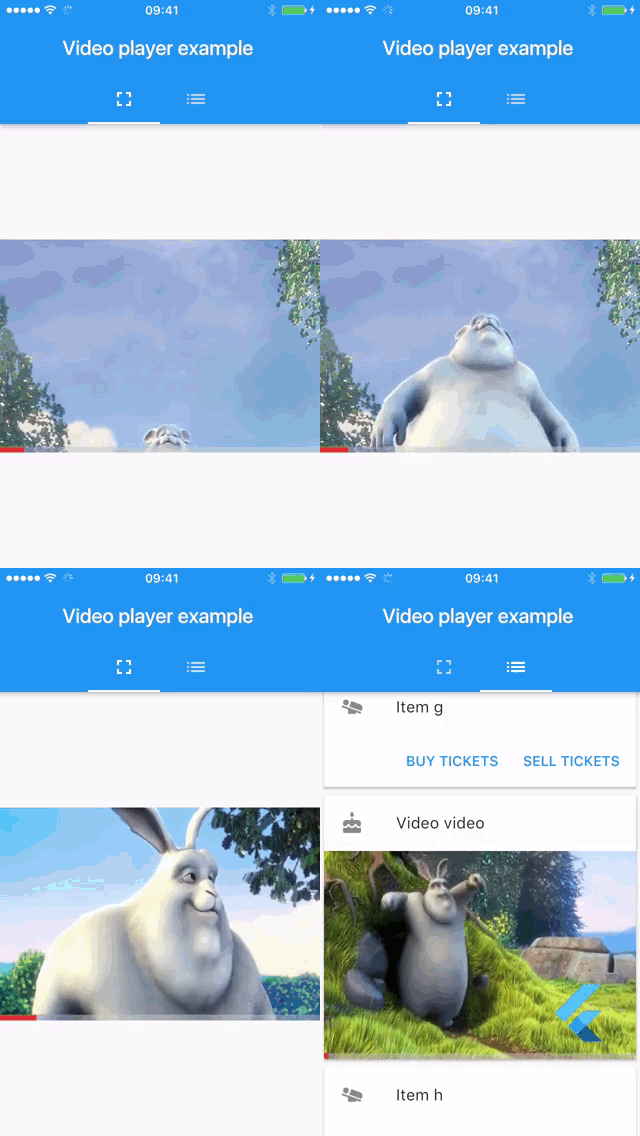
 v2.14.0
video_player
Android、iOS、macOS、Web で他の Flutter ウィジェットと組み合わせてインライン動画を表示するための Flutter プラグイン。
3720いいね 320万30日間ダウンロード150Pub ポイント
AndroidiOSWebmacOS
Delta形式(Quillフォーク)に基づくFlutter用のリッチテキストエディタ
 v2.14.0
Android、iOS、macOS、Web で他の Flutter ウィジェットと組み合わせてインライン動画を表示するための Flutter プラグイン。
Quiver は、多くの Dart ライブラリの使用をより簡単かつ便利にするか、追加機能を提供するためのユーティリティライブラリのセットです。
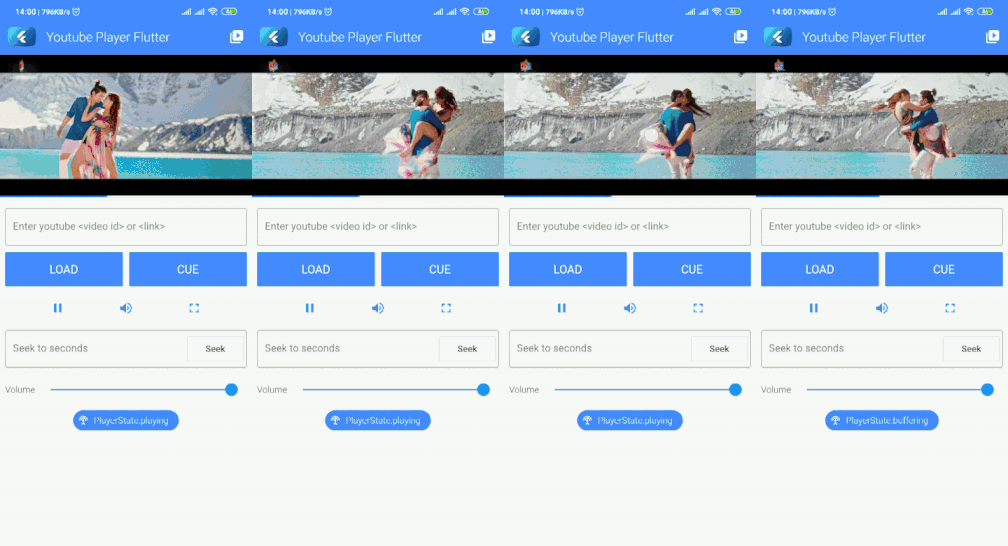 v10.0.1
公式 iFrame プレイヤー API を使用して、インラインで YouTube 動画を再生またはストリーミングするための Flutter プラグイン。このプラグインは Android および iOS をサポートしています。
Android および iOS でソフトキーボードの表示状態を検出するための Flutter プラグイン。
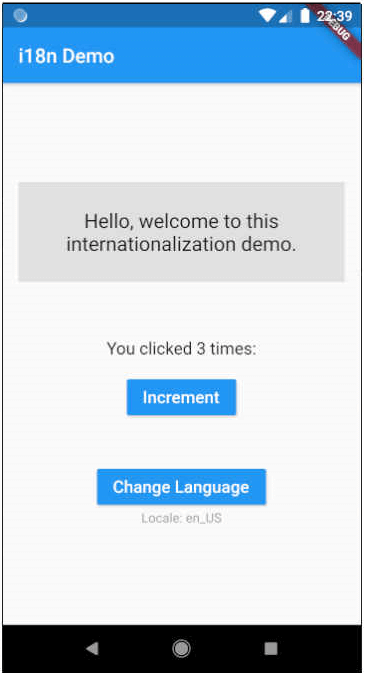 v16.0.0
Flutter向けの翻訳および国際化(i18n)。大規模および小規模なプロジェクトの両方で簡単に使用できます。Dart拡張機能を使用してボイラープレートを削減します。
ユーザー入力からの文字列の検証およびクリーニングに特化したDartライブラリ。
Unicode/グラフムクラスターに対応した操作を使用した文字列置換。
Diff Match and Patch ライブラリは、プレーンテキストの同期に必要な操作を実行するための堅牢なアルゴリズムを提供しています。
{"sdk":"flutter"}1.18.01.0.35.4.11.0.40.14.03.2.11.0.26.2.11.11.12.8.11.3.08.1.20.4.110.0.19.1.06.1.0{"sdk":"flutter"}以下は英語原文のスナップショットです。最新版は GitHub をご覧ください。
Visual-editor-teaser
Visual Editor is a Rich Text editor for Flutter originally forked from Flutter Quill. The editor is built around the powerful Quilljs Delta document format originally developed by QuillJs. Delta documents can be easily converted to JSON, the encoding is easy to read and modify and offers many extensibility options. This document explains the reasons why we forked Quill and the improvements that were made.
https://github.com/visual-space/visual-editor/blob/develop/example/assets/github/visual-editor-demo.gif
You can edit delta docs on the server side using DocumentController. This can come in handy for a couple of scenarios:
Highlight custom regions of text with temporary markers that are sensitive to taps and hovering. Highlights are not stored in the delta document. Useful when you want to temporarily showcase a particular range of text. Check out the highlights docs.
https://github.com/visual-space/visual-editor/blob/develop/example/assets/github/highlights.gif
Markers have similar mechanics as highlights but instead of being stored temporarily in the controller they are stored permanently in the document. Markers can be enabled or disabled on demand. Check out the markers docs.
https://github.com/visual-space/visual-editor/blob/develop/example/assets/github/markers.gif
Markers can have attachments assigned to them. Custom data can be stored in the attachments. Visual Editor exposes the necessary hooks to implement markers attachments. You can easily customize all the behaviors/rendering. Check out the markers docs.
https://github.com/visual-space/visual-editor/blob/develop/example/assets/github/markers-attachments.gif
A quick menu can be displayed on top of the current text selection, on top of highlights or markers, or any arbitrary region of text. Visual Editor exposes the necessary hooks to implement custom menus. You can easily customize all the behaviors/rendering.
https://github.com/visual-space/visual-editor/blob/develop/example/assets/github/quick-menu.gif
A document index can be displayed. Tapping the headings will scroll the document to the correct position. Visual Editor exposes the necessary hooks to implement custom menus. You can easily customize all the behaviors/rendering.
https://github.com/visual-space/visual-editor/blob/develop/example/assets/github/headings-index.gif
Fancy behaviors such as custom validation of heading lengths can be implemented. We extract a list of headings, we check against custom validation rules and we display highlights where we spot problems. This is by no means a standard feature in rich text editors, therefore we expose the hooks needed to implement it. You can easily customize all the behaviors/rendering.
https://github.com/visual-space/visual-editor/blob/develop/example/assets/github/headings-validation.gif
Inside of delta document you can inject any type of custom embed. Custom embeds store the data necessary to init the embed. In order to render custom embeds client apps need to provide the custom embed builders. Visual Editor exposes the necessary hooks to implement custom menus. You can easily customize all the behaviors/rendering. Check out the custom embeds docs.
https://github.com/visual-space/visual-editor/blob/develop/example/assets/github/custom-embeds.gif
Clicking on a link/text (which is set as a link) opens the link menu, which displays the url of the link, in order to open the link into another tab, beside the URL, there are 3 buttons. One for removing the link, leaving the text as it is without the link attribute. Second the edit link which opens the edit link menu. Third is the copy to clipboard menu.
The current version is getting close to a clean state. Visual Editor will soon be ready to be published in pub.dev without major changes. Until then you can use it by linking directly from Github:
dependencies:
  visual_editor:
    git: https://github.com/visual-space/visual-editor.git
Minimal Example - You will need an editor, a toolbar and a controller to link them together.
final _controller = EditorController();

Column(
  children: [
    EditorToolbar(
      controller: _controller,
    ),
    VisualEditor(
      controller: _controller,
    ),
  ],
)
Make sure you don't create a new EditorController instance on setState(). This mistake degrades performance and you will lose the document's edit history. You can update or change the document directly from the controller.
Saving a Document
final json = jsonEncode(_controller.document.toDelta().toJson());
Retrieving a Document
const blogPost = jsonDecode(response);

final _controller = EditorController(
  document: DocDeltaM.fromJson(blogPost)
);
Empty Document
For empty documents the editor can display a placeholder text. This is an empty document. For convenience you can import and use the EMPTY_DELTA_DOC_JSON constant.
[{"insert":"\n"}]
Export Delta Or Plain Text
Visual Editor uses [Delta] operations as an internal data format to describe the attributes of each fragment of text.
_controller.document.toDelta();
_controller.document.toPlainText();
https://github.com/visual-space/visual-editor/blob/develop/example/assets/github/youtube.jpg
YoutubeSubscribe to our Visual Coding Youtube channel to learn the skills needed to use and extend Visual Editor. Our episodes go in many topics including Flutter and production ready Software Architecture. |
https://github.com/visual-space/visual-editor/blob/develop/example/assets/github/discord.jpg
DiscordJoin us on Visual Editor Discord to get live advice from the maintainers and core users. Our goal is to create a friendly and active support community that shares help and resources. |
In this repository you can also find a demo app with various pages that showcase all sorts of configurations for the editor. One particularly useful page is the "Delta Sandbox" page. In this page you can see side by side a live editor and a json preview panel. This demo will help you to quickly learn how the Delta format works.
For a detailed overview of the public API and the code architecture check out our documentation:
EditorController.For Contributors: If you start contributing in the codebase make sure to setup the line char limit to 160 chars. We find the 80 chars default from Flutter way too restrictive.
QuillJs Delta • Designing The Delta Format • Language Tool • Language Server Protocol • Word Processing Terminology 1 • Word Processing Terminology 2 • Flutter custom selection toolbar