


 v2.0.0
grouped_checkbox
Flutter プロジェクトでさまざまなスタイルのチェックボックスを簡単にグループ化するためのパッケージ。
11いいね 15630日間ダウンロード140Pub ポイント
AndroidiOSWebmacOSWindowsLinux
Flutterプロジェクトで、さまざまなスタイルのチェックボックスを簡単にグループ化するためのFlutterパッケージ。

以下は英語原文のスナップショットです。最新版は GitHub をご覧ください。
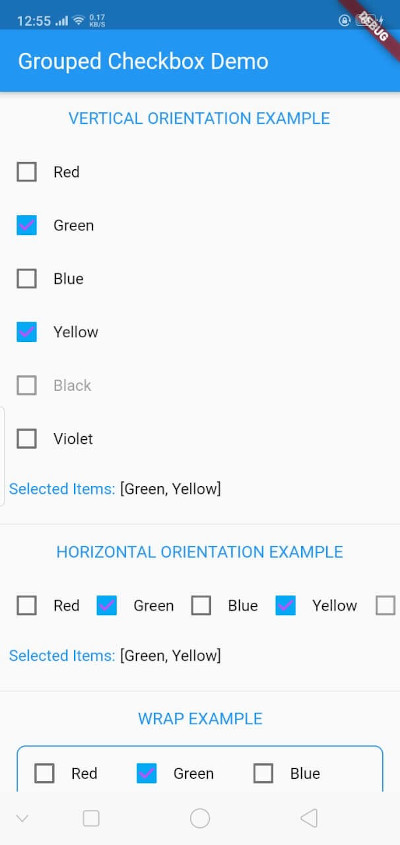
The GroupedCheckbox widget enables displaying a list of checkboxes in various orientations and styles. It's designed for flexibility, supporting generic types, and offers customizable options.
Add grouped_checkbox to your Flutter project's dependencies.
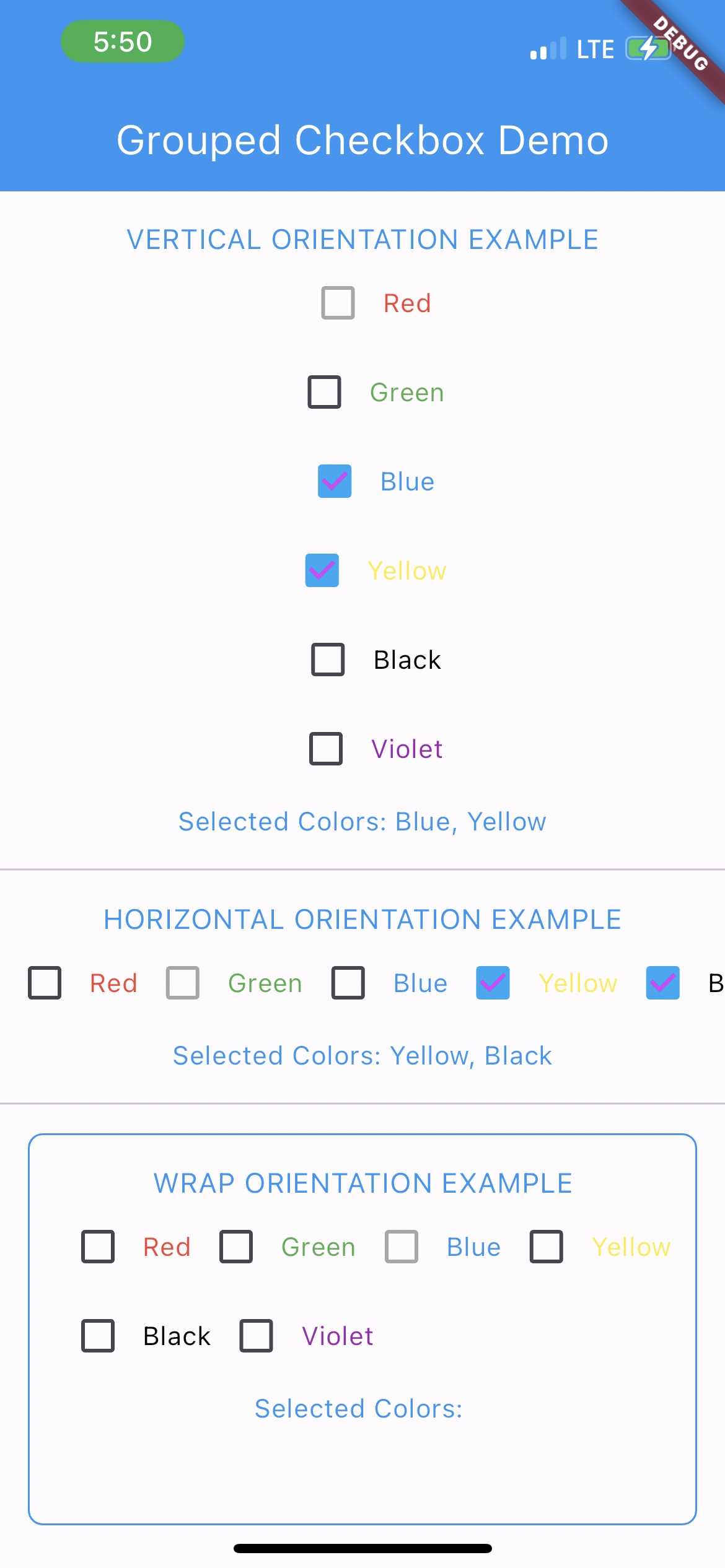
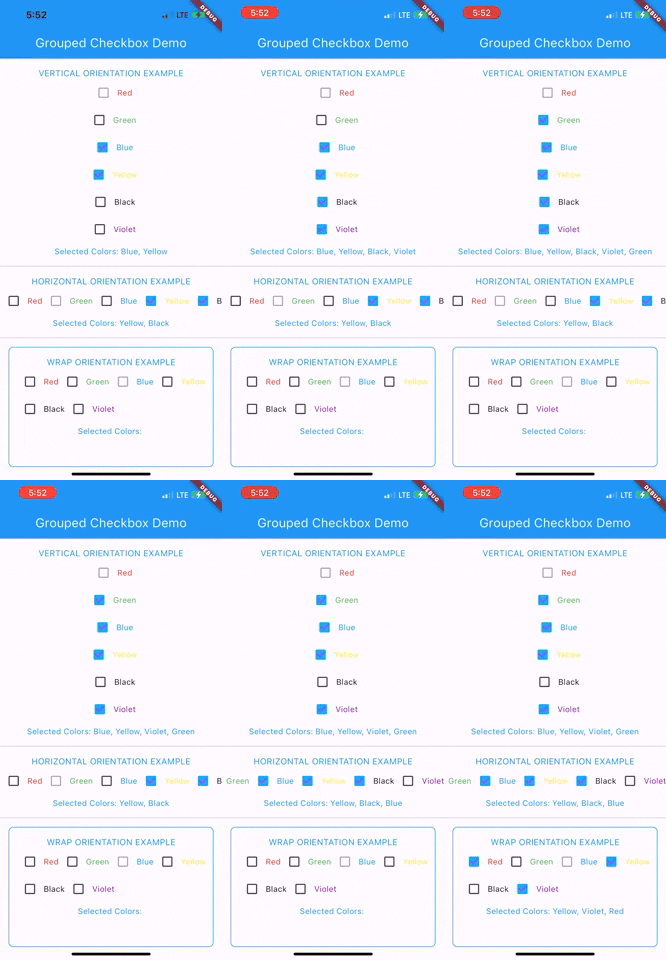
To use this plugin, add grouped_checkbox as a dependency in your pubspec.yaml file.
dependencies: grouped_checkbox: 2.0.0
import 'package:grouped_checkbox/grouped_checkbox.dart';
    final List<ColorItem> allItemList = [
      ColorItem('Red', Colors.red),
      ColorItem('Green', Colors.green),
      ColorItem('Blue', Colors.blue),
      ColorItem('Yellow', Colors.yellow),
      ColorItem('Black', Colors.black),
      ColorItem('Violet', Colors.purple)
    ];

    class ColorItem {
      String name;
      Color color;

      ColorItem(this.name, this.color);
    }

    GroupedCheckbox<ColorItem>(
      itemList: allItemList,
      checkedItemList: selectedItems,
      disabled: disabledItems,
      onChanged: (itemList) {
        updateFunction(itemList!);
      },
      orientation: orientation,
      checkColor: Colors.purpleAccent,
      activeColor: Colors.lightBlue,
      itemWidgetBuilder: (item) => Text(item.name, style: TextStyle(color: item.color)),
    )
依存関係一覧 2 件
{"sdk":"flutter"}{"sdk":"flutter"}用途で絞り込み、開発状況を比較し、採用前に元のリポジトリで要件を確認しましょう。
“A repository is the most basic element of GitHub.”
GitHub Docs — About repositories ↗