
 v1.0.0
number_selection
멋진 숫자 선택기 개념
22좋아요 4330일 다운로드130Pub 점수
AndroidiOSWebmacOSWindowsLinux
Flutter 숫자 선택 패키지
아래는 영문 원문 스냅샷입니다. 최신 내용은 GitHub에서 확인하세요.
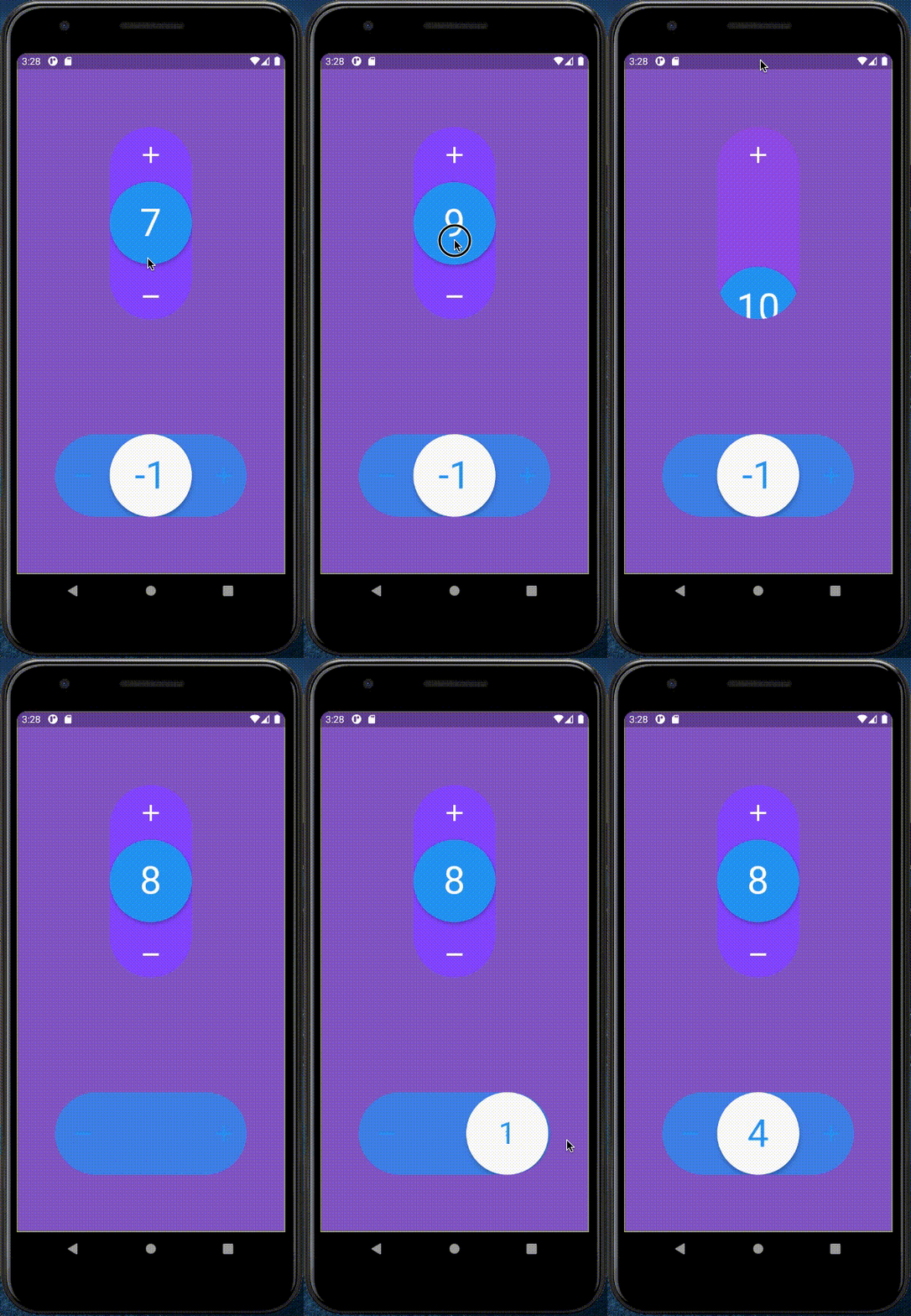
import 'package:number_selection/number_selection.dart';
NumberSelection(
    theme: NumberSelectionTheme(
        draggableCircleColor: Colors.blue,
        iconsColor: Colors.white,
        numberColor: Colors.white,
        backgroundColor: Colors.deepPurpleAccent,
        outOfConstraintsColor: Colors.deepOrange),
    initialValue: 1,
    minValue: -10,
    maxValue: 10,
    direction: Axis.vertical,
    withSpring: true,
    onChanged: (int value) => print("value: $value"),
    enableOnOutOfConstraintsAnimation: true,
    onOutOfConstraints: () => print("This value is too high or too low"),
);

의존성 목록 1 개
{"sdk":"flutter"}사용 목적에 따라 검색하고 개발 활동을 비교한 뒤 원본 저장소에서 요구 사항을 확인하세요.
“A repository is the most basic element of GitHub.”
GitHub Docs — About repositories ↗