
 v0.4.1
page_indicator
flutter pageview 인디케이터, 사용하기 쉬움. 위치와 크기 커스터마이징 가능하지만 원형만 지원.
58좋아요 36230일 다운로드60Pub 점수
플랫폼 정보 없음
CaiJingLong/flutter_page_indicator open-source repository details.

{"sdk":"flutter"}{"sdk":"flutter"}아래는 영문 원문 스냅샷입니다. 최신 내용은 GitHub에서 확인하세요.
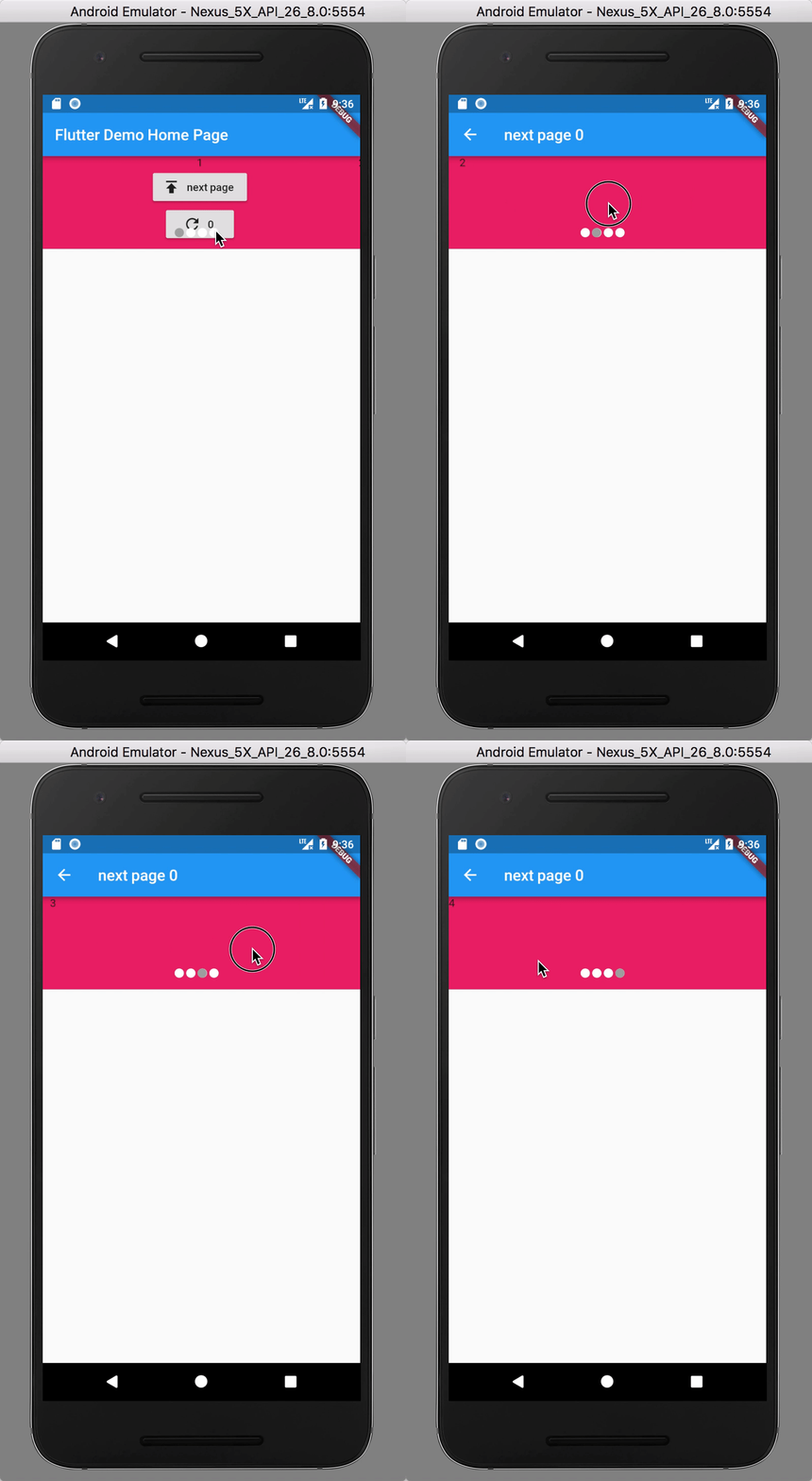
image
image
dependencies:
  page_indicator: ^0.3.0
You can install packages from the command line:
with Flutter:
flutter packages get
Alternatively, your editor might support flutter packages get. Check the docs for your editor to learn more.
import 'package:page_indicator/page_indicator.dart';
or
PageIndicatorContainer(
  child: PageView(
    children: <Widget>[
      Text("1"),
      Text('2'),
      Text('3'),
      Text('4'),
    ],
    controller: controller,
  ),
  align: IndicatorAlign.bottom,
  length: 4,
  indicatorSpace: 20.0,
  padding: const EdgeInsets.all(10),
  indicatorColor: Colors.white,
  indicatorSelectorColor: Colors.blue,
  shape: IndicatorShape.circle(size: 12),
  // shape: IndicatorShape.roundRectangleShape(size: Size.square(12),cornerSize: Size.square(3)),
  // shape: IndicatorShape.oval(size: Size(12, 8)),
}
final key = GlobalKey<PageContainerState>();
PageIndicatorContainer(
  key: key,
  // other ...
);

// force refersh
key.currentState.forceRefreshState();
0.1.x => 0.2.x
PageIndicatorContainer(
  ...
--  size: 12.0,
++  shape: IndicatorShape.circle(size: 12),
)