연결된 소스 저장소의 README 원문 스냅샷입니다. 최신 내용은 저장소에서 확인하세요.
page_indicator
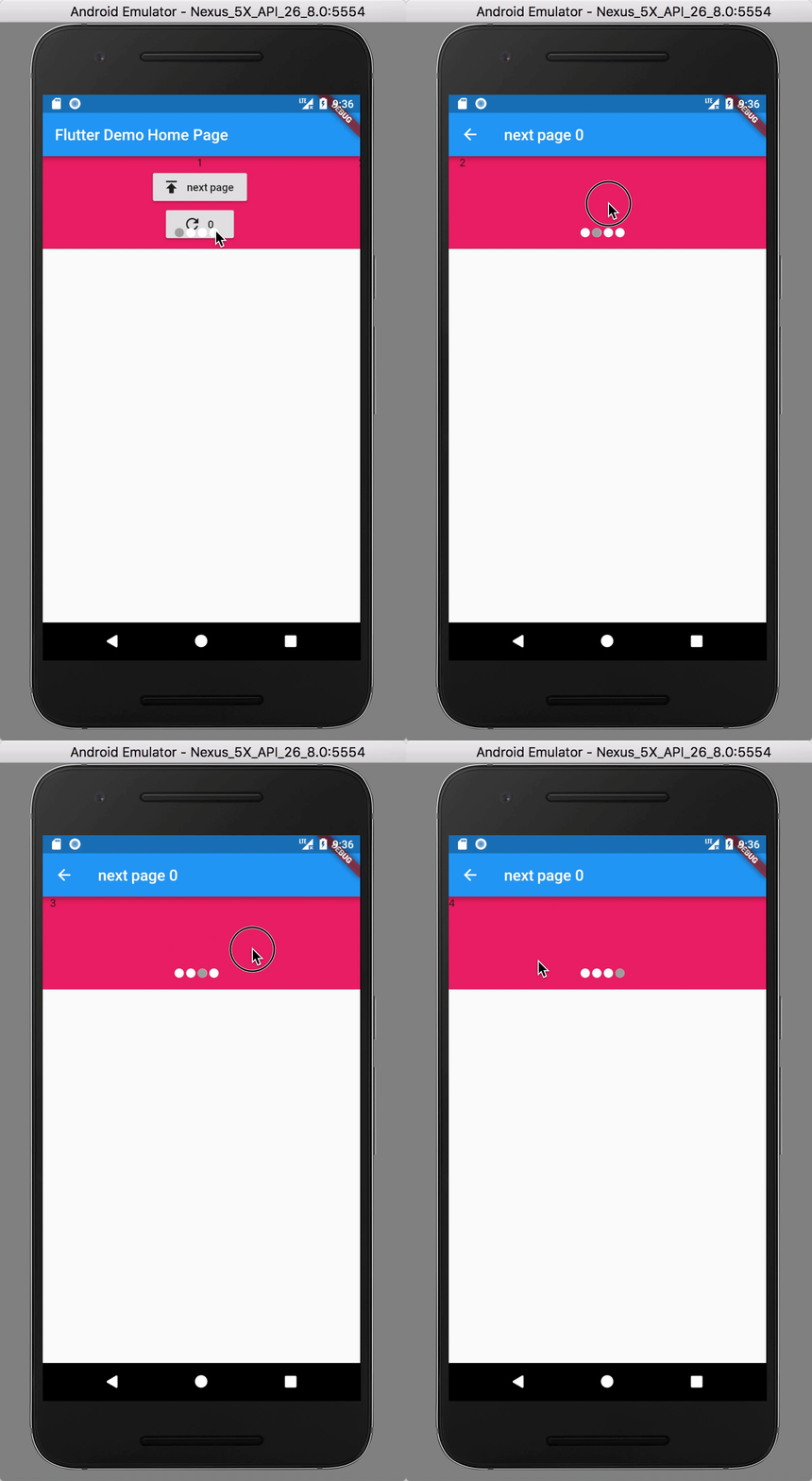
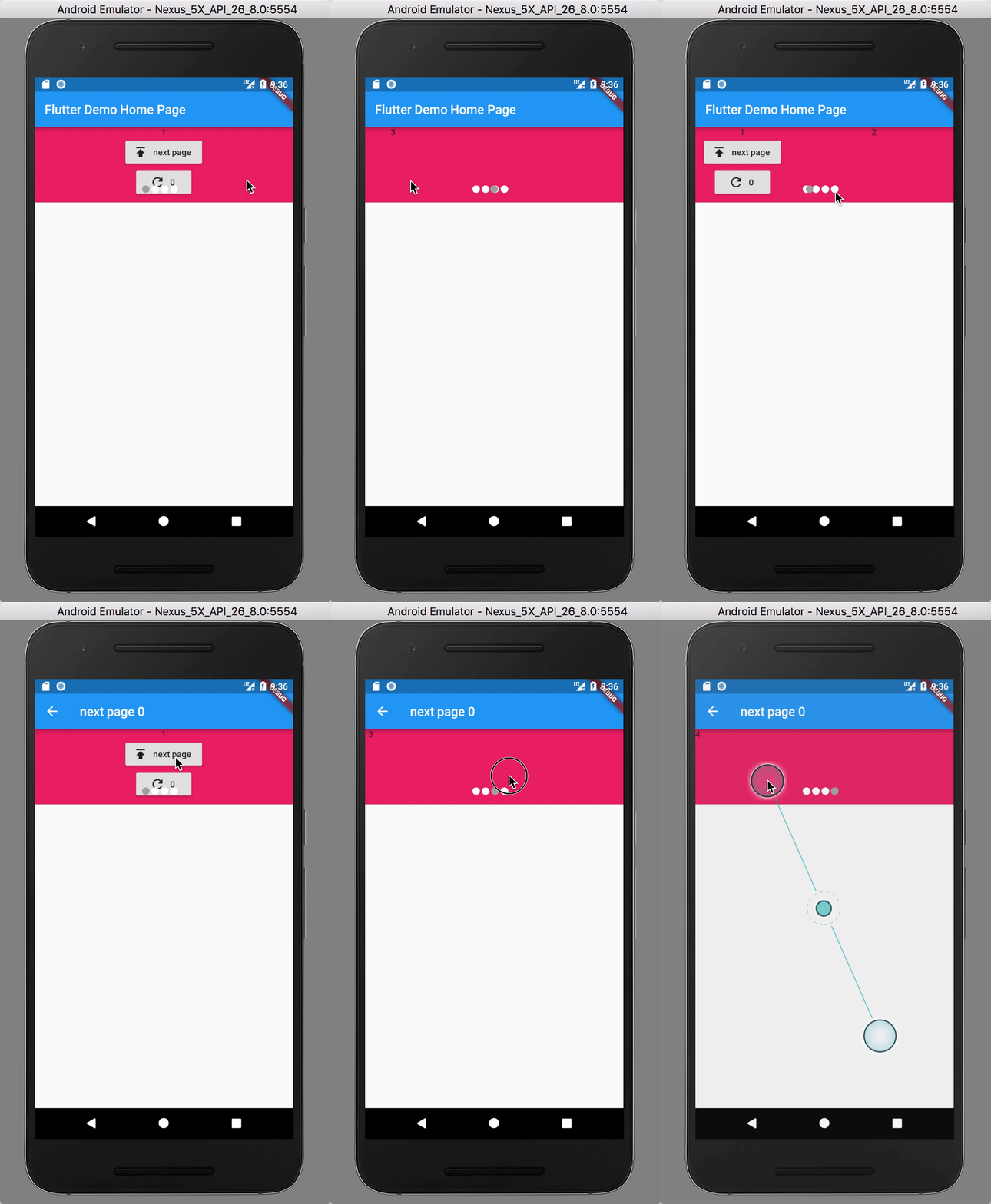
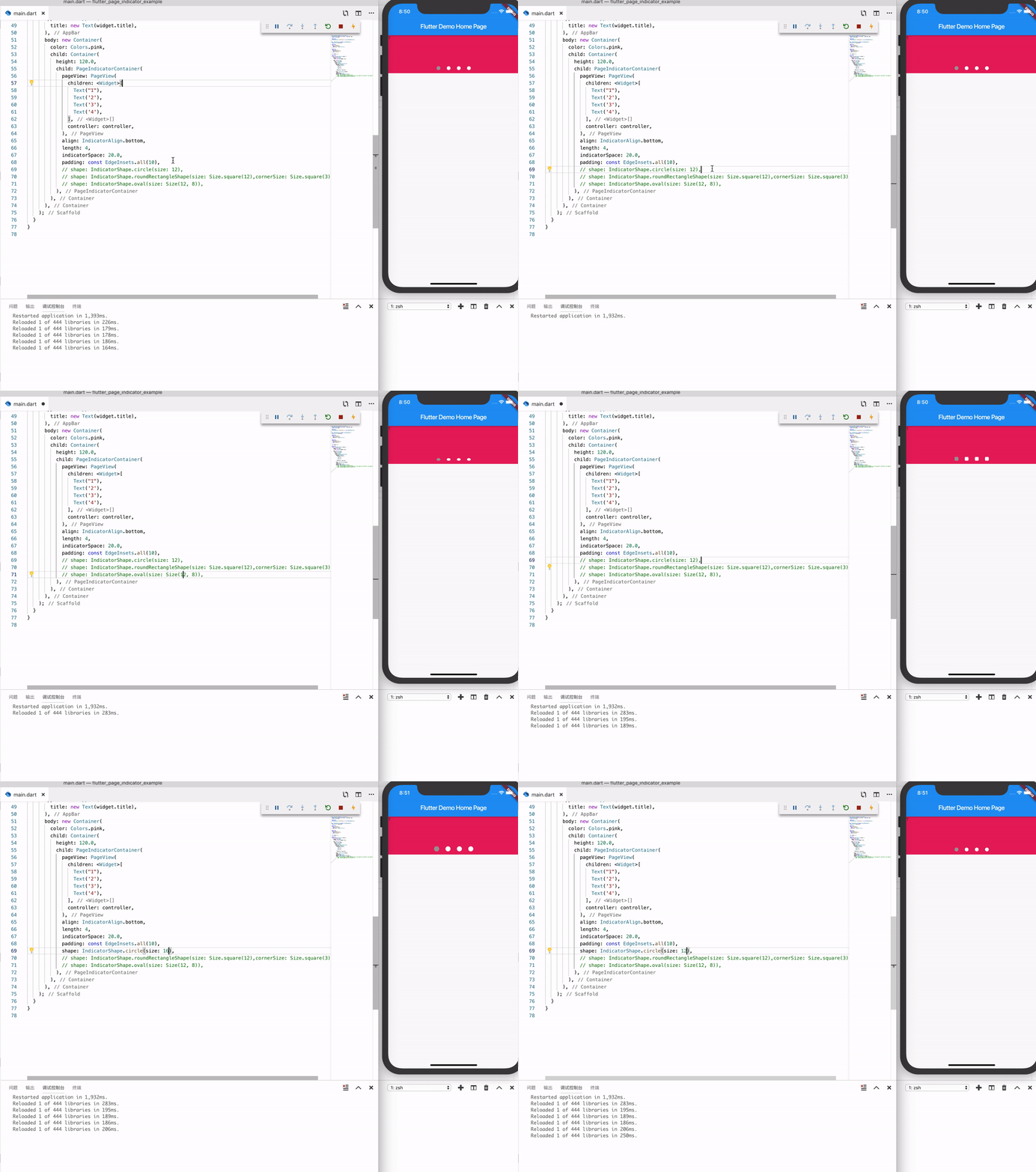
Preview
Install
see
Depend on it
Add this to your package's pubspec.yaml file:
dependencies:
  page_indicator: ^0.3.0
Install it
You can install packages from the command line:
with Flutter:
flutter packages get
Alternatively, your editor might support flutter packages get. Check the docs for your editor to learn more.
Import it
Now in your Dart code, you can use:
import 'package:page_indicator/page_indicator.dart' ;
Usage
see example file
or
PageIndicatorContainer (
child: PageView (
children: <Widget >[
Text ("1" ),
Text ('2' ),
Text ('3' ),
Text ('4' ),
],
controller: controller,
),
align: IndicatorAlign .bottom,
length: 4 ,
indicatorSpace: 20.0 ,
padding: const EdgeInsets .all (10 ),
indicatorColor: Colors .white,
indicatorSelectorColor: Colors .blue,
shape: IndicatorShape .circle (size: 12 ),
}
Force refersh state
final key = GlobalKey <PageContainerState >();
PageIndicatorContainer (
key: key,
);
key.currentState.forceRefreshState ();
Migration guide
0.1.x => 0.2.x
PageIndicatorContainer (
...
-- size: 12.0 ,
++ shape: IndicatorShape .circle (size: 12 ),
)