
flutter_styled_toast
스타일링된 토스트 플러터 패키지입니다.

- 스타
- 75
- 포크
- 45
- 최근 푸시(UTC)
- 2025. 11. 25.
- 프로젝트 상태
- 활성
원본 README
아래는 영문 원문 스냅샷입니다. 최신 내용은 GitHub에서 확인하세요.
flutter_styled_toast
A Styled Toast Flutter package. You can highly customize toast ever. Beautify toast with a series of animations and make toast more beautiful.
demo
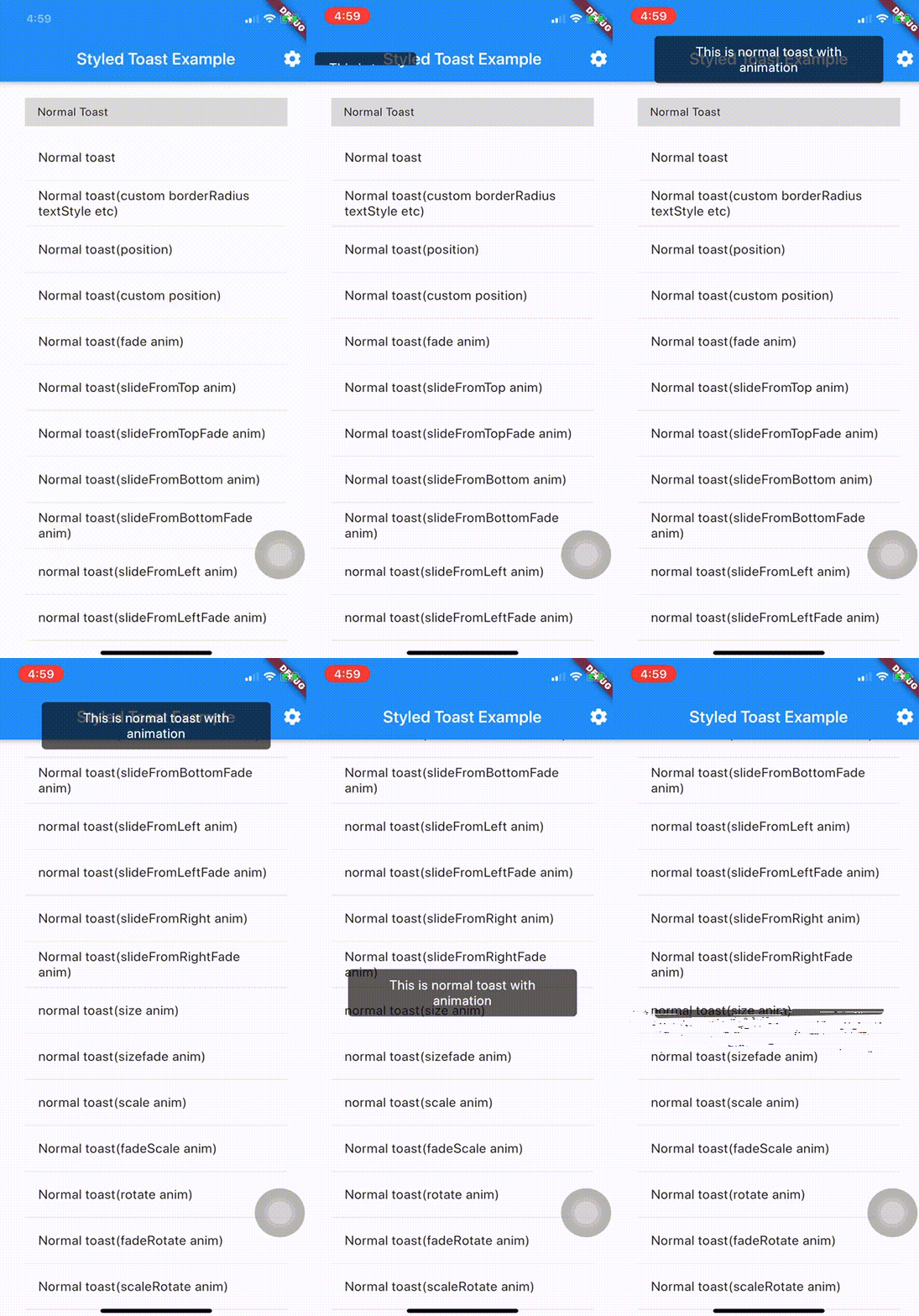
Null safety
dependencies:
  flutter_styled_toast: ^2.3.0
Getting Started
dependencies:
  flutter_styled_toast: ^1.5.2+3
import 'package:flutter_styled_toast/flutter_styled_toast.dart';
//Simple to use, no global configuration
showToast("hello styled toast",context:context);

//Customize toast content widget, no global configuration
showToastWidget(Text('hello styled toast'),context:context);
//Interactive toast, set [isIgnoring] false.
showToastWidget(
   Container(
       padding: EdgeInsets.symmetric(horizontal: 18.0),
       margin: EdgeInsets.symmetric(horizontal: 50.0),
       decoration: ShapeDecoration(
           shape: RoundedRectangleBorder(
               borderRadius: BorderRadius.circular(5.0),
           ),
           color: Colors.green[600],
       ),
       child: Row(
           children: [
               Text(
                   'Jump to new page',
                   style: TextStyle(
                       color: Colors.white,
                   ),
               ),
               IconButton(
                   onPressed: () {
                       ToastManager().dismissAll(showAnim: true);
                       Navigator.push(context,
                           MaterialPageRoute(builder: (context) {
                           return SecondPage();
                       }));
                   },
                   icon: Icon(
                       Icons.add_circle_outline_outlined,
                       color: Colors.white,
                   ),
               ),
           ],
           mainAxisAlignment: MainAxisAlignment.spaceBetween,
       ),
   ),
   context: context,
   isIgnoring: false,
   duration: Duration.zero,
);
//Set an animation
showToast('This is normal toast with animation',
   context: context,
   animation: StyledToastAnimation.scale,
);

///Set both animation and reverse animation,
///combination different animation and reverse animation to achieve amazing effect.
showToast('This is normal toast with animation',
   context: context,
   animation: StyledToastAnimation.scale,
   reverseAnimation: StyledToastAnimation.fade,
   position: StyledToastPosition.center,
   animDuration: Duration(seconds: 1),
   duration: Duration(seconds: 4),
   curve: Curves.elasticOut,
   reverseCurve: Curves.linear,
);

```dart


```dart
///Custom animation and custom reverse animation,
///combination different animation and reverse animation to achieve amazing effect.

AnimationController mController;
AnimationController mReverseController;

@override
void initState() {
  super.initState();
  mController =
      AnimationController(vsync: this, duration: Duration(milliseconds: 200));
  mReverseController =
      AnimationController(vsync: this, duration: Duration(milliseconds: 200));
}

showToast('This is normal toast with custom animation',
   context: context,
   position: StyledToastPosition.bottom,
   animDuration: Duration(seconds: 1),
   duration: Duration(seconds: 4),
   animationBuilder: (
       BuildContext context,
       AnimationController controller,
       Duration duration,
       Widget child,
   ) {
      return SlideTransition(
          position: getAnimation<Offset>(
          Offset(0.0, 3.0), Offset(0, 0), controller,
          curve: Curves.bounceInOut),
          child: child,
      );
   },
   reverseAnimBuilder: (
      BuildContext context,
      AnimationController controller,
      Duration duration,
      Widget child,
   ) {
      return SlideTransition(
          position: getAnimation<Offset>(
          Offset(0.0, 0.0), Offset(-3.0, 0), controller,
          curve: Curves.bounceInOut),
          child: child,
      );
   },
);

```dart


```dart
///Custom animation, custom reverse animation and custom animation controller
showToast('This is normal toast with custom animation and controller',
   context: context,
   position: StyledToastPosition.bottom,
   animDuration: Duration(seconds: 1),
   duration: Duration(seconds: 4),
   onInitState:(Duration toastDuration, Duration animDuration) async {
      try {
         await mController.forward().orCancel;
         Future.delayed(toastDuration - animDuration, () async {
            await mReverseController.forward().orCancel;
            mController.reset();
            mReverseController.reset();
         });
      } on TickerCanceled {}
   },
   animationBuilder: (
       BuildContext context,
       AnimationController controller,
       Duration duration,
       Widget child,
   ) {
      return SlideTransition(
          position: getAnimation<Offset>(
          Offset(0.0, 3.0), Offset(0, 0), controller,
          curve: Curves.bounceInOut),
          child: child,
      );
   },
   reverseAnimBuilder: (
      BuildContext context,
      AnimationController controller,
      Duration duration,
      Widget child,
   ) {
      return SlideTransition(
          position: getAnimation<Offset>(
          Offset(0.0, 0.0), Offset(-3.0, 0), controller,
          curve: Curves.bounceInOut),
          child: child,
      );
   },
);

```dart


Simple global configuration, wrap you app with StyledToast.
```dart
StyledToast(
  locale: const Locale('en', 'US'),
  child: MaterialApp(
            title: appTitle,
            showPerformanceOverlay: showPerformance,
            home: LayoutBuilder(
              builder: (BuildContext context, BoxConstraints constraints) {
                return MyHomePage(
                  title: appTitle,
                  onSetting: onSettingCallback,
                );
              },
            ),
          ),
);
Highly Customizable global configuration
MaterialApp(
  title: appTitle,
  showPerformanceOverlay: showPerformance,
    home: LayoutBuilder(
      builder: (BuildContext context, BoxConstraints constraints) {
        return MyHomePage(
          title: appTitle,
          onSetting: onSettingCallback,
        );
      },
    ),
    builder: (BuildContext context, Widget? child) {
      // Get the current platform brightness
      final isDarkMode = MediaQuery.of(context).platformBrightness == Brightness.dark;

      return StyledToast(
        textStyle: TextStyle(
          fontSize: 16.0,
          color: isDarkMode ? Colors.black : Colors.white
        ),
        backgroundColor: isDarkMode
          ? const Color(0xCCFFFFFF)
          : const Color(0x99000000),
        borderRadius: BorderRadius.circular(5.0),
        textPadding: const EdgeInsets.symmetric(horizontal: 17.0, vertical: 10.0),
        toastAnimation: StyledToastAnimation.size,
        reverseAnimation: StyledToastAnimation.size,
        startOffset: const Offset(0.0, -1.0),
        reverseEndOffset: const Offset(0.0, -1.0),
        duration: const Duration(seconds: 4),
        animDuration: const Duration(seconds: 1),
        alignment: Alignment.center,
        toastPositions: StyledToastPosition.center,
        curve: Curves.fastOutSlowIn,
        reverseCurve: Curves.fastOutSlowIn,
        dismissOtherOnShow: true,
        fullWidth: false,
        isHideKeyboard: false,
        isIgnoring: true,
        child: child ?? const SizedBox.shrink(),
      );
    },
);
//After global configuration, use in a single line.
showToast("hello styled toast");

//After global configuration, Customize toast content widget
showToastWidget(Text('hello styled toast'));
🚀 Roadmap
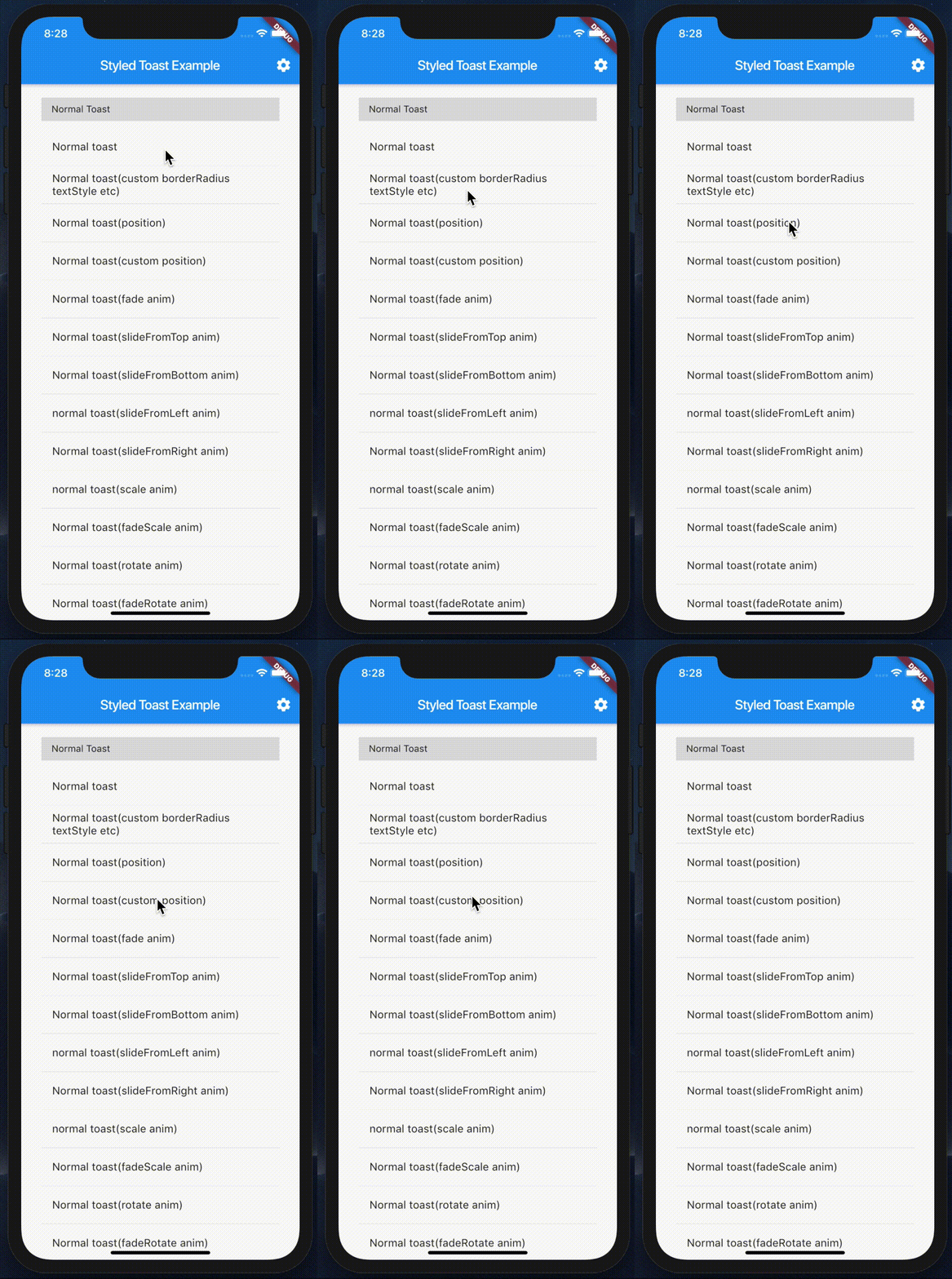
DefaultToastWidget |
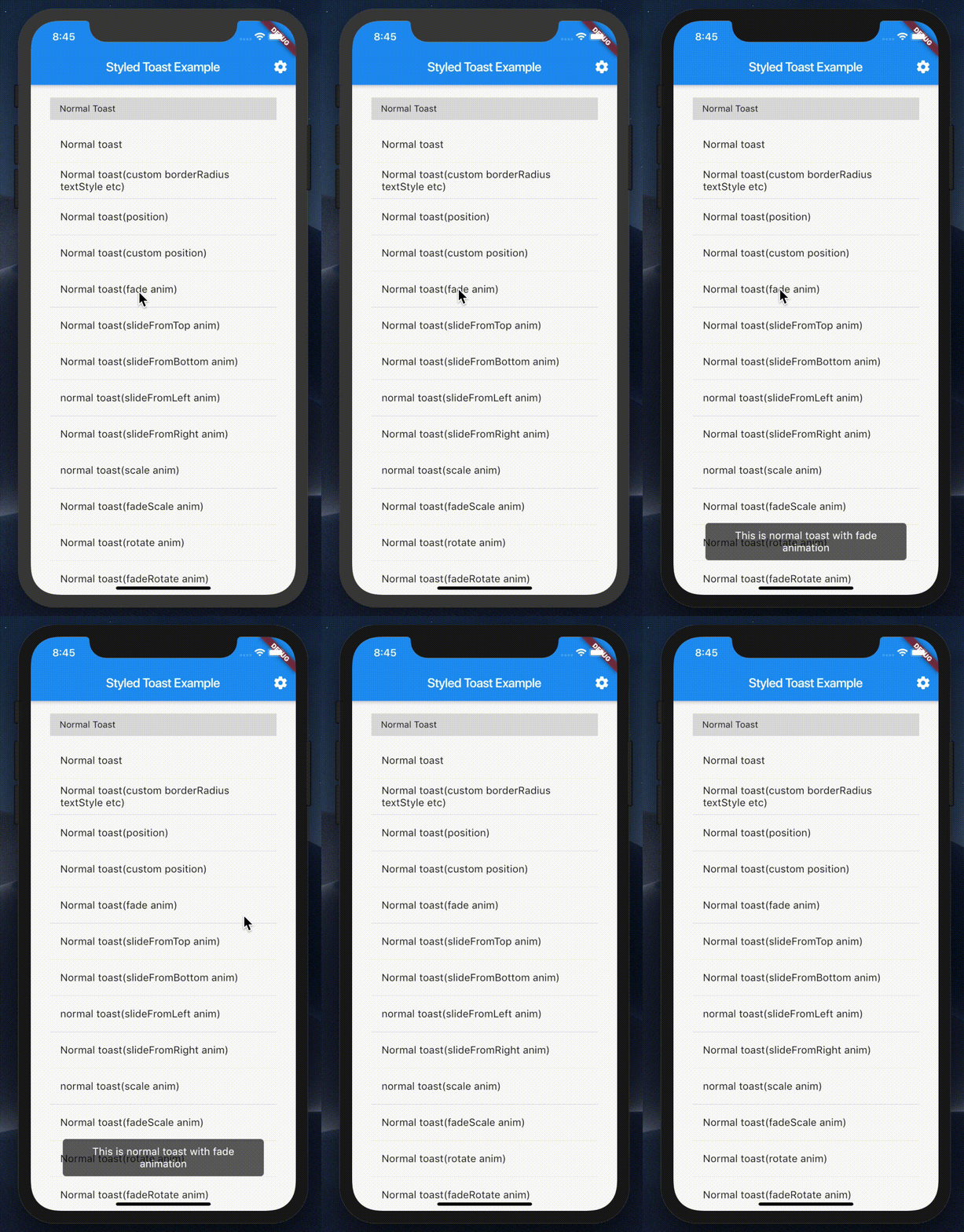
FadeAnim |
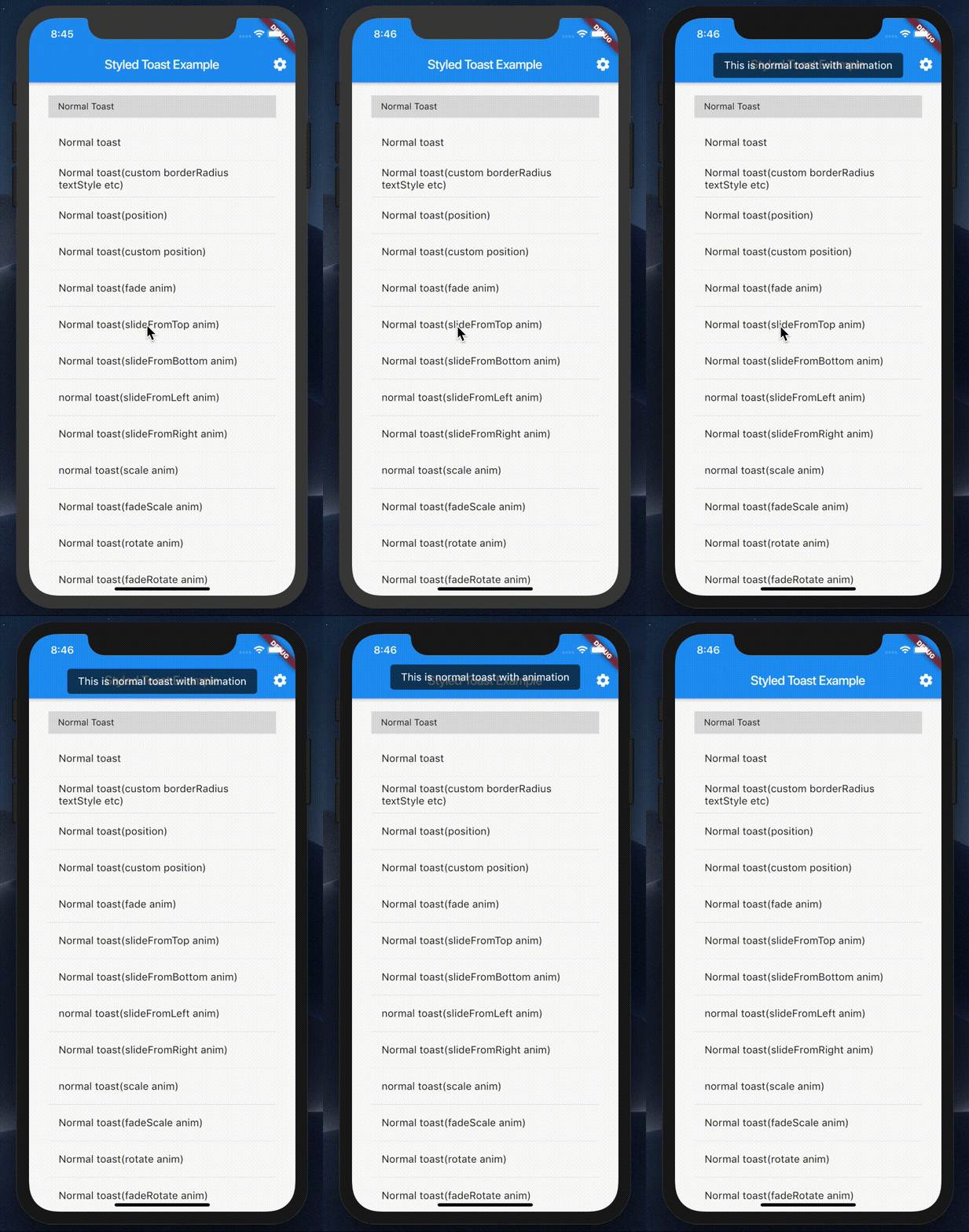
SlideFromTopAnim |
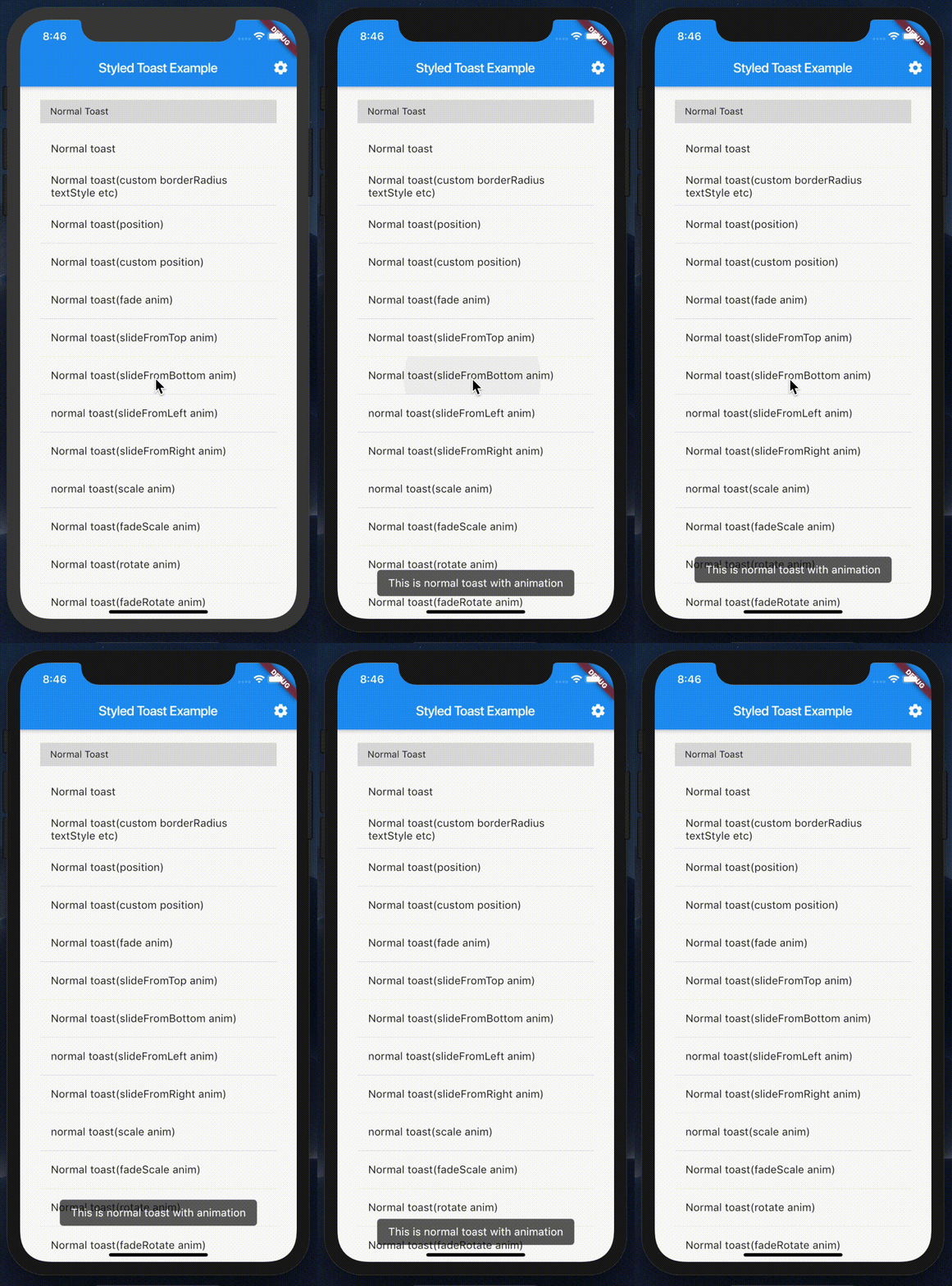
SlideFromBottomAnim |
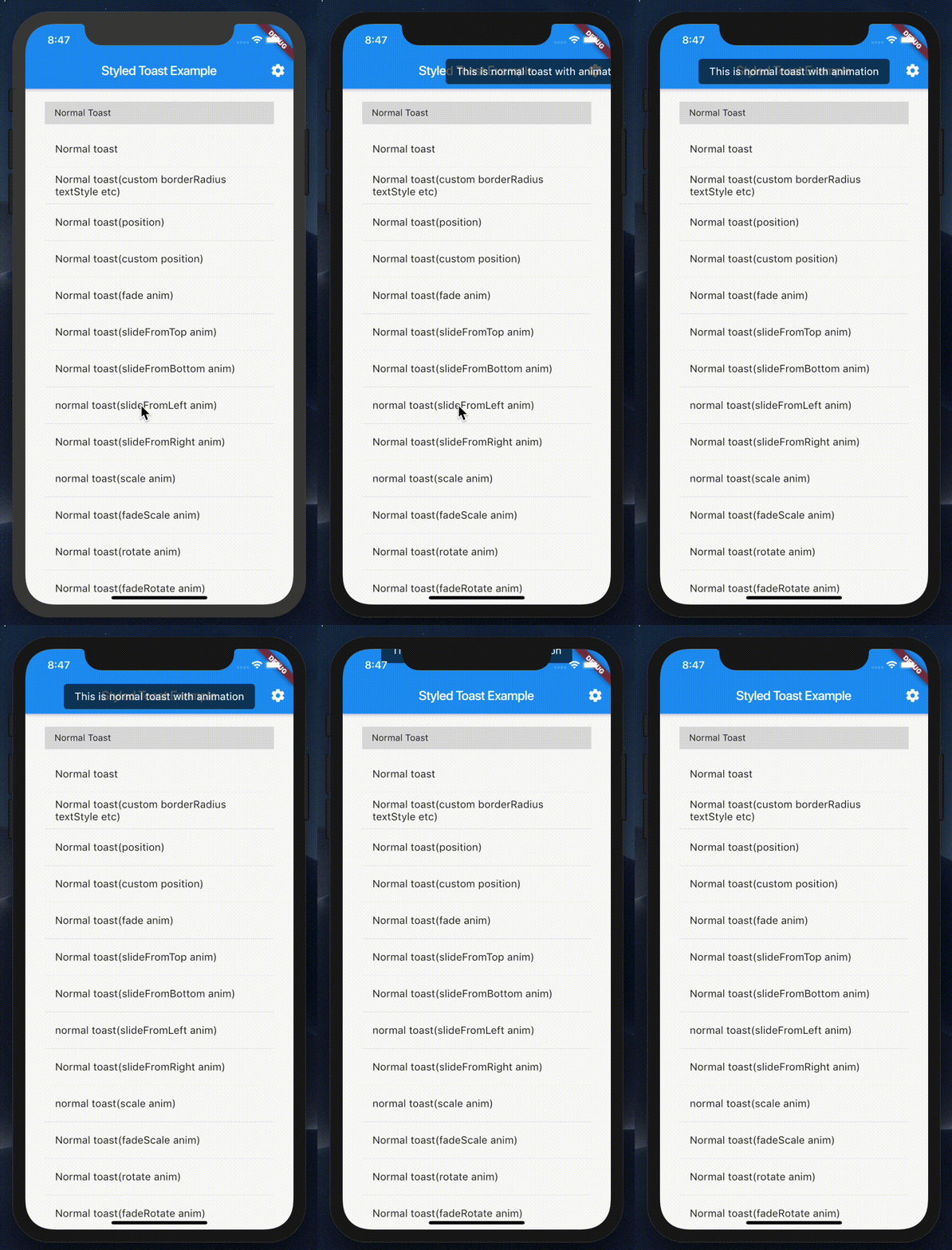
SlideFromLeftAnim |
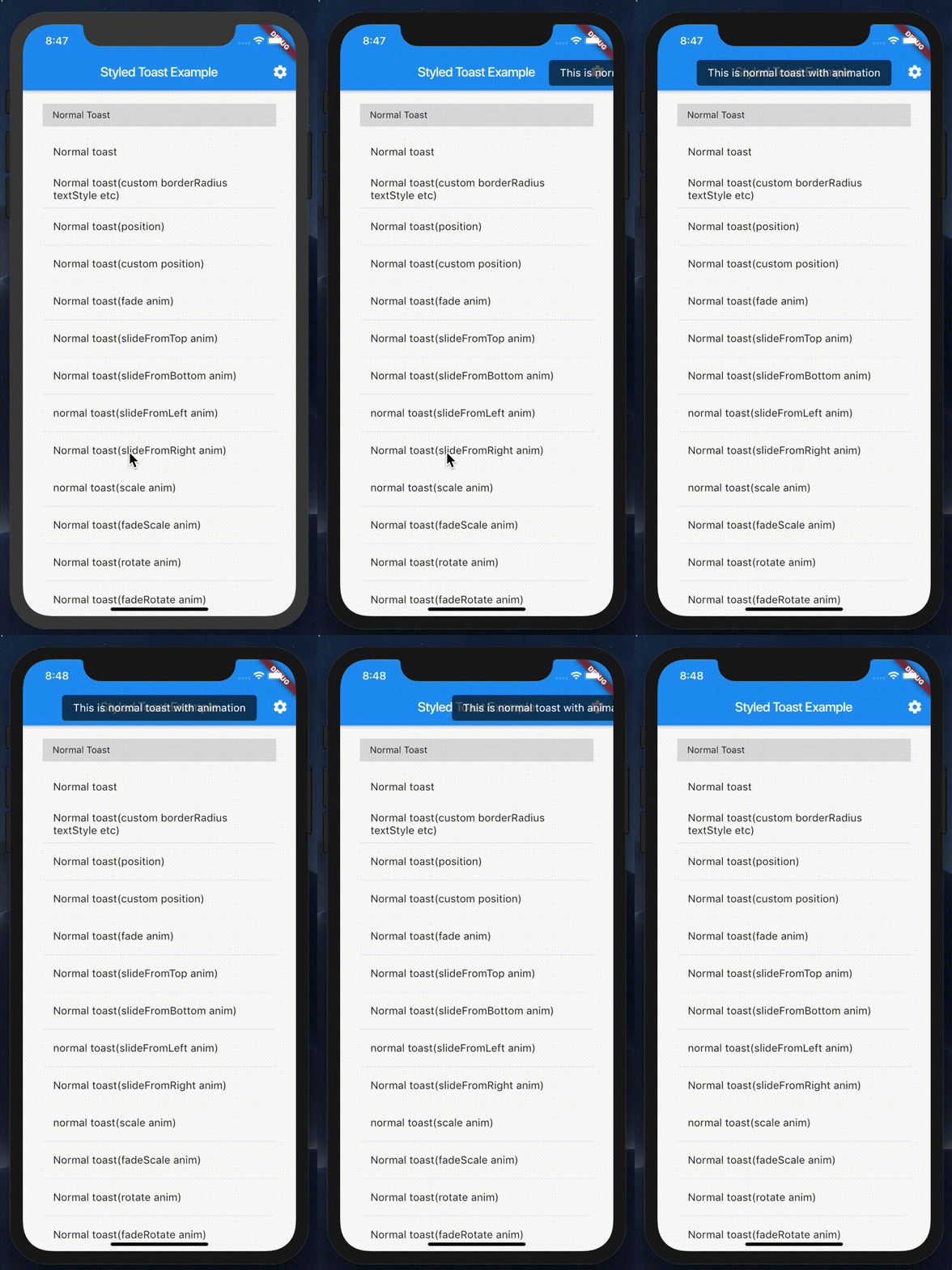
SlideFromRightAnim |
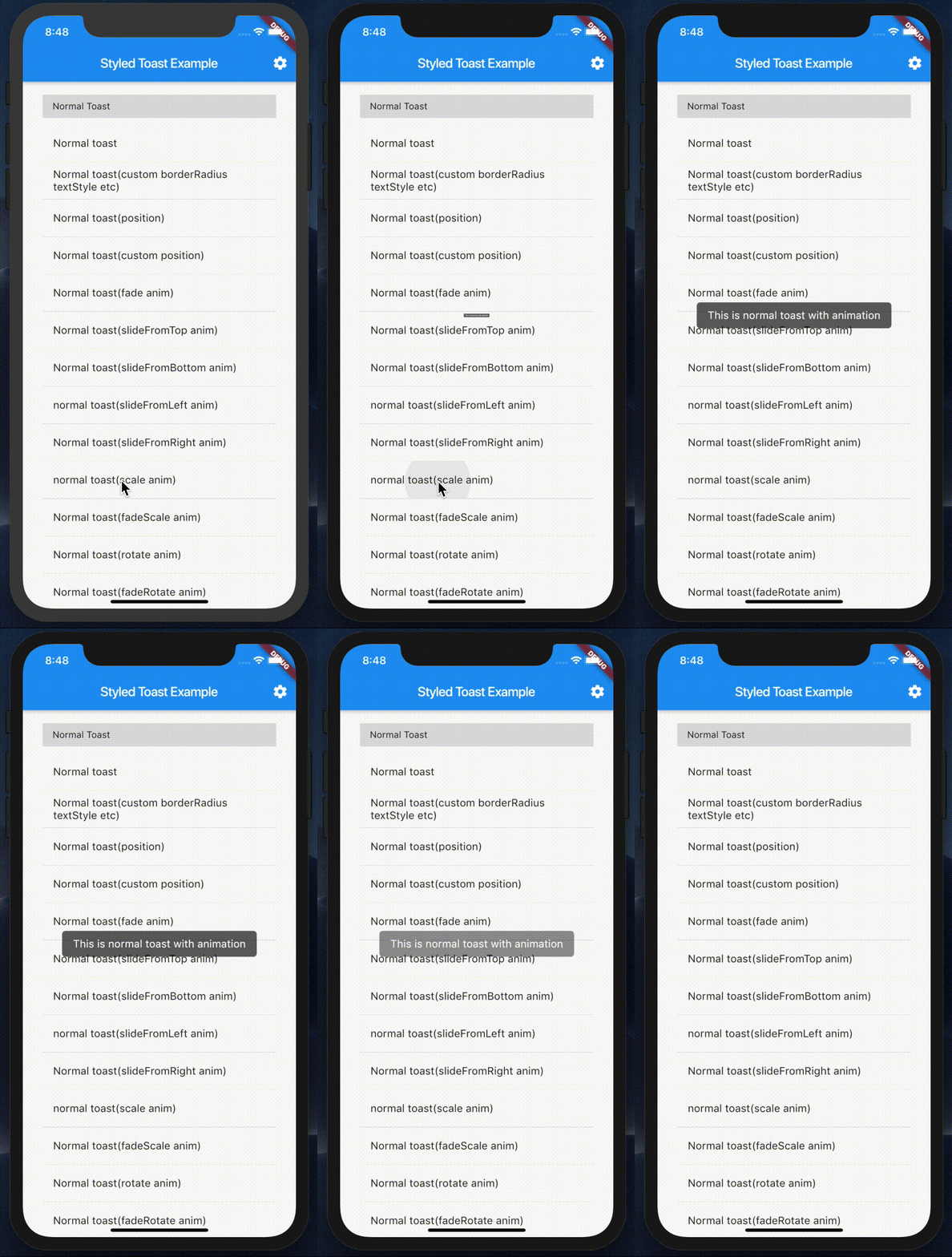
ScaleAnim |
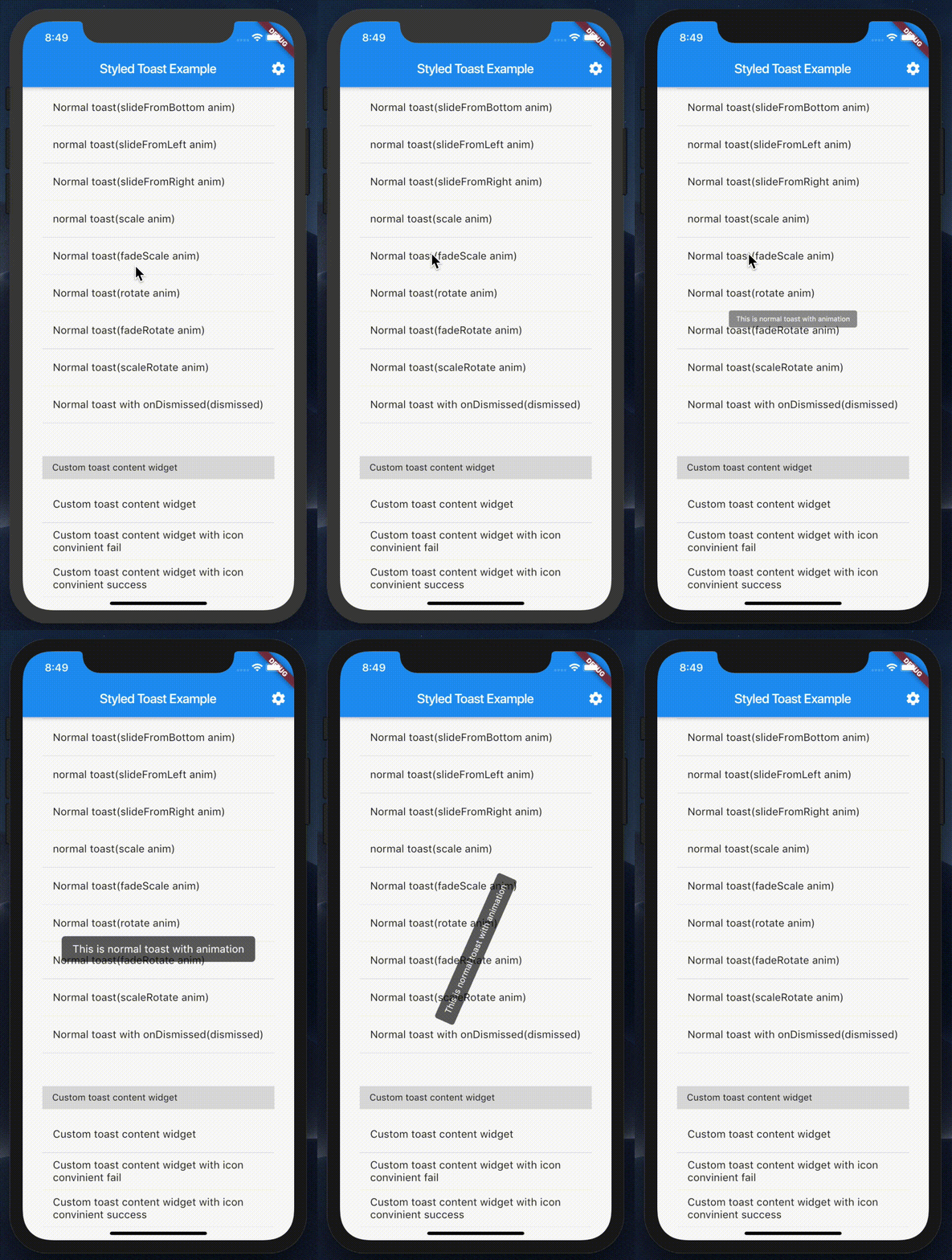
FadeScaleAnim |
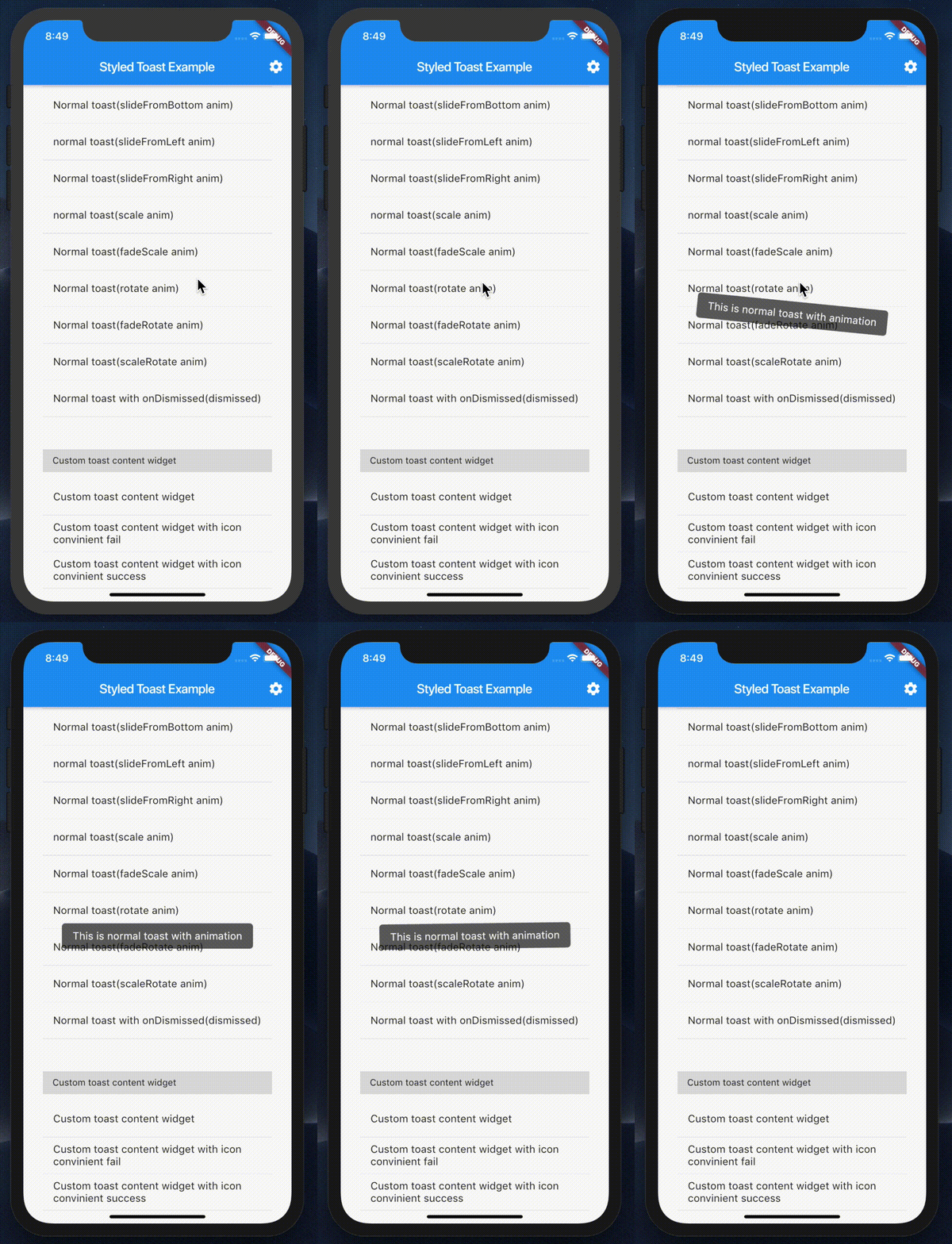
RotateAnim |
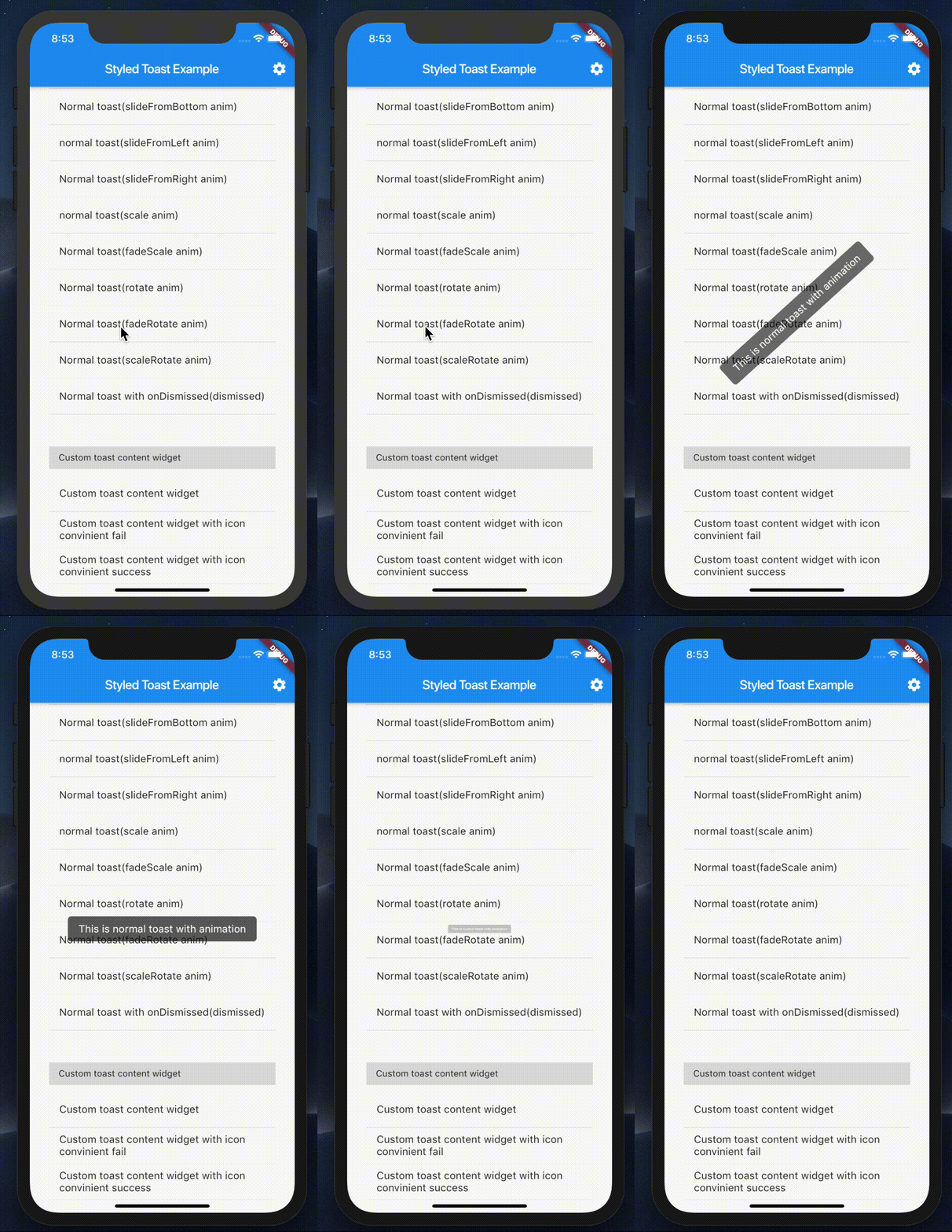
FadeRotateAnim |

ScaleRotateAnim |
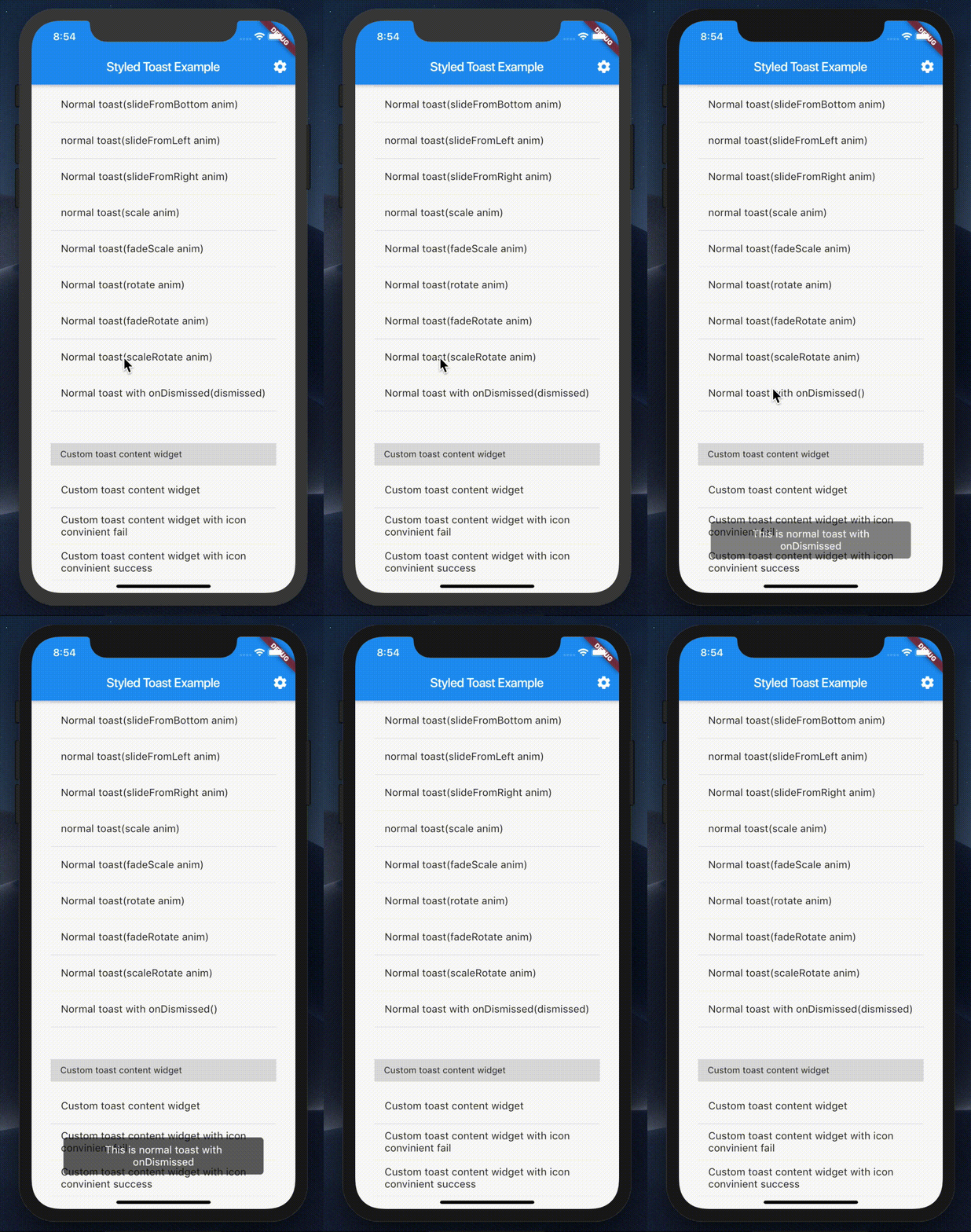
OnDismiss |
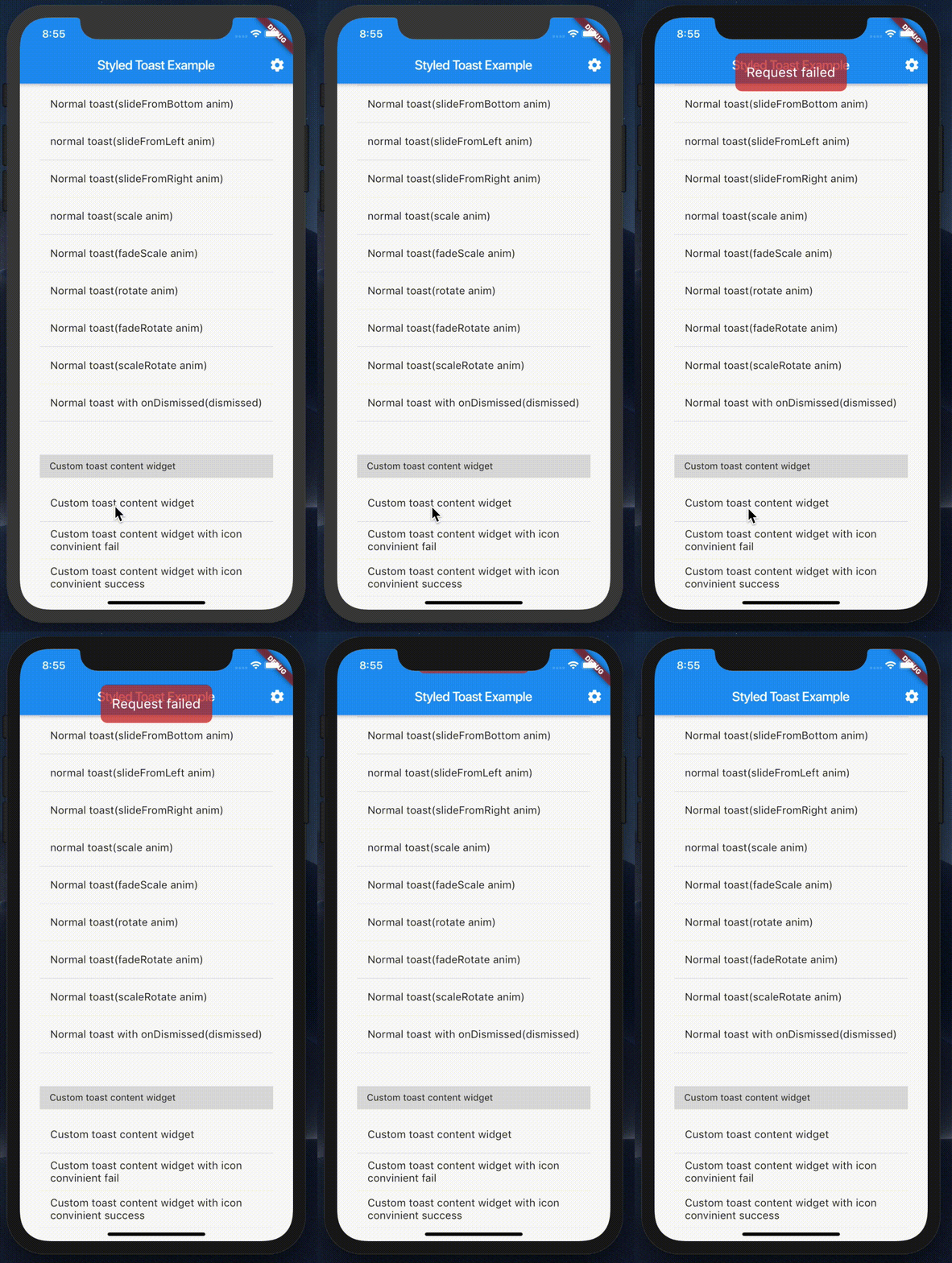
CustomToastWidget |
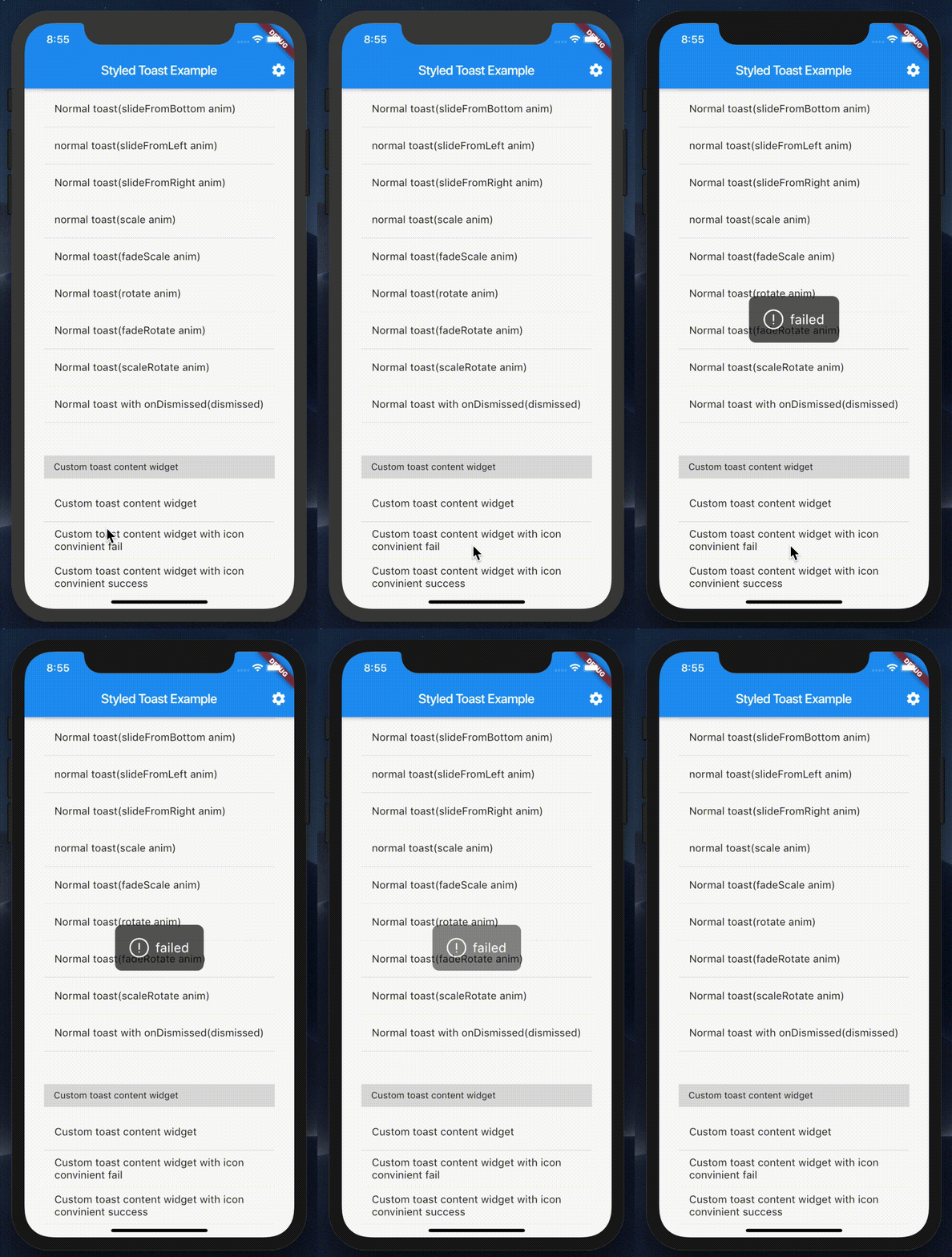
CustomFailToastWidget |
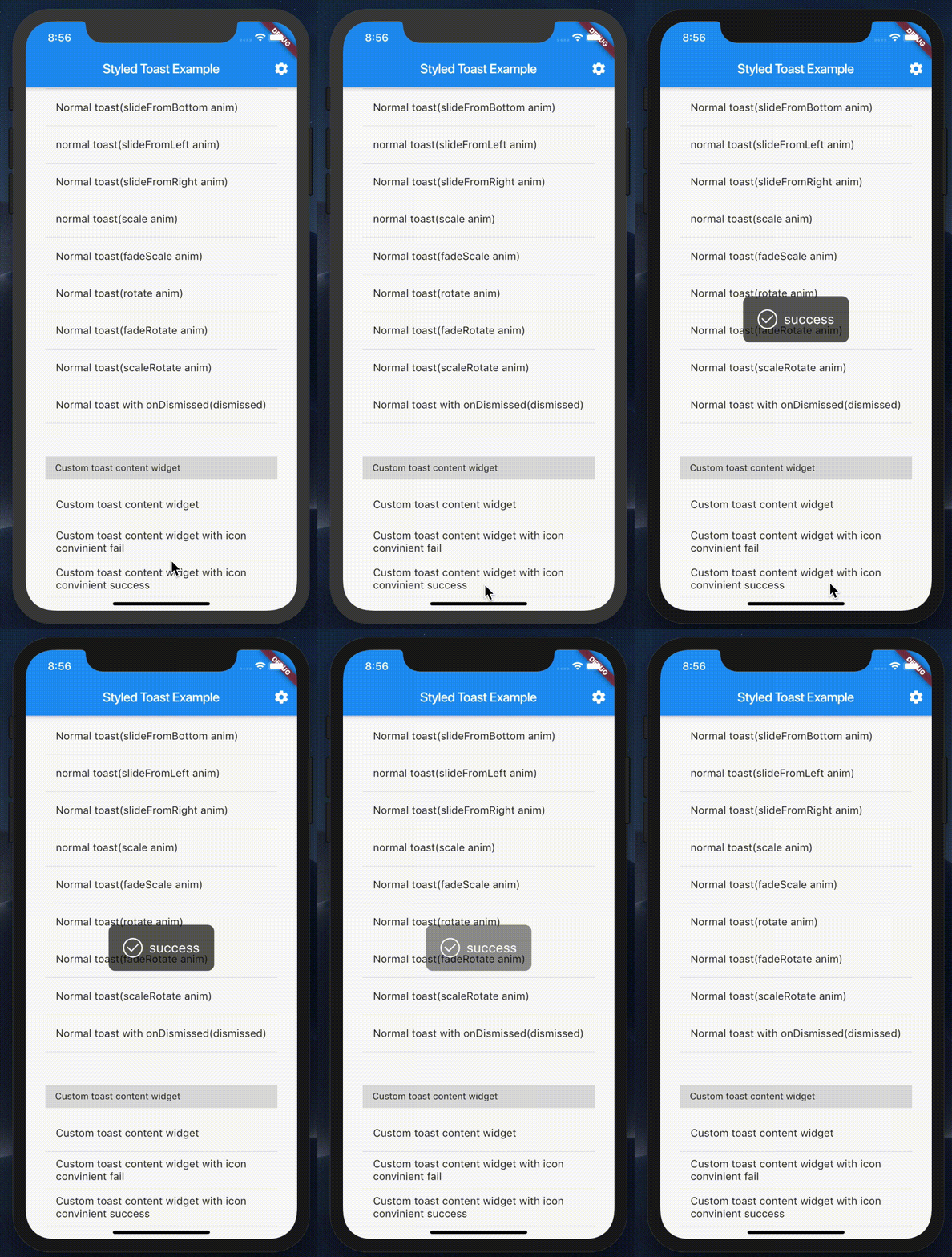
CustomSuccessToastWidget |
StyledToast param
| property | description |
|---|---|
| locale | Locale (Not Null)(required You have to set this parameters to your locale) |
| child | Widget (Not Null)(required) |
| textAlign | TextAlign (default TextAlign.center) |
| textDirection | TextDirection (default TextDirection.ltr) |
| borderRadius | BorderRadius (BorderRadius.circular(5.0)) |
| backgroundColor | Color (default Color(0x99000000)) |
| textPadding | EdgeInsetsGeometry (default EdgeInsets.symmetric(horizontal: 17.0,vertical: 8.0)) |
| toastHorizontalMargin | double (default 50.0) |
| textStyle | TextStyle (default TextStyle(fontSize: 16.0,fontWeight: FontWeight.normal,color: Colors.white)) |
| shapeBorder | ShapeBorder (default RoundedRectangleBorder(borderRadius: borderRadius)) |
| duration | Duration (default 2.3s)(When set [duration] to Duration.zero, toast won't dismiss automatically) |
| animDuration | Duration (default 400 milliseconds, animDuration * 2 <= duration, conditions must be met for toast to display properly) |
| toastPositions | StyledToastPosition (default StyledToastPosition.bottom) |
| toastAnimation | StyledToastAnimation (default StyledToastAnimation.fade) |
| reverseAnimation | StyledToastAnimation |
| alignment | AlignmentGeometry (default Alignment.center) |
| axis | Axis (default Axis.vertical) |
| startOffset | Offset |
| endOffset | Offset |
| reverseStartOffset | Offset |
| reverseEndOffset | Offset |
| curve | Curve (default Curves.linear) |
| reverseCurve | Curve (default Curves.linear) |
| dismissOtherOnShow | bool (default true) |
| onDismiss | VoidCallback (Invoked when toast dismiss) |
| fullWidth | bool (default false)(Full width parameter that the width of the screen minus the width of the margin.) |
| isHideKeyboard | bool (default false)(Is hide keyboard when toast show) |
| animationBuilder | CustomAnimationBuilder (Builder method for custom animation) |
| reverseAnimBuilder | CustomAnimationBuilder (Builder method for custom reverse animation) |
| isIgnoring | bool (default true) |
| onInitState | OnInitStateCallback (When toast widget [initState], this callback will be called) |
showToast param
| property | description |
|---|---|
| msg | String (Not Null)(required) |
| context | BuildContext (If you don't wrap app with StyledToast, context is required, otherwise, is not) |
| duration | Duration (default 2.3s)(When set [duration] to Duration.zero, toast won't dismiss automatically) |
| animDuration | Duration (default 400 milliseconds, animDuration * 2 <= duration, conditions must be met for toast to display properly) |
| position | StyledToastPosition (default StyledToastPosition.bottom) |
| textStyle | TextStyle (default TextStyle(fontSize: 16.0,fontWeight: FontWeight.normal,color: Colors.white)) |
| textPadding | EdgeInsetsGeometry (default EdgeInsets.symmetric(horizontal: 17.0,vertical: 8.0)) |
| backgroundColor | Color (default Color(0x99000000)) |
| borderRadius | BorderRadius (BorderRadius.circular(5.0)) |
| shapeBorder | ShapeBorder (default RoundedRectangleBorder(borderRadius: borderRadius)) |
| onDismiss | VoidCallback (Invoked when toast dismiss) |
| textDirection | TextDirection (default TextDirection.ltr) |
| dismissOtherOnShow | bool (default true) |
| toastAnimation | StyledToastAnimation (default StyledToastAnimation.fade) |
| reverseAnimation | StyledToastAnimation |
| alignment | AlignmentGeometry (default Alignment.center) |
| axis | Axis (default Axis.vertical) |
| startOffset | Offset |
| endOffset | Offset |
| reverseStartOffset | Offset |
| reverseEndOffset | Offset |
| textAlign | TextAlign (default TextAlign.center) |
| curve | Curve (default Curves.linear) |
| reverseCurve | Curve (default Curves.linear) |
| fullWidth | bool (default false)(Full width parameter that the width of the screen minus the width of the margin) |
| isHideKeyboard | bool (default false)(Is hide keyboard when toast show) |
| animationBuilder | CustomAnimationBuilder (Builder method for custom animation) |
| reverseAnimBuilder | CustomAnimationBuilder (Builder method for custom reverse animation) |
| isIgnoring | bool (default true)(Is the input ignored for the toast) |
| onInitState | OnInitStateCallback (When toast widget [initState], this callback will be called) |
showToastWidget param
| property | description |
|---|---|
| widget | Widget (Not Null)(required) |
| context | BuildContext (If you don't wrap app with StyledToast, context is required, otherwise, is not) |
| duration | Duration (default 2.3s)(When set [duration] to Duration.zero, toast won't dismiss automatically) |
| animDuration | Duration (default 400 milliseconds, animDuration * 2 <= duration, conditions must be met for toast to display properly) |
| onDismiss | VoidCallback (Invoked when toast dismiss) |
| dismissOtherOnShow | bool (default true) |
| textDirection | TextDirection (default TextDirection.ltr) |
| position | StyledToastPosition (default ) |
| animation | StyledToastAnimation (default StyledToastAnimation.fade) |
| reverseAnimation | StyledToastAnimation |
| alignment | AlignmentGeometry (default Alignment.center) |
| axis | Axis (default Axis.vertical) |
| startOffset | Offset |
| endOffset | Offset |
| reverseStartOffset | Offset |
| reverseEndOffset | Offset |
| curve | Curve (default Curves.linear) |
| reverseCurve | Curve (default Curves.linear) |
| isHideKeyboard | bool (default false)(Is hide keyboard when toast show) |
| animationBuilder | CustomAnimationBuilder (Builder method for custom animation) |
| reverseAnimBuilder | CustomAnimationBuilder (Builder method for custom reverse animation) |
| isIgnoring | bool (default true )(Is the input ignored for the toast) |
| onInitState | OnInitStateCallback (When toast widget [initState], this callback will be called) |
Example

GitHub 작성자
Creativity-AI-Studio ↗
언어DartObjective-CJavaBatchfile
분류
사용 중인 의존성
의존성 목록 4 개
- flutter
{"sdk":"flutter"} - flutter_driver개발 의존성
{"sdk":"flutter"} - flutter_lints개발 의존성
^2.0.2 - flutter_test개발 의존성
{"sdk":"flutter"}
프로젝트에 맞는 저장소를 선택하려면?
사용 목적에 따라 검색하고 개발 활동을 비교한 뒤 원본 저장소에서 요구 사항을 확인하세요.
- 이름, 작성자 또는 설명으로 검색하고 기술 주제로 범위를 좁힙니다.
- 스타, 포크, 최근 푸시를 함께 비교하세요. 스타는 관심의 지표이며 품질을 보장하지 않습니다.
- 사용하기 전에 GitHub에서 README, 라이선스, Issues를 확인하세요.
출처 및 관리
“A repository is the most basic element of GitHub.”
GitHub Docs — About repositories ↗