 v2.12.0
flutter_chat_ui
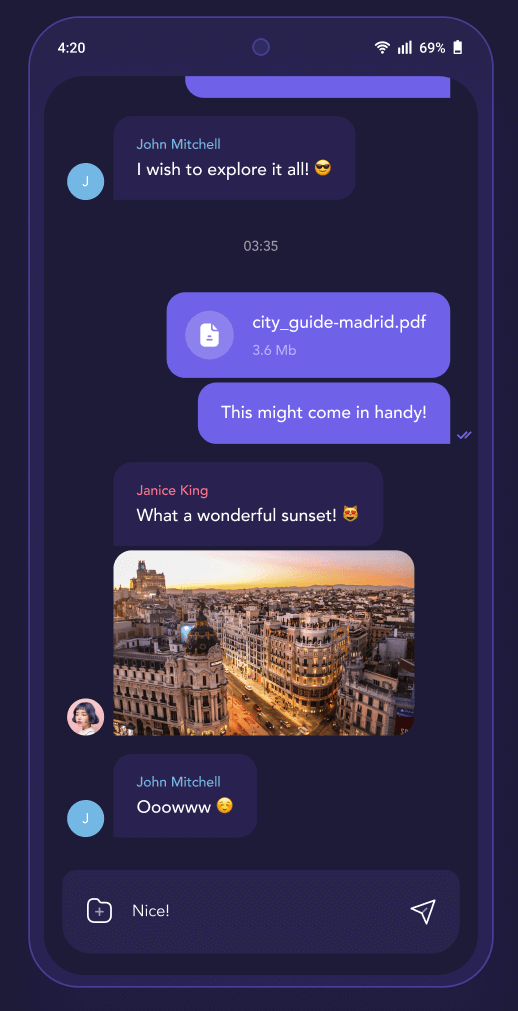
무료이고 오픈소스인 채팅 SDK입니다. 고성능이며 사용자 정의 가능한 크로스 플랫폼 UI를 활용해 빠르고 실시간 앱과 생성형 AI 에이전트를 구축하세요.
1.6천좋아요 14만30일 다운로드140Pub 점수
AndroidiOSWebmacOSWindowsLinux
KitX용 모바일 클라이언트

아래는 영문 원문 스냅샷입니다. 최신 내용은 GitHub에서 확인하세요.
Mobile Client for KitX
Runs on Android, iOS
Warning Please use physical devices to debug, any emulator may cause problems. Android emulators are currently known to experience problems; the situation with iOS simulators is currently unknown.
Pass flutter doctor -v
[China Mainland Developer] Config flutter related SDKs mirror through commands:
set PUB_HOSTED_URL=https://mirrors.tuna.tsinghua.edu.cn/dart-pub
set FLUTTER_STORAGE_BASE_URL=https://mirrors.tuna.tsinghua.edu.cn/flutter
Only works in current session. Config system envrionment varieties for permanent effect.
Set system environment varieties GRADLE_OPTS to -Dfile.encoding=UTF-8.
Run init_packages.sh/ps1 to fetch packages.
Use flutter run to run the project
[Android] You need connect your phone to your computer in adb first.[iOS] Open your simulator first or connect your iPhone to your XCode.[Android] Use flutter build --split-per-abi to build the project, remove --split-per-abi arguments for flat apk which is much bigger but support more platforms.
build.py instead.[iOS] Build app in XCode.[Android] The output apk is in /kitx_mobile/build/app/outputs/flutter-apk/ folder.
update-version.py for both android and iOS
pubspec.yaml.XCode build phases by add custom script:cd ..
python3 update-version.py
dependencies-analyzer.py
pubspec.yaml and update thirdparty data in both mobile and kitx docs.--export-for-mobile-about--export-for-website-docs무료이고 오픈소스인 채팅 SDK입니다. 고성능이며 사용자 정의 가능한 크로스 플랫폼 UI를 활용해 빠르고 실시간 앱과 생성형 AI 에이전트를 구축하세요.
배터리 상태(충전 완료, 충전 중, 방전 중)에 대한 정보에 액세스하기 위한 플러터 플러그인입니다.
네트워크 정보(예: Wi-Fi 세부 정보)를 탐색하기 위한 Flutter 플러그인입니다.
가속도계, 자이로스코프 및 자기계 센서에 액세스하기 위한 Flutter 플러그인.
자산, 폰트, 색상 등에 대한 플러터 코드 생성기 — 모든 문자열 기반 API를 제거하세요.
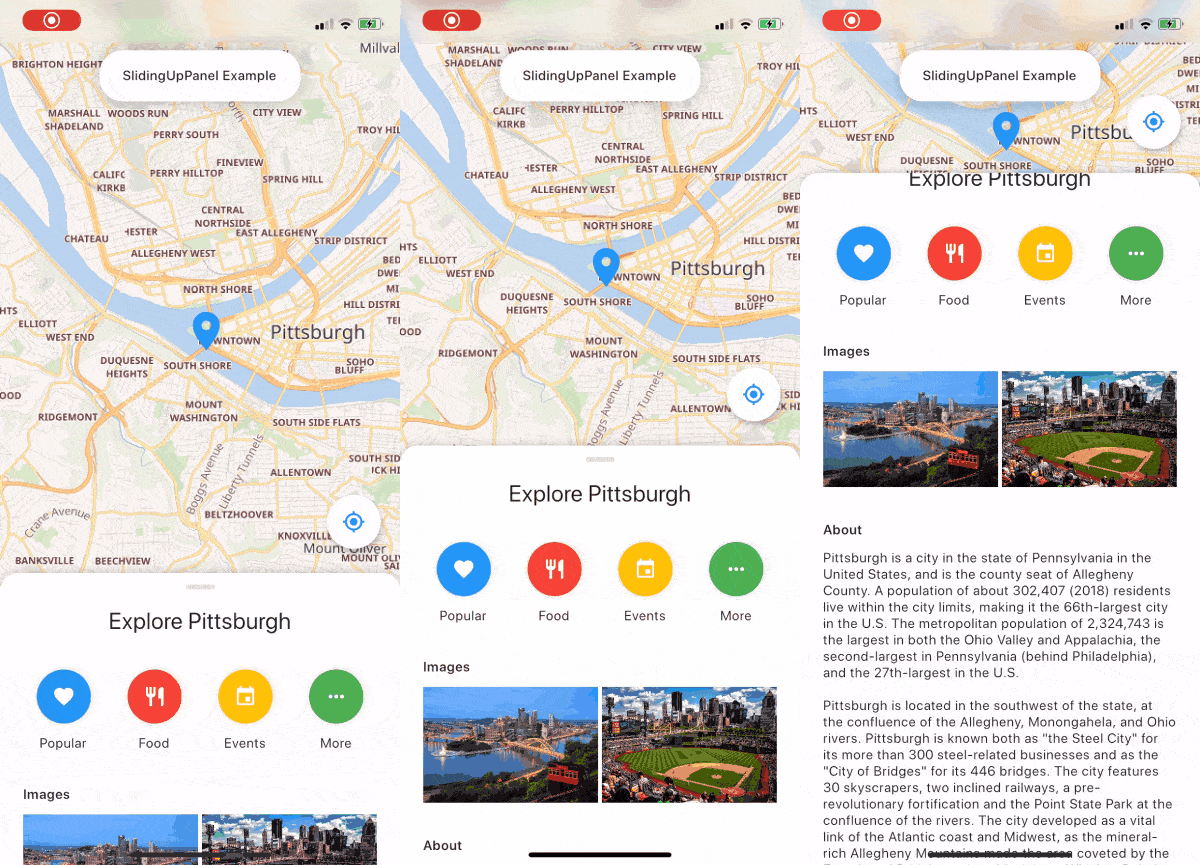
슬라이딩 업 패널을 구현하는 것을 훨씬 쉽게 만들어주는 드래그 가능한 Flutter 위젯입니다!
블루투스 저전력 장치에 연결하고 통신하기 위한 플러터 플러그인입니다.
2D 및 3D 애플리케이션용 벡터 수학 라이브러리입니다.
공심 전환 효과. 온보딩, 페이지 전환 등에 유용합니다.
FLog는 빠르고 간단한 로깅 솔루션을 제공합니다. 모든 로그는 데이터베이스에 저장되며, 이후 파일로 내보낼 수 있습니다.
https://materialdesignicons.com/ 기반의 커뮤니티 기반 마테리얼 디자인 아이콘 플러터 패키지입니다.
사용 목적에 따라 검색하고 개발 활동을 비교한 뒤 원본 저장소에서 요구 사항을 확인하세요.
“A repository is the most basic element of GitHub.”
GitHub Docs — About repositories ↗