

 v1.1.1
flexi_productimage_slider
제품을 나타내는 이미지 슬라이더입니다. :)
30좋아요 9730일 다운로드100Pub 점수
AndroidiOSWebmacOSWindowsLinux
Dharini17/flexi_productimage_slider open-source repository details.

아래는 영문 원문 스냅샷입니다. 최신 내용은 GitHub에서 확인하세요.
An image slider to represents your products..:)

|
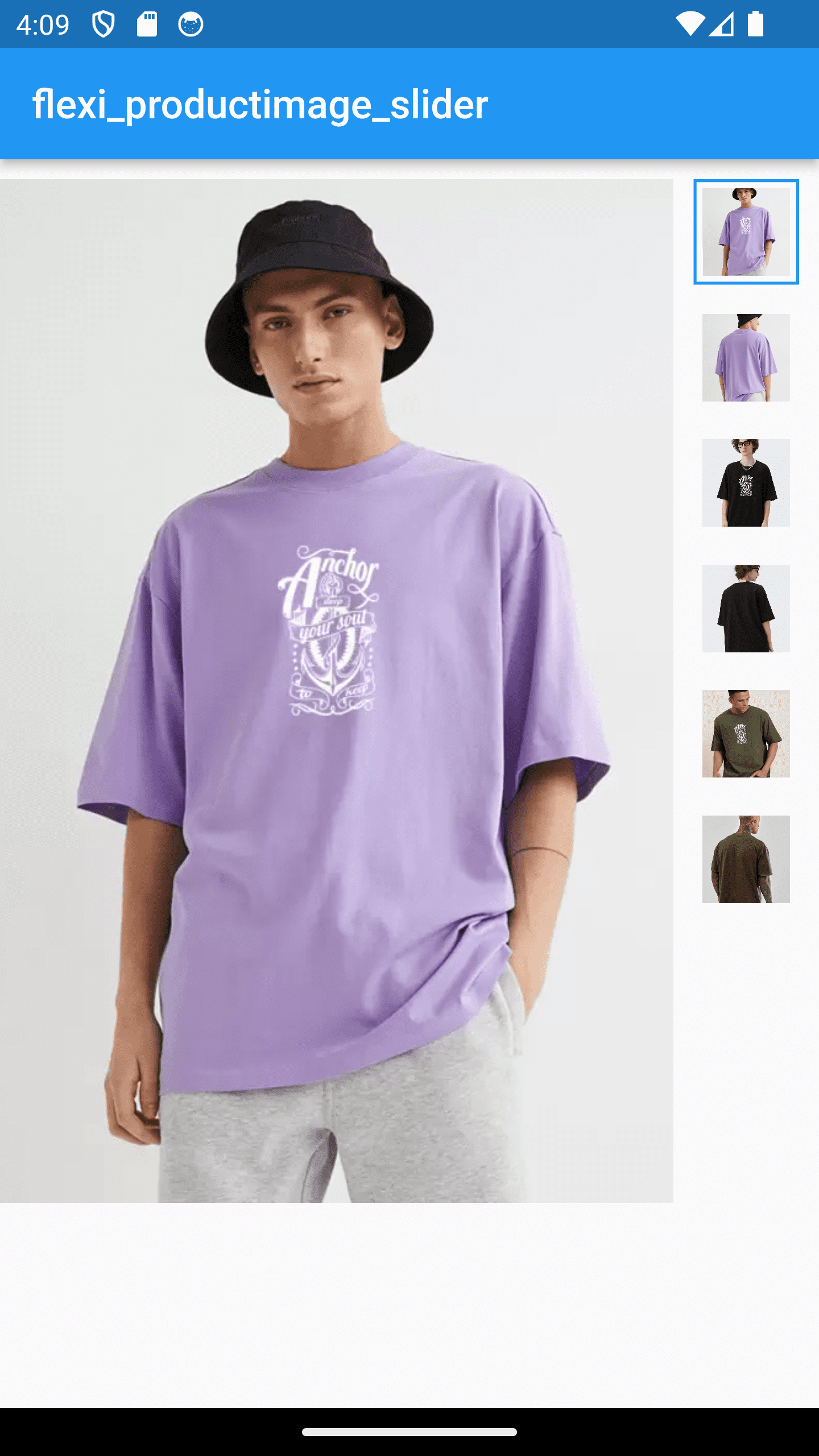
|

|

|
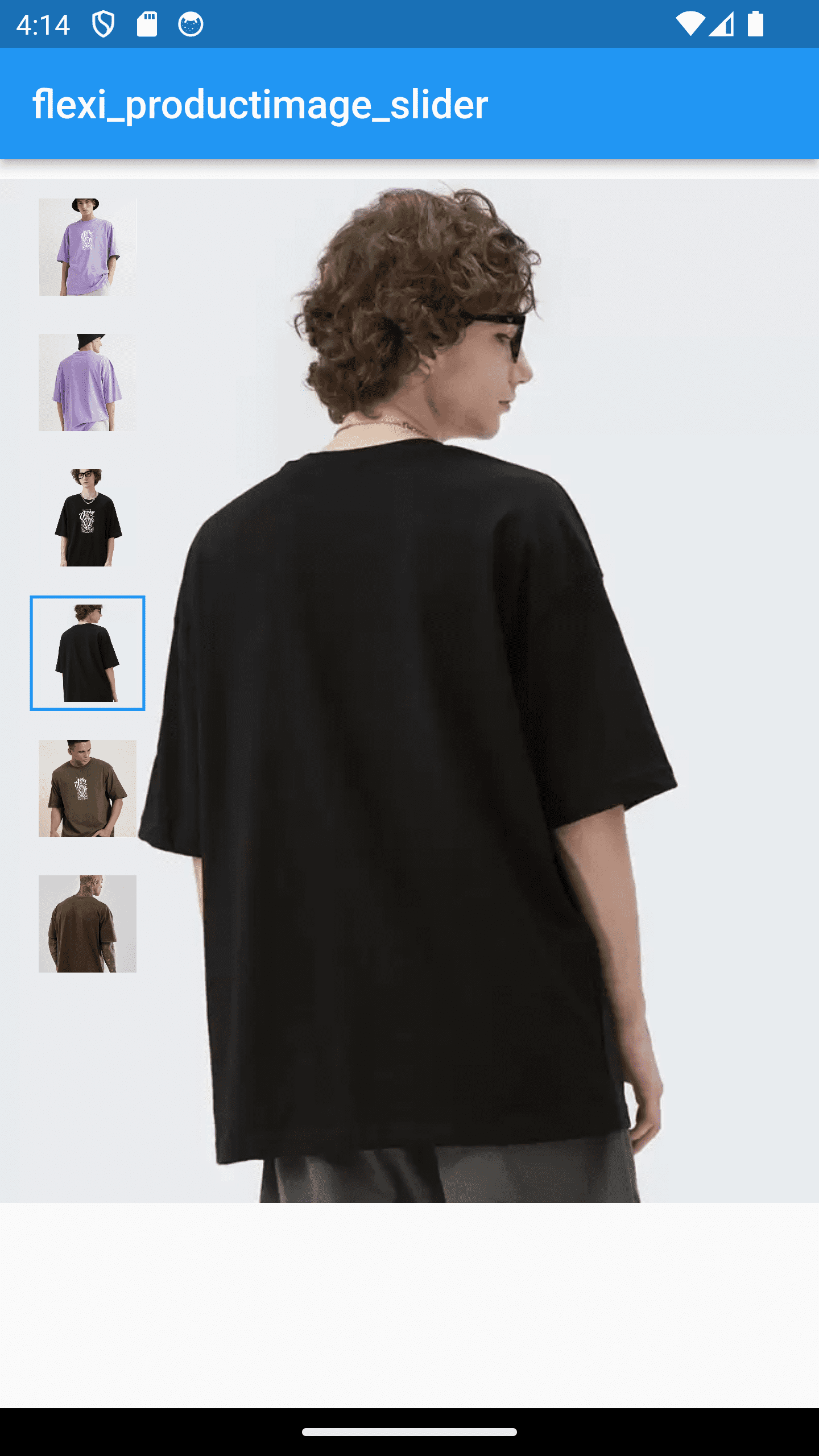
|
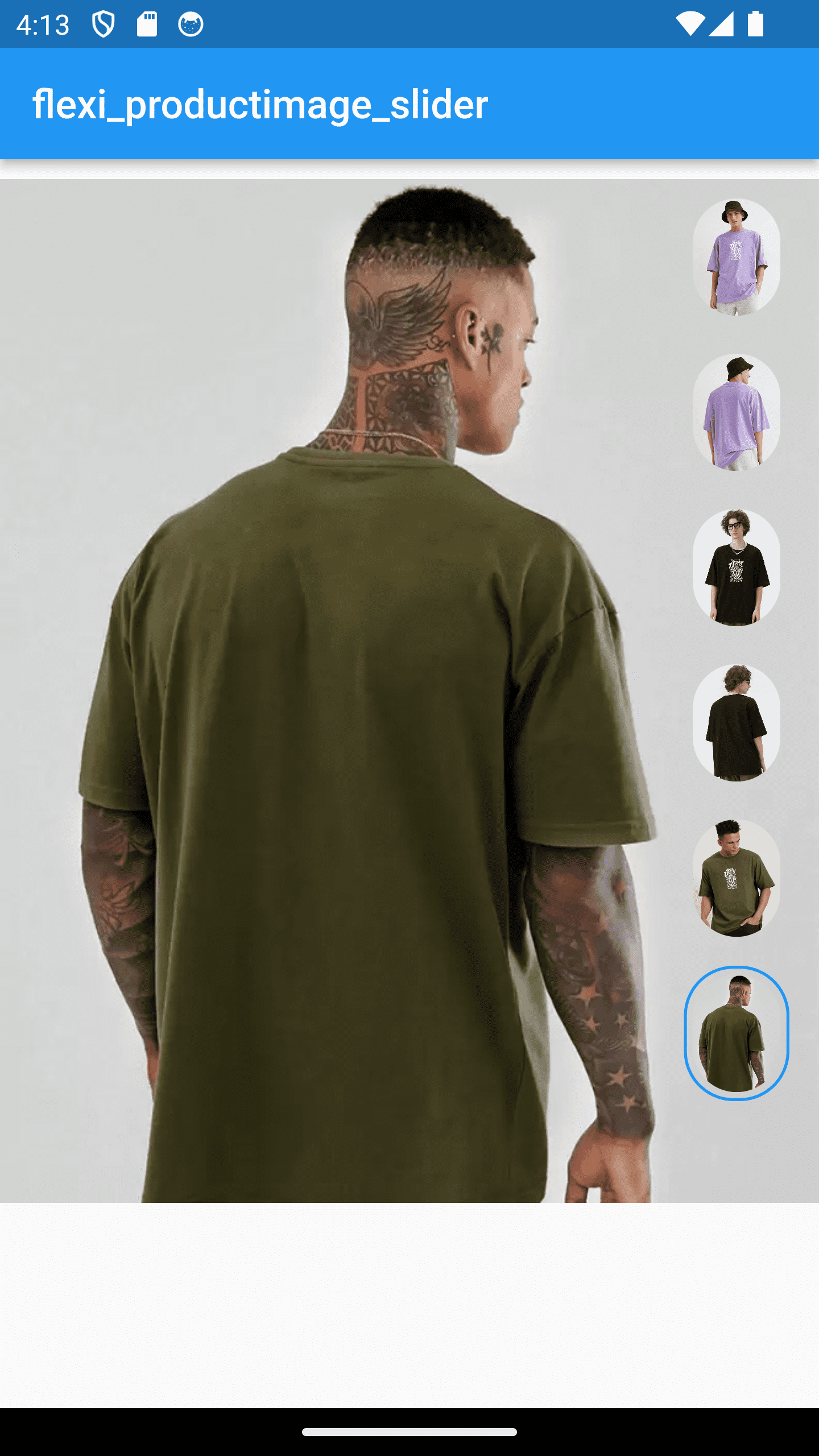
|
In your pubspec.yaml file within your Flutter Project:
dependencies:
  flexi_productimage_slider: 1.1.0
import 'package:flexi_productimage_slider/flexi_productimage_slider.dart';

    flexiProductimageSlider(

        //required fields
        arrayImages: const [
        "https://i.ibb.co/ZLFHX3F/1.png",
        "https://i.ibb.co/JKJvs5S/2.png",
        "https://i.ibb.co/LCzV7b3/3.png",
        "https://i.ibb.co/L8JHn1L/4.png",
        "https://i.ibb.co/7RWNCXH/5.png",
        "https://i.ibb.co/bBsh5Pm/6.png",
        ],

        // optional fields

        //set where you want to set your thumbnail
        sliderStyle: SliderStyle.nextToSlider,//.overSlider, .nextToSlider

        // set you slider height like 1.0,1.5,2.0 etc...
        aspectRatio: 0.8,

        //set content mode of image
        boxFit: BoxFit.cover,

        //set this if you want to set any default image index when it loads
        selectedImagePosition: 0,

        //set your thumbnail alignment
        thumbnailAlignment: ThumbnailAlignment.bottom,//.right , .left, .bottom

        //set how selected thumbnail border displayed
        thumbnailBorderType: ThumbnailBorderType.all,//.bottom, .all

        //set selected thumbnail border width
        thumbnailBorderWidth: 1.5,//double value

        //set thumbnail corner radius
        thumbnailBorderRadius: 10,

        //set your thumbnail height & width
        //NOTE : if you set ThumbnailShape.circle then set thumbnail width height same
        thumbnailWidth: 50,
        thumbnailHeight: 65,

        //set color of current image thumbnail border
        thumbnailBorderColor: Colors.blue,

        //make you action when user click on image
        onTap: (index){
           print("selected index : $index");

           //for zooming effect on click use gallery_zoom_slides
           //https://pub.dev/packages/gallery_zoom_slides
           Navigator.push(context, MaterialPageRoute(builder: (context)=>
                galleryZoomSlides(
                        //required fields
                        arrayImages: arrayImages,

                        //Optional fields
                        zoomTheme: ZoomTheme.theme3,//.theme1, .theme2, .theme3
                        selectedImagePosition: index,
                        selectedThumbnailColor: Colors.blue,
                  )
                  )
                );

        },
    ),

...
NOTE : Images taken only for demo purpose
의존성 목록 4 개
{"sdk":"flutter"}^3.3.0{"sdk":"flutter"}^2.0.0사용 목적에 따라 검색하고 개발 활동을 비교한 뒤 원본 저장소에서 요구 사항을 확인하세요.
“A repository is the most basic element of GitHub.”
GitHub Docs — About repositories ↗