
 v1.2.1
floating_overlay
부유형 위젯을 드래그하고 확대/축소할 수 있도록 해주는 위젯 래퍼입니다.
47좋아요 53330일 다운로드150Pub 점수
AndroidiOSWebmacOSWindowsLinux
플로팅 위젯을 드래그하고 확대/축소할 수 있는 위젯 래퍼

의존성 목록 5 개
>=7.2.1 < 9.0.0>=1.0.2 < 2.0.0>=2.0.3 < 3.0.0{"sdk":"flutter"}^1.0.0아래는 영문 원문 스냅샷입니다. 최신 내용은 GitHub에서 확인하세요.
A widget wrapper that allows a floating widget be dragged and rescaled.
FloatingOverlay
Add to your pubspec.yaml file:
dependencies:
  flutter:
    sdk: flutter
  floating_overlay: ^1.2.1
Import the package
import 'package:floating_overlay/floating_overlay.dart';
Create a FloatingOverlayController
final controller = FloatingOverlayController.absoluteSize(
  maxSize: const Size(200, 200),
  minSize: const Size(100, 100),
  start: Offset.zero,
  padding: const EdgeInsets.all(20.0),
  constrained: true,
);
or
final controller = FloatingOverlayController.relativeSize(
  maxScale: 2.0,
  minScale: 1.0,
  start: Offset.zero,
  padding: const EdgeInsets.all(20.0),
  constrained: true,
);
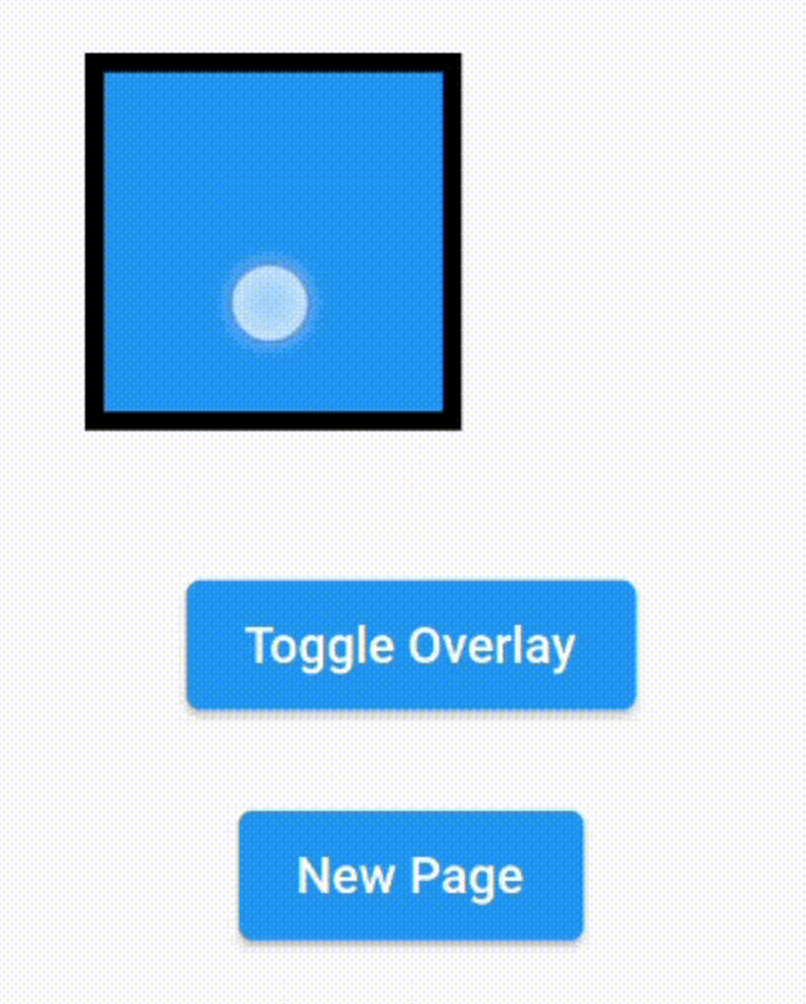
Insert the FloatingOverlay widget inside your widget tree and give it the controller, a child and a floatingChild.
FloatingOverlay(
  controller: controller,
  floatingChild: SizedBox.square(
    dimension: 100.0,
    child: Container(
      decoration: BoxDecoration(
        color: Theme.of(context).primaryColor,
        border: Border.all(
          color: Colors.black,
          width: 5.0,
        ),
      ),
    ),
  ),
  child: Container(),
);
Then use the controller to make the floating child show or hide.
controller.hide();
controller.isFloating;
controller.show();
controller.toggle();