
 v0.4.0
flutter_bluetooth_serial
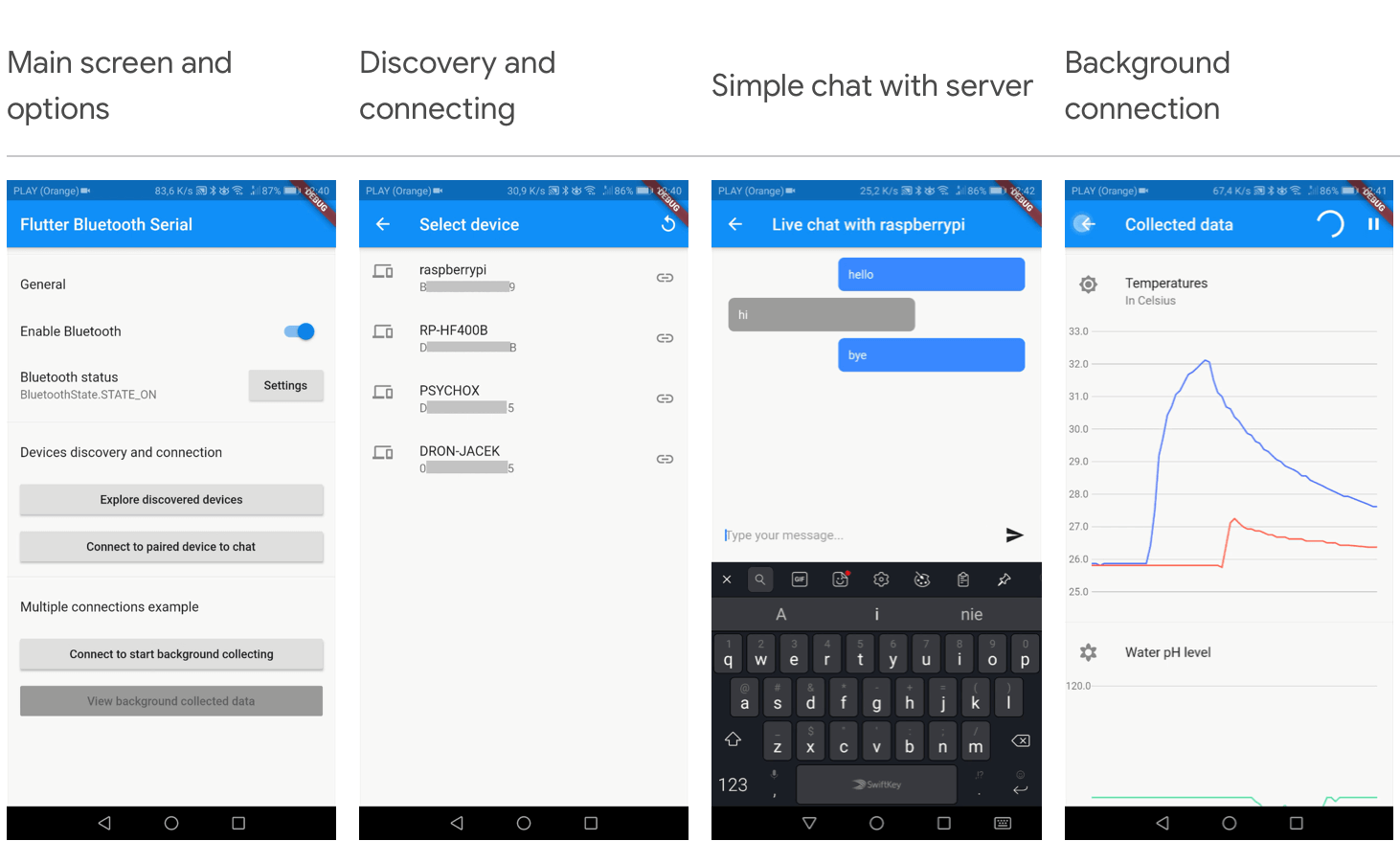
기본적인 Flutter 블루투스 시리얼 라이브러리
377좋아요 1.1만30일 다운로드130Pub 점수
Android
이 프로젝트는 모바일 애플리케이션을 통해 리퀴드 갤럭시 레그에서 지구를 공전하는 인공위성의 궤도를 표현하고, 아두이노 제어 포인터를 제공합니다.
 v0.4.0
기본적인 Flutter 블루투스 시리얼 라이브러리
순수한 Dart로 작성된 SSH 및 SFTP 클라이언트로, 기능이 풍부하고 사용하기 쉬운 것을 목표로 합니다.
프리티 디오 로거는 네트워크 호출을 예쁘고 읽기 쉬운 형식으로 로깅하는 디오 인터셉터입니다.
플러터 컴패스입니다. 헤딩은 0에서 360 사이로 변하며, 0은 북쪽을 의미합니다.
 v16.23.0
Flutter 아이콘으로 제공되는 간단한 아이콘 팩입니다. 인기 브랜드용으로 1500개 이상의 무료 SVG 아이콘을 제공합니다.
 v4.1.2
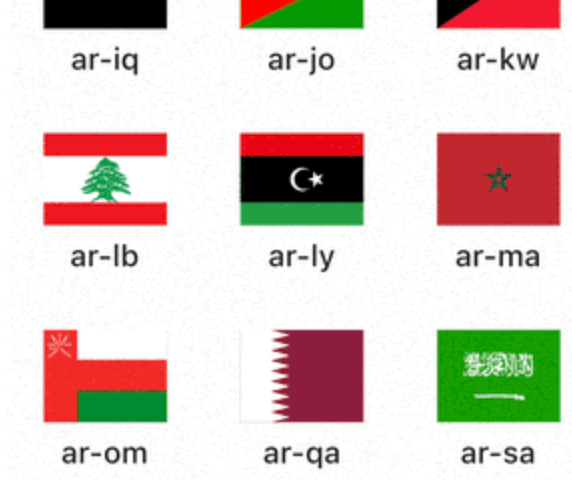
ISO 국가 코드에서 깃발 아이콘을 표시하는 Flutter 패키지입니다.
{"sdk":"flutter"}^1.0.2^8.1.2^4.0.2^1.1.0^5.3.2^1.3.1^0.18.1^6.1.12^3.0.0^0.1.0^2.2.0^7.6.02.0.15^0.4.0^0.14.0^2.8.2^7.10.0^10.0.0^0.7.0^2.1.0{"sdk":"flutter"}^2.0.0아래는 영문 원문 스냅샷입니다. 최신 내용은 GitHub에서 확인하세요.
Steam Celestial Satellite tracker in real time
https://img.shields.io/github/license/savitore/Steam-Celestial-Satellite-tracker-in-real-time?color=red https://img.shields.io/github/languages/top/savitore/Steam-Celestial-Satellite-tracker-in-real-time?color=green https://img.shields.io/badge/Languages-8-important?color=yellow https://img.shields.io/github/repo-size/savitore/Steam-Celestial-Satellite-tracker-in-real-time?color=blue&label=Repo%20Size
This project represents the orbit of a satellite orbiting earth on an Arduino-controlled pointer and a Liquid Galaxy rig through a mobile application. This project was developed within the Google Summer of Code 2023 program.
The application offers a unique way to visualize satellite orbits using the Liquid Galaxy rig (Google Earth) and a real-world Arduino-controlled pointer. It also provides insights into satellites' movements and access to vital satellite information seamlessly within the app.
Take a look at the app on the Google Play Store.
Read this documentation to know how to set up Flutter.
Then, clone the project:
$ git clone https://github.com/savitore/STEAM-Celestial-Satellite-tracker-in-real-time.git
$ cd STEAM-Celestial-Satellite-tracker-in-real-time
With the project cloned, open a terminal and navigate to the project root directory. First you need to install the packages by running:
flutter pub get
After successfully installing all the packages. You can run flutter doctor to check out the connected devices and if all the environment is correct.
flutter doctor
With everything ready to go, it is time to run the project.
❗ You must have a mobile device connected or an android emulator running in order to run the app.
$ flutter run --no-sound-null-safety
Once done, the APK file may be found into the /build/app/outputs/flutter-apk/ directory, named app-release.apk.
You can find the documentation for setting up the Arduino-controlled pointer by clicking here.
Please note that the Arduino-controlled pointer is compatible only with Android devices that are running versions up to Android 11.
If you have followed all the steps up to this point, your app should be running.
With the app open, click on the gear icon (⚙️) on the home page's top-right corner. When clicked, it will take you to the Settings page. On that page, select the LG Connection option.
To establish a connection with your Liquid Galaxy, enter the Liquid Galaxy host name, password, IP address, SSH connection port (change it only if the system's default SSH port 22 was changed), and the number of screens.
After completing the necessary steps, click on the Connect button. If the connection is successfully established, you will see a "Connected" label highlighted in green.
If the connection is successful, you are now all set to enjoy the app. Start exploring a variety of satellites and their related information.
You're welcome to report any issues, bugs, or feature requests through our issue tracker. Kindly provide detailed and clear descriptions.
If you're interested in contributing to this project, feel free to submit a pull request.
This app was made possible with the help of mentor Otávio J. França Oliveira, organization admin Andreu Ibáñez Perales, and testers from Liquid Galaxy LAB: Mohamed Zazou, Navdeep Singh, and Imad Laichi.
Special thanks to Michell Algarra, the author of the SatNOGS project, and Sayed Nowroz, whose Arduino-controlled pointer served as inspiration.
This software is licensed under the MIT license.