

 v2.2.2
app_runner
프로처럼 Flutter 앱을 시작하세요! AppRunner는 애플리케이션의 빠르고 제어 가능한 실행을 위한 구성 도구입니다.
61좋아요 16530일 다운로드160Pub 점수
AndroidiOSWebmacOSWindowsLinux
프로처럼 Flutter 앱을 시작하세요! AppRunner는 애플리케이션의 빠르고 제어 가능한 실행을 위한 구성 도구입니다.

아래는 영문 원문 스냅샷입니다. 최신 내용은 GitHub에서 확인하세요.



Launch your Flutter app like a pro! AppRunner is a configurator for quick and controlled launch of your application, with features that runApp does not have.


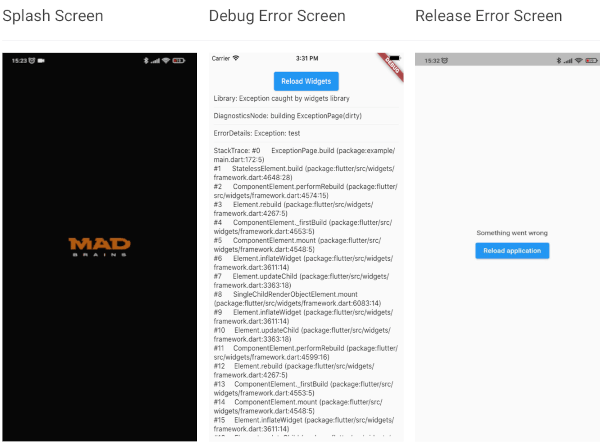
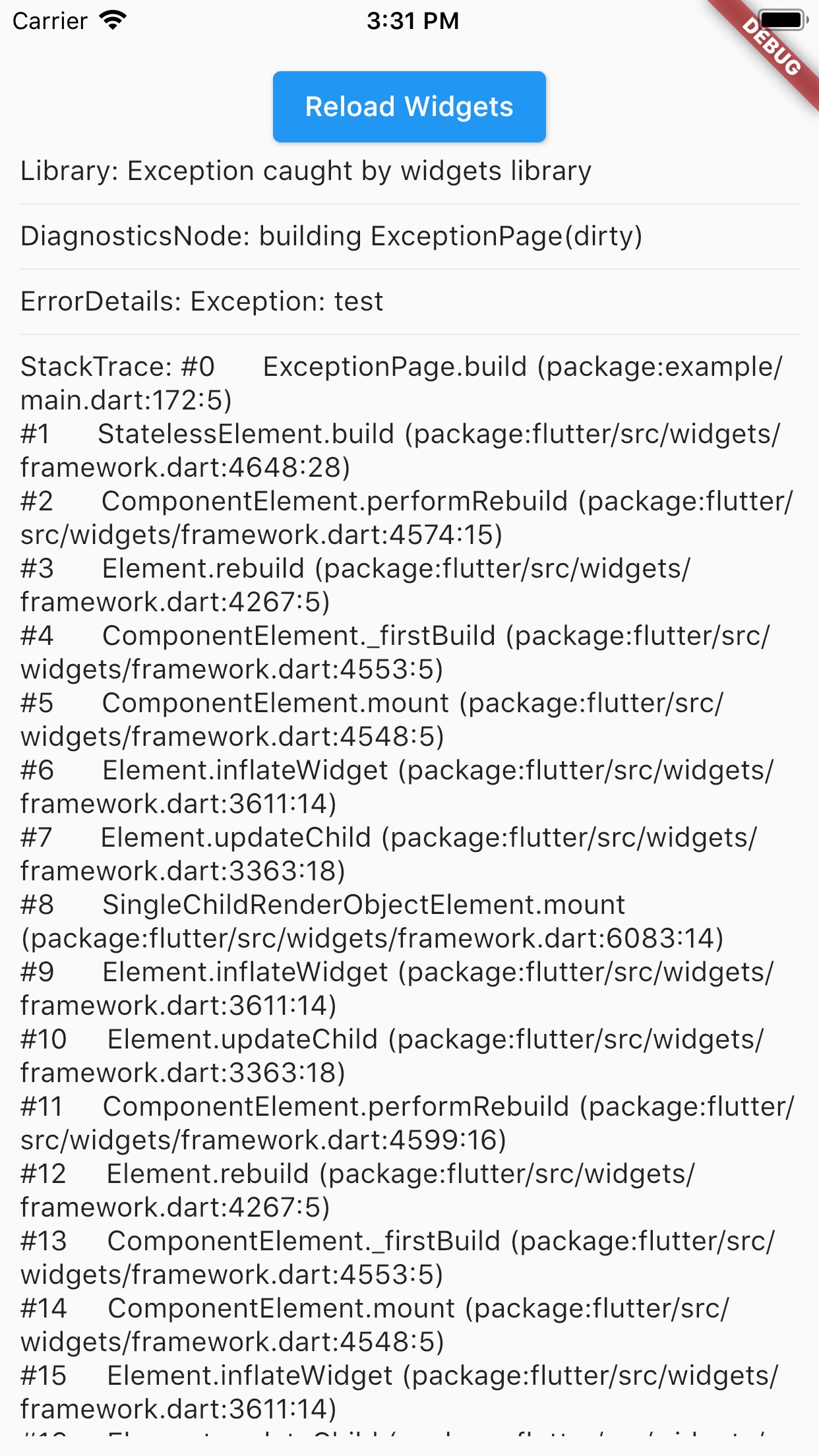
| Splash Screen | Debug Error Screen | Release Error Screen |
 |
 |
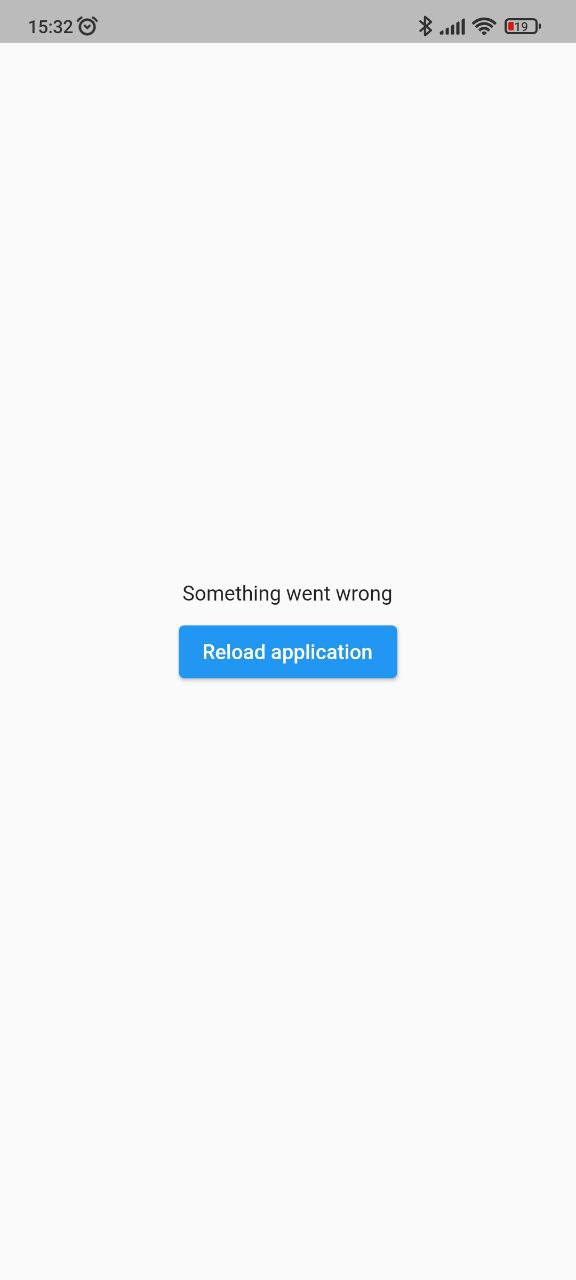 |
BREAKING: Note, starting with version 2.2.0, Flutter 3.10.0+ is used by default. If you need to use a Flutter version lower than 3.10.0, then use package version 2.1.2 and below.
Add this to your package's pubspec.yaml file:
dependencies:
  app_runner: <last version>
This is how your application launch looked like before:
import 'package:flutter/material.dart';

void main() {
  runApp(MyApp());
}
It is simply by attaching your widget to the root. But in order to catch errors, it was necessary to use runZonedGuarded, then our code will become like this:
import 'dart:async';

import 'package:flutter/material.dart';

void main() {
  runZonedGuarded<void>(
    () {
      runApp(MyApp());
    },
    (Object error, StackTrace stackTrace) {...},
    zoneValues: ...,
    zoneSpecification: ...,
  );
}
But we also need to initialize some code to launch the application, for example Firebase:
import 'dart:async';

import 'package:flutter/material.dart';
void main() {
  runZonedGuarded<void>(
    () async {
      WidgetsFlutterBinding.ensureInitialized();

      await Firebase.initializeApp();

      HydratedBloc.storage = await HydratedStorage.build(
        storageDirectory: await getApplicationDocumentsDirectory(),
      );

      Bloc.observer = MyBlocObserver();

      runApp(MyApp());
    },
    (Object error, StackTrace stackTrace) {},
    zoneValues: ...,
    zoneSpecification: ...,
  );
}
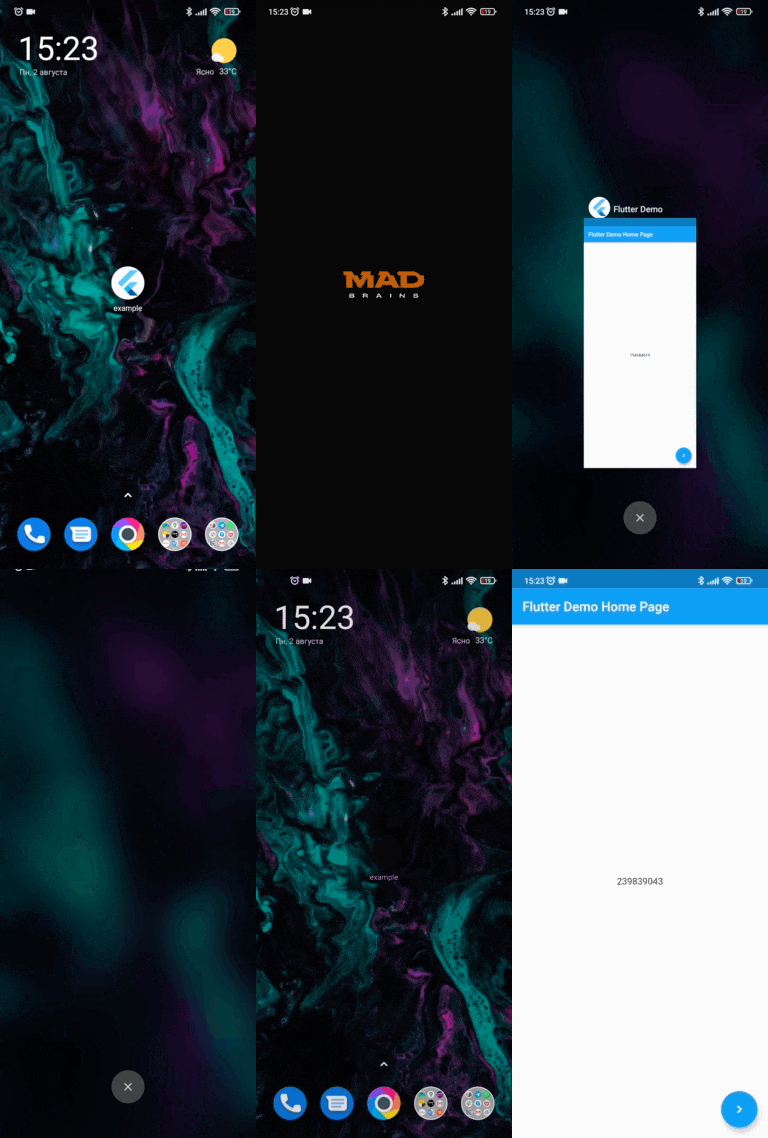
And what do we have:
Let's fix this with AppRunner (all possible parameters are shown here, it is not necessary to use all of them):
import 'package:app_runner/app_runner.dart';
import 'package:flutter/material.dart';

void main() {
  final WidgetConfiguration widgetConfiguration = WidgetConfiguration(
    child: AppBuilder<String>(
      preInitialize: (WidgetsBinding binding) async {
        // Custom code initialization.
        // You don't need to call WidgetsFlutterBinding.ensureInitialized();
        // WidgetsBinding is also available here if you need it.

        await Firebase.initializeApp();

        HydratedBloc.storage = await HydratedStorage.build(
          storageDirectory: await getApplicationDocumentsDirectory(),
        );

        Bloc.observer = MyBlocObserver();

        return 'Mad Brains';
      },
      // Our application
      builder: (
        BuildContext context,
        AsyncSnapshot<String?> snapshot,
        Widget? child,
      ) {
        late final Widget _child;
        switch (snapshot.connectionState) {
          case ConnectionState.none:
          case ConnectionState.active:
          case ConnectionState.waiting:
            _child = const Splash(); // show Splash
            continue display;
          case ConnectionState.done:
            final String? data = snapshot.data; // data from preInitialize
            log(data);
            _child = const MyApp(); // show App
            continue display;
          display:
          default:
            return AnimatedSwitcher(
              duration: const Duration(milliseconds: 150),
              child: _child,
            );
        }
      },
    ),
    errorBuilder: (BuildContext context, FlutterErrorDetails errorDetails) => MyErrorScreen(errorDetails), // Our flutter error screen during debugging
    releaseErrorBuilder: (BuildContext context) => MyReleaseErrorScreen(), // Our flutter error screen during release
    onFlutterError: (FlutterErrorDetails errorDetails) {
      // Flutter error handling
      log(
        errorDetails.toStringShort(),
        name: 'onFlutterError',
        stackTrace: errorDetails.stack,
        error: errorDetails.exception,
      );
    },
    initializeBinding: () => CustomWidgetsFlutterBinding(), // Creating your WidgetsFlutterBinding
  );

  final ZoneConfiguration zoneConfiguration = ZoneConfiguration(
    onZoneError: (Object error, StackTrace stackTrace) {
      // Dart error handling
      log(
        error.runtimeType.toString(),
        name: 'onZoneError',
        stackTrace: stackTrace,
        error: error,
      );
    },
    zoneValues: ..., // Your zone parameters
    zoneSpecification: ..., // Your zone specifications
  );

  appRunner(
    kIsWeb
        ? RunnerConfiguration(
            widgetConfig: widgetConfiguration,
            // optional, isolate error handling
            onPlatformError: (Object exception, StackTrace stackTrace) {
              log(
                exception.runtimeType.toString(),
                name: 'onPlatformError',
                stackTrace: stackTrace,
                error: exception,
              );

              return false;
            },
          )
        : RunnerConfiguration.guarded(
            widgetConfig: widgetConfiguration,
            zoneConfig: zoneConfiguration,
          ),
  );
}
If you need to reload the widgets, you can do:
reloadWidget(context);

// or

context.reloadWidget();
The Example is in the corresponding folder
의존성 목록 2 개
{"sdk":"flutter"}{"sdk":"flutter"}사용 목적에 따라 검색하고 개발 활동을 비교한 뒤 원본 저장소에서 요구 사항을 확인하세요.
“A repository is the most basic element of GitHub.”
GitHub Docs — About repositories ↗