


 v2.1.0
circular_countdown
일, 시간, 초, 포인트 등 다양한 단위에 사용할 수 있는 원형 카운트다운을 나타내는 패키지입니다.
72좋아요 2.5천30일 다운로드150Pub 점수
AndroidiOSWebmacOSWindowsLinux
일, 시간, 초, 포인트 등 다양한 단위에 사용할 수 있는 원형 카운트다운을 나타내는 패키지입니다.

아래는 영문 원문 스냅샷입니다. 최신 내용은 GitHub에서 확인하세요.
A package that represents a circular countdown that you can use for every kind of units (days, hours, seconds, points, ...).
A web demo is available here : https://mattisbrizard.github.io/circular_countdown/#/
In the pubspec.yaml of your flutter project, add the following dependency:
dependencies:
  ...
  circular_countdown: ^2.1.0
In your library add the following import:
import 'package:circular_countdown/circular_countdown.dart';
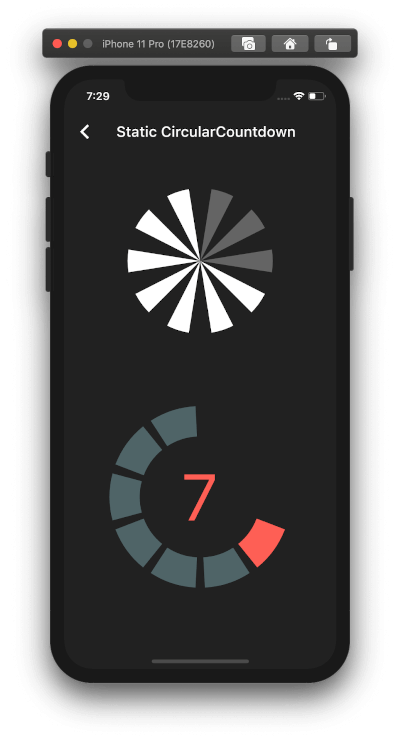
This is the way to create a simple static countdown.
import 'package:flutter/material.dart';
...
return CircularCountdown(
	countdownTotal:  10,
	countdownRemaining:  7,
);
...
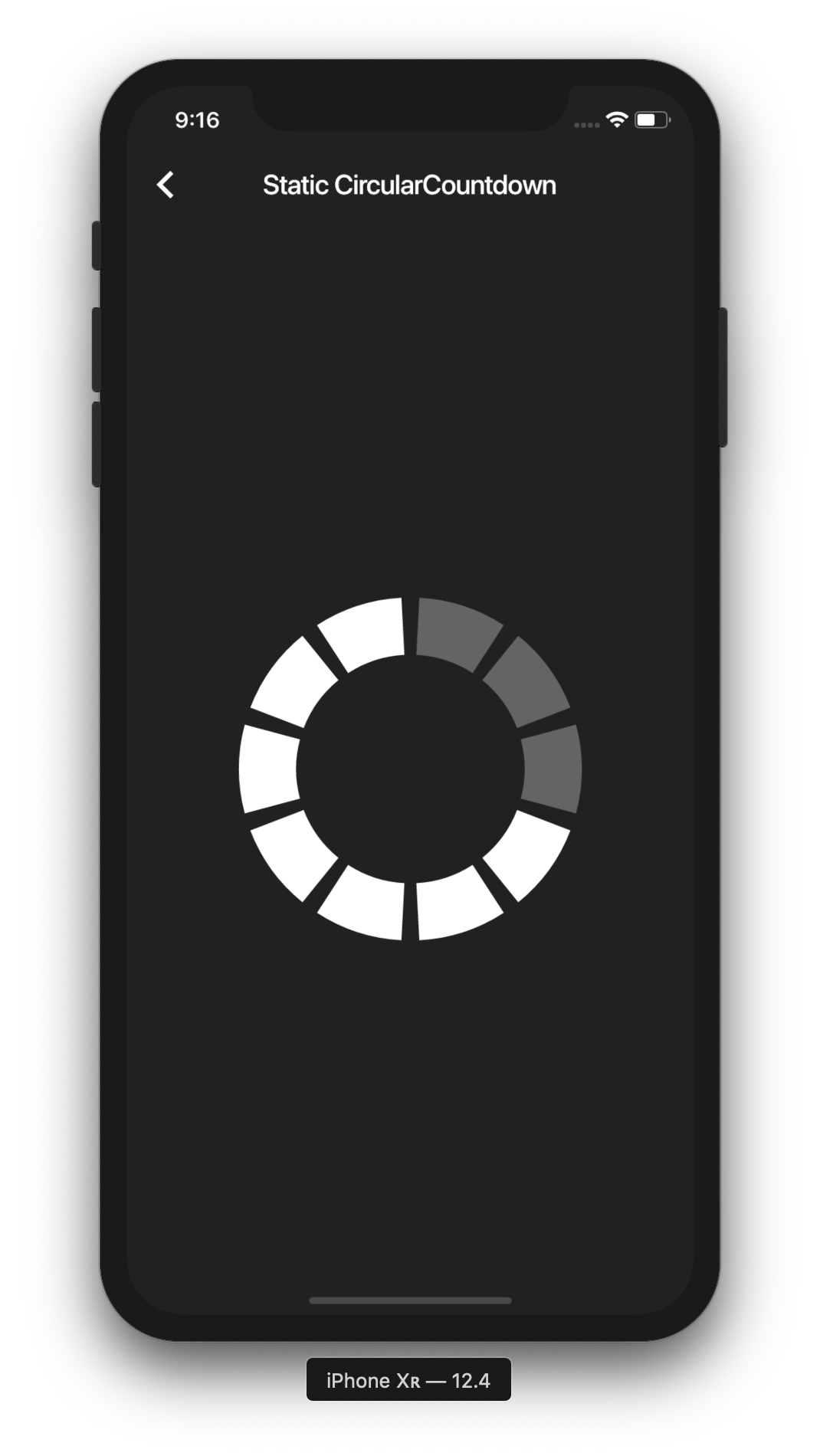
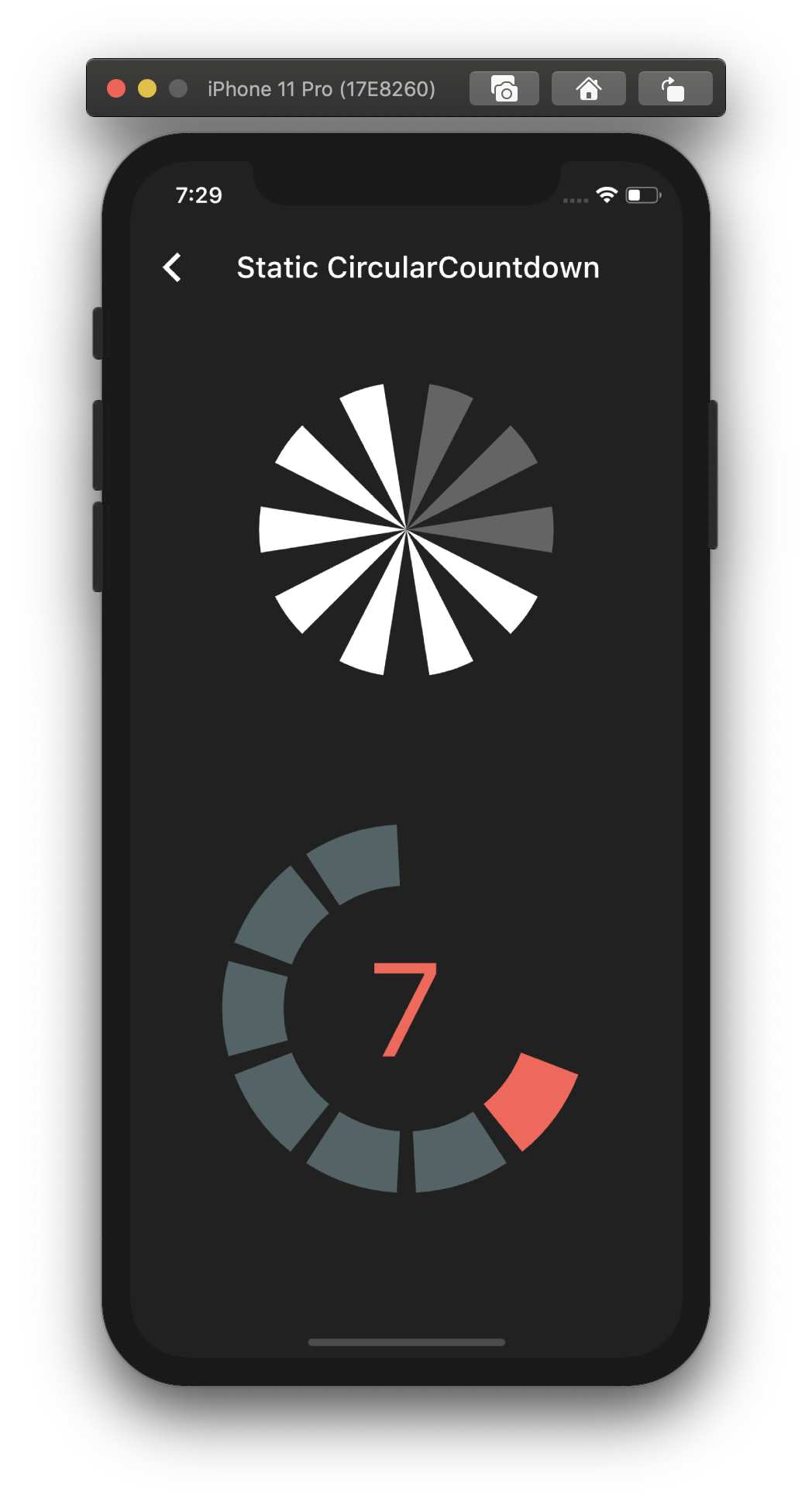
By playing with the parameters, you can change the size, the colors, the size of the gaps, the strokeWidth and more to have more complex Countdowns.
If you want to have full control on the timer (start, pause, etc), please see the section Controlled countdown below.
If you want to use the CircularCountdown widget as a Time Countdown, you can use the built-in TimeCircularCountdown that wraps the timer logic for you: (see how in example)
return TimeCircularCountdown(
    unit: CountdownUnit.seconds,
    countdownTotal: 30,
    onUpdated: (unit, remainingTime) => print('Updated'),
    onFinished: () => print('Countdown finished'),
);
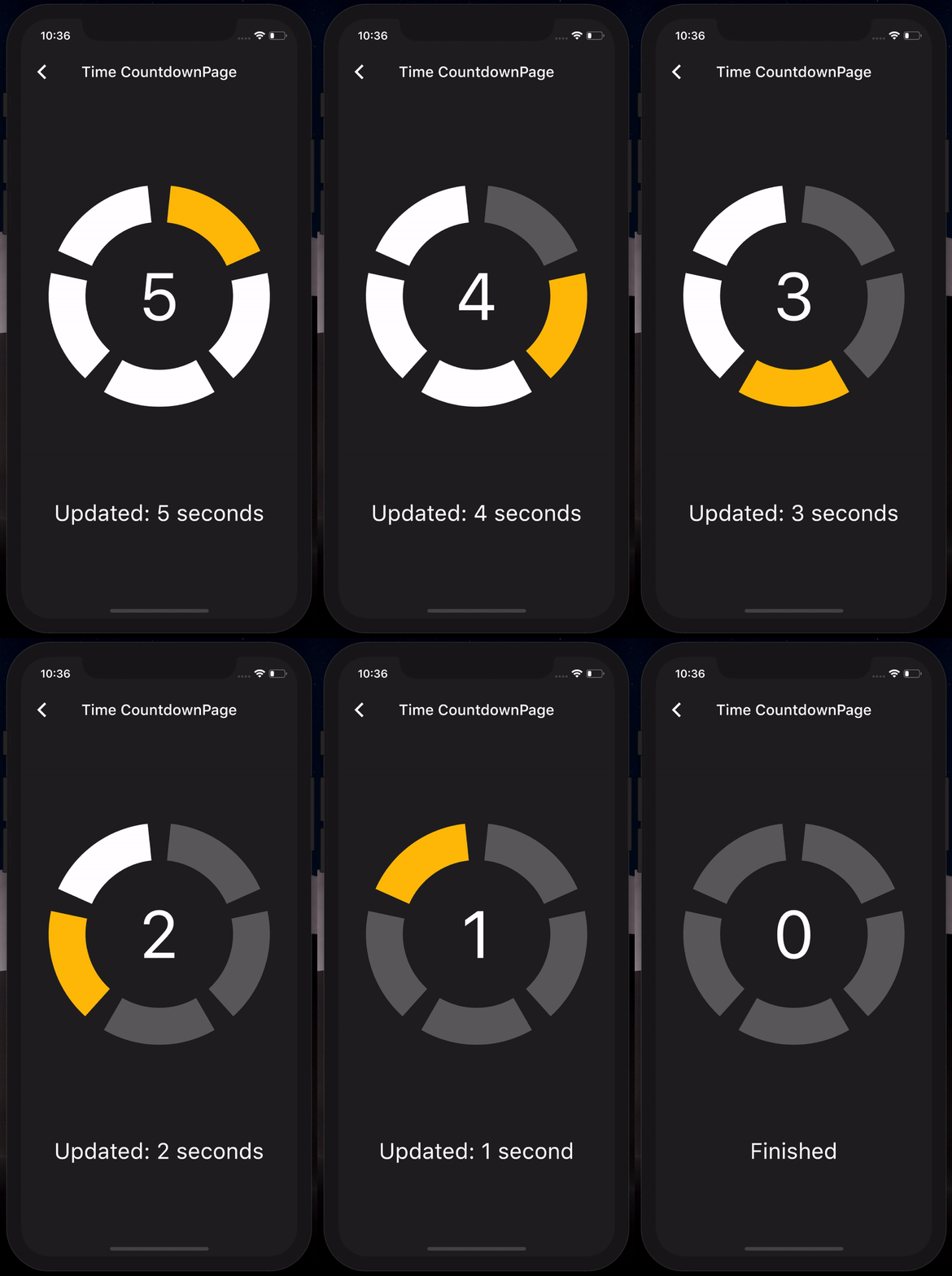
You can repeat the timer when ended by using the repeat bool property.
To have full control on the timer (play, pause, reset, shared between mutliple screen, etc), you can use CircularCountdown with the timer_controller library.
You can see the code in the example app.
If you find a bug or want a feature, but don't know how to fix/implement it, please fill an issue. If you fixed a bug or implemented a feature, please send a pull request.
의존성 목록 2 개
{"sdk":"flutter"}{"sdk":"flutter"}사용 목적에 따라 검색하고 개발 활동을 비교한 뒤 원본 저장소에서 요구 사항을 확인하세요.
“A repository is the most basic element of GitHub.”
GitHub Docs — About repositories ↗