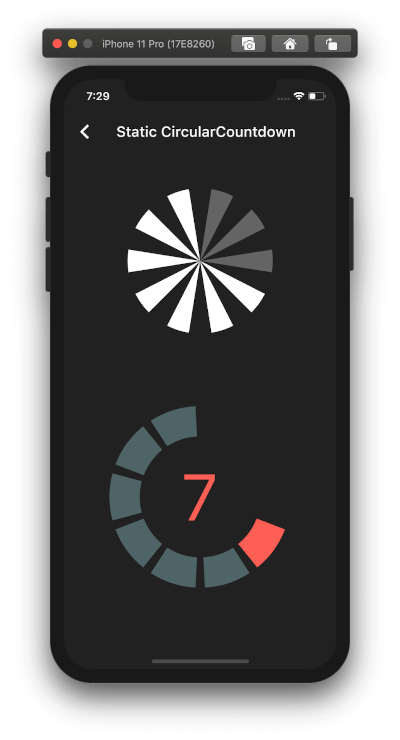
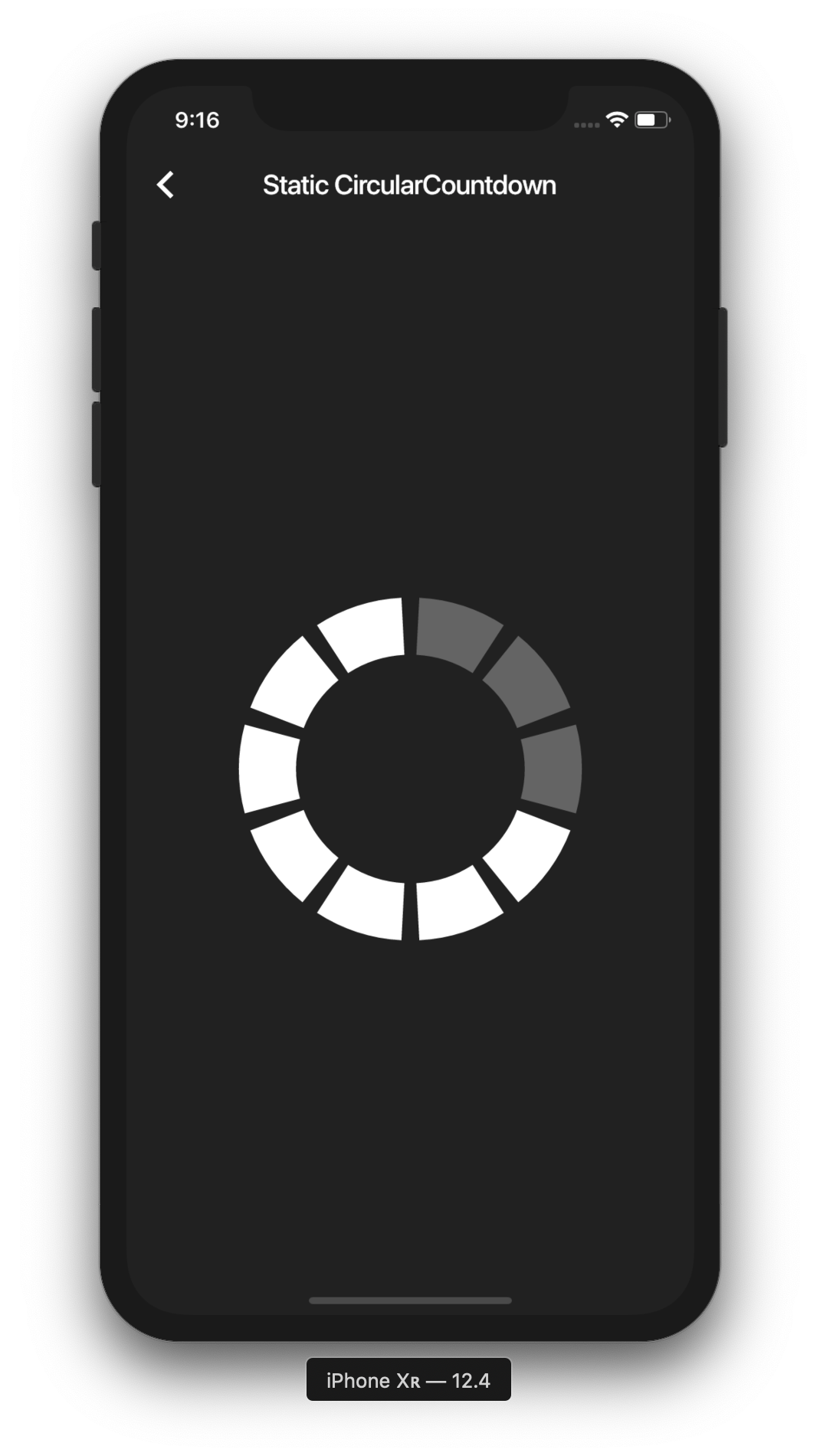
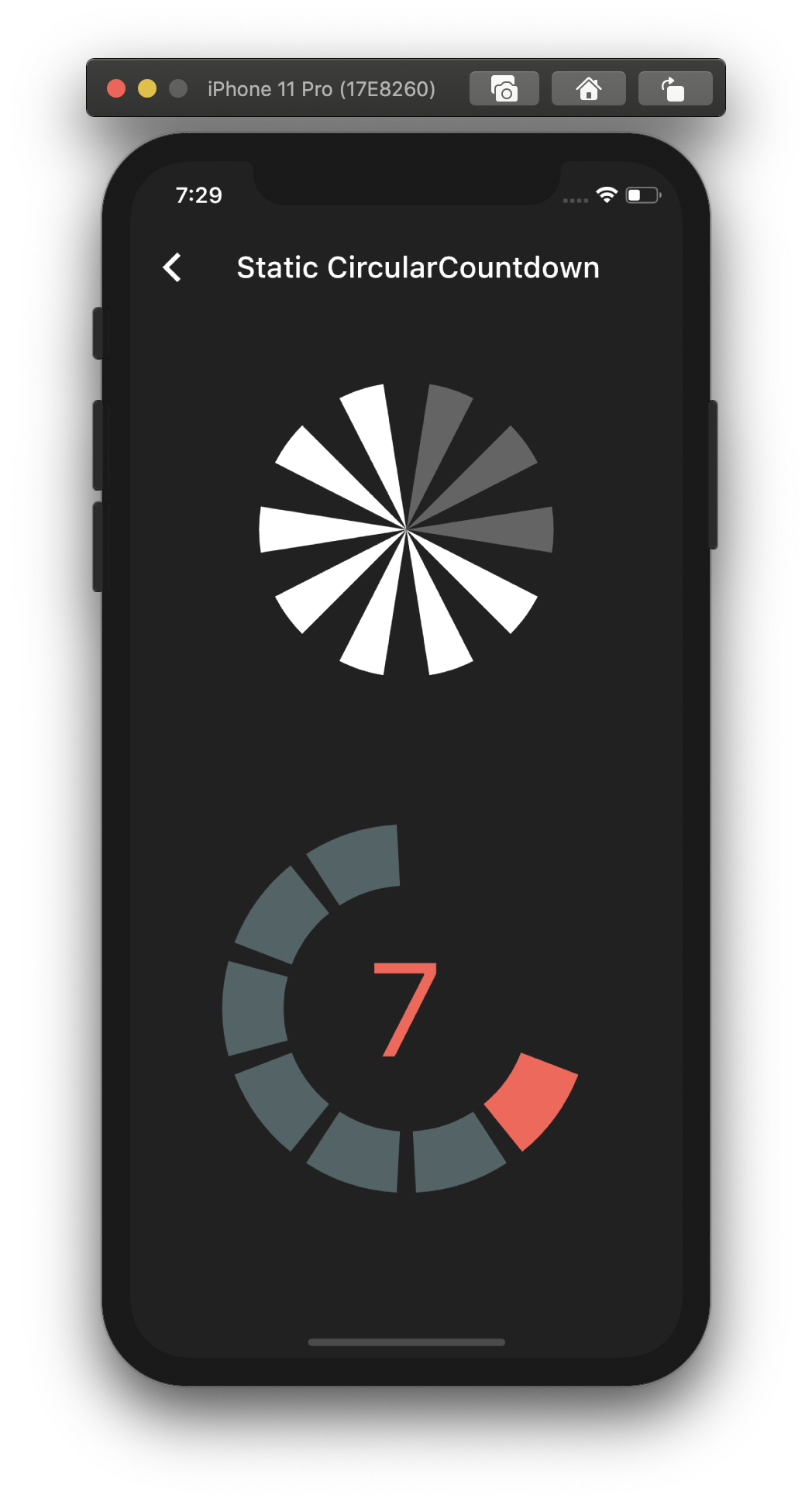
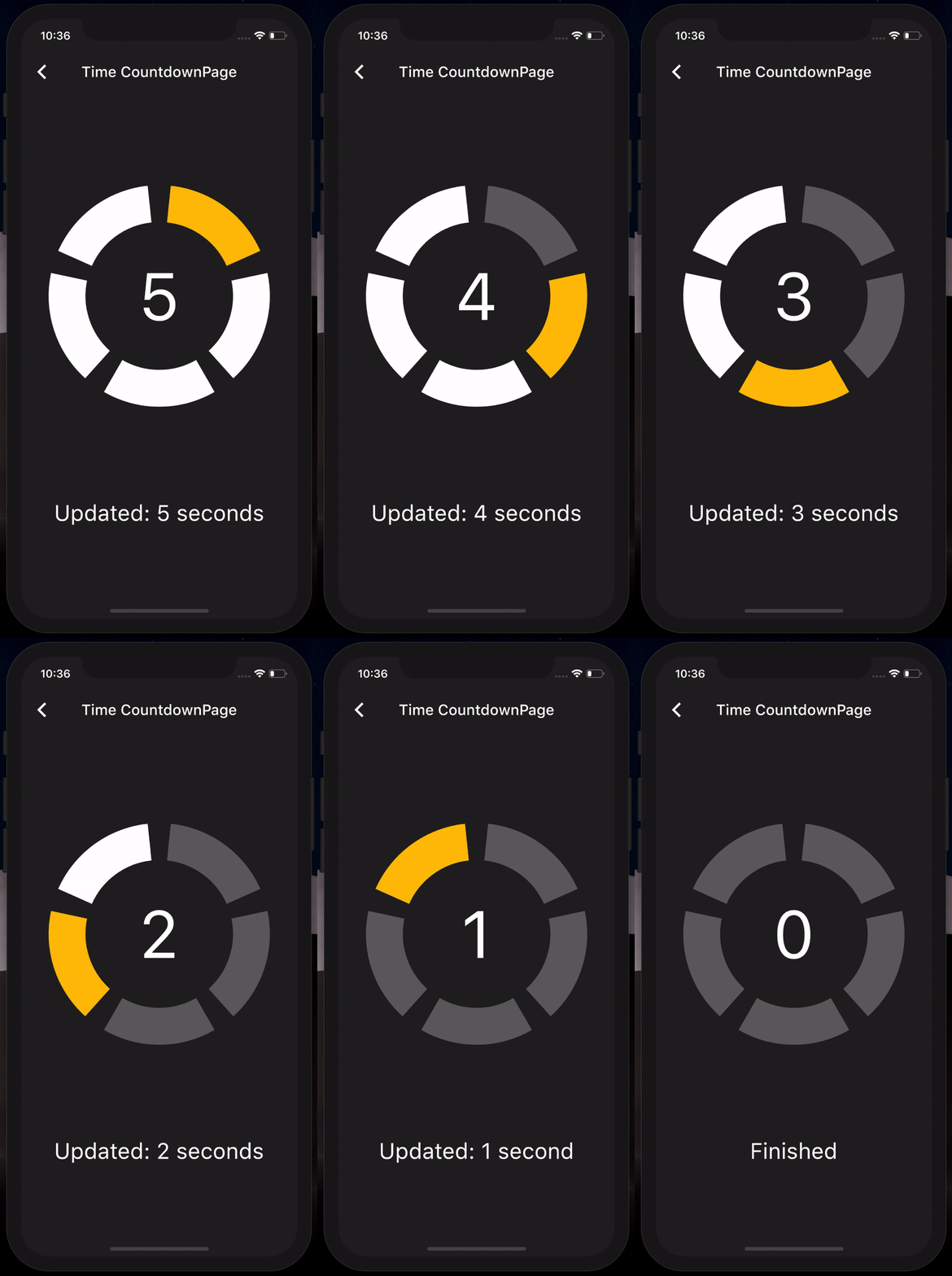
일, 시간, 분, 초 또는 포인트와 같은 추상적인 값을 표시하는 데 적합한 사용자 정의 가능한 원형 카운트다운 타이머를 제공하는 플러터 패키지입니다. 부드러운 애니메이션과 직관적인 인터페이스를 갖추고 있어 타이머, 게임, 작업 트래커와 같은 시각적 카운트다운이 필요한 앱에 이상적입니다. Android, iOS, Web, macOS, Windows, Linux 등 여러 플랫폼을 지원합니다.
사용 사례
게임 타이머
작업 카운트다운
이벤트 카운트다운
피트니스 트래킹
인터랙티브 UI 요소
주요 기능
부드러운 원형 애니메이션
사용자 정의 시간 단위
크로스 플랫폼 지원
사용자 지정 가능한 색상 및 크기
Flutter 위젯과의 간편한 통합
적합한 대상
인터랙티브한 카운트다운 인터페이스를 개발하는 개발자
시각적 시간 추적을 필요로 하는 앱
게임화 애플리케이션
교육용 또는 생산성 도구
고려 사항
카운트다운 로직을 수동으로 처리해야 함
제한된 내장 형식 옵션
복잡한 스케줄링보다는 간단한 카운트다운 요구 사항에 적합
원본 README
연결된 소스 저장소의 README 원문 스냅샷입니다. 최신 내용은 저장소에서 확인하세요.
circular_countdown
A package that represents a circular countdown that you can use for every kind of units (days, hours, seconds, points, ...).
Demo
A web demo is available here : https://mattisbrizard.github.io/circular_countdown/#/
Getting Started
In the pubspec.yaml of your flutter project, add the following dependency:
By playing with the parameters, you can change the size, the colors, the size of the gaps, the strokeWidth and more to have more complex Countdowns.
Timer countdown
If you want to have full control on the timer (start, pause, etc), please see the section Controlled countdown below.
If you want to use the CircularCountdown widget as a Time Countdown, you can use the built-in TimeCircularCountdown that wraps the timer logic for you: (see how in example)
You can repeat the timer when ended by using the repeat bool property.
Controlled countdown
To have full control on the timer (play, pause, reset, shared between mutliple screen, etc), you can use CircularCountdown with the timer_controller library.
If you find a bug or want a feature, but don't know how to fix/implement it, please fill an issue.
If you fixed a bug or implemented a feature, please send a pull request.