

 v2.0.4
flutter_animated_button
아름답고 멋진 버튼 애니메이션 모음이 포함된 플러터 패키지 프로젝트입니다.
306좋아요 1.4천30일 다운로드150Pub 점수
AndroidiOSWebmacOSWindowsLinux
멋지고 아름다운 버튼 애니메이션 모음이 포함된 플러터 패키지 프로젝트입니다. :rocket:

아래는 영문 원문 스냅샷입니다. 최신 내용은 GitHub에서 확인하세요.


Add this to your package's pubspec.yaml file:
dependencies:
  flutter_animated_button: <latest_version>
Now in your Dart code, you can use:
import 'package:flutter_animated_button/flutter_animated_button.dart';
Your contribution will help improve the plugin

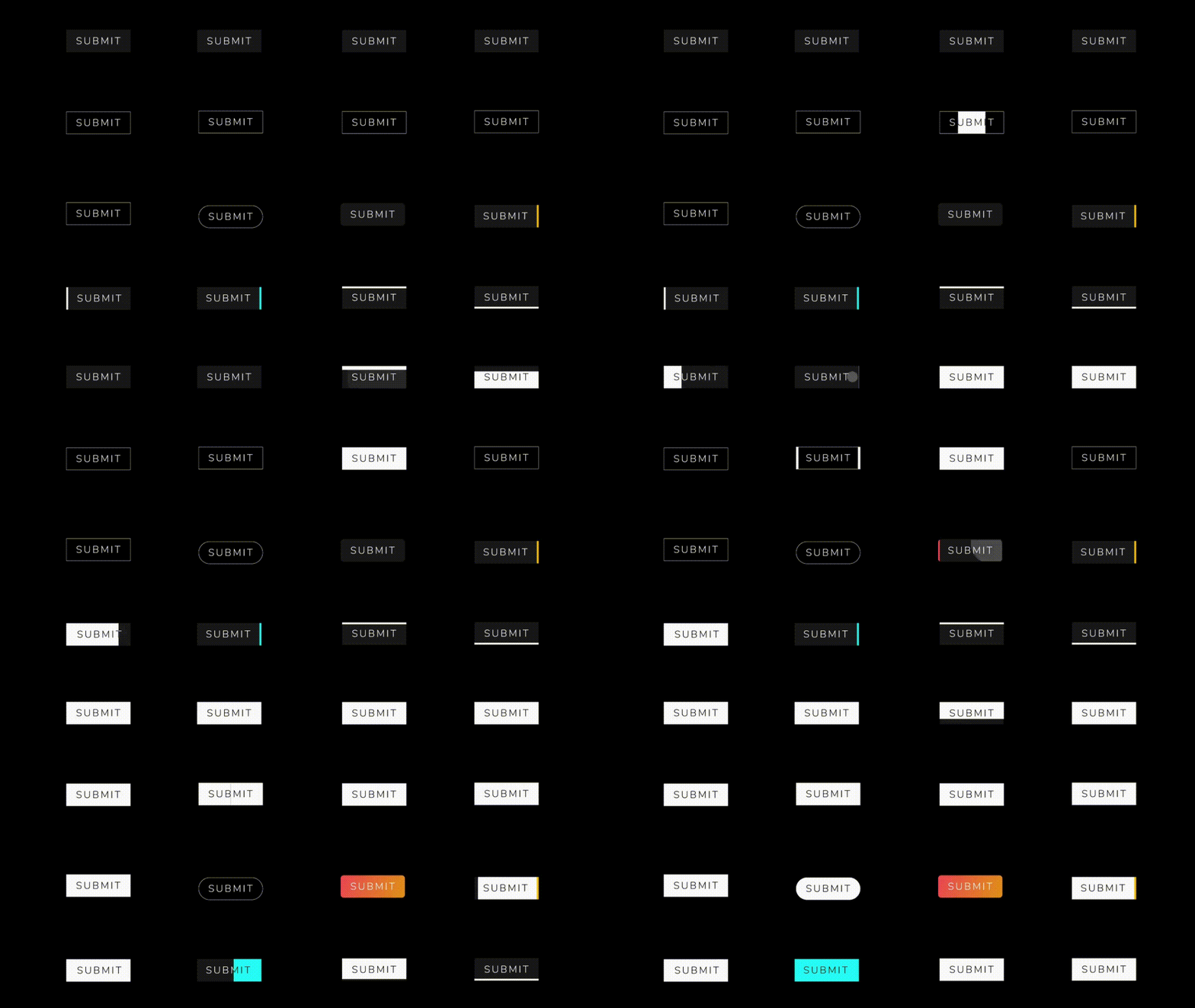
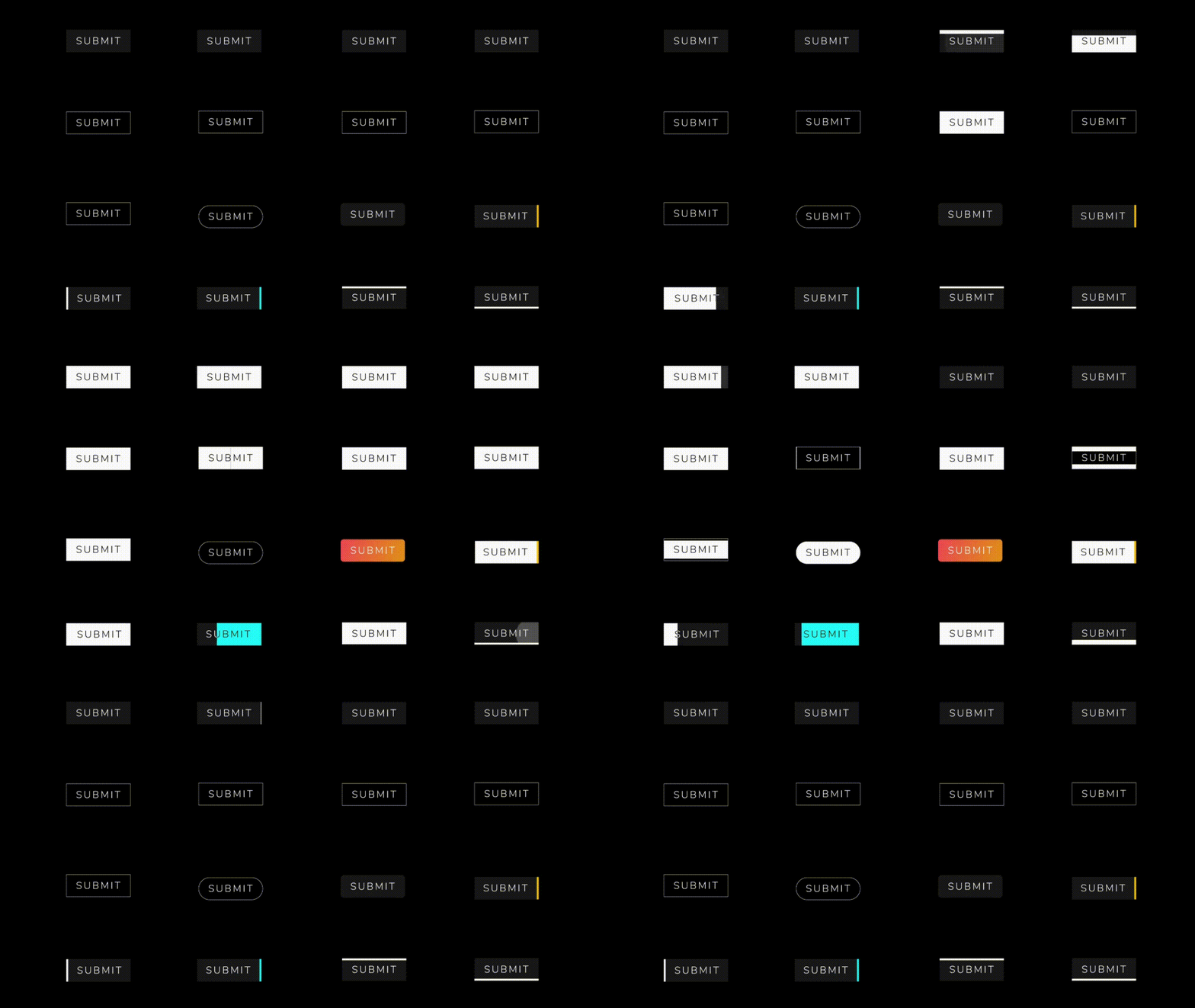
You can override the animationDuration of animation of the button by setting its duration in each AnimatedButton class, also you can get animationController for animation status and animation value during the animation. You can change text style, selected textColor and background color of button by textStyle,selectedTextColor,backgroundColor and selectedBackgroundColor. If you want revert animation when button already select then you can do it by isReverse property.
 AnimatedButton(
                width: 200,
                text: 'SUBMIT',
                selectedTextColor: Colors.black,
                transitionType: TransitionType.BOTTOM_TO_TOP,
                textStyle: TextStyle(
                    fontSize: 28,
                    letterSpacing: 5,
                    color: Colors.deepOrange,
                    fontWeight: FontWeight.w300),
              )

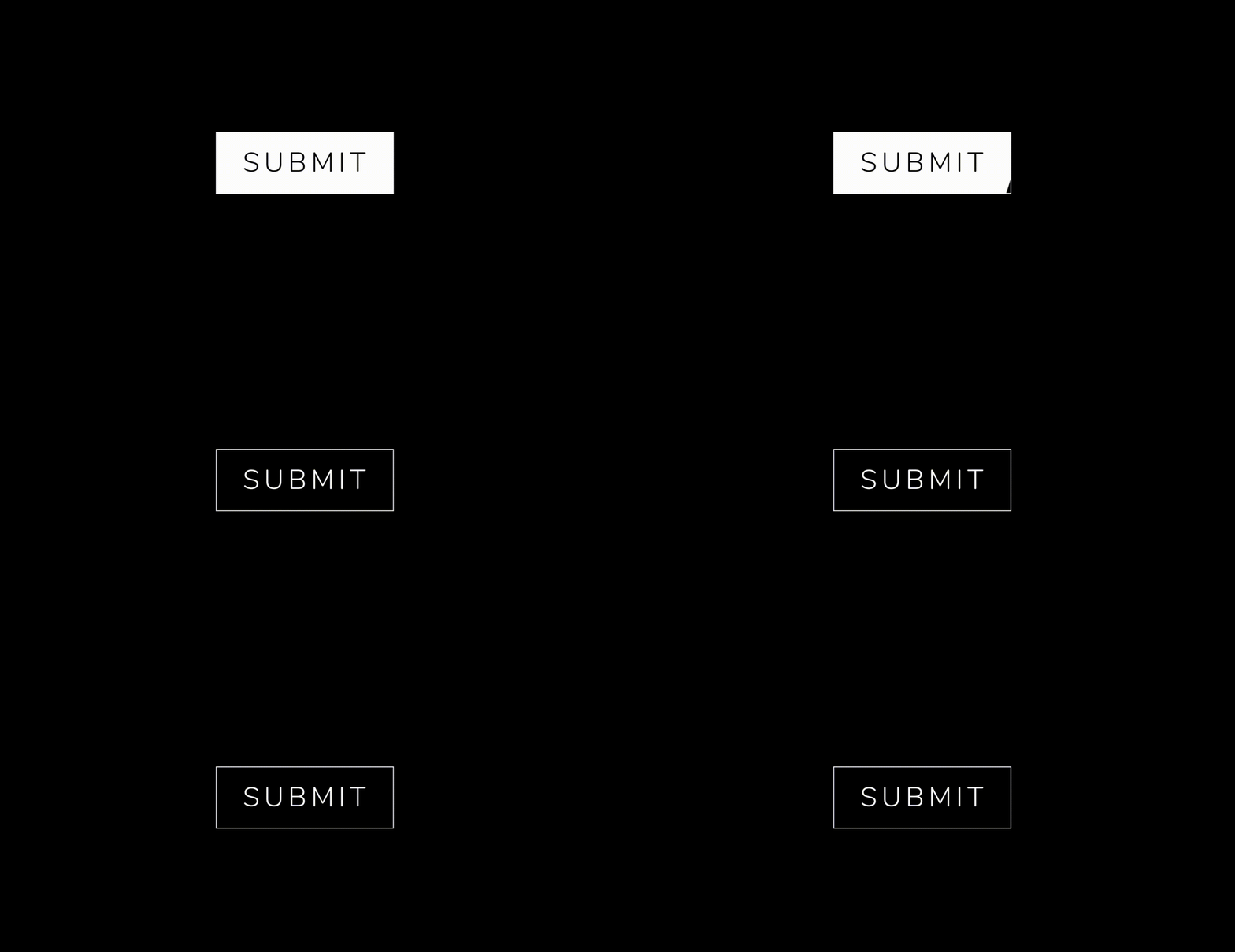 .
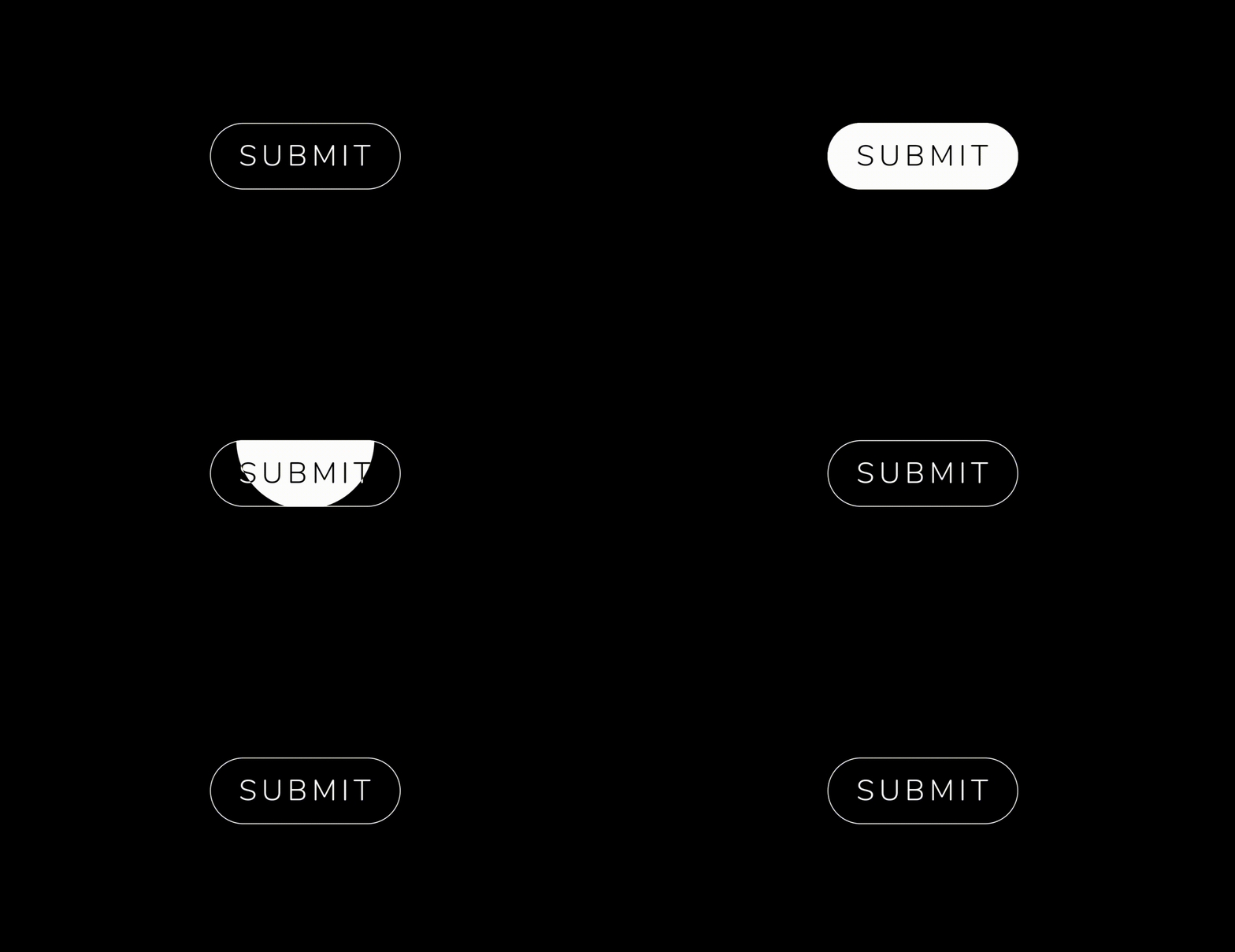 .


  AnimatedButton(
              height: 70,
              width: 200,
              text: 'SUBMIT',
              isReverse: true,
              selectedTextColor: Colors.black,
              transitionType: TransitionType.BOTTOM_TO_TOP,
              textStyle: GoogleFonts.nunito(
                  fontSize: 28,
                  letterSpacing: 5,
                  color: Colors.white,
                  fontWeight: FontWeight.w300),
            ),

  AnimatedButton(
             height: 70,
             width: 200,
             text: 'SUBMIT',
             isReverse: true,
             selectedTextColor: Colors.black,
             transitionType: TransitionType.LEFT_TO_RIGHT,
             textStyle: submitTextStyle,
             backgroundColor: Colors.black,
             borderColor: Colors.white,
             borderRadius: 0,
             borderWidth: 2,
           ),

    AnimatedButton(
              height: 70,
              width: 200,
              text: 'SUBMIT',
              isReverse: true,
              selectedTextColor: Colors.black,
              transitionType: TransitionType.LEFT_TO_RIGHT,
              textStyle: submitTextStyle,
              backgroundColor: Colors.black,
              borderColor: Colors.white,
              borderRadius: 50,
              borderWidth: 2,
            ),

  AnimatedButton.strip(
              width: 200,
              height: 70,
              text: 'SUBMIT',
              isReverse: true,
              selectedTextColor: Colors.black,
              stripTransitionType: StripTransitionType.LEFT_TO_RIGHT,
              selectedBackgroundColor: Colors.white,
              textStyle: GoogleFonts.nunito(
                  fontSize: 28,
                  letterSpacing: 5,
                  color: Colors.white,
                  fontWeight: FontWeight.w300),
            ),
| LEFT_TO_RIGHT | CENTER_LR_IN | LEFT_TOP_ROUNDER | RIGHT_TOP_ROUNDER | CENTER_ROUNDER |
| RIGHT_TO_LEFT | CENTER_TB_IN | LEFT_CENTER_ROUNDER | RIGHT_CENTER_ROUNDER | - |
| TOP_TO_BOTTOM | CENTER_LR_OUT | LEFT_BOTTOM_ROUNDER | TOP_CENTER_ROUNDER | - |
| BOTTOM_TO_TOP | CENTER_TB_OUT | RIGHT_BOTTOM_ROUNDER | BOTTOM_CENTER_ROUNDER | - |
| LEFT_TO_RIGHT |
| RIGHT_TO_LEFT |
| TOP_TO_BOTTOM |
| BOTTOM_TO_TOP |
If you encounter any problems feel free to open an issue. If you feel the library is missing a feature, please raise a ticket on GitHub and I'll look into it. Pull request are also welcome.
MIT License
의존성 목록 2 개
{"sdk":"flutter"}{"sdk":"flutter"}사용 목적에 따라 검색하고 개발 활동을 비교한 뒤 원본 저장소에서 요구 사항을 확인하세요.
“A repository is the most basic element of GitHub.”
GitHub Docs — About repositories ↗