패키지, 저장소 및 앱 카테고리 검색

flutter_animated_button 표지
패키지 상세v2.0.4

flutter_animated_button

아름답고 멋진 버튼 애니메이션 모음이 포함된 플러터 패키지 프로젝트입니다.

AndroidiOSWebmacOSWindowsLinux
30일 다운로드
1.6천
좋아요
306
Pub 점수
150

패키지 설치

flutter pub add flutter_animated_button

패키지 개요

공개 정보를 바탕으로 생성한 선택 가이드입니다.

시각적으로 매력적이고 부드러운 버튼 애니메이션을 다양하게 제공하는 플러터 패키지입니다. 다양한 플랫폼에서 동적이고 매력적인 버튼 상호작용을 통해 사용자 인터페이스를 향상시키기 위해 설계되었습니다. 즉시 사용 가능한 애니메이션 버튼을 제공하여 앱에 쉽게 통합할 수 있으며, 시각 피드백과 사용자 경험을 개선할 수 있습니다. 광범위한 커스텀 코딩 없이도 스타일을 더하고 싶은 개발자에게 이상적입니다.

사용 사례

  • 인터랙티브 버튼으로 앱 UI 개선
  • 양식에 시각적 피드백 추가
  • 모바일 및 웹 앱에서 사용자 참여도 향상
  • 현대적인 랜딩 페이지 만들기
  • 게임화 앱 요소 설계

주요 기능

  • 여러 가지 사전 구축된 애니메이션 스타일
  • 최소한의 코드로 간편한 통합
  • 크로스 플랫폼 호환성
  • 사용자 정의 가능한 버튼 모양
  • 부드러운 전환 효과
  • 경량이고 성능이 뛰어남

적합한 대상

  • 애니메이션 컴포넌트를 찾는 UI/UX 디자이너
  • 인터랙티브한 Flutter 앱을 개발하는 개발자
  • Flutter 애니메이션을 탐색하는 초보자
  • 사용자 참여를 유도하는 상호작용이 필요한 앱
  • 현대적이고 세련된 인터페이스에 중점을 둔 프로젝트

고려 사항

  • 패키지 크기가 약간 증가할 수 있습니다
  • 애니메이션은 저사양 기기에서 성능에 영향을 줄 수 있습니다
  • 제공된 테마를 초과한 사용자 정의는 제한적
  • 비중요한 UI 요소에 적합
  • 기본적인 플러터 위젯 사용법에 대한 이해가 필요합니다

원본 README

연결된 소스 저장소의 README 원문 스냅샷입니다. 최신 내용은 저장소에서 확인하세요.

flutter_animated_button :dizzy: :champagne:


Installing

Depend on it

Add this to your package's pubspec.yaml file:

dependencies:
  flutter_animated_button: <latest_version>
Import it

Now in your Dart code, you can use:

import 'package:flutter_animated_button/flutter_animated_button.dart';


Contribute to Development

Your contribution will help improve the plugin

Buy Me A Coffee

Usage

You can override the animationDuration of animation of the button by setting its duration in each AnimatedButton class, also you can get animationController for animation status and animation value during the animation. You can change text style, selected textColor and background color of button by textStyle,selectedTextColor,backgroundColor and selectedBackgroundColor. If you want revert animation when button already select then you can do it by isReverse property.

 AnimatedButton(
                width: 200,
                text: 'SUBMIT',
                selectedTextColor: Colors.black,
                transitionType: TransitionType.BOTTOM_TO_TOP,
                textStyle: TextStyle(
                    fontSize: 28,
                    letterSpacing: 5,
                    color: Colors.deepOrange,
                    fontWeight: FontWeight.w300),
              )


Animation On
  • AnimatedOn.onTap
  • AnimatedOn.onHover


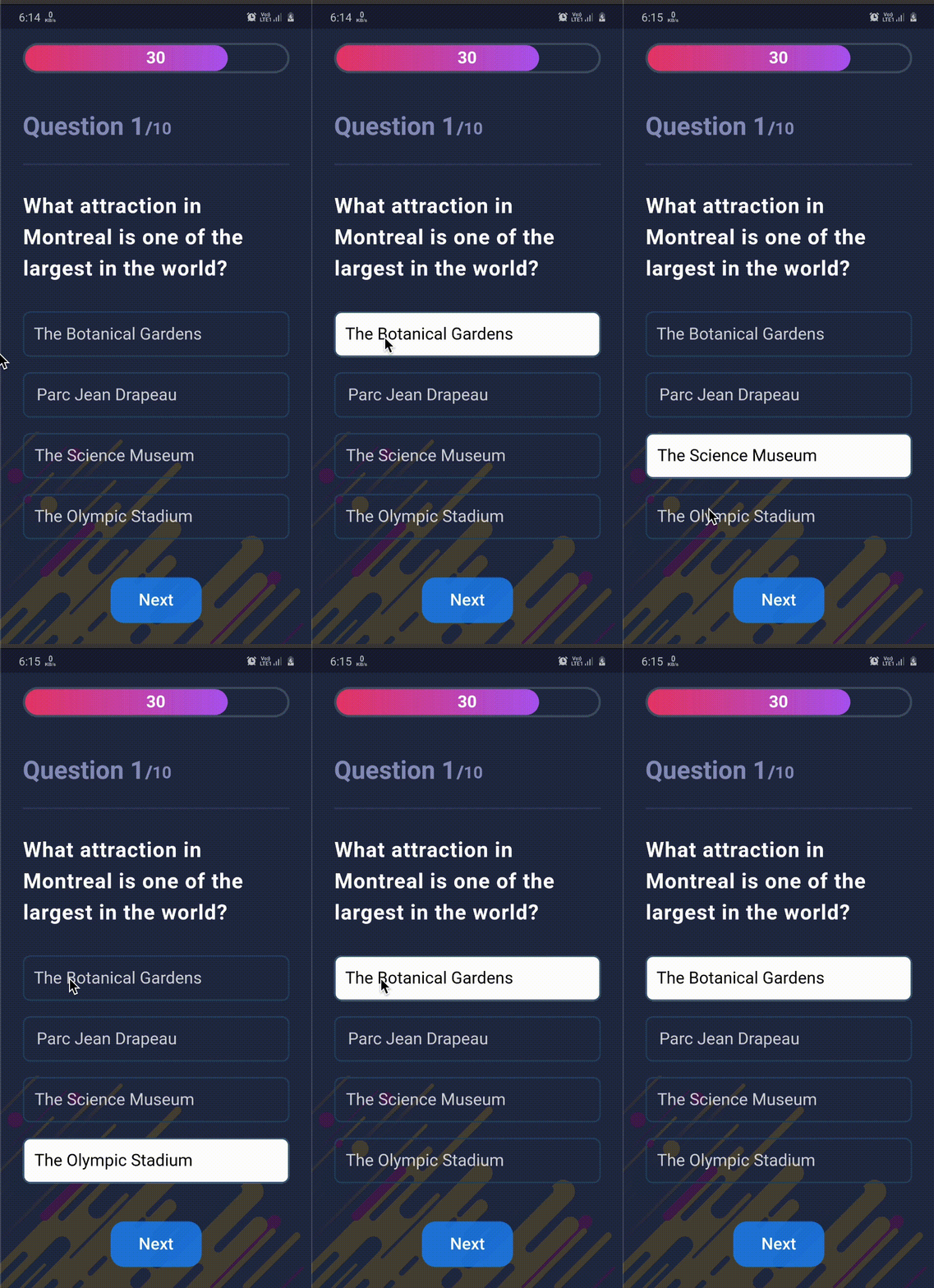
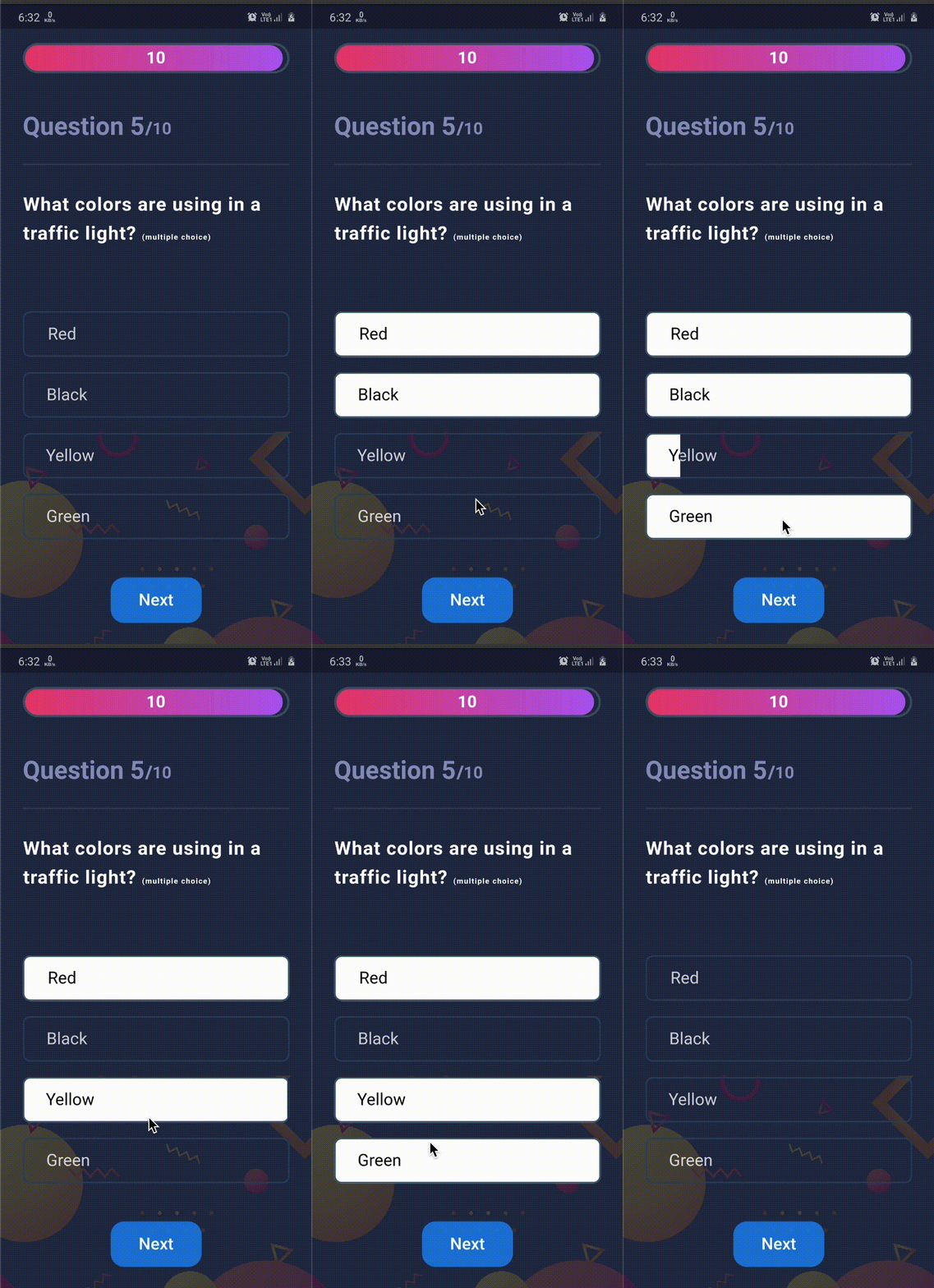
Used in App


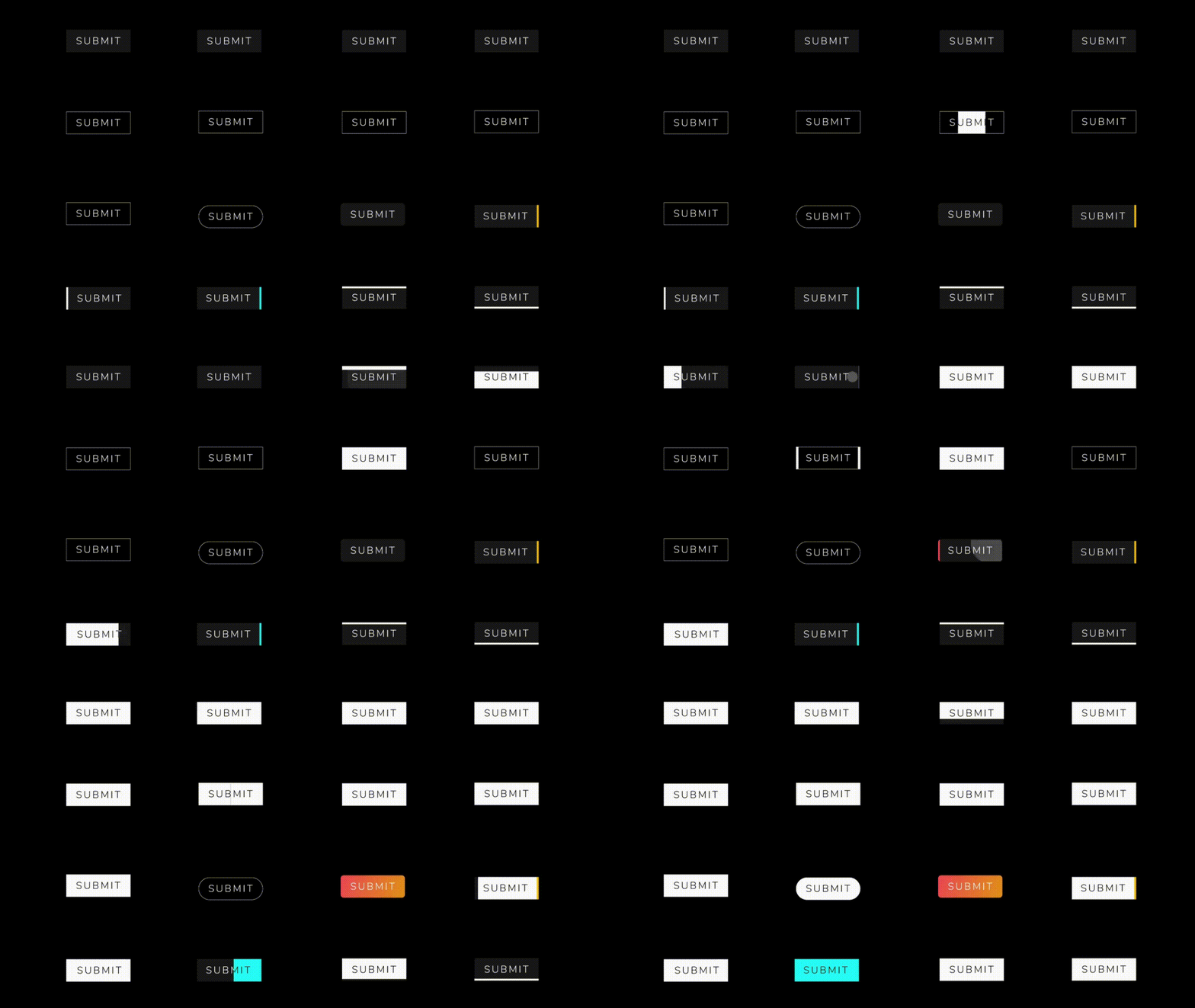
Some new animation in latest version :zap:

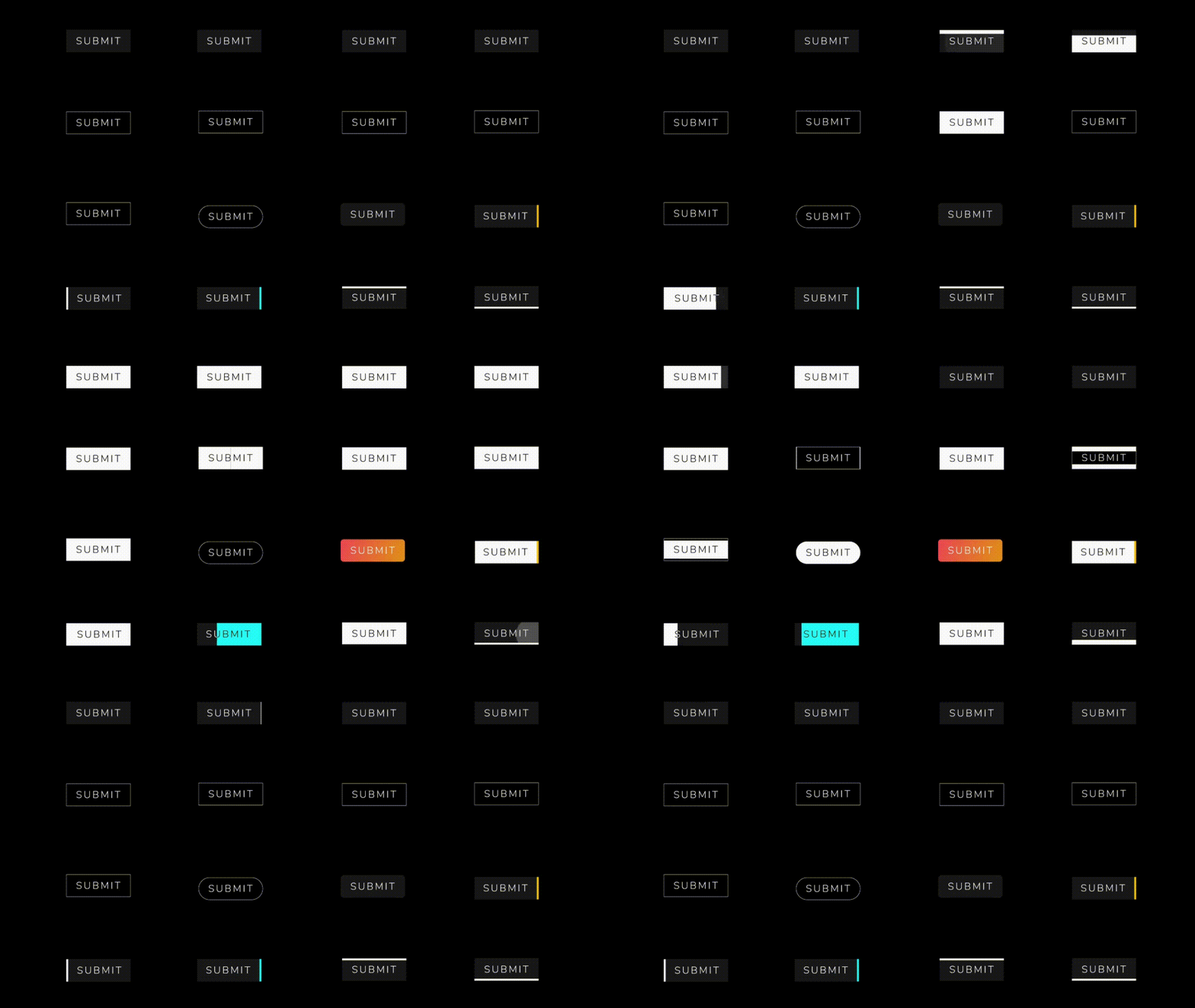
  • Animations : LEFT_TOP_ROUNDER, LEFT_BOTTOM_ROUNDER, BOTTOM_CENTER_ROUNDER, CENTER_ROUNDER...etc
  • Selected button text support

. .

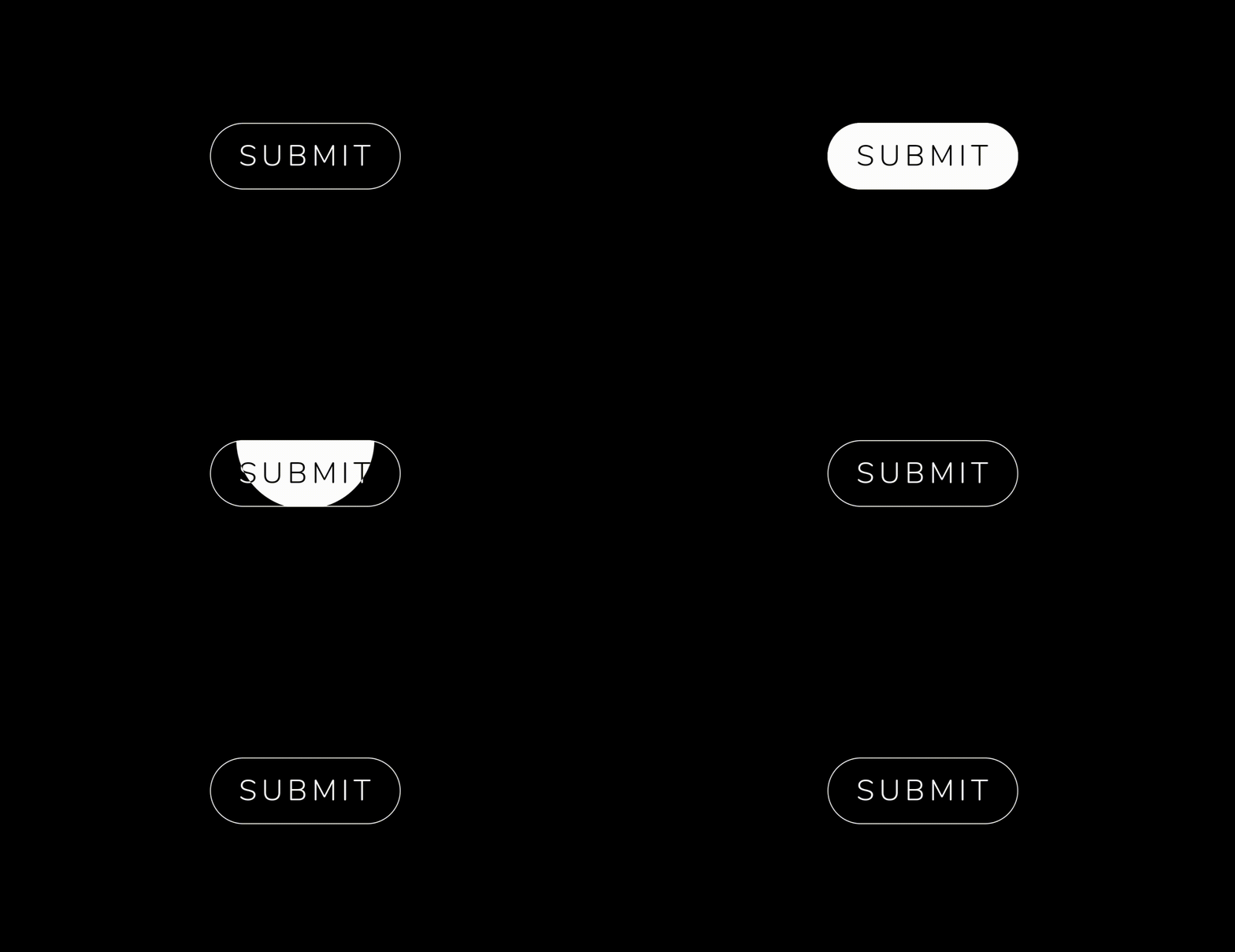
Available Animations :dizzy:

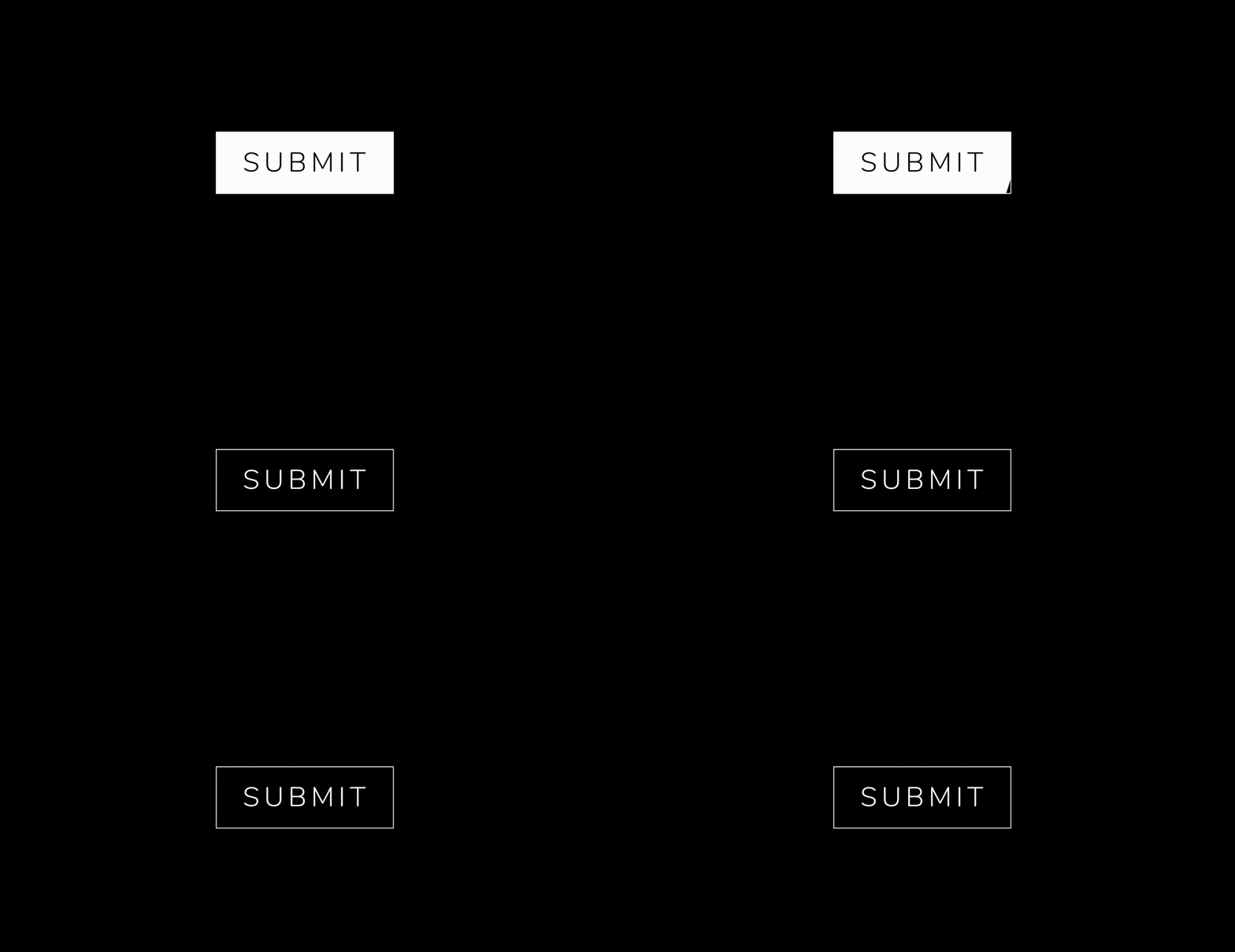
AnimatedButton

  AnimatedButton(
              height: 70,
              width: 200,
              text: 'SUBMIT',
              isReverse: true,
              selectedTextColor: Colors.black,
              transitionType: TransitionType.BOTTOM_TO_TOP,
              textStyle: GoogleFonts.nunito(
                  fontSize: 28,
                  letterSpacing: 5,
                  color: Colors.white,
                  fontWeight: FontWeight.w300),
            ),
  AnimatedButton(
             height: 70,
             width: 200,
             text: 'SUBMIT',
             isReverse: true,
             selectedTextColor: Colors.black,
             transitionType: TransitionType.LEFT_TO_RIGHT,
             textStyle: submitTextStyle,
             backgroundColor: Colors.black,
             borderColor: Colors.white,
             borderRadius: 0,
             borderWidth: 2,
           ),
    AnimatedButton(
              height: 70,
              width: 200,
              text: 'SUBMIT',
              isReverse: true,
              selectedTextColor: Colors.black,
              transitionType: TransitionType.LEFT_TO_RIGHT,
              textStyle: submitTextStyle,
              backgroundColor: Colors.black,
              borderColor: Colors.white,
              borderRadius: 50,
              borderWidth: 2,
            ),

AnimatedButton.strip

  AnimatedButton.strip(
              width: 200,
              height: 70,
              text: 'SUBMIT',
              isReverse: true,
              selectedTextColor: Colors.black,
              stripTransitionType: StripTransitionType.LEFT_TO_RIGHT,
              selectedBackgroundColor: Colors.white,
              textStyle: GoogleFonts.nunito(
                  fontSize: 28,
                  letterSpacing: 5,
                  color: Colors.white,
                  fontWeight: FontWeight.w300),
            ),


Available Animations Types :sparkles:


AnimatedButton
LEFT_TO_RIGHT CENTER_LR_IN LEFT_TOP_ROUNDER RIGHT_TOP_ROUNDER CENTER_ROUNDER
RIGHT_TO_LEFT CENTER_TB_IN LEFT_CENTER_ROUNDER RIGHT_CENTER_ROUNDER -
TOP_TO_BOTTOM CENTER_LR_OUT LEFT_BOTTOM_ROUNDER TOP_CENTER_ROUNDER -
BOTTOM_TO_TOP CENTER_TB_OUT RIGHT_BOTTOM_ROUNDER BOTTOM_CENTER_ROUNDER -
AnimatedButton.strip
LEFT_TO_RIGHT
RIGHT_TO_LEFT
TOP_TO_BOTTOM
BOTTOM_TO_TOP


Bugs or Requests :bug:

If you encounter any problems feel free to open an issue. If you feel the library is missing a feature, please raise a ticket on GitHub and I'll look into it. Pull request are also welcome.

License :closed_lock_with_key:

MIT License

카테고리

소스 저장소

이 패키지를 사용하는 프로젝트