

 v4.0.0
flutter_sequence_animation
이 강력하고 사용하기 쉬운 패키지를 사용하여 어떤 애니메이션도 조합하세요.
248좋아요 1.4만30일 다운로드140Pub 점수
AndroidiOSWebmacOSWindowsLinux
간편하게 여러 애니메이션을 조율하세요.

아래는 영문 원문 스냅샷입니다. 최신 내용은 GitHub에서 확인하세요.
dependencies:
  flutter_sequence_animation: "^4.0.0"
then
$ flutter packages get
then
import 'package:flutter_sequence_animation/flutter_sequence_animation.dart';
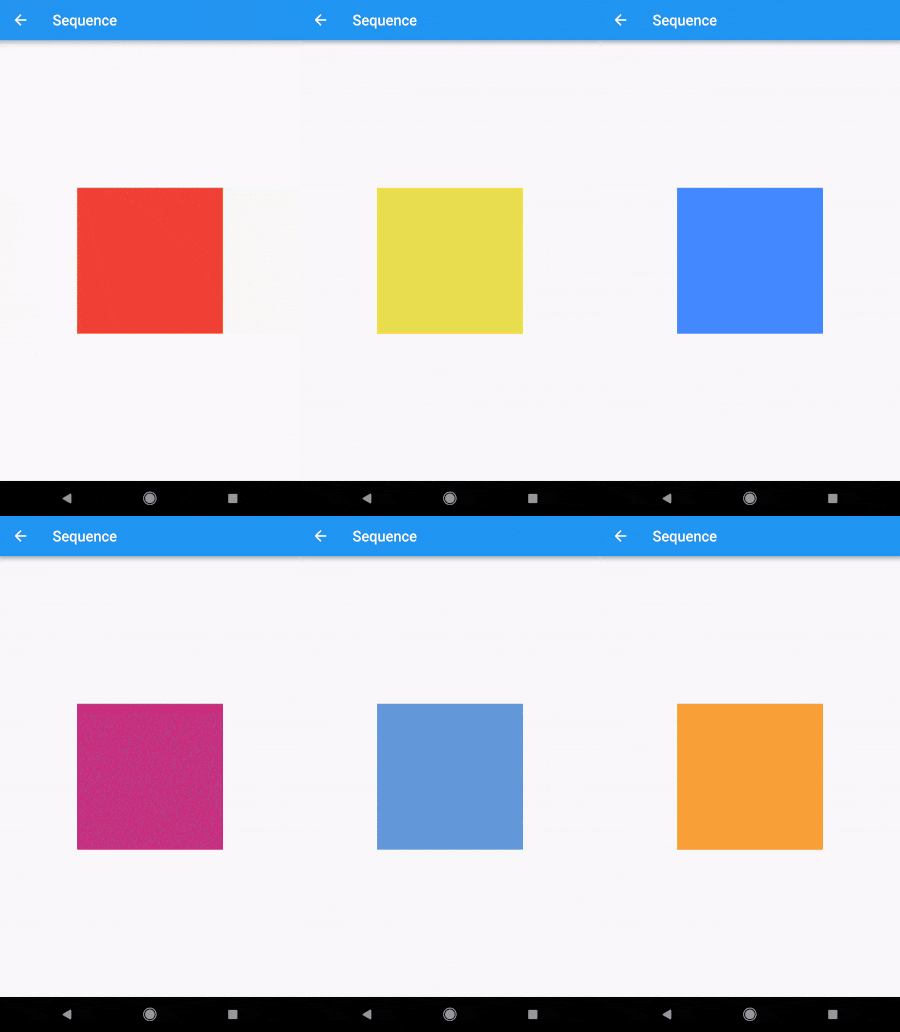
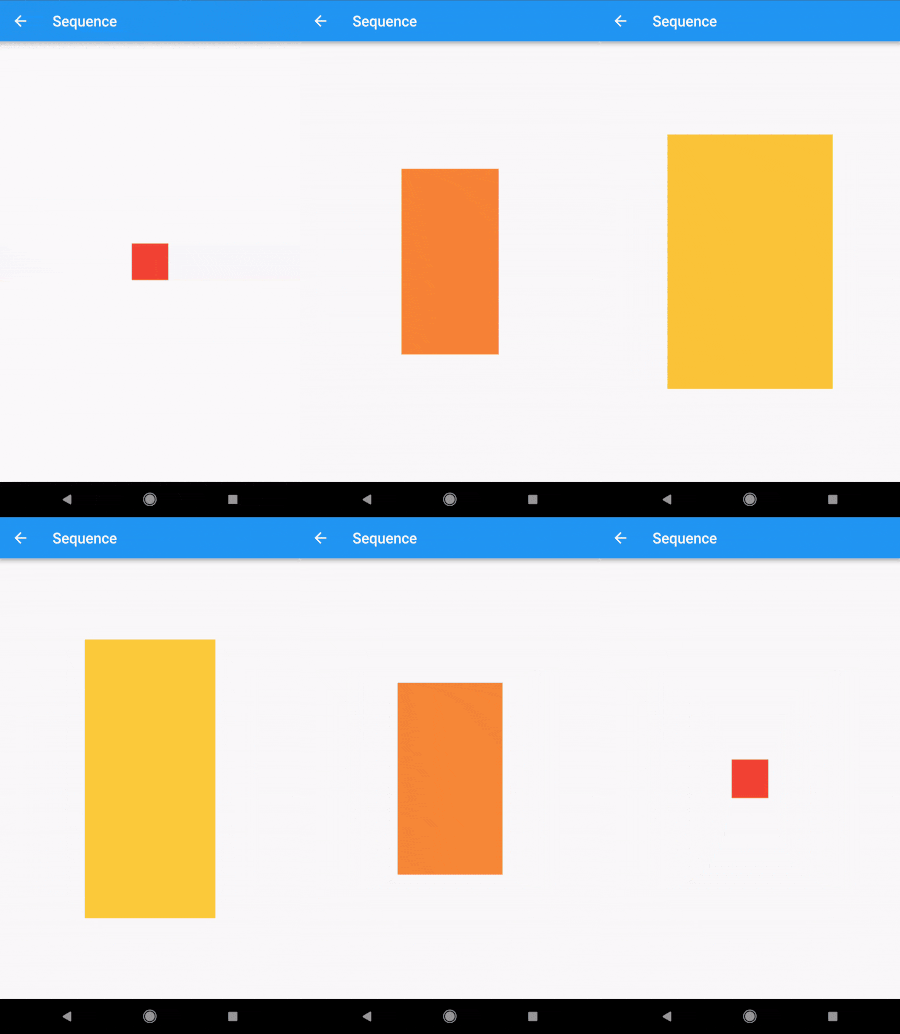
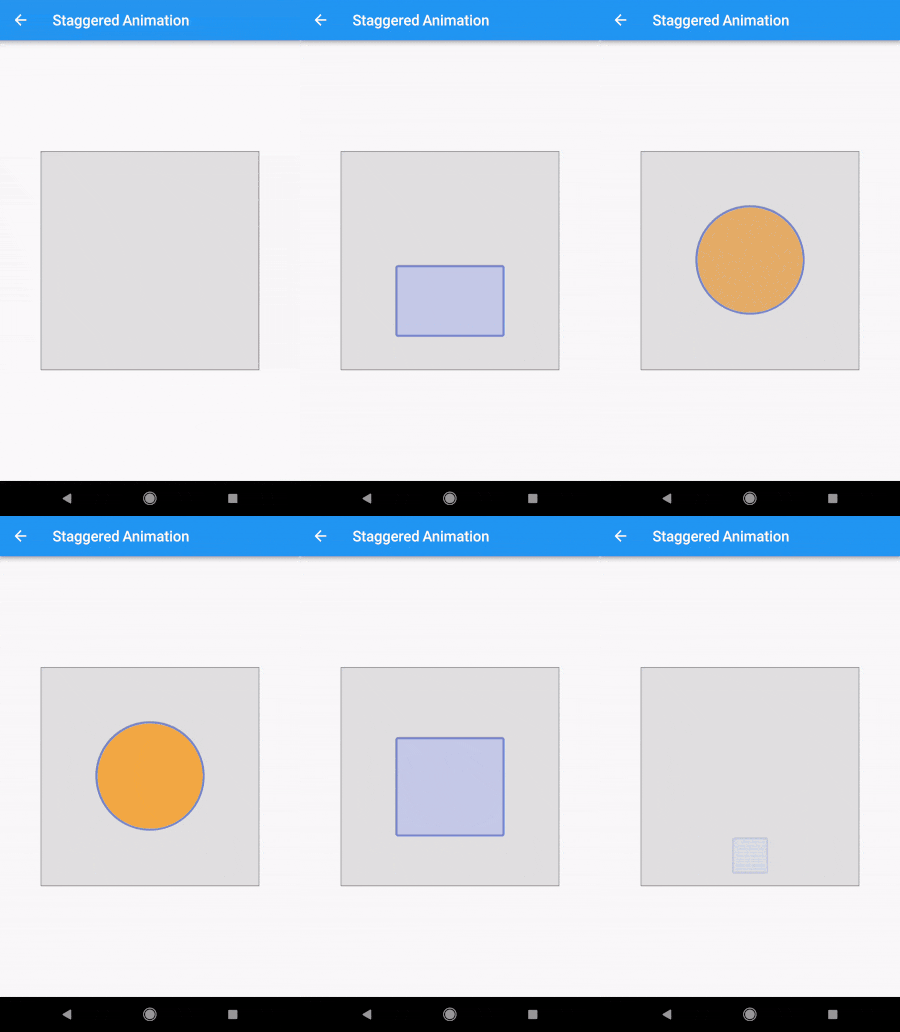
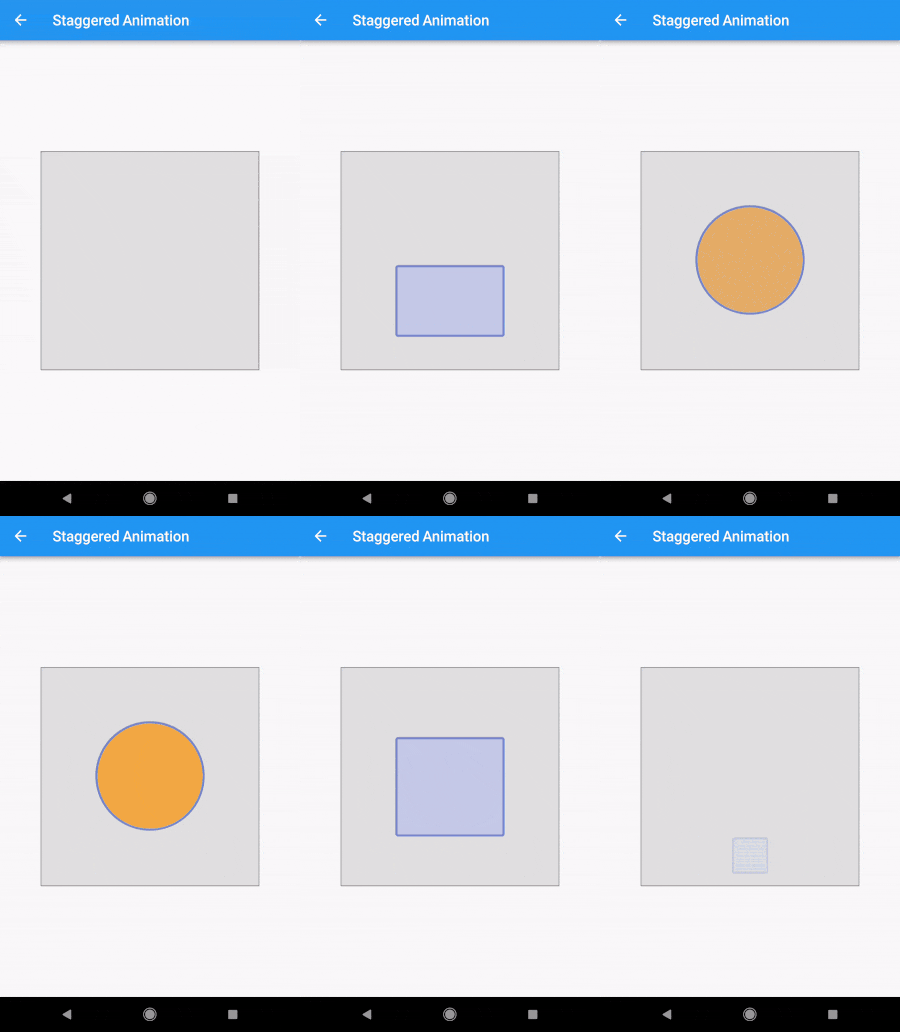
The Staggered Animation example from here is 207 lines of code . The same animation with this package is 128 lines of code. It is also much easier to read and edit.
    sequenceAnimation = new SequenceAnimationBuilder()
      .addAnimatable(
          animatable: new ColorTween(begin: Colors.red, end: Colors.yellow),
          from:  const Duration(seconds: 0),
          to: const Duration(seconds: 2),
          tag: "color"
        ).addAnimatable(
          animatable: new ColorTween(begin: Colors.yellow, end: Colors.blueAccent),
          from:  const Duration(seconds: 2),
          to: const Duration(seconds: 4),
          tag: "color",
          curve: Curves.easeOut
        ).addAnimatable(
          animatable: new ColorTween(begin: Colors.blueAccent, end: Colors.pink),
          //  animatable: new Tween<double>(begin: 200.0, end: 40.0),
          from:  const Duration(seconds: 5),
          to: const Duration(seconds: 6),
          tag: "color",
          curve: Curves.fastOutSlowIn
        ).animate(controller);
In this case only the color is animated but you can add as many different properties to the sequence as you'd like to. The only restriction is that animations with the same tag can not overlap and need to be ordered.
sequenceAnimation["color"]
This animation is a composition of all animatables you passed in with the same tag.
new AnimatedBuilder(
          builder: (context, child) {
            return new Center(
              child: new Container(
                color: sequenceAnimation["color"].value,
                height: 200.0,
                width: 200.0,
              ),
            );
          },
          animation: controller,
        ),
For help getting started with Flutter, view our online documentation.
For help on editing package code, view the documentation.
의존성 목록 3 개
{"sdk":"flutter"}^1.3.0{"sdk":"flutter"}사용 목적에 따라 검색하고 개발 활동을 비교한 뒤 원본 저장소에서 요구 사항을 확인하세요.
“A repository is the most basic element of GitHub.”
GitHub Docs — About repositories ↗