패키지, 저장소 및 앱 카테고리 검색

flutter_sequence_animation 표지
패키지 상세v4.0.0

flutter_sequence_animation

이 강력하고 사용하기 쉬운 패키지를 사용하여 어떤 애니메이션도 조합하세요.

AndroidiOSWebmacOSWindowsLinux
30일 다운로드
1.4만
좋아요
248
Pub 점수
140

패키지 설치

flutter pub add flutter_sequence_animation

패키지 개요

공개 정보를 바탕으로 생성한 선택 가이드입니다.

Flutter Sequence Animation은 개발자가 개별 애니메이션 시퀀스를 연결하여 복잡한 애니메이션을 구성할 수 있도록 해주는 강력하고 직관적인 패키지입니다. 위젯 간에 동기화되거나 시간 기반 또는 조건부 애니메이션을 쉽게 만들 수 있어 인터랙티브 UI, 온보딩 흐름, 동적 전환에 이상적입니다. 깔끔한 API와 모든 주요 플랫폼에서의 강력한 지원으로 복잡성을 추가하지 않으면서도 애니메이션 워크플로우를 향상시킵니다.

사용 사례

  • 온보딩 화면 애니메이션
  • 인터랙티브 UI 전환
  • 복잡한 위젯 조율
  • 로드 시퀀스 효과
  • 애니메이션 폼 검증
  • 게임처럼 생긴 인터페이스 이동

주요 기능

  • 사용하기 쉬운 시퀀스 조합
  • 병렬 및 순차 애니메이션 지원
  • 내장된 타이밍 및 지연 제어
  • 크로스 플랫폼 호환성
  • 기존 애니메이션과의 간편한 통합
  • 확장 가능한 애니메이션 빌딩 블록

적합한 대상

  • 애니메이션 온보딩 흐름을 생성하는 개발자
  • 풍부한 상호작용 인터페이스를 구축하는 팀
  • 정밀한 애니메이션 제어가 필요한 앱 디자이너
  • 다중 단계 시각 피드백이 필요한 프로젝트
  • Flutter 애니메이션을 배우는 초보자

고려 사항

  • 기본 애니메이션 개념에 대한 이해가 필요할 수 있습니다
  • 매우 긴 시퀀스와 함께 성능에 미치는 영향
  • 핵심 예제 외에는 문서가 제한적입니다
  • 고주파 실시간 애니메이션에 최적화되지 않음
  • 선언적이고 사전 정의된 애니메이션 경로에 가장 적합

원본 README

연결된 소스 저장소의 README 원문 스냅샷입니다. 최신 내용은 저장소에서 확인하세요.

flutter_sequence_animation

Features
  • No need to use intervals and calculate percentages for your total animation time.
  • Animate the same variable with multiple animatables!
  • You only need one AnimationController
  • Intuitive and easy to use interface

Installation

dependencies:
  flutter_sequence_animation: "^4.0.0"

then

$ flutter packages get

then

import 'package:flutter_sequence_animation/flutter_sequence_animation.dart';

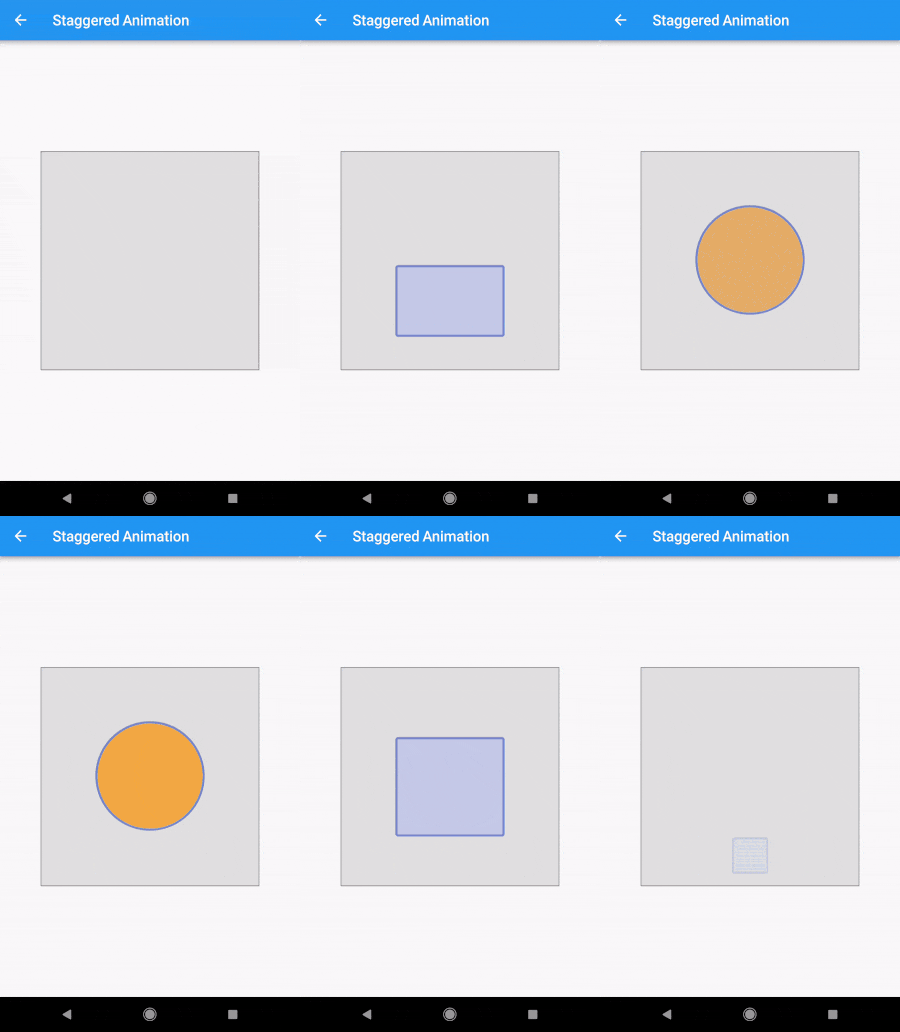
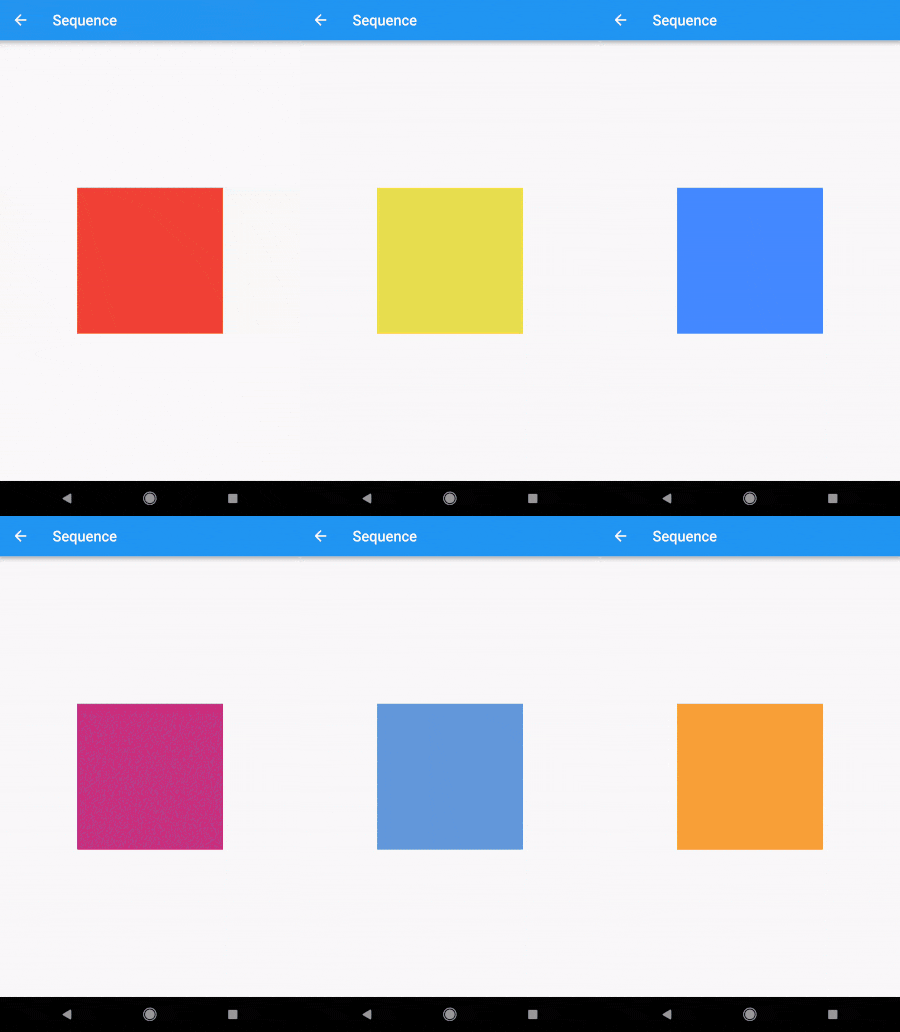
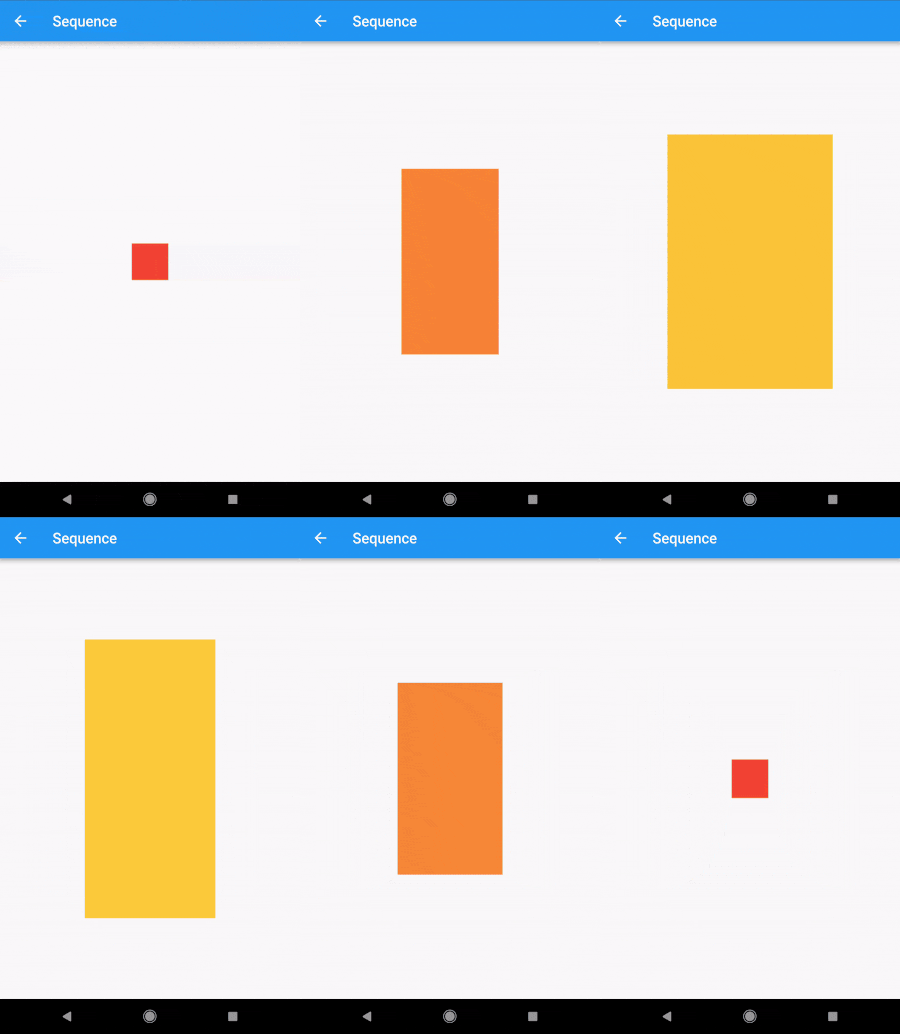
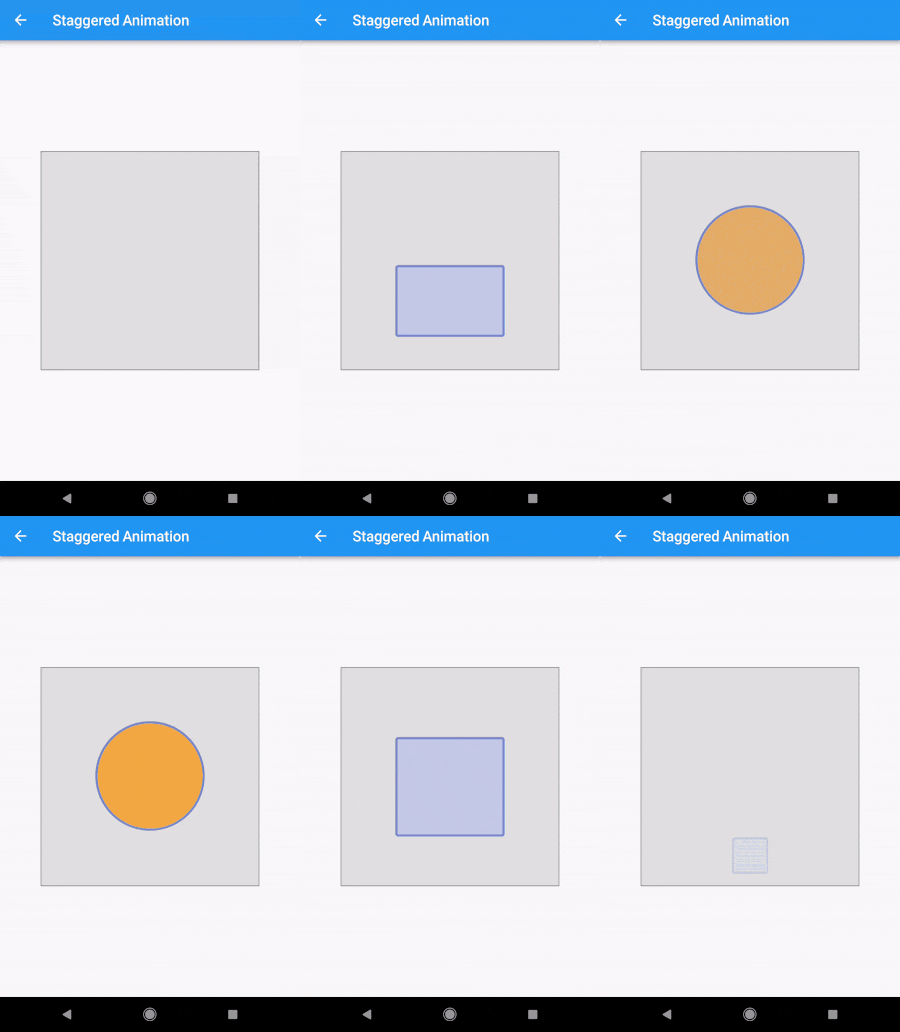
Demo

alt-text-1 alt-text-1alt-text-1

Code

The Staggered Animation example from here is 207 lines of code . The same animation with this package is 128 lines of code. It is also much easier to read and edit.

You specify a sequence of animatables like this:
    sequenceAnimation = new SequenceAnimationBuilder()
      .addAnimatable(
          animatable: new ColorTween(begin: Colors.red, end: Colors.yellow),
          from:  const Duration(seconds: 0),
          to: const Duration(seconds: 2),
          tag: "color"
        ).addAnimatable(
          animatable: new ColorTween(begin: Colors.yellow, end: Colors.blueAccent),
          from:  const Duration(seconds: 2),
          to: const Duration(seconds: 4),
          tag: "color",
          curve: Curves.easeOut
        ).addAnimatable(
          animatable: new ColorTween(begin: Colors.blueAccent, end: Colors.pink),
          //  animatable: new Tween<double>(begin: 200.0, end: 40.0),
          from:  const Duration(seconds: 5),
          to: const Duration(seconds: 6),
          tag: "color",
          curve: Curves.fastOutSlowIn
        ).animate(controller);

In this case only the color is animated but you can add as many different properties to the sequence as you'd like to. The only restriction is that animations with the same tag can not overlap and need to be ordered.

Now you can access the resulting animation from anywhere in your code with
sequenceAnimation["color"]

This animation is a composition of all animatables you passed in with the same tag.

Example usage of this example:
new AnimatedBuilder(
          builder: (context, child) {
            return new Center(
              child: new Container(
                color: sequenceAnimation["color"].value,
                height: 200.0,
                width: 200.0,
              ),
            );
          },
          animation: controller,
        ),
The animation duration is set automatically (don't change the duration of the controller yourself).
Sepcial thanks to Simon Lightfoot for the help!

Getting Started

For help getting started with Flutter, view our online documentation.

For help on editing package code, view the documentation.

카테고리

의존성

의존성 목록 1 개

소스 저장소

이 패키지를 사용하는 프로젝트