
 v0.1.3
soft_edge_blur
자식 위젯의 한쪽 또는 여러 쪽 가장자리에 부드럽고 점진적인 흐림 효과를 적용할 수 있는 사용자 정의 가능한 Flutter 위젯입니다.
249좋아요 1.2만30일 다운로드160Pub 점수
AndroidiOSWebmacOSWindowsLinux
위젯에 사용자 정의 가능한 부드러운 에지 블러 효과를 제공하는 플러터 패키지입니다.

{"sdk":"flutter"}{"sdk":"flutter"}^4.0.0아래는 영문 원문 스냅샷입니다. 최신 내용은 GitHub에서 확인하세요.
banner
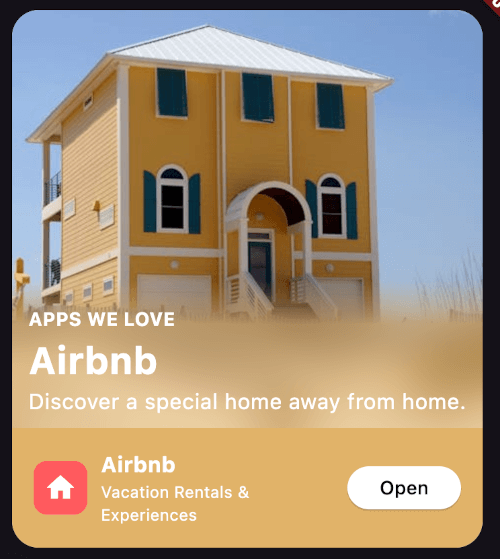
A Flutter package that provides a customizable soft progressive blur effect for widgets.
Map blurred| https://i.imgur.com/ZHTocas.png | https://i.imgur.com/ejYRoGu.png |
|---|---|
| https://i.imgur.com/2B4RJo2.png | https://i.imgur.com/lrVGtHU.png |
Import the package in your Dart code:
import 'package:soft_edge_blur/soft_edge_blur.dart';
Wrap any widget with SoftEdgeBlur to apply the blur effect:
return SoftEdgeBlur(
  edges: [
    EdgeBlur(
      type: EdgeType.topEdge,
      size: 100,
      sigma: 30,
      controlPoints: [
        ControlPoint(
          position: 0.5,
          type: ControlPointType.visible,
        ),
        ControlPoint(
          position: 1,
          type: ControlPointType.transparent,
        )
      ],
    )
  ],
  child: YourWidget(),
);
You can customize the following properties for each edge:
Specify which edges to apply the blur effect:
EdgeType.topEdgeEdgeType.bottomEdgeEdgeType.leftEdgeEdgeType.rightEdgeYou can apply blur to multiple edges simultaneously.
Set the size of the blurred area. This determines how far the blur effect extends from the edge of the widget.
Adjust the intensity of the blur effect.
Apply a tint color on top of the blurred area.
Define points to control the blur gradient along the edge. Each control point has two properties:
position: A value between 0.0 and 1.0, representing the position along the edge.type: Either ControlPointType.visible or ControlPointType.transparent.https://soft_edge_blur.codemagic.app/