
 v1.5.1
flutter_datetime_picker
플러터용 날짜 및 시간 선택기로 영어, 네덜란드어, 중국어에서 날짜/시간/날짜 및 시간을 선택할 수 있으며, 사용자 정의 피커 콘텐츠도 만들 수 있습니다
908좋아요 1.3만30일 다운로드60Pub 점수
플랫폼 정보 없음
플러터의 날짜 및 시간 선택기
아래는 영문 원문 스냅샷입니다. 최신 내용은 GitHub에서 확인하세요.
A flutter date time picker inspired by flutter-cupertino-date-picker
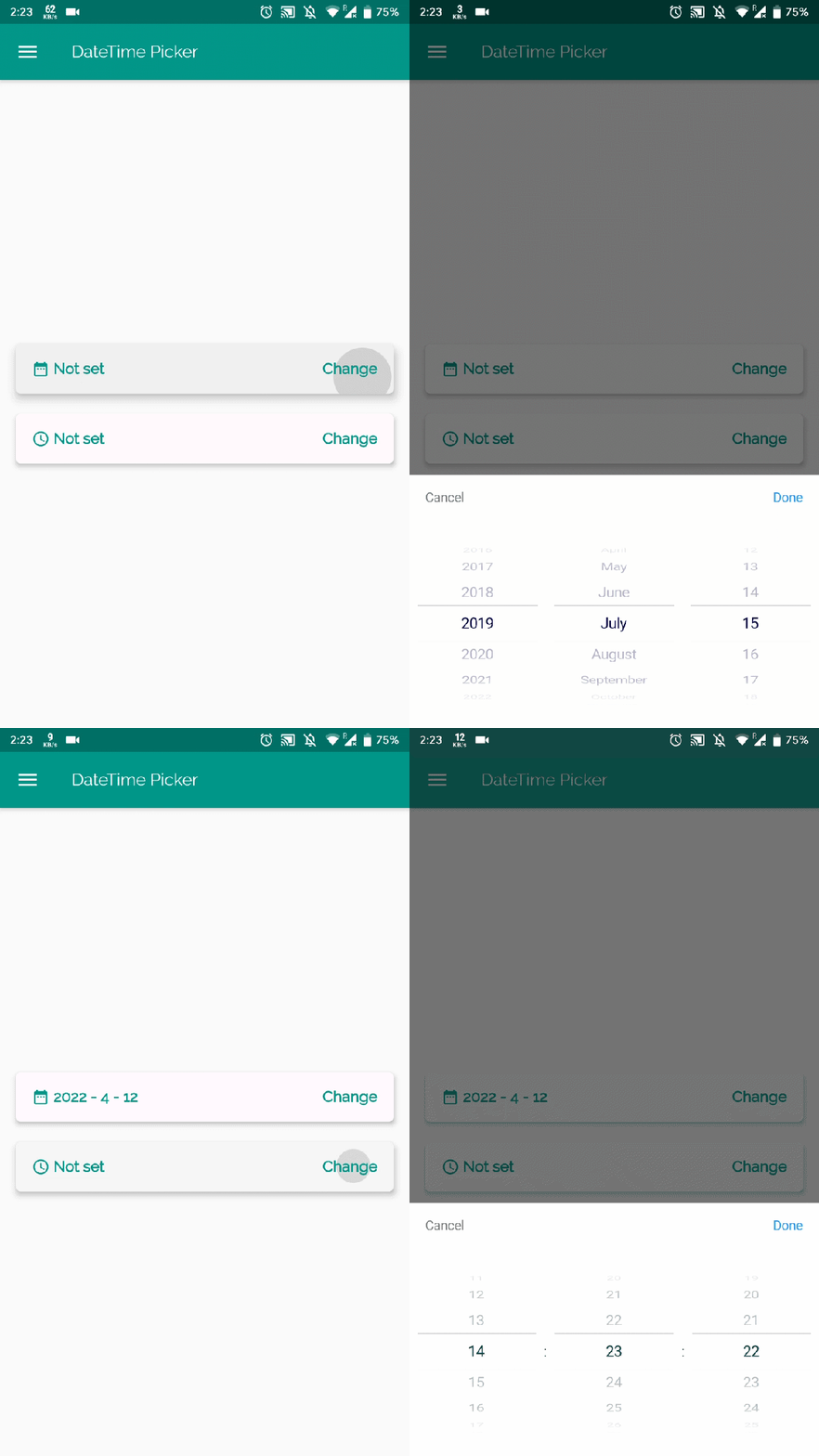
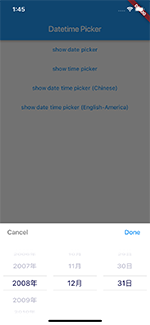
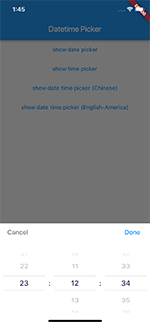
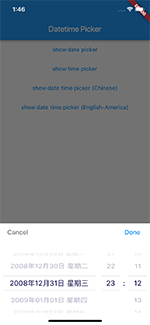
you can choose date / time / date&time in multiple languages:
and you can also custom your own picker content
| Date picker | Time picker | Date Time picker |
|---|---|---|
 |
 |
 |
International:
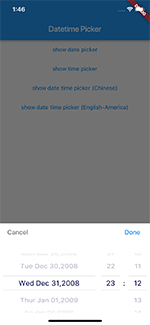
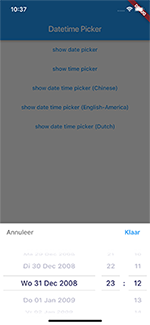
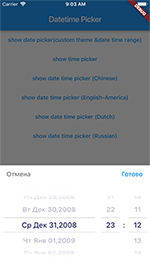
| Date Time picker (Chinese) | Date Time picker (America) | Date Time picker (Dutch) | Date Time picker (Russian) |
|---|---|---|---|
|
 |
 |
 |
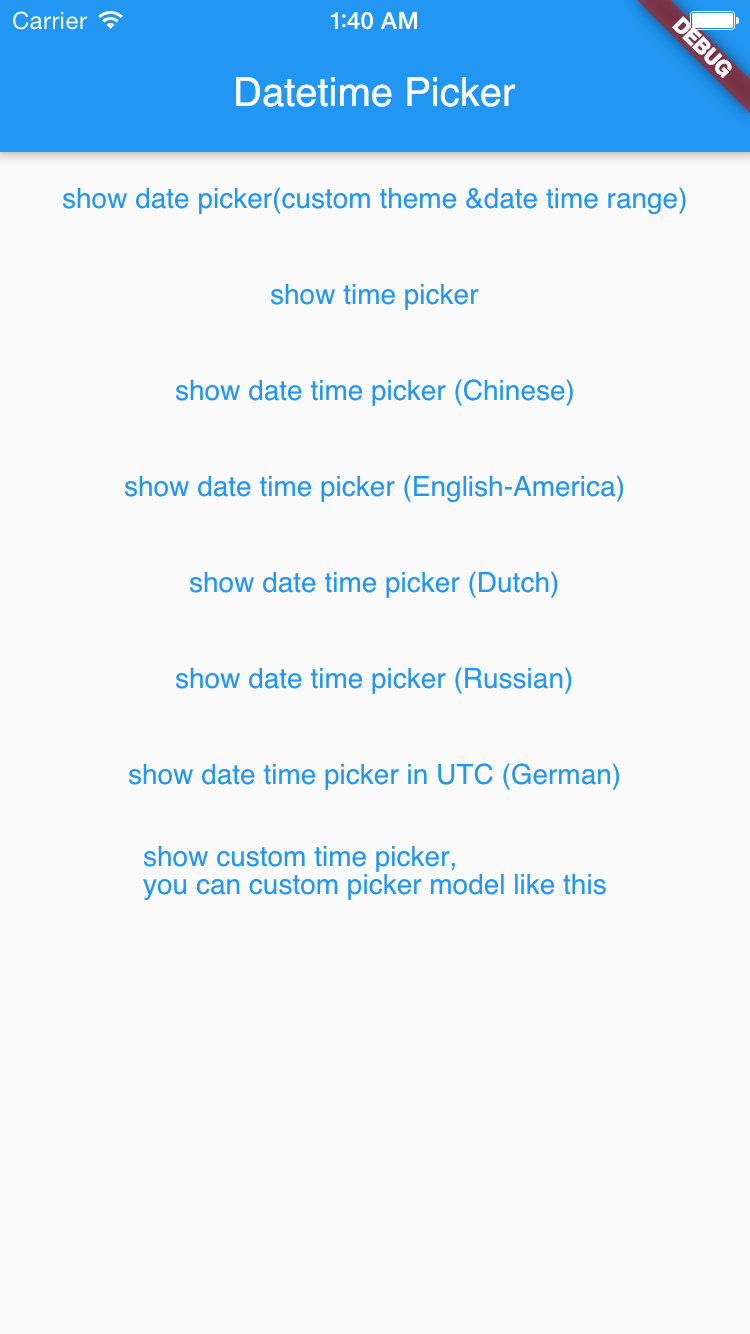
TextButton(
    onPressed: () {
        DatePicker.showDatePicker(context,
                              showTitleActions: true,
                              minTime: DateTime(2018, 3, 5),
                              maxTime: DateTime(2019, 6, 7), onChanged: (date) {
                            print('change $date');
                          }, onConfirm: (date) {
                            print('confirm $date');
                          }, currentTime: DateTime.now(), locale: LocaleType.zh);
    },
    child: Text(
        'show date time picker (Chinese)',
        style: TextStyle(color: Colors.blue),
    ));
If you want to customize your own style of date time picker, there is a class called CommonPickerModel, every type of date time picker is extended from this class, you can refer to other picker model (eg. DatePickerModel), and write your custom one, then pass this model to showPicker method, so that your own date time picker will appear, it’s easy, and will perfectly meet your demand
How to customize your own picker model:
class CustomPicker extends CommonPickerModel {
  String digits(int value, int length) {
    return '$value'.padLeft(length, "0");
  }

  CustomPicker({DateTime currentTime, LocaleType locale}) : super(locale: locale) {
    this.currentTime = currentTime ?? DateTime.now();
    this.setLeftIndex(this.currentTime.hour);
    this.setMiddleIndex(this.currentTime.minute);
    this.setRightIndex(this.currentTime.second);
  }

  @override
  String leftStringAtIndex(int index) {
    if (index >= 0 && index < 24) {
      return this.digits(index, 2);
    } else {
      return null;
    }
  }

  @override
  String middleStringAtIndex(int index) {
    if (index >= 0 && index < 60) {
      return this.digits(index, 2);
    } else {
      return null;
    }
  }

  @override
  String rightStringAtIndex(int index) {
    if (index >= 0 && index < 60) {
      return this.digits(index, 2);
    } else {
      return null;
    }
  }

  @override
  String leftDivider() {
    return "|";
  }

  @override
  String rightDivider() {
    return "|";
  }

  @override
  List<int> layoutProportions() {
    return [1, 2, 1];
  }

  @override
  DateTime finalTime() {
    return currentTime.isUtc
        ? DateTime.utc(currentTime.year, currentTime.month, currentTime.day,
            this.currentLeftIndex(), this.currentMiddleIndex(), this.currentRightIndex())
        : DateTime(currentTime.year, currentTime.month, currentTime.day, this.currentLeftIndex(),
            this.currentMiddleIndex(), this.currentRightIndex());
  }
}
For help getting started with Flutter, view our online documentation.
For help on editing package code, view the documentation.

의존성 목록 2 개
{"sdk":"flutter"}{"sdk":"flutter"}사용 목적에 따라 검색하고 개발 활동을 비교한 뒤 원본 저장소에서 요구 사항을 확인하세요.
“A repository is the most basic element of GitHub.”
GitHub Docs — About repositories ↗