


 v1.2.0
gallery_image_viewer
핀치 앤 줌, 다중 이미지, 갤러리 이미지 및 내장된 전체 화면 대화 상자 지원이 있는 간편한 이미지 뷰어입니다.
32좋아요 72630일 다운로드150Pub 점수
AndroidiOSWebmacOSWindowsLinux
핀치 및 줌 지원이 가능한 간편한 Flutter 이미지 뷰어입니다.

아래는 영문 원문 스냅샷입니다. 최신 내용은 GitHub에서 확인하세요.
An easy way to display images in a full-screen dialog, including pinch & zoom.


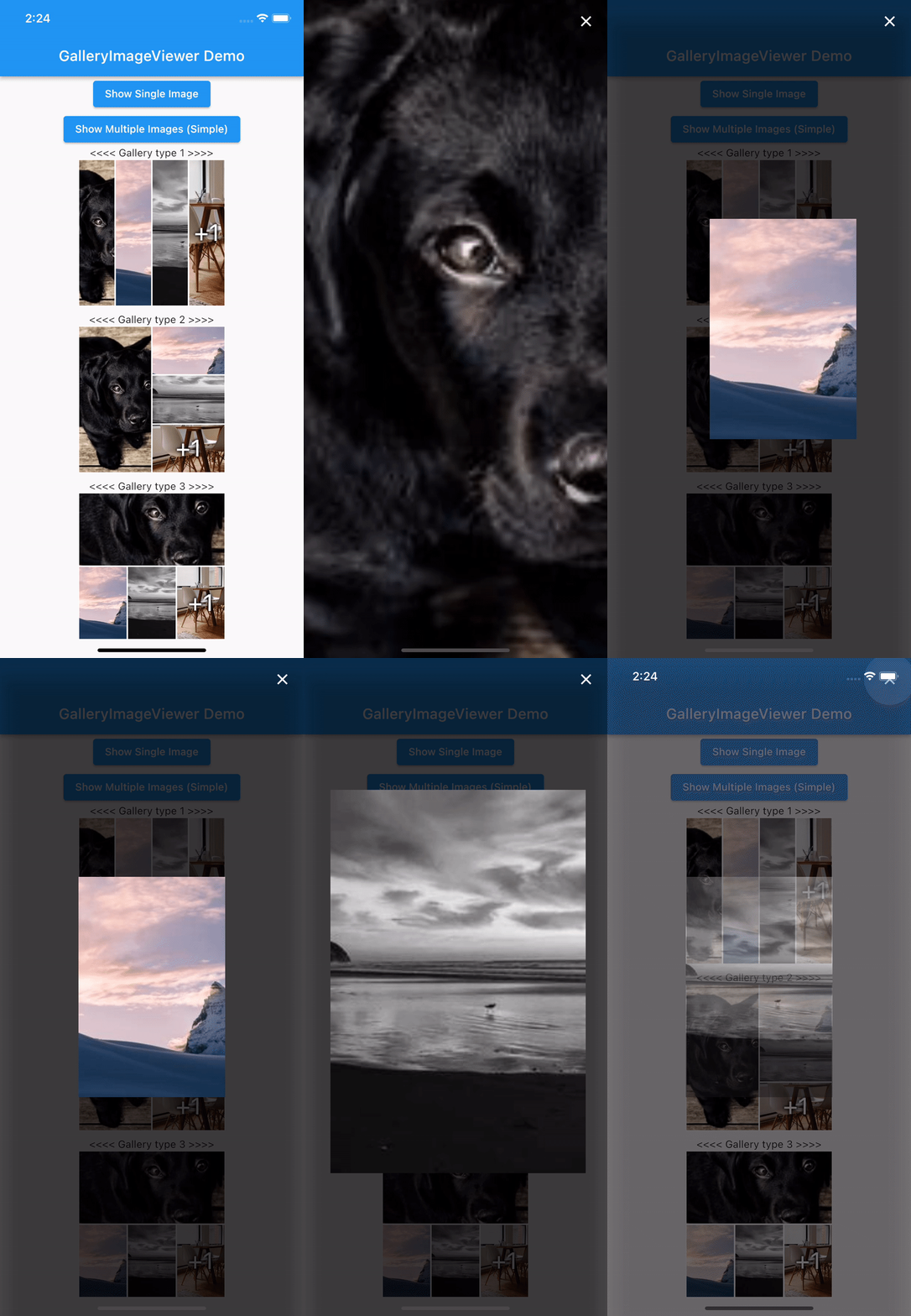
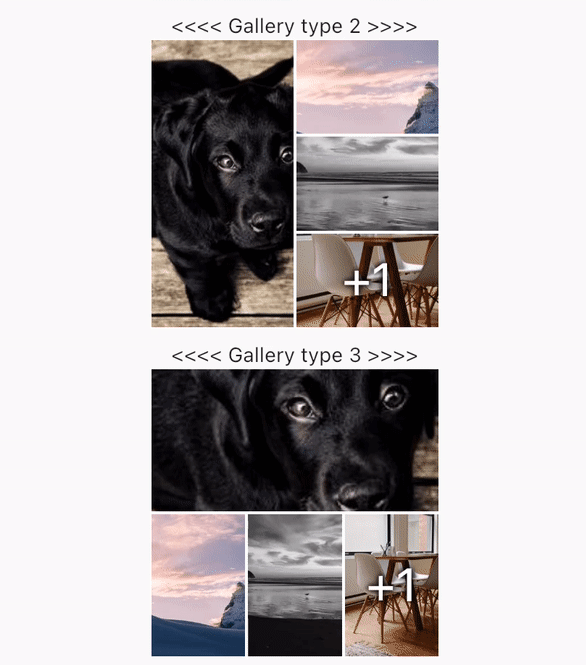
swipeDismissible: trueonPageChanged and onViewerDismissedShow a Gallery image:
final List<ImageProvider> _imageProviders = [
    Image.network("https://picsum.photos/id/237/200/300").image,
    Image.network("https://picsum.photos/seed/picsum/200/300").image,
    Image.network("https://picsum.photos/200/300?grayscale").image,
    Image.network("https://picsum.photos/200/300").image,
    Image.network("https://picsum.photos/200/300?grayscale").image
  ];
GalleryImageView(
  listImage: _imageProviders,
  width: 200,
  height: 200,
  imageDecoration: BoxDecoration(border: Border.all(color: Colors.white)),
),
Show a single image:
final imageProvider = Image.network("https://picsum.photos/id/1001/5616/3744").image;
showImageViewer(context, imageProvider, onViewerDismissed: () {
  print("dismissed");
});
Show a bunch of images:
MultiImageProvider multiImageProvider = MultiImageProvider([
  Image.network("https://picsum.photos/id/1001/5616/3744").image,
  Image.network("https://picsum.photos/id/1003/1181/1772").image,
  Image.network("https://picsum.photos/id/1004/5616/3744").image,
  Image.network("https://picsum.photos/id/1005/5760/3840").image
]);

showImageViewerPager(context, multiImageProvider, onPageChanged: (page) {
  print("page changed to $page");
}, onViewerDismissed: (page) {
  print("dismissed while on page $page");
});
Usually you'll want to implement your own EasyImageProvider. Suppose you have
a list of Products, each of which has an imagePath property with the path
to a local image file. You could create an EasyImageProvider that takes a list
of Products like this:
class ProductsImageProvider extends EasyImageProvider {

  final List<Product> products;
  final int initialIndex;

  ProductsImageProvider({ required this.products, this.initialIndex = 0 });

  @override
  ImageProvider<Object> imageBuilder(BuildContext context, int index) {
    String? localImagePath = products[index].imagePath;
    File? imageFile;

    if (localImagePath != null) {
      imageFile = File(localImagePath);
    }

    ImageProvider imageProvider = imageFile != null ? FileImage(imageFile) : AssetImage("assets/images/product_placeholder.jpg") as ImageProvider;

    return imageProvider;
  }

  @override
  int get imageCount => products.length;
}
You could then use it like this:
ProductsImageProvider productsImageProvider = ProductsImageProvider(products: products);

showImageViewerPager(context, productsImageProvider, onPageChanged: (page) {
  print("page changed to $page");
}, onViewerDismissed: (page) {
  print("dismissed while on page $page");
});
GalleryImageViewer is custom from EasyImageViewer. EasyImageViewer is a project by TSG, a full-service digital agency taking software from concept to launch. Our powerhouse team of designers and engineers build iOS, Android, and web apps across many industries.
의존성 목록 3 개
{"sdk":"flutter"}{"sdk":"flutter"}^1.0.0사용 목적에 따라 검색하고 개발 활동을 비교한 뒤 원본 저장소에서 요구 사항을 확인하세요.
“A repository is the most basic element of GitHub.”
GitHub Docs — About repositories ↗