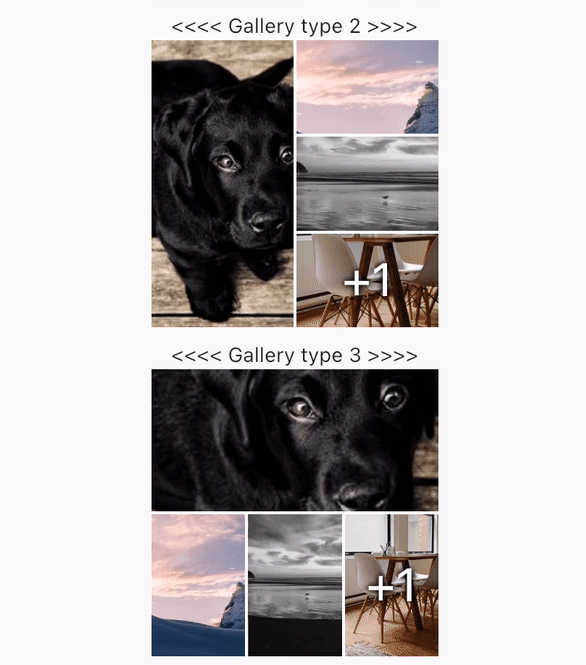
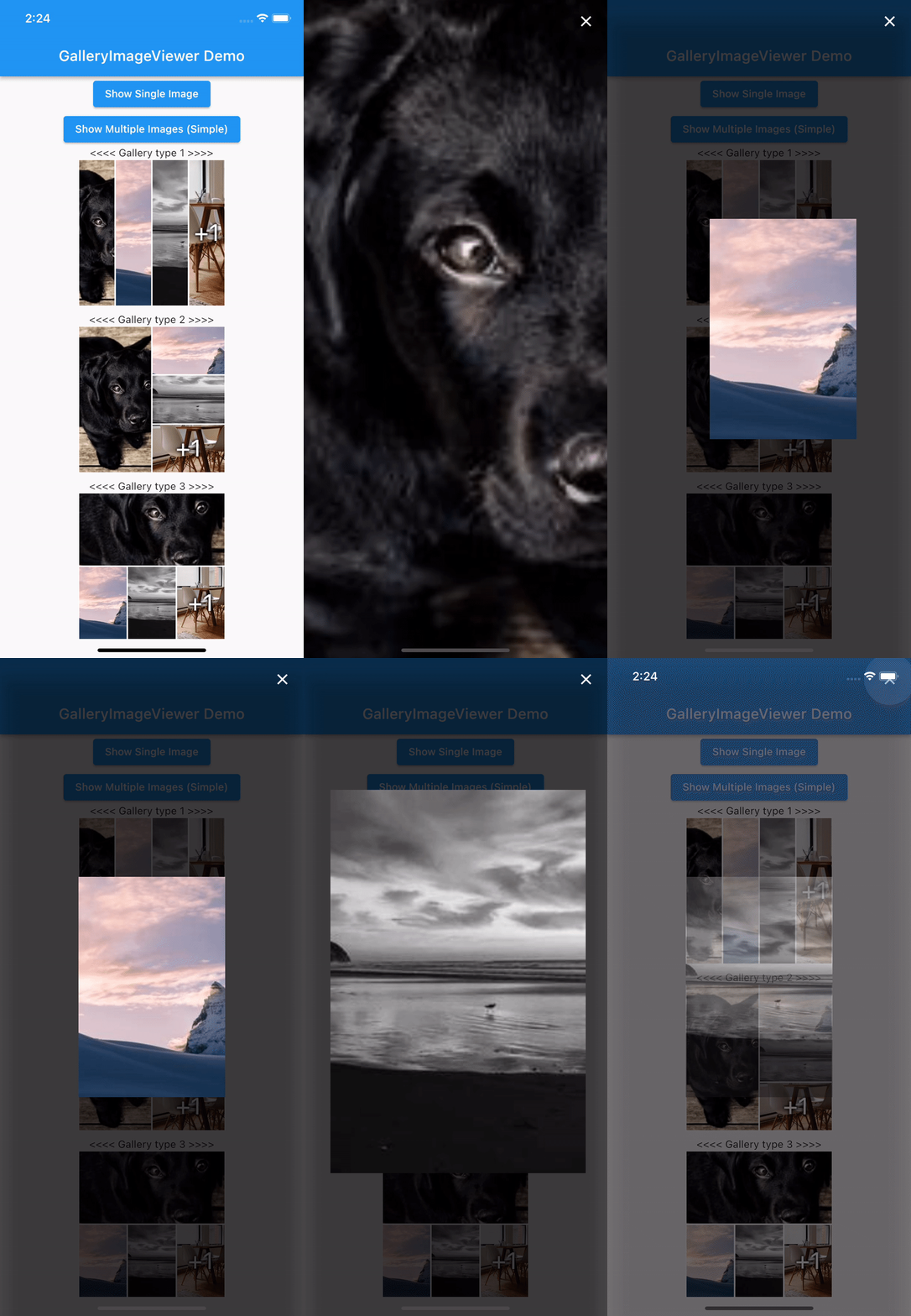
핀치 줌, 다중 이미지 탐색 및 갤러리 스타일 브라우징을 지원하는 직관적인 이미지 뷰어를 제공하는 플러터 패키지입니다. 내장된 전체 화면 대화 상자 기능을 포함하여 다양한 플랫폼에서 이미지를 원활하고 사용자 친화적으로 표시하기에 적합합니다. 단순성과 성능을 고려해 설계되었으며, 복잡한 커스텀 구현 없이도 강력한 이미지 보기 기능이 필요한 앱에 쉽게 통합할 수 있습니다. 안드로이드, iOS, 웹, 맥OS, 윈도우, 리눅스 등 모든 주요 플랫폼을 지원합니다.
사용 사례
이미지 갤러리 표시
확대 기능으로 고해상도 이미지 보기
전체 화면 이미지 브라우징
사진 앱에 이미지 뷰어 통합하기
미디어 중심 앱에서 사용자 경험 향상
주요 기능
핀치 줌 조작 지원
다중 이미지 탐색
내장형 전체 화면 대화 상자
크로스 플랫폼 호환성
최소 설정으로 간단한 통합
갤러리 스타일 이미지 브라우징
적합한 대상
사진 공유 앱
전자상거래 제품 이미지 뷰어
여행 또는 포트폴리오 앱
교육 또는 문서 앱
인터랙티브 이미지 탐색이 필요한 앱
고려 사항
적절한 이미지 자산 관리가 필요합니다
사용자 정의 UI를 위해 추가 스타일링이 필요할 수 있습니다
성능은 이미지 크기와 수에 따라 달라집니다
이미지 콘텐츠만 가능
비디오 재생을 위한 설계가 아님
원본 README
연결된 소스 저장소의 README 원문 스냅샷입니다. 최신 내용은 저장소에서 확인하세요.
GalleryImageViewer
An easy way to display images in a full-screen dialog, including pinch & zoom.
Features
Show a single image or a swipeable list of images
Use pinch & zoom to zoom in and out of images
Optionally allow "swipe down to dismiss" by passing in swipeDismissible: true
MultiImageProvider multiImageProvider = MultiImageProvider([
  Image.network("https://picsum.photos/id/1001/5616/3744").image,
  Image.network("https://picsum.photos/id/1003/1181/1772").image,
  Image.network("https://picsum.photos/id/1004/5616/3744").image,
  Image.network("https://picsum.photos/id/1005/5760/3840").image
]);

showImageViewerPager(context, multiImageProvider, onPageChanged: (page) {
  print("page changed to $page");
}, onViewerDismissed: (page) {
  print("dismissed while on page $page");
});
Usually you'll want to implement your own EasyImageProvider. Suppose you have
a list of Products, each of which has an imagePath property with the path
to a local image file. You could create an EasyImageProvider that takes a list
of Products like this:
ProductsImageProvider productsImageProvider = ProductsImageProvider(products: products);

showImageViewerPager(context, productsImageProvider, onPageChanged: (page) {
  print("page changed to $page");
}, onViewerDismissed: (page) {
  print("dismissed while on page $page");
});
Credits
GalleryImageViewer is custom from EasyImageViewer.
EasyImageViewer is a project by TSG, a full-service digital agency taking software from concept to launch.
Our powerhouse team of designers and engineers build iOS, Android, and web apps across many industries.