

 v1.1.0
flutter_funding_choices
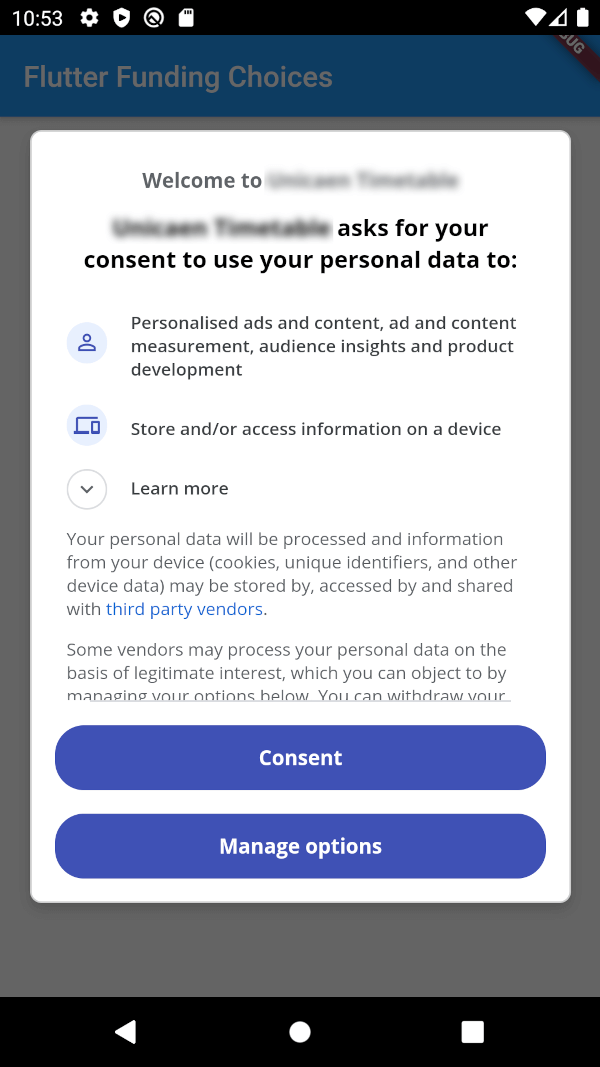
Funding Choices의 플러터 구현체로, Google 서비스로서 AdMob에서 개인화 광고에 대한 사용자 동의를 요청할 수 있습니다.
55좋아요 7630일 다운로드150Pub 점수
AndroidiOS
Funding Choices의 플러터 구현체로, Google 서비스로서 AdMob에서 개인화 광고에 대한 사용자 동의를 요청할 수 있습니다.

아래는 영문 원문 스냅샷입니다. 최신 내용은 GitHub에서 확인하세요.
Flutter Funding Choices is an unofficial Flutter implementation of Funding Choices, a Google service that allows to request user consent for personalized ads in AdMob.

You must have linked your FundingChoices account to your Admob account. See this documentation on Google Support.
Your app must use Android Embedding V2.
Also, you need to add an app id in your AndroidManifest.xml (in the application tag) :
<?xml version="1.0" encoding="utf-8"?>
<manifest xmlns:android="http://schemas.android.com/apk/res/android"
   package="fr.skyost.example">

   <application
       <!--
         Some attributes here...
        -->
    >
       <meta-data
           android:name="com.google.android.gms.ads.APPLICATION_ID"
           android:value="YOUR-APP-ID"/>
       <!--
         Activities, ...
        -->
   </application>

</manifest>
You can obtain your app ID by following these instructions.
You need to add an app id in your Info.plist :
<key>GADApplicationIdentifier</key>
<string>YOUR-APP-ID</string>
You can obtain your app ID by following these instructions.
You may also need to handle Apple's App Tracking Transparency message by putting this in your Info.plist :
<key>NSUserTrackingUsageDescription</key>
<string>This identifier will be used to deliver personalized ads to you.</string>
Feel free to configure the message as you want.
There are three methods :
FlutterFundingChoices.requestConsentInformation() : Allows to get current user consent information (whether you need to show the consent form, whether the user wants personalized ads, ...).FlutterFundingChoices.showConsentForm() : Loads and shows the consent form. You must check first that there is a consent form (with isConsentFormAvailable on the returned object of the previous method).FlutterFundingChoices.reset() : Resets the consent information.You typically want to use it like this on Android :
@override
void initState() {
  super.initState();
  WidgetsBinding.instance.addPostFrameCallback((_) async {
    ConsentInformation consentInfo = await FlutterFundingChoices.requestConsentInformation();
    if (consentInfo.isConsentFormAvailable && consentInfo.consentStatus == ConsentStatus.required) {
      await FlutterFundingChoices.showConsentForm();
      // You can check the result by calling `FlutterFundingChoices.requestConsentInformation()` again !
    }
  });
}
You have a lot of options to contribute to this project ! You can :
의존성 목록 2 개
{"sdk":"flutter"}^3.0.1사용 목적에 따라 검색하고 개발 활동을 비교한 뒤 원본 저장소에서 요구 사항을 확인하세요.
“A repository is the most basic element of GitHub.”
GitHub Docs — About repositories ↗