
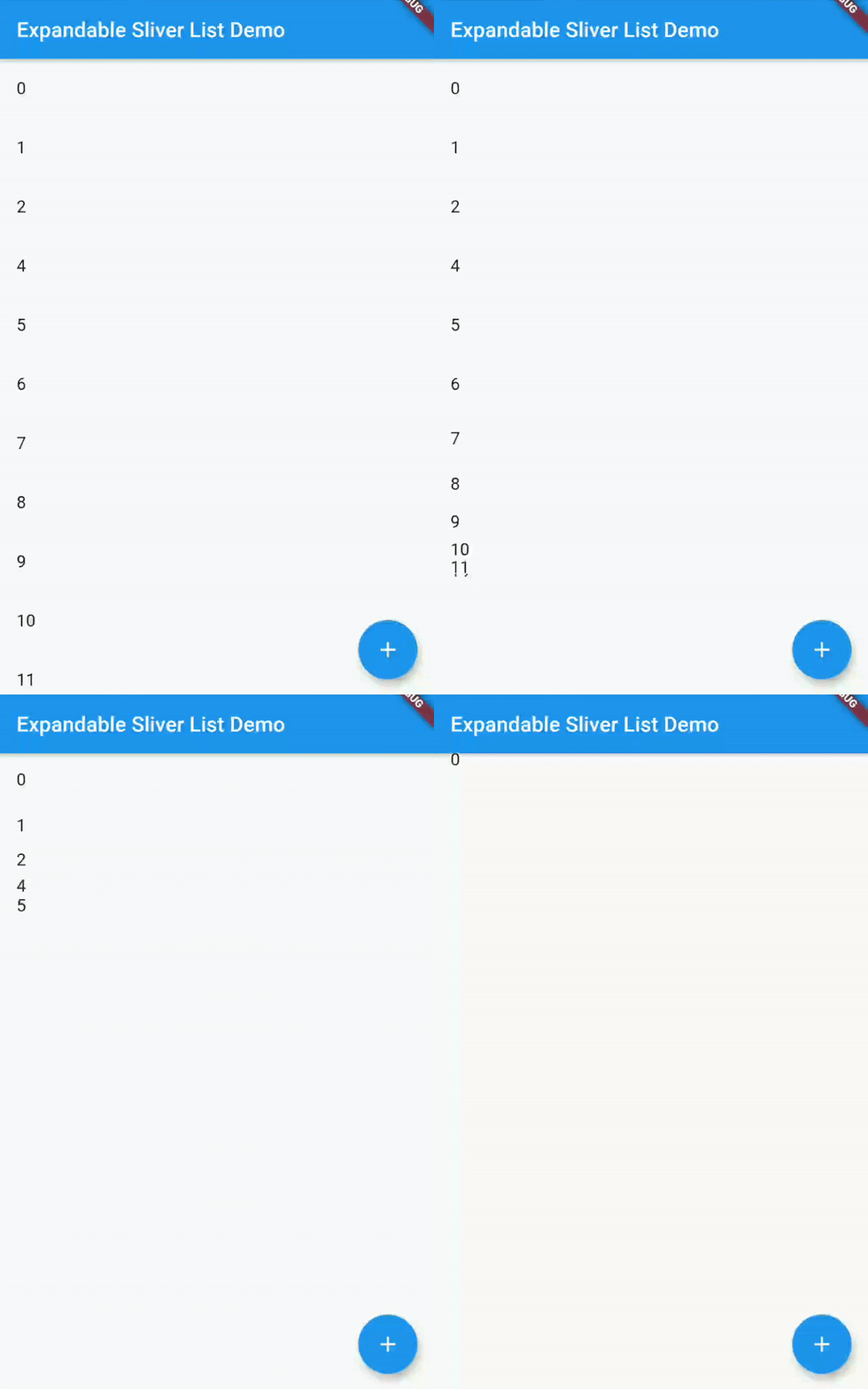
 v4.1.1
expandable_sliver_list
목록의 내용을 표시하거나 숨기기 위해 확장하거나 축소할 수 있는 슬리버 리스트입니다.
29좋아요 79730일 다운로드160Pub 점수
AndroidiOSWebmacOSWindowsLinux
사용자가 확장 가능한 슬리버 목록을 만들 수 있는 플러터 위젯입니다. 사용자 정의 스크롤 뷰 내에서 항목 목록을 전개하고 접을 수 있습니다!
아래는 영문 원문 스냅샷입니다. 최신 내용은 GitHub에서 확인하세요.





A Flutter widget which creates a Sliver List that you can then either expand or collapse, in order to show or hide the contents of the list.
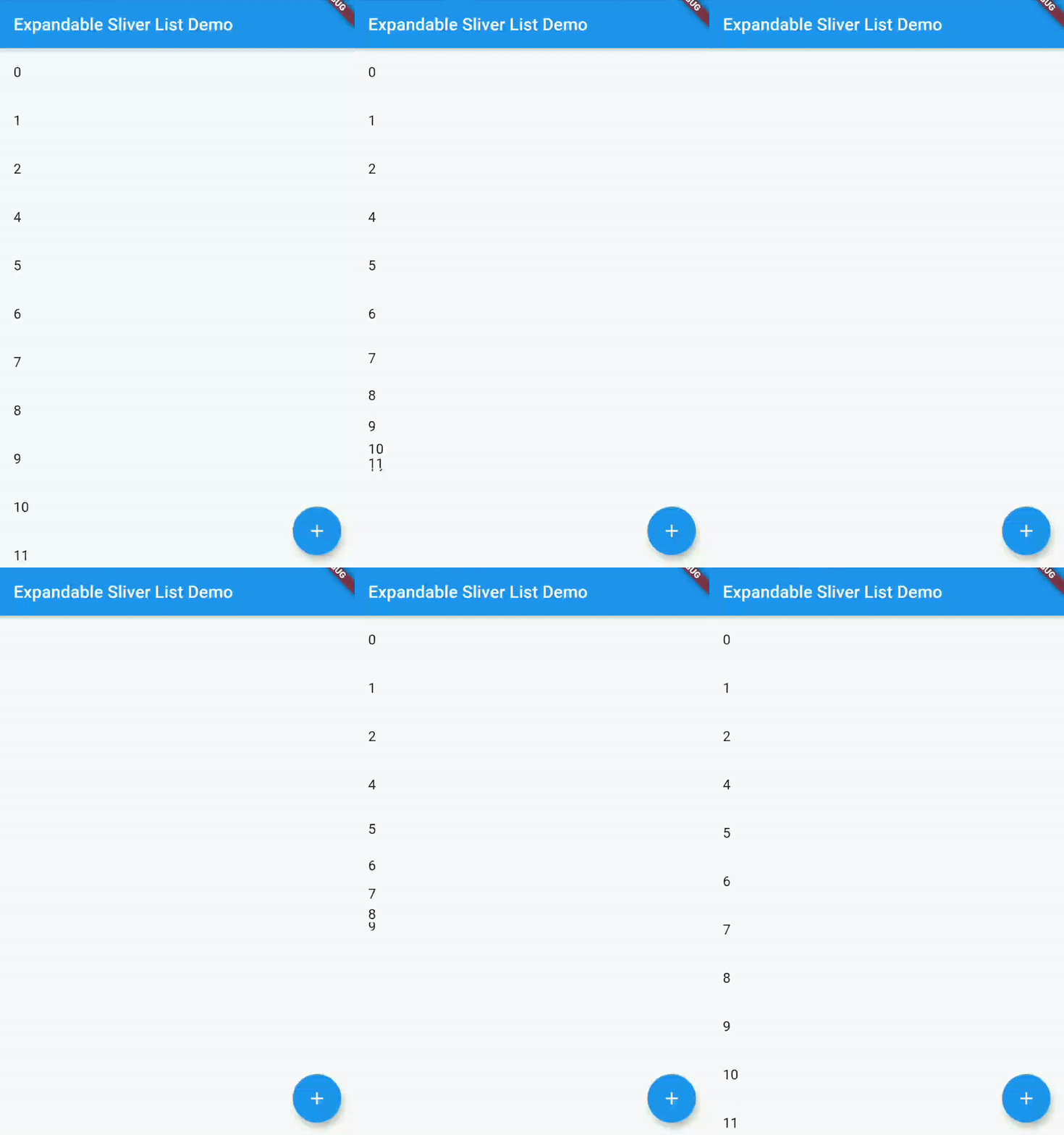
In your Flutter project, add the package to your dependencies
flutter pub add expandable_sliver_list
or
dependencies:
  ...
  expandable_sliver_list: ^4.1.0
  ...
A complete example on how to use this widget can be found in the example directory. But the basics are:
Import the package
import 'package:expandable_sliver_list/expandable_sliver_list.dart';
Create a controller and a list of items to display
ExpandableSliverListController controller = ExpandableSliverListController();

List<int> items = [1, 2, 3, 4, 5];
Create the widget
ExpandableSliverList<int>(
  initialItems: items,
  controller: controller,
  builder: (context, item, index) {
    return ListTile(
      title: Text(item.toString()),
    );
  },
)
Now you can use the controller to expand or collapse the list
controller.collapse();
controller.expand();
Or to add items to the list
controller.insertItem(54, 2);
controller.removeItem(4);

의존성 목록 3 개
{"sdk":"flutter"}^2.0.1{"sdk":"flutter"}사용 목적에 따라 검색하고 개발 활동을 비교한 뒤 원본 저장소에서 요구 사항을 확인하세요.
“A repository is the most basic element of GitHub.”
GitHub Docs — About repositories ↗