분류, 패키지 및 저장소 검색

expandable_sliver_list 표지
패키지 상세v4.1.1

expandable_sliver_list

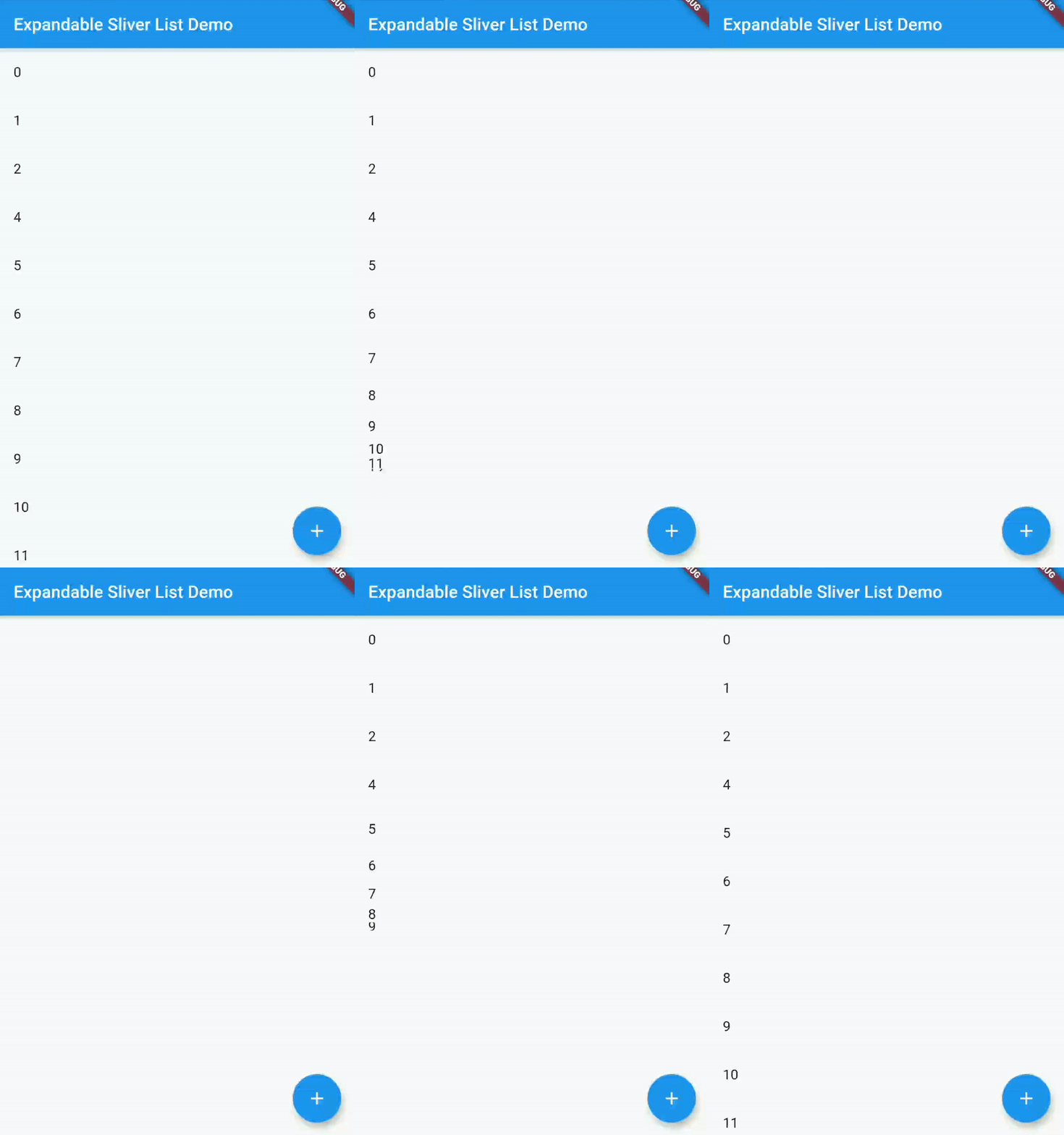
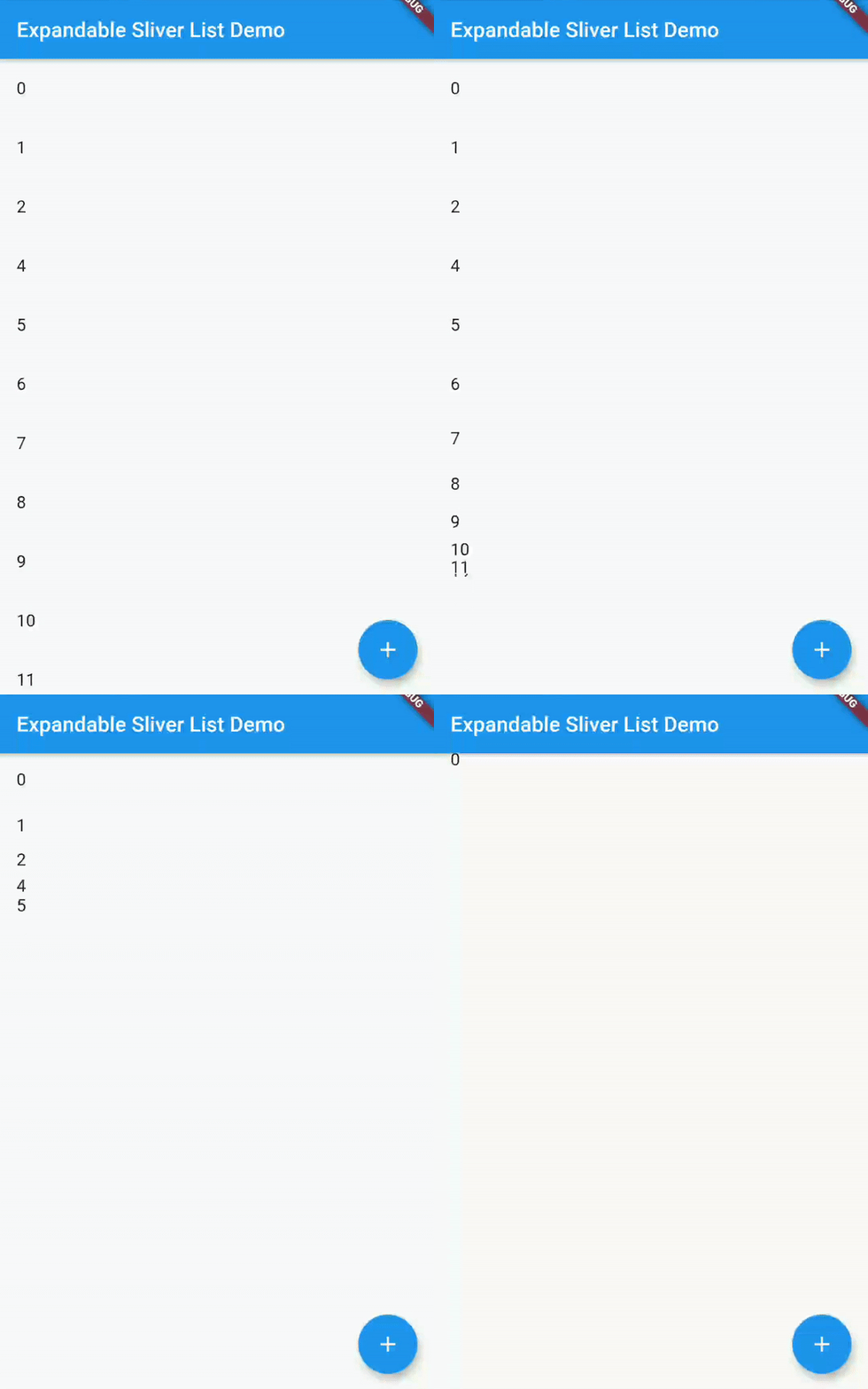
목록의 내용을 표시하거나 숨기기 위해 확장하거나 축소할 수 있는 슬리버 리스트입니다.

AndroidiOSWebmacOSWindowsLinux
30일 다운로드
797
좋아요
29
Pub 점수
160

패키지 설치

flutter pub add expandable_sliver_list

패키지 개요

공개 정보를 바탕으로 생성한 선택 가이드입니다.

콘텐츠를 보이거나 숨기기 위해 확장하거나 접을 수 있는 슬리버 목록을 제공하는 플러터 패키지입니다. 사용자가 콘텐츠의 가시성을 제어할 필요가 있는 동적이고 공간 효율적인 레이아웃에 적합합니다. CustomScrollView 내에서 사용하기 위해 특별히 설계되었으며, 슬리버 아키텍처와 원활하게 통합됩니다. 모든 주요 플랫폼을 지원하며 전환 시 부드러운 성능을 위한 설계가 되어 있습니다.

사용 사례

  • 동적 콘텐츠 섹션
  • 접을 수 있는 자주 묻는 질문 섹션
  • 인터랙티브 탐색 메뉴
  • 화면 혼잡도 줄이기
  • 중첩 가능한 스크롤 인터페이스
  • 스크롤 뷰 내의 아코디언

주요 기능

  • 확장/접기 동작
  • Sliver 기반 성능
  • 부드러운 애니메이션
  • 사용자 정의 가능한 트리거
  • CustomScrollView 내에서 작동합니다
  • 크로스 플랫폼 호환성

적합한 대상

  • 접을 수 있는 콘텐츠를 가진 스크롤 가능한 UI를 구축하는 개발자
  • 반응형 레이아웃 관리가 필요한 앱
  • CustomScrollView를 광범위하게 사용하는 프로젝트
  • 공간 효율성을 우선시하는 디자이너

고려 사항

  • CustomScrollView 내부에 통합되어야 합니다
  • 큰 목록에서는 성능에 영향을 줄 수 있습니다
  • 수직 스크롤링으로 제한
  • 신중한 상태 관리가 필요합니다
  • 슬리버가 아닌 컨텍스트에 적합하지 않습니다

원본 README

연결된 소스 저장소의 README 원문 스냅샷입니다. 최신 내용은 저장소에서 확인하세요.

expandable_sliver_list

pub package flutter_tests codecov style: flutter lints License: MIT

A Flutter widget which creates a Sliver List that you can then either expand or collapse, in order to show or hide the contents of the list.

Getting Started

Installing

In your Flutter project, add the package to your dependencies

flutter pub add expandable_sliver_list

or

dependencies:
  ...
  expandable_sliver_list: ^4.1.0
  ...
Usage Example

A complete example on how to use this widget can be found in the example directory. But the basics are:

Import the package

import 'package:expandable_sliver_list/expandable_sliver_list.dart';

Create a controller and a list of items to display

ExpandableSliverListController controller = ExpandableSliverListController();

List<int> items = [1, 2, 3, 4, 5];

Create the widget

ExpandableSliverList<int>(
  initialItems: items,
  controller: controller,
  builder: (context, item, index) {
    return ListTile(
      title: Text(item.toString()),
    );
  },
)

Now you can use the controller to expand or collapse the list

controller.collapse();
controller.expand();

Or to add items to the list

controller.insertItem(54, 2);
controller.removeItem(4);

카테고리

소스 저장소

이 패키지를 사용하는 프로젝트

아직 데이터가 없습니다.