
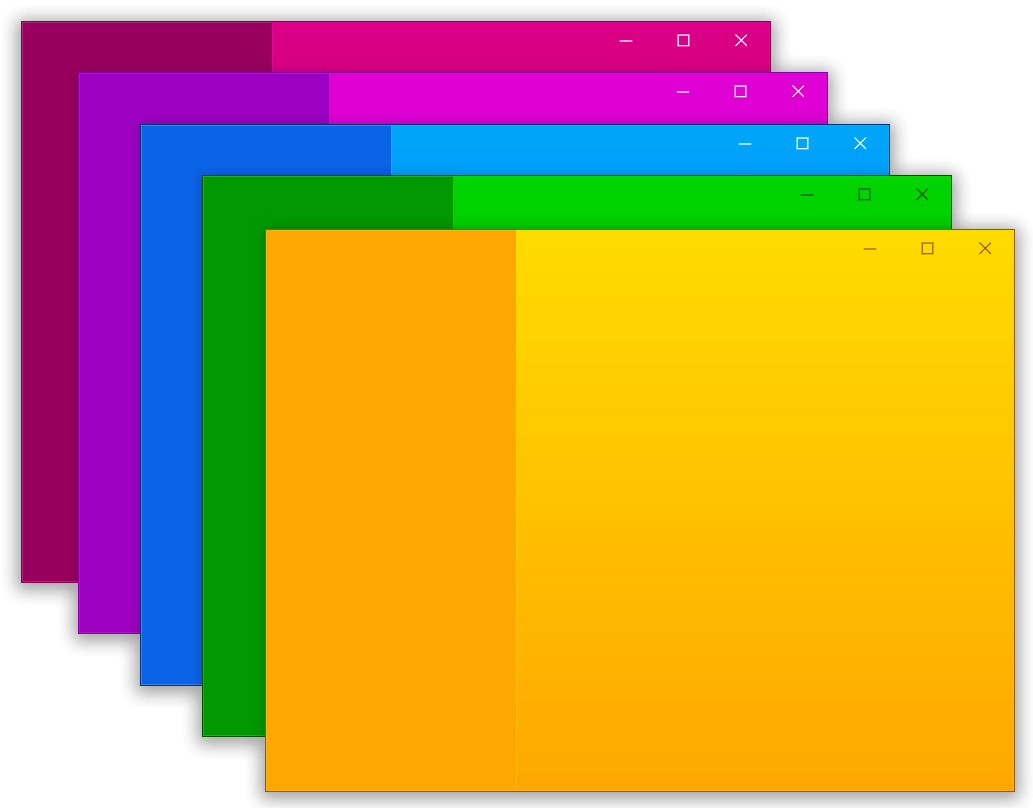
 v0.1.6
bitsdojo_window
Flutter 데스크톱에서 사용자 정의 창(사용자 정의 테두리, 제목 표시줄 및 최소화/최대화/닫기 버튼)을 만들고 Windows 및 macOS용 일반적인 데스크톱 창 작업(화면에 표시/숨기기/위치)을 도와주는 패키지
1.1천좋아요 2.4만30일 다운로드120Pub 점수
macOSWindowsLinux
Flutter를 사용하여 Dart로 작성된 완전한 기능을 갖춘 수수께끼 게임입니다.
 v0.1.6
Flutter 데스크톱에서 사용자 정의 창(사용자 정의 테두리, 제목 표시줄 및 최소화/최대화/닫기 버튼)을 만들고 Windows 및 macOS용 일반적인 데스크톱 창 작업(화면에 표시/숨기기/위치)을 도와주는 패키지
모든 플러터 애플리케이션을 위한 소개용 스플래시 스크린 패키지로, 많은 사용자 정의 기능을 제공
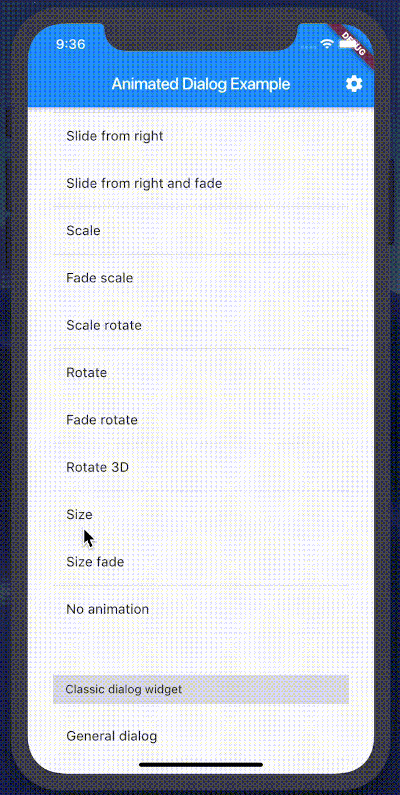 v2.0.1
슬라이드, 페이드, 회전, 크기 스케일, 3D 회전 애니메이션을 포함한 아름다운 애니메이션 시리즈를 가진 새로운 Flutter 대화 상자입니다.
아래는 영문 원문 스냅샷입니다. 최신 내용은 GitHub에서 확인하세요.
This is a fully fledged Sudoku game written in Dart using Flutter.
It can be exported to Android, iOS, Fuchsia, Windows, Linux, MacOS, PWA or a Web App.
Can be played online in the browser. See Play Online
Can be installed as a Progressive Web App on any platform. See Use Progressive Web Apps
Can be installed as an Android app. See Downloads
For Exporting to Android:
Android Studio 3.0+ / IntelliJ IDEA 2017.1+ with Flutter Plugin and Dart Plugin (recommeded)
Android SDK from Android Studio or IntelliJ IDEA (API Level 30 recommended)
Java SE JDK (v8 recommended)
Set ANDROID_HOME and ANDROID_SDK_ROOT variables
Add JDK to PATH
For Exporting to Web:
Set current working directory to sudoku
Run these commands:
flutter config --enable-web
For Exporting to Windows:
Set current working directory to sudoku
Run these commands:
flutter config --enable-windows-desktop
Clone this repository
Set current working directory to sudoku
Run these commands:
flutter pub get
flutter pub upgrade
flutter pub outdated
flutter doctor to check fo any issues (Optional)Steps for exporting to a PWA or Web App
Set current working directory to sudoku
Run flutter build web --release
This will compile the program and store the files in the sudoku/build/web directory
You can run a simple http server in this directory to run your app in the browser
dhttpd is a Dart package for running a simple http server
Steps for exporting to Windows
Set current working directory to sudoku
Run flutter build windows --release
This will compile the program and store the files in the sudoku/build/windows/runner/Release directory
It will export a release build that can be run directly
Steps for exporting to Android
Set current working directory to sudoku
To export as an Android app run:
flutter build apk to build a fat APK for all ABIs
OR
flutter build apk --target-platform android-arm,android-arm64,android-x64 --split-per-abi to build multiple APKs
for every ABI
This will export a release build of the apk file signed with debug keys which can be installed on an Android phone or emulator
The APK file/s will be saved in sudoku/build/app/outputs/flutter-apk
Minimum Android Version Required : Android 4.1.x Jellybean (API Level 16)
Generates a New Game when you start the app
Clicking a box displays a dialog with buttons 1-9 to input in the box
Clickable buttons will initially have no number and will turn red after the first click
Long pressing a button will erase your input
After completely solving the grid, if the solution is correct it will alert you that you successfully solved the Sudoku
The numbers in all the clickable buttons will turn blue if the solution is correct (This will also happen if you click Show Solution)
4 different difficulty levels to choose from :
New Game
Restart Game
Show Solution
Dark and Light theme
Various Accent Colors to choose from
Material Design
Dependencies:
sudoku_solver_generator is used for the Sudoku logic
flutter_animated_dialog is used for animated alert dialogs
shared_preferences is used for saving preferences locally
splashscreen is used for the splashscreen
flutter_native_splash is used for generating the native splashscreen files
url_launcher is used for opening hyperlinks
bitsdojo_window is used for title bar improvements on desktop
NSIS is used for building the Windows installer
Untested on iOS, MacOS, Linux and Fuchsia. Additional changes might be required to work correctly
If you face any issue or have suggestions then feel free to open an issue on GitHub
Main Screen while solved with dark theme:
Solved_Dark
Main Screen while solving with light theme:
Solving_Light
Choose Number Alert:
Choose
Game Over Alert Box:
Result
Options:
Options
Windows with Violet Accent Color:
Windows_Violet