

 v1.0.0
multiavatar
Multiavatar는 다문화 아바타 제작 도구입니다. 120억 개의 고유한 다문화 아바타
129좋아요 88330일 다운로드140Pub 점수
AndroidiOSWebmacOSWindowsLinux
멀티아바타는 무료이고 오픈소스인 다문화 아바타 제작 도구입니다.

아래는 영문 원문 스냅샷입니다. 최신 내용은 GitHub에서 확인하세요.

Flutter Wrapper for Multiavatar
Multiavatar is a multicultural avatar maker.
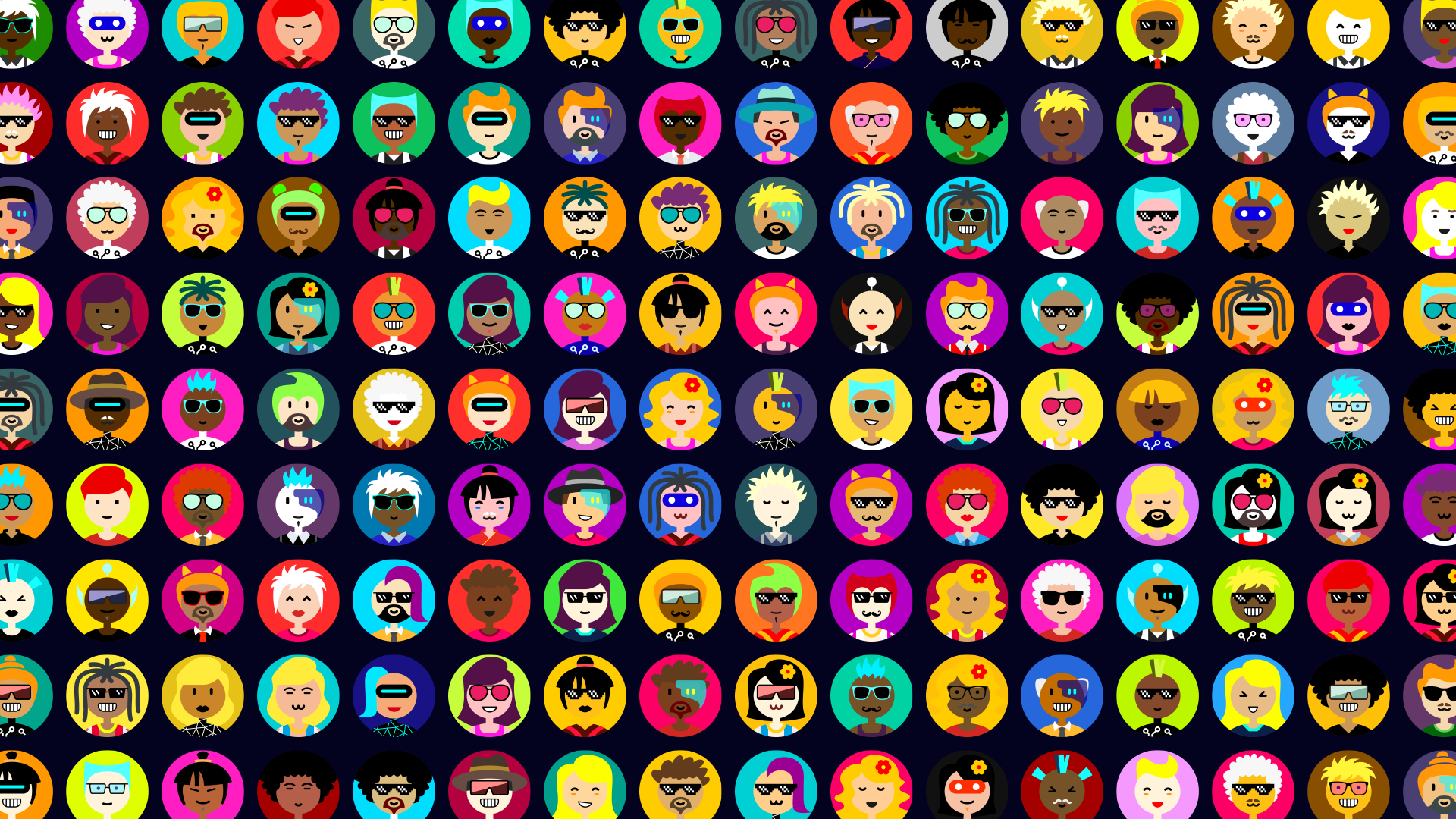
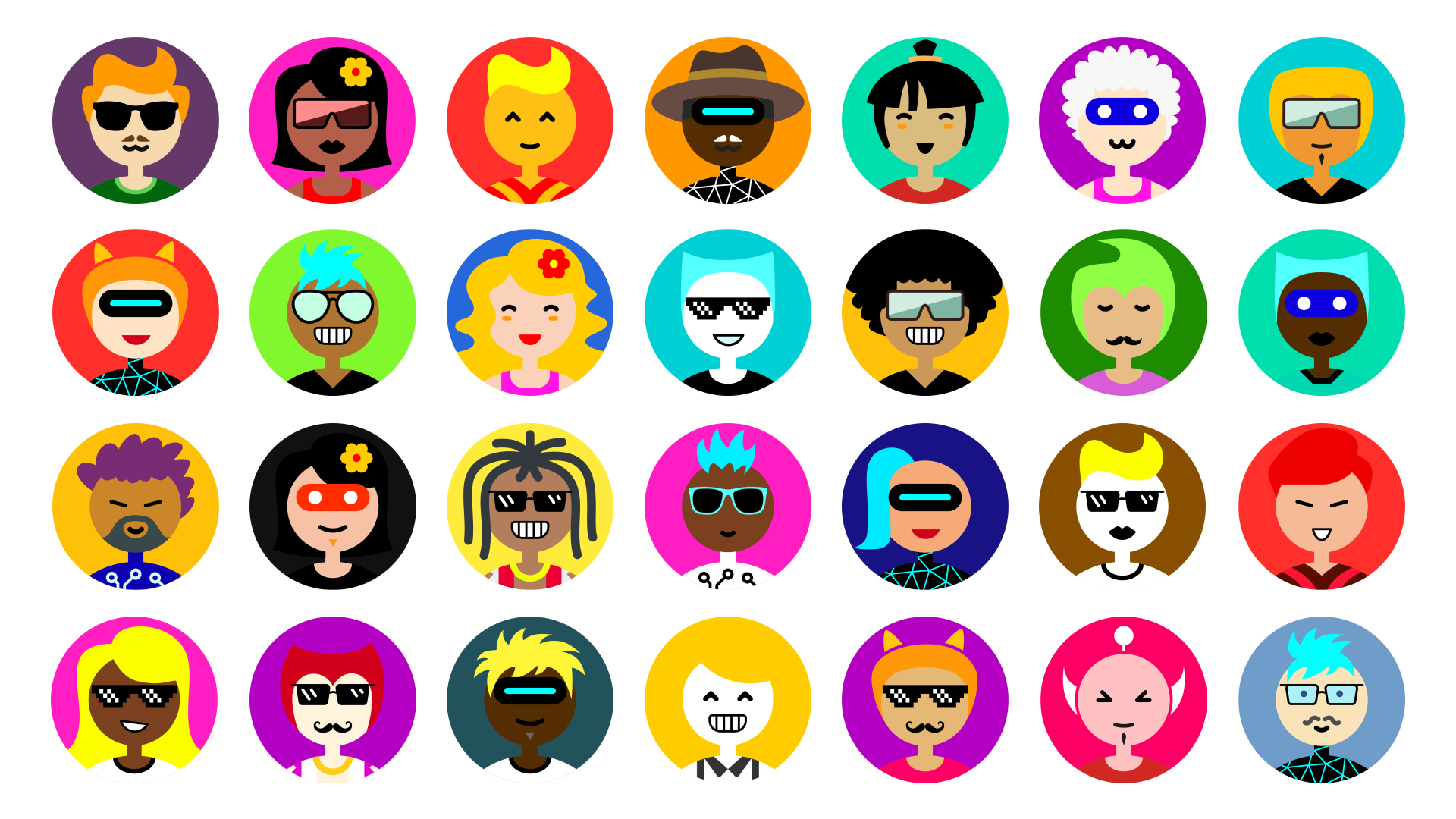
Multiavatar represents people from multiple races, multiple cultures, multiple age groups, multiple worldviews and walks of life.
In total, it is possible to generate 12,230,590,464 unique avatars.
Add multiavatar to your pubspec:
dependencies:
  multiavatar: any # or the latest version on Pub
var svgCode = multiavatar('X-SLAYER')
avatar with transparent background
var svgCode = multiavatar('X-SLAYER', trBackground: true);
check the exemple of using multiavatar with svg package Multiavatar + svg package
To create new avatars, the Multiavatar mixes different parts of different avatars, and different color themes.
The total number of unique avatars: 48^6 = 12,230,590,464
One of the main Multiavatar functions is to work as an identicon. Every unique avatar can be identified by the unique string of characters, associated with the avatar.
The string of characters is also the input for the Multiavatar package, which converts the provided string into a 6 double-digit numbers (range 00-47), each representing an individual part of the final avatar.
000000000000 - this string of numbers represents the very first avatar + its A theme. You can also read it like this: 00 00 00 00 00 00.
474747474747 - this is the 12,230,590,464th avatar (or the 16th initial avatar + its "C" color theme).
More info can be found in the multiavatar.dart file comments.
A Dart implementation based on Multiavatar script for Flutter apps.

의존성 목록 3 개
{"sdk":"flutter"}^3.0.0{"sdk":"flutter"}사용 목적에 따라 검색하고 개발 활동을 비교한 뒤 원본 저장소에서 요구 사항을 확인하세요.
“A repository is the most basic element of GitHub.”
GitHub Docs — About repositories ↗