


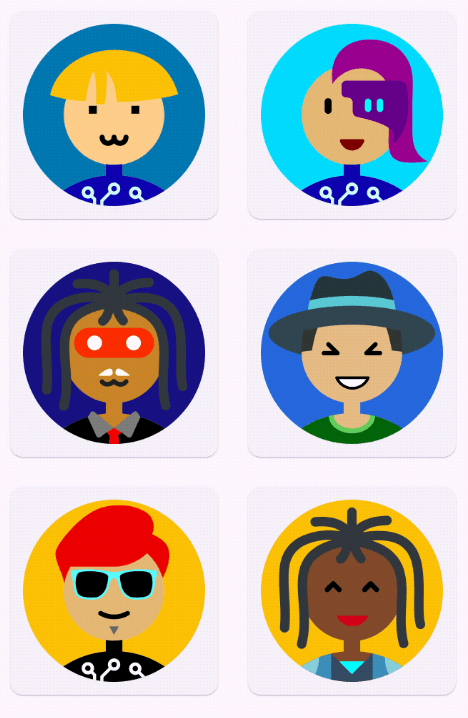
 v0.0.5
avatar_plus
랜덤 문자열 콘텐츠를 가진 사용자 정의 가능한 아바타 생성 및 표시에 적합한 다양한 Flutter 패키지입니다. 사용자 프로필, 자리 표시자 등에 이상적입니다.
55좋아요 74530일 다운로드140Pub 점수
AndroidiOSWebmacOSWindowsLinux
Avatar Plus는 Flutter 패키지로, 쉽게 고유한 아바타를 생성하고 사용자 정의할 수 있도록 도와줍니다. 최대 120억 개의 고유한 아바타가 가능하며, 프로필 사진, 게임 로고 또는 디자인 프로젝트에 개인적인 터치를 더하는 데 이상적입니다.

아래는 영문 원문 스냅샷입니다. 최신 내용은 GitHub에서 확인하세요.



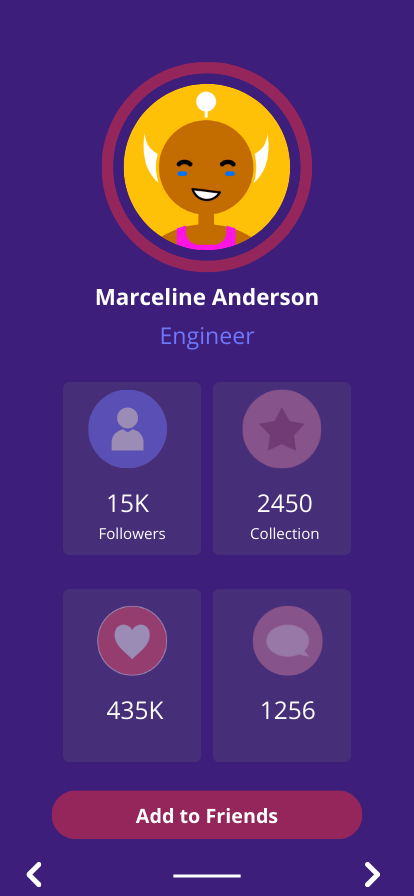
Avatar Plus is a Flutter wrapper for Multiavatar that allows you to generate and customize unique avatars easily. With up to 12 billion unique avatars possible, this package is perfect for creating profile pictures, gaming logos, or adding personalized touches to your design projects.
 |
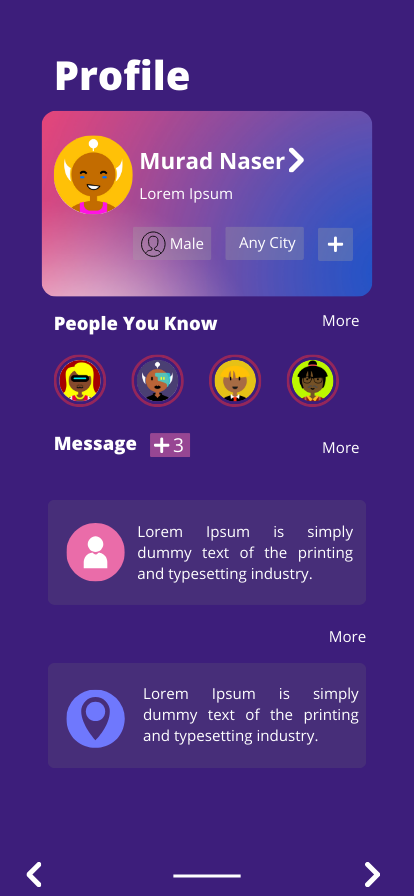 |
 |
|---|---|---|
'Screen 1' |
'Screen 3' |
'Screen 2' |
Here is a basic example demonstrating how to use the avatar_plus package with various
customization options:
AvatarPlus("Jonny")
Add the following line to your pubspec.yaml file under dependencies:
dependencies:
  avatar_plus: ^1.0.0
Then run:
flutter pub get
To use Avatar Plus in your Flutter application:
import 'package:avatar_plus/avatar_plus.dart';
Here's a simple example of how to generate an avatar using Avatar Plus:
import 'package:flutter/material.dart';
import 'package:avatar_plus/avatar_plus.dart';

void main() {
  runApp(const MyApp());
}

class MyApp extends StatelessWidget {
  const MyApp({super.key});

  @override
  Widget build(BuildContext context) {
    return MaterialApp(
      title: 'Avatar Plus example',
      theme: ThemeData(
        primarySwatch: Colors.blue,
      ),
      home: const Example(),
    );
  }
}

class Example extends StatelessWidget {
  const Example({super.key});

  @override
  Widget build(BuildContext context) {
    return Scaffold(
      bottomNavigationBar: const Column(
        crossAxisAlignment: CrossAxisAlignment.center,
        mainAxisSize: MainAxisSize.min,
        children: [
          Text(
            "Avatar Plus",
            style: TextStyle(fontSize: 40),
          ),
          Text("Yudiz Solutions Limited © 2024"),
          SizedBox(
            height: 20,
          )
        ],
      ),
      body: Center(
        child: AvatarPlus(
          "jonny",
          height: MediaQuery.of(context).size.width - 20,
          width: MediaQuery.of(context).size.width - 20,
        ),
      ),
    );
  }
}
You can generate avatars in various formats using Avatar Plus:
String svgCode = AvatarPlusGen.instance.generate("Jonny");
String svgCode = AvatarPlusGen.instance.generate("Jonny", trBackground: true);
Widget svgWidget = AvatarPlus("Jonny", height: 100, width: 100);
Widget svgWidget = AvatarPlus("Jonny", trBackground: true, height: 100, width: 100);
This project is licensed under the MIT License - see the LICENSE file for details.

 YudizAndroidNaresh 🚇 ⚠️ 💻 |
Contributions are welcome! Please open an issue or submit a pull request on the GitHub repository if you would like to contribute to Avatar Plus.
If you encounter any issues or have questions, feel free to open an issue on GitHub.

의존성 목록 5 개
{"sdk":"flutter"}^3.0.3^2.0.0+1{"sdk":"flutter"}^4.0.0사용 목적에 따라 검색하고 개발 활동을 비교한 뒤 원본 저장소에서 요구 사항을 확인하세요.
“A repository is the most basic element of GitHub.”
GitHub Docs — About repositories ↗